Cached at:
10/20/26, 02:08 AM
# An ad-free Android TV — Cretezy
Source: [https://cretezy.com/2026/ad-free-android-tv](https://cretezy.com/2026/ad-free-android-tv)
I like Android TV\. It runs every app I care about, it’s cheap on a[Chromecast](https://store.google.com/product/chromecast_google_tv), and it’s built into plenty of TVs\. What I don’t like is ads\.
Google TV, the default interface on most Android TV devices, puts a large banner at the top of the home screen promoting whatever Google wants you to watch next\.**Apps only mode**is supposed to strip the home screen down to your apps, but the banner stays\. There’s no setting to change the launcher, and YouTube adds its own ads on top\.
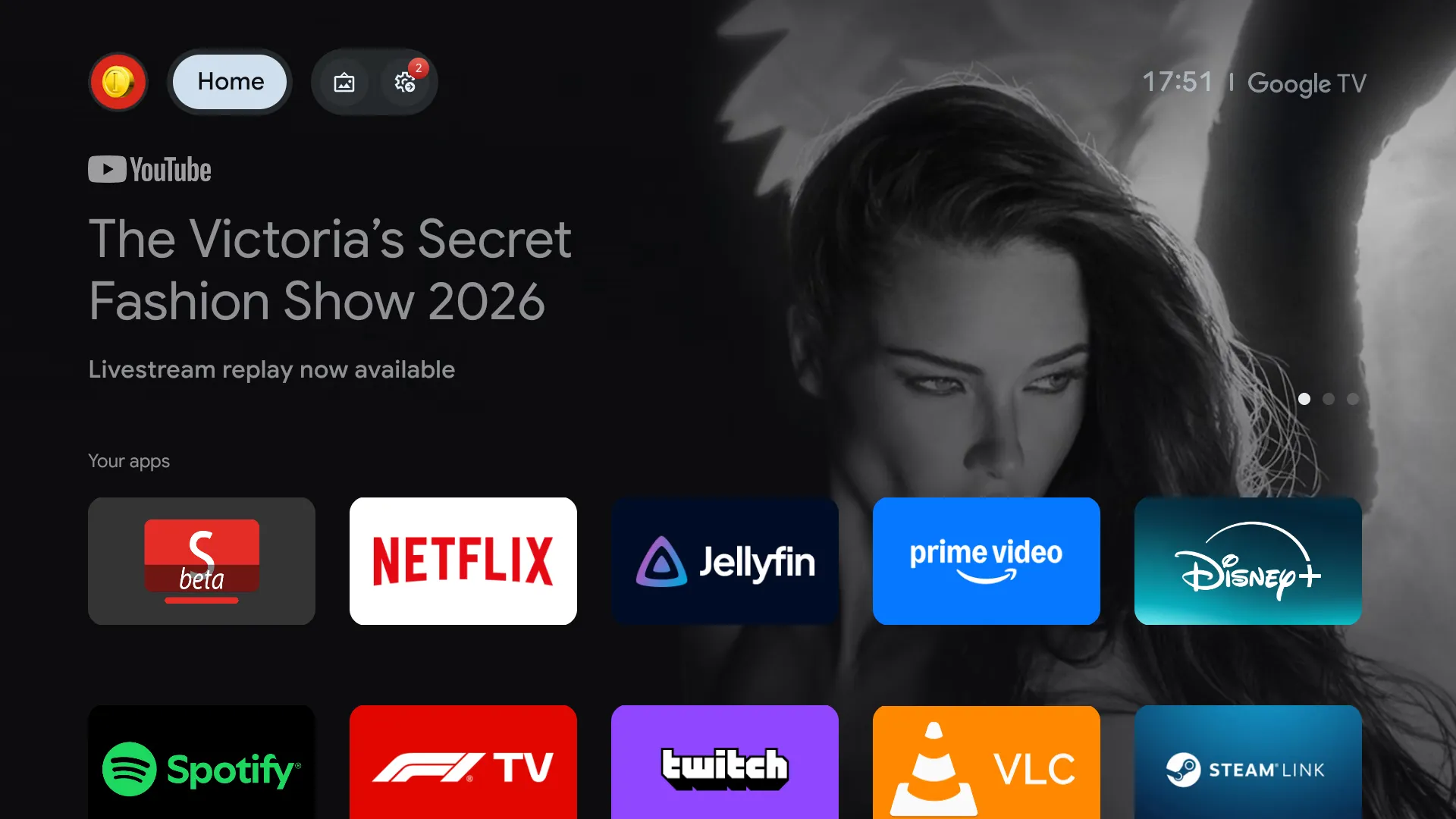*Before: Google TV, in Apps only mode*
After setting up a few devices around the house, I landed on a setup with no ads at all, and a nicer interface to go with it\.
## The setup
- [**Projectivy Launcher**](https://play.google.com/store/apps/details?id=com.spocky.projengmenu)replaces the home screen\. It shows your apps and nothing else, and it’s very customizable\.
- [**SmartTube**](https://github.com/yuliskov/SmartTube)replaces YouTube, with no ads, a better interface, and[SponsorBlock](https://sponsor.ajay.app/)built in\. I still pay for YouTube Premium to support creators, but I vastly prefer SmartTube to the official app\.
- [**Wholphin**](https://play.google.com/store/apps/details?id=com.github.damontecres.wholphin)is my preferred[Jellyfin](https://jellyfin.org/)client, for its UI and customization options\.
- [**Button Mapper**](https://play.google.com/store/apps/details?id=flar2.homebutton)remaps the remote, so the YouTube button opens SmartTube\.
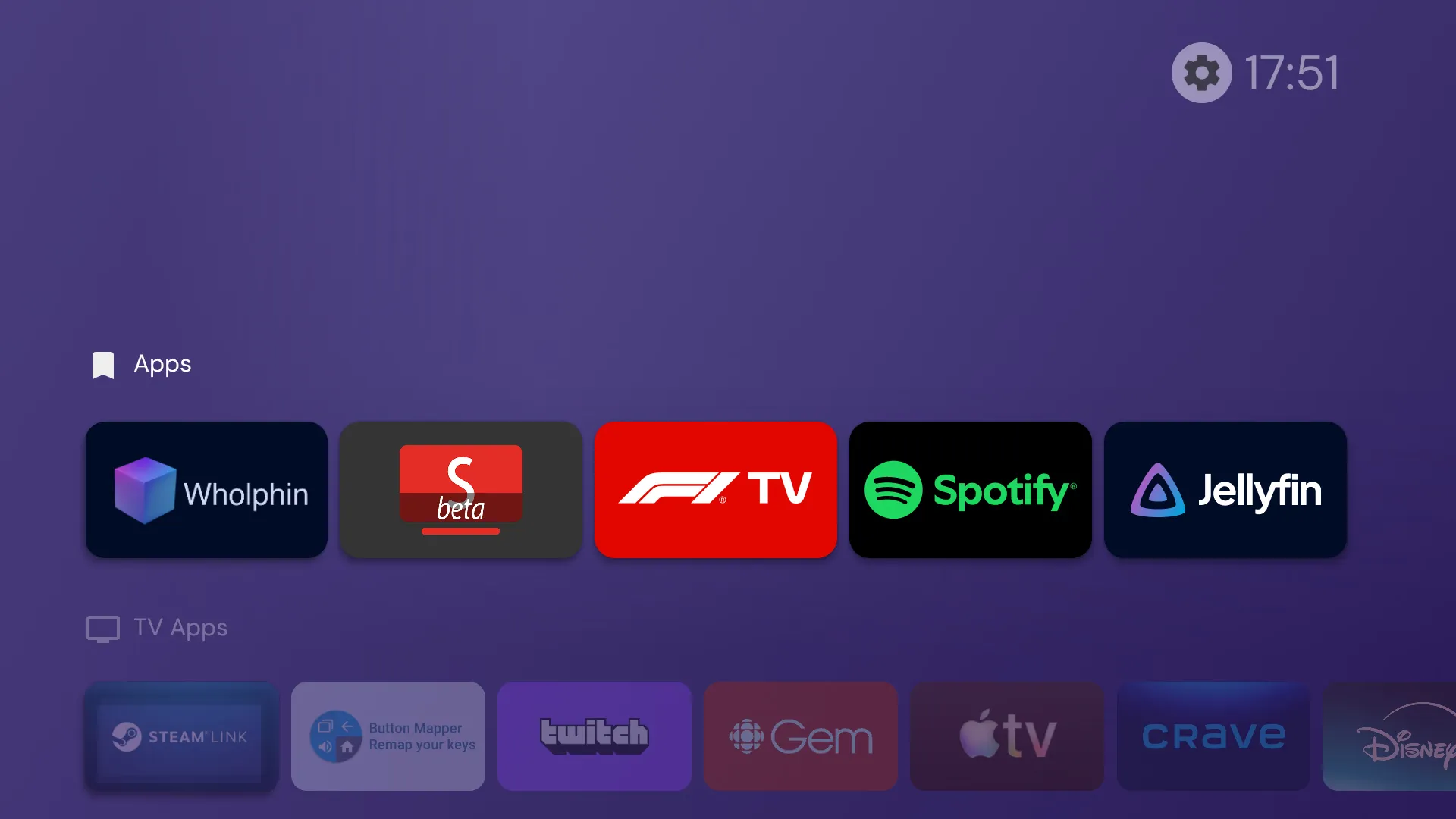*After: Projectivy Launcher*
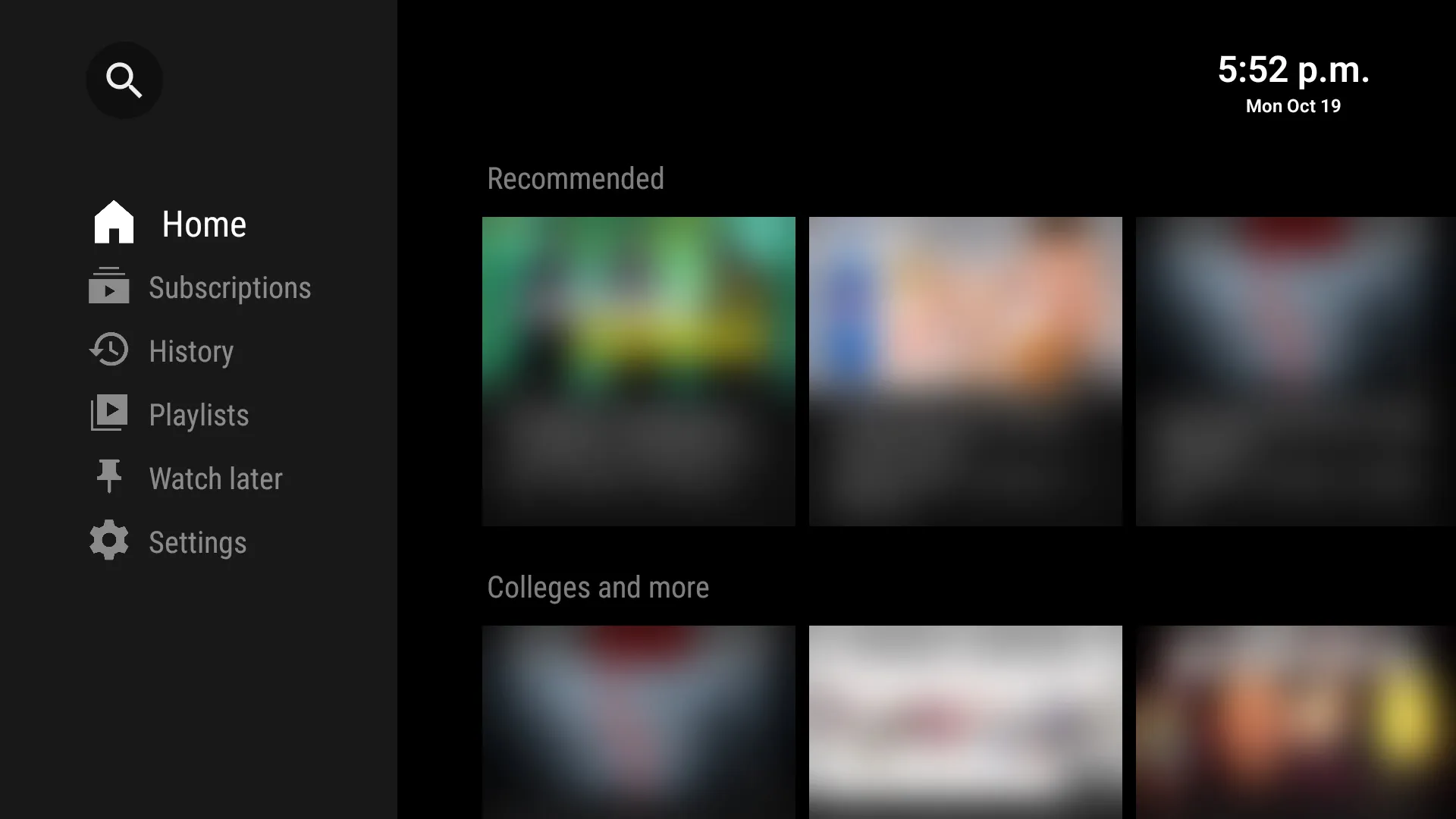*SmartTube, blurred*
I’ve set this up on two Chromecasts with Google TV and a Hisense TV, and it should work on most Android TV devices\.
## Tutorial
> **Tip:**Hand this article to an AI agent \(like[Claude Code](https://claude.com/claude-code)\) and have it guide you through the setup\. It can run the ADB commands for you and adapt them to your device\.
Install the apps first\. Projectivy, Wholphin, and Button Mapper are on the Play Store, and SmartTube can be sideloaded with[Downloader](https://play.google.com/store/apps/details?id=com.esaba.downloader)\. The rest needs[ADB](https://developer.android.com/tools/adb)\.
### Connecting ADB
Enable Developer options by clicking**Settings → System → About → Android TV OS build**7 times\. Then, in**Developer options**, enable**Wireless debugging**and choose**Pair device with pairing code**:
```
adb pair <ip>:<pairing-port> <code>
adb mdns services # Find the connect port
adb connect <ip>:<connect-port>
D=<ip>:<connect-port> # Used in the commands below
```
Wireless debugging only works over Wi\-Fi\. If your device doesn’t have it \(like my Hisense TV\), enable**USB debugging**instead and connect with`adb connect <ip\>:5555`\.
### Replacing the launcher
Projectivy has an**Override current launcher**option, but the stock home screen still flashes before it\. Instead, disable the stock launcher and the package that restores it, then set Projectivy as the home app:
```
adb -s $D shell pm disable-user --user 0 com.google.android.apps.tv.launcherx
adb -s $D shell pm disable-user --user 0 com.google.android.tungsten.setupwraith
adb -s $D shell cmd package set-home-activity com.spocky.projengmenu/.ui.home.MainActivity
```
On a TV, the stock launcher may also handle switching HDMI inputs, so check that still works afterward\.
### Replacing YouTube
Once SmartTube is set up, remove the official app:
```
adb -s $D uninstall com.google.android.youtube.tv
```
If it’s built into the firmware \(`DELETE\_FAILED\_INTERNAL\_ERROR`\), use`adb \-s $D shell pm uninstall \-\-user 0 com\.google\.android\.youtube\.tv`instead\.
### Remapping the remote
Button Mapper and Projectivy both need their accessibility services enabled\. This replaces the whole list, so check the current one first with`adb \-s $D shell settings get secure enabled\_accessibility\_services`and keep anything else you use:
```
adb -s $D shell settings put secure enabled_accessibility_services \
'flar2.homebutton/a.i:com.spocky.projengmenu/com.spocky.projengmenu.services.ProjectivyAccessibilityService'
adb -s $D shell settings put secure accessibility_enabled 1
```
> Use Projectivy’s full component name, as above\. With the short form \(`com\.spocky\.projengmenu/\.services\.\.\.`\), Projectivy shows**Enabled: No**even though the service is running\.
Android sometimes turns accessibility services off\. Granting Button Mapper`WRITE\_SECURE\_SETTINGS`lets it turn itself back on, and exempting it from battery optimization keeps it responsive:
```
adb -s $D shell pm grant flar2.homebutton android.permission.WRITE_SECURE_SETTINGS
adb -s $D shell dumpsys deviceidle whitelist +flar2.homebutton
```
Then, in Button Mapper, map the YouTube button to SmartTube\.
### Cleaning up
While you’re connected, speed up animations and disable some Google apps you probably won’t use:
```
for k in window_animation_scale transition_animation_scale animator_duration_scale; do
adb -s $D shell settings put global $k 0.75
done
for p in com.google.android.videos com.google.android.play.games \
com.google.android.feedback com.google.android.partnersetup; do
adb -s $D shell pm disable-user --user 0 $p
done
```
Everything can be undone with`adb shell pm enable <package\>`\(or`adb shell cmd package install\-existing <package\>`for YouTube\)\. Turn Wireless debugging off when you’re done\.
That’s it: no banner, no ads, and a remote that opens the apps you actually use\.