Cached at:
10/02/26, 08:20 PM
# Pass Designer - Apple Developer
Source: [https://developer.apple.com/pass-designer](https://developer.apple.com/pass-designer)
## Introducing Pass Designer
Whether you’re creating passes for a local fitness center, a small music venue, a global airline, or a national coffee chain, Pass Designer makes it easy to craft and preview passes that reflect your business\.
## Building passes made easy
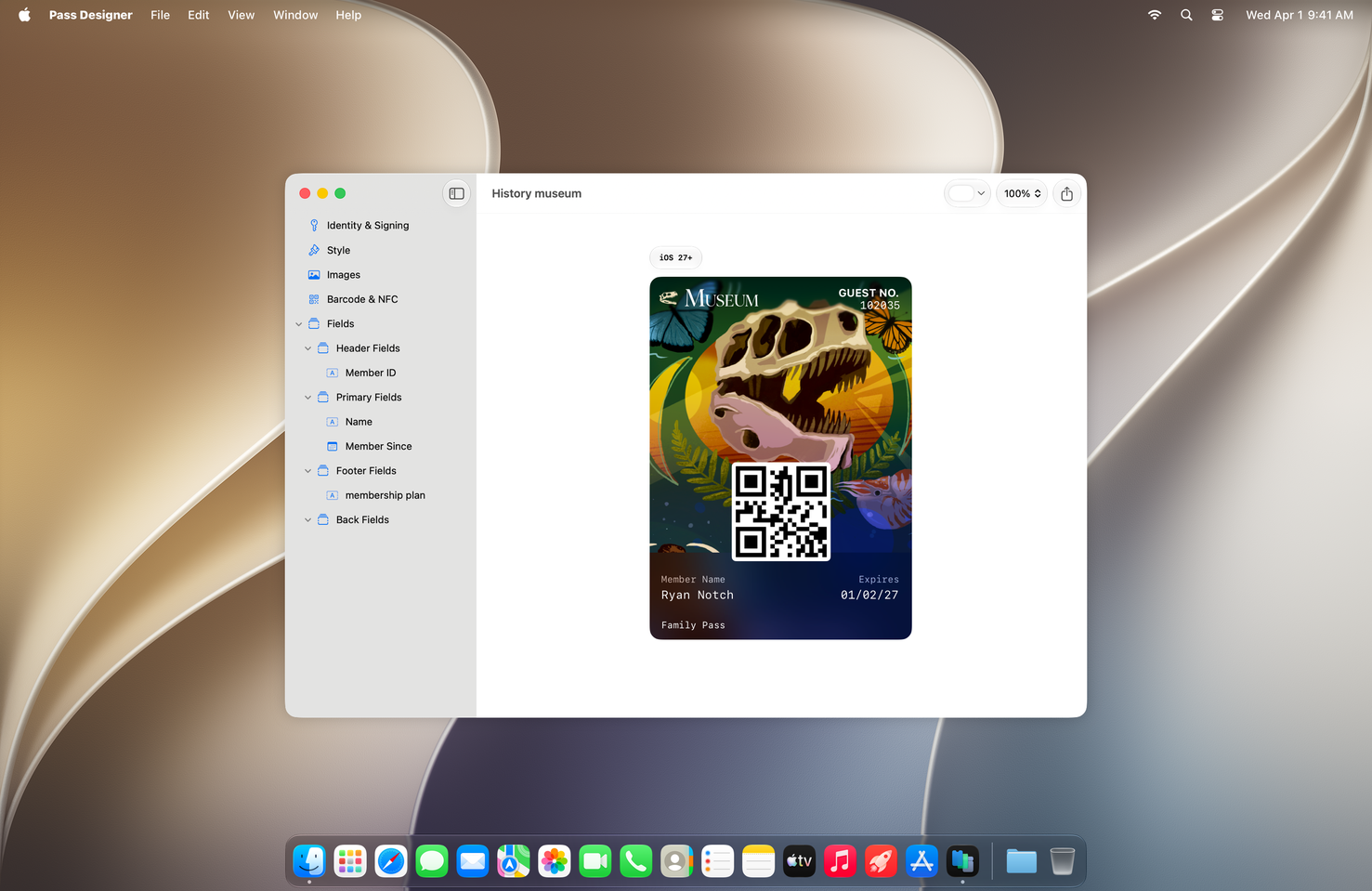
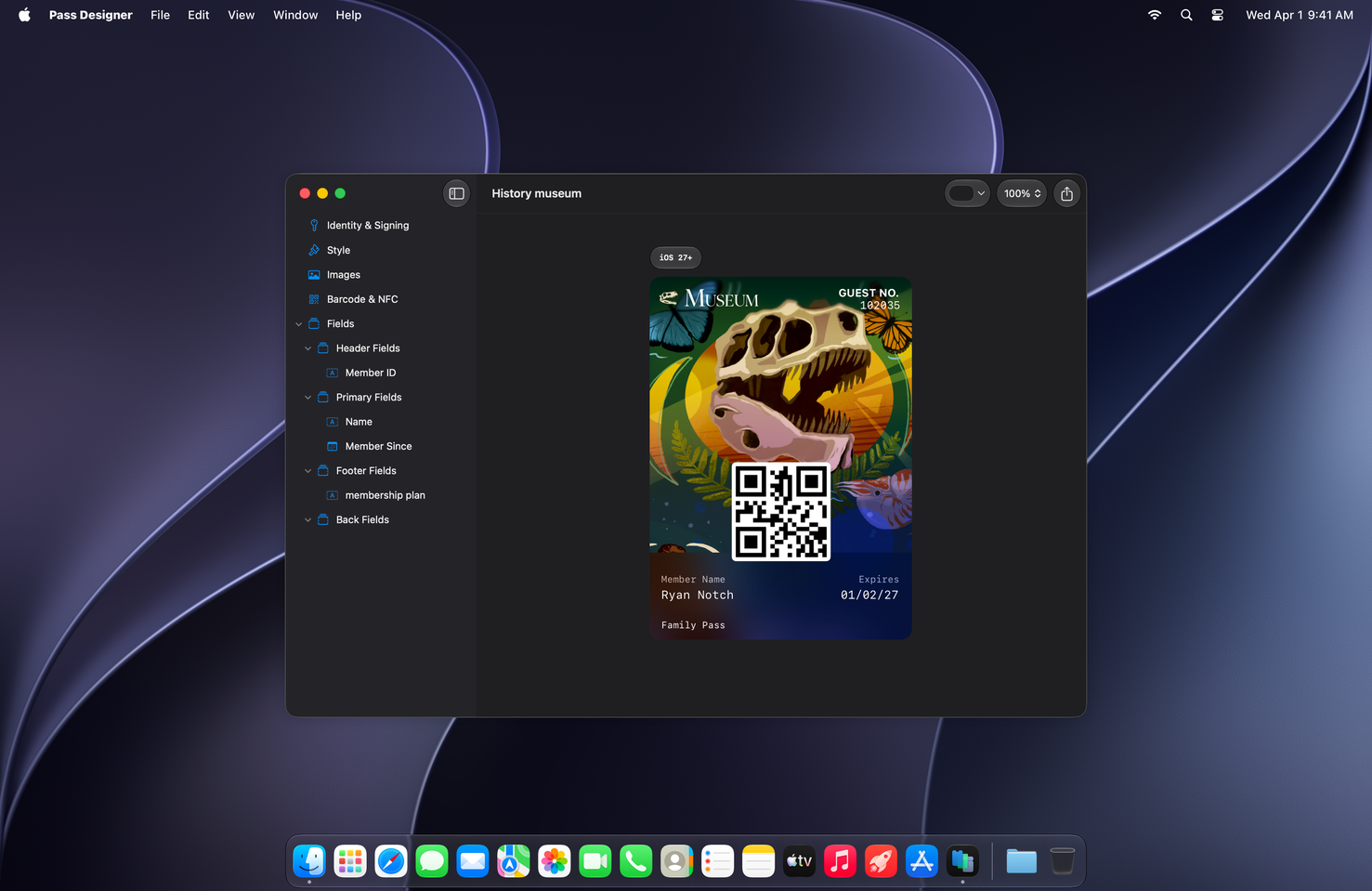
Start with templates provided by Apple or your own to capture the personality of your brand\. You can use your preferred design tool to create images for passes — such as logos, backgrounds, or strip images — then bring them into Pass Designer to complete a pass design\.
As you edit, Pass Designer updates the preview in real time to show how a pass will appear on iPhone and Apple Watch\. The preview uses the same rendering as iOS and watchOS, so what you see in Pass Designer is exactly what customers will see on their device\.
### Colors and appearance
Easily adjust a pass’s background, foreground, and label colors\.
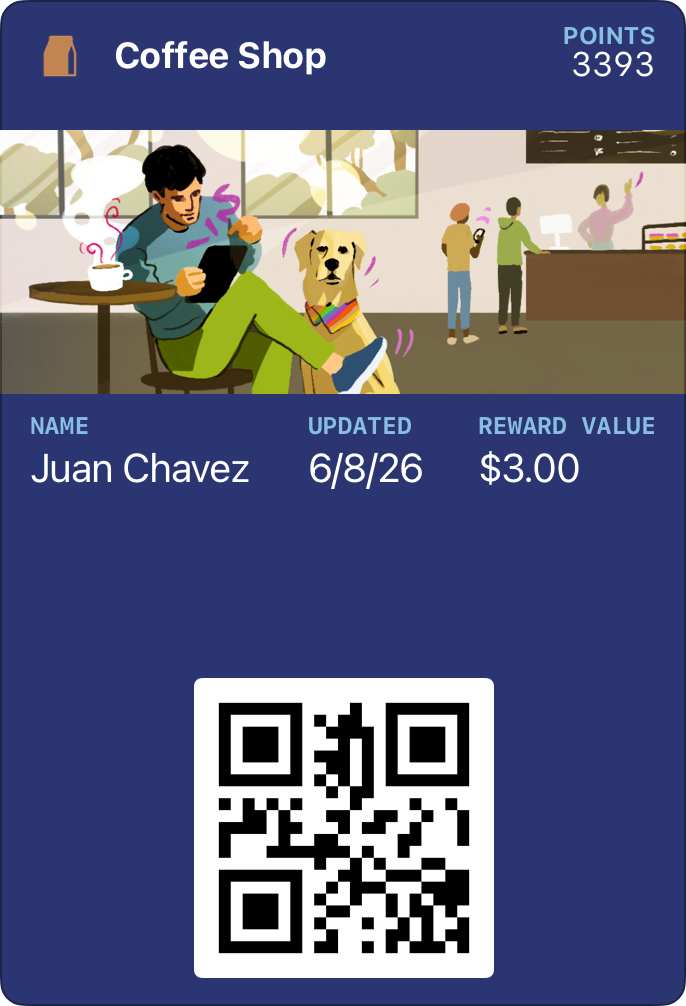
### Adaptable layouts
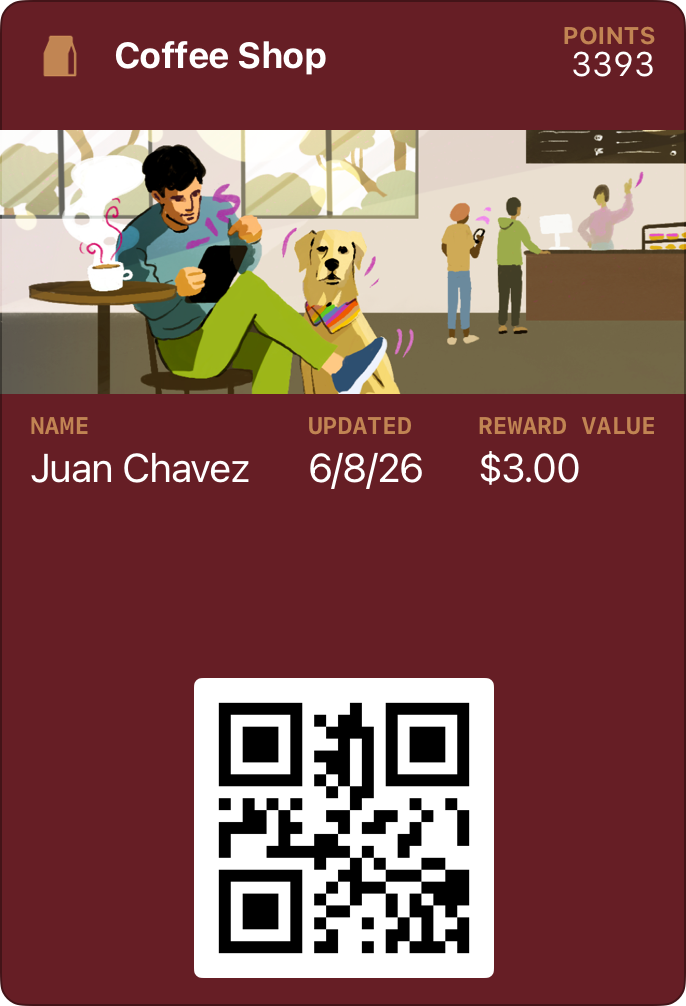
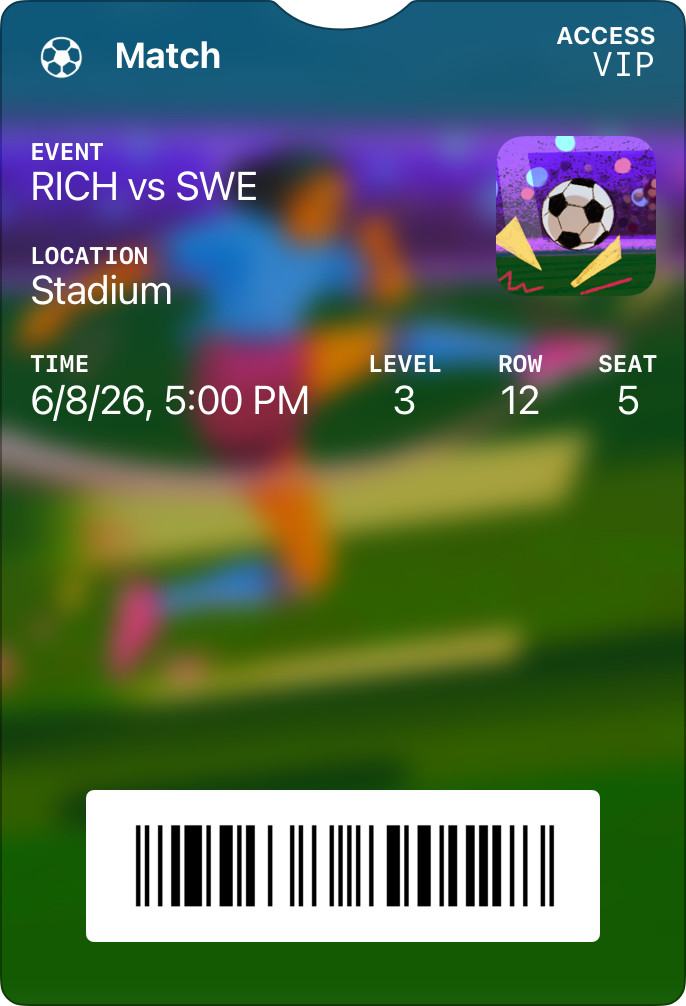
Pass Designer supports designs that take full advantage of the latest advances in Apple Wallet, as well as backward\-compatible passes\.
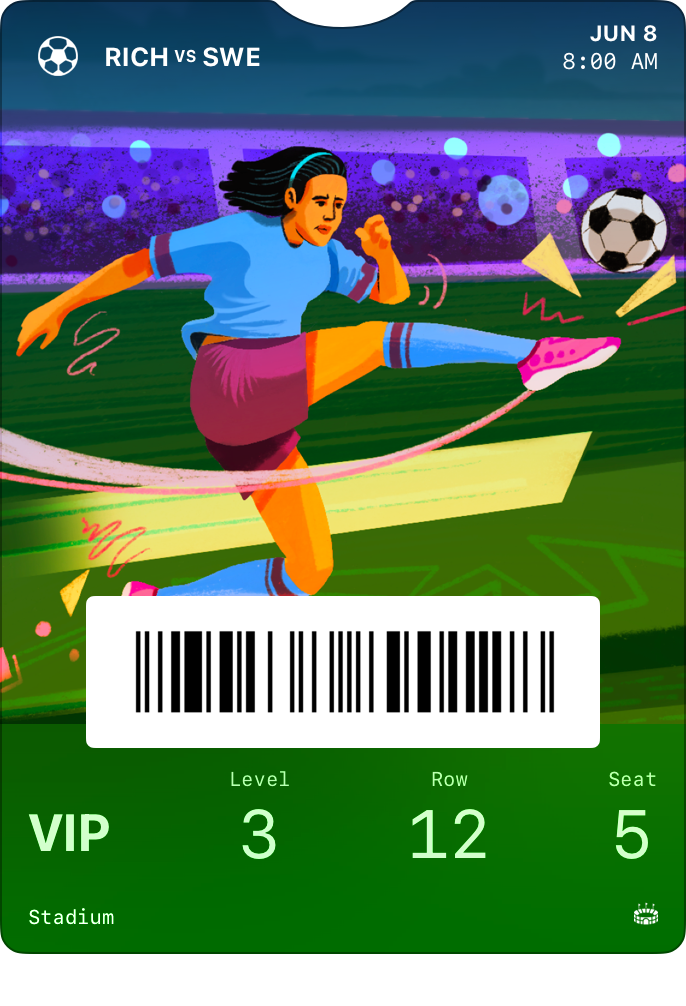
### Standard fields
Each pass type includes standard fields for displaying information, and you can edit each field’s content directly in Pass Designer\.
### Validation
Pass Designer validates your pass as you work and alerts you to any issues such as missing required key values and unexpected definitions\.
## Semantic tags
For boarding passes and event tickets, semantic tags add structured data — such as event dates, venue locations, or flight details — that the system uses to enable features like Siri Suggestions, Calendar integration, and Maps directions\.
Pass Designer lets you edit semantic tags directly in the UI, and you can view a semantic and non\-semantic pass side by side\. It can also automatically generate a backward\-compatible pass structure from your semantic data that doesn’t require semantic tags, ensuring your pass works where they may not be supported\.

#### Download the beta
Pass Designer beta requires macOS 27 or later\. To download, sign in with your Apple Account\. If prompted, complete the free registration and accept the Apple Developer Agreement\.
[View download](https://developer.apple.com/download/all/?q=pass%20designer)
[View documentation](https://developer.apple.com/documentation/walletpasses/creating-a-pass-with-pass-designer)