Cached at:
07/11/26, 07:22 AM
# I tried NetBSD as a desktop, and it felt like stepping into the '90s in a good way
Source: [https://www.howtogeek.com/i-tried-netbsd-as-a-desktop-and-it-felt-like-stepping-into-the-90s-in-a-good-way/](https://www.howtogeek.com/i-tried-netbsd-as-a-desktop-and-it-felt-like-stepping-into-the-90s-in-a-good-way/)
[](https://www.howtogeek.com/author/david-delony/)
PublishedJun 25, 2026, 7:30 AM EDT
David has been lifelong fan of technology who loves putting his passion into words\.
A journalist by training, he discovered the power of Unix\-like operating systems when learning how to edit video on macOS, back when it was still called Mac OS X, in the mid\-2000s\.
A lover of retrocomputing, he appreciates the vast history of Unix that Linux continues today\.
David holds a BA in communication from California State University, East Bay\. His writing has appeared in Techopedia,[TMCnet](https://www.tmcnet.com/),[The Motley Fool](https://www.fool.com/)blog network, and HTG's sister publication[MUO](https://www.techopedia.com/contributors/david-delony), among others\.
While Linux gets most of the attention of open\-source fans, I've also long had a soft spot for the BSDs as a former Mac user\. While[FreeBSD is serviceable as a desktop OS](https://www.howtogeek.com/i-tried-freebsd-as-a-desktop-heres-how-it-went/), I wanted to find out how well its rival, NetBSD, could serve as a desktop\.
## What is NetBSD?
### Of course it runs NetBSD
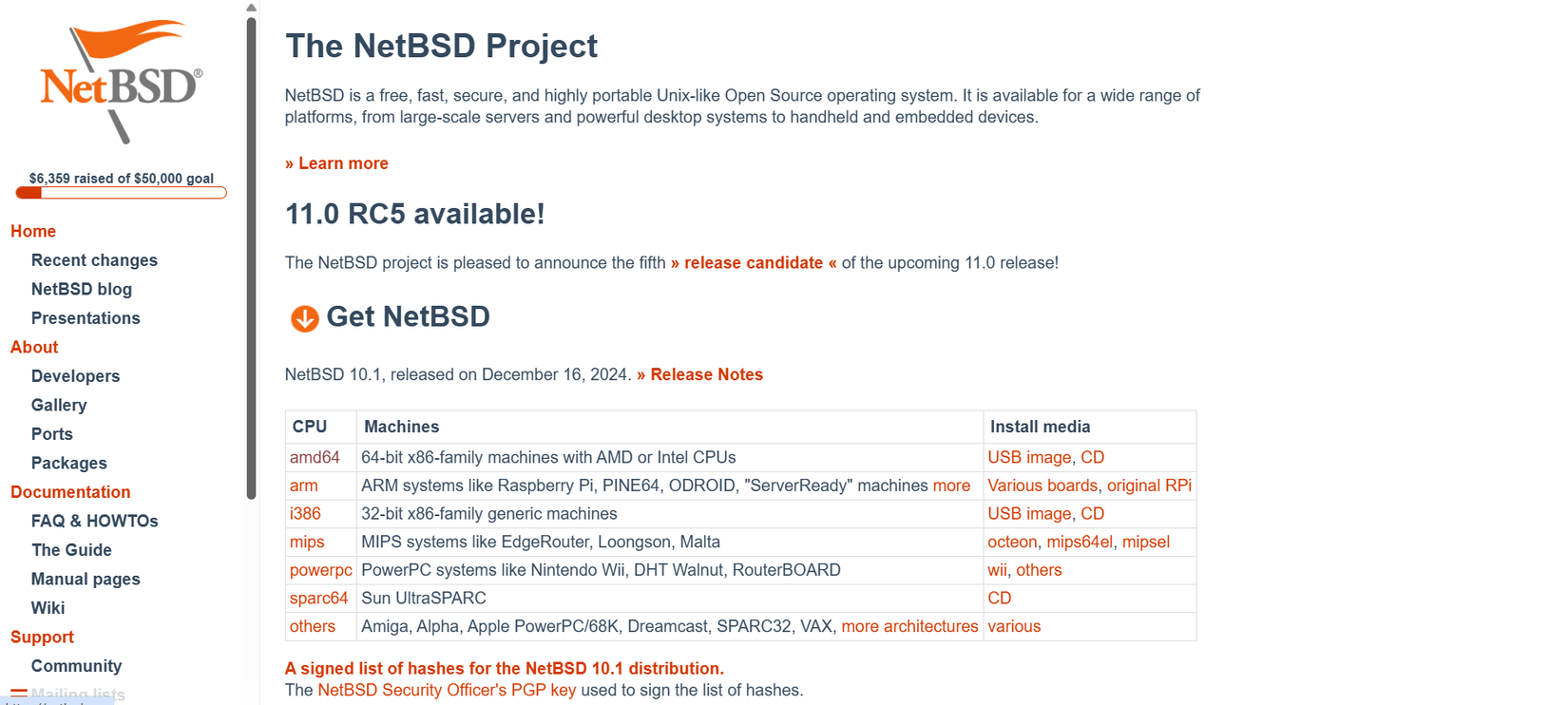
While Linux systems are described as "Unix\-like," modern[BSD systems](https://www.howtogeek.com/bsds-worth-trying-instead-of-linux/), including[NetBSD](https://netbsd.org/), can trace their lineage to the original Unix system first developed at Bell Labs starting in the late 1960s\.[An article](https://dsf.berkeley.edu/cs262/unix.pdf)in the influential computer science journal*Communications of the ACM*brought Unix to the wider attention of the academic computer science community\.
Because Bell Labs' parent company, AT&T, was legally barred from entering industries other than phone service under a consent decree, Bell Labs licensed Unix to universities for a nominal cost\. This license included the source code\. One of the universities that got hold of Unix was UC Berkeley\. Graduate students, particularly future Sun Microsystems co\-founder Bill Joy, set to work modifying the system and adding new tools, among them Vi, the basis for the modern Vim editor\.
This modified version of Unix became known as the Berkeley Software Distribution, or BSD\. During the 1980s, BSD became the basis for workstation versions of Unix, including on Sun's workstation line\. BSD predated Linux and GNU as open\-source operating systems, though parts were initially still from Bell Labs' Unix and thus required an AT&T license\.
In the early '90s, Bill Jolitz ported BSD to the PC with 386BSD, but was slow to develop updates\. Two major projects split from 386BSD\. One of them, continuing to focus on the PC, was FreeBSD, and the other, intending to port it to as many architectures as possible, became NetBSD, because of how the developers collaborated over the early internet\. NetBSD has been ported to nearly any machine you can think of\. A common slogan is "Of course it runs NetBSD\."
## Downloading and installing NetBSD
### A time warp back to the '90s
I wanted to see if I could run NetBSD as a desktop\. I downloaded the amd64 version from NetBSD's website\. It was similar to downloading a Linux distribution with an ISO\. I chose to set it up in a VirtualBox virtual machine\.
Booting the installation media was straightforward\. I was treated to a text\-based installation program\. Since[I grew up in the MS\-DOS era](https://www.howtogeek.com/i-didnt-realize-ms-dos-was-training-me-for-linux/), I was used to seeing screens like this when installing games\.
This was similar to other Linux distribution installation programs, even if it did seem like an early '90s throwback\. It walked me through choosing, partitioning the drive, and installing the system\. It also let me set up the user account and set up automatic clock syncing with NTP\.
There was nothing particularly exciting about the installation program, and it doesn't need to be\. It's something that in theory I'll only do once\.
## Setting up a desktop
### From console to Xfce
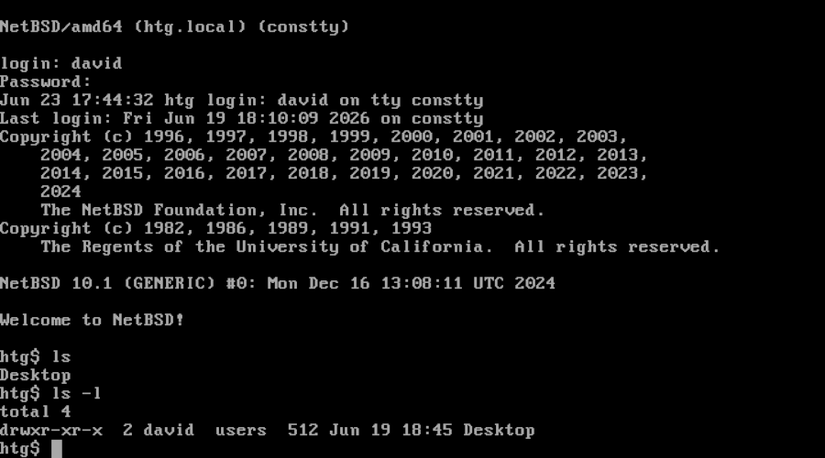
With my system installed, I had to boot into it\. This worked, but I was confronted with a minimal system\. NetBSD is completely console\-based by default\. There's no desktop\. There are no graphics at all\. If you've ever installed distros like Gentoo or Arch, this would likely feel familiar\. Again, having come up in the MS\-DOS era, this didn't faze me either\.
I installed the X Window System when I installed NetBSD\. To be able to launch it from the shell, I just had to copy the example xinitrc file to my home directory:
```
cp /etc/X11/xinit/xinitrc ~/.xinitrc
```
Next, I needed to modify its permissions so that I could write it:
```
chmod u+w ~/.xinitrc
```
With this file in place, I could launch X:
```
startx
```
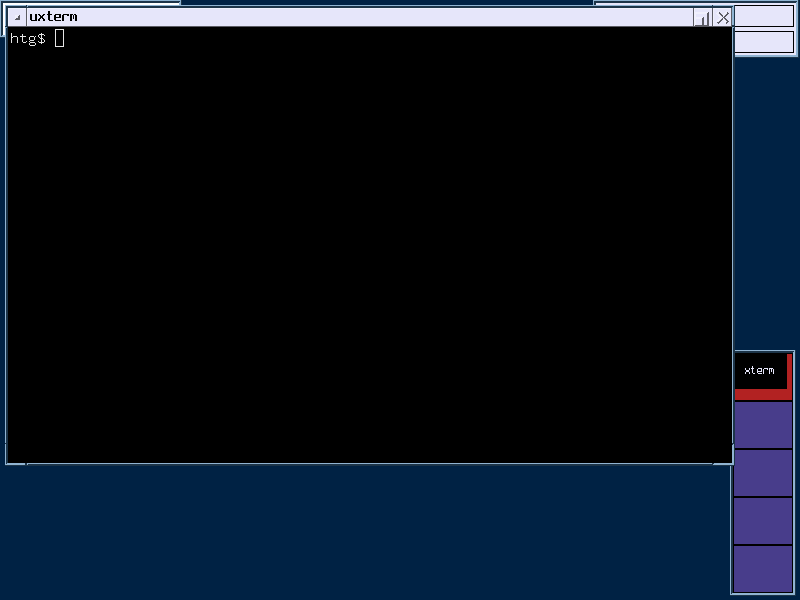
This starts up X11 with the default CTWM window manager\. Like the installation program, it seems like it stepped out of a time machine from the '90s\. It's serviceable, but as with everything else, a nontechnical user might feel a bit lost\.
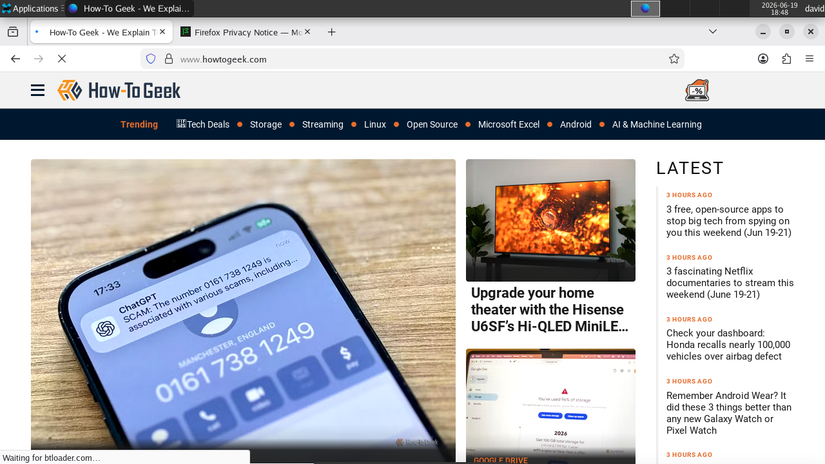
Apart from the desktop, there was really not much else installed with the system\. Fortunately, as with most modern Linux distros, NetBSD has a package manager\.
The pkgin command downloads binary files instead of using source compilation as has been traditional in the BSD world\.
First, I wanted to install my favorite editor, Vim\.
To install software,[you have to be root on NetBSD, as you do on Linux](https://www.howtogeek.com/737563/what-is-root-on-linux/)\. Instead of sudo, NetBSD uses su by default\. The \- option will cause su to work if you had logged in directly to the root account:
```
su -
```
I was prompted for the root password and as soon as it was accepted, I was at the "\#" prompt indicating that I was superuser\.
While CTWM wasn't bad, Xfce is my go\-to desktop because it's both full\-featured yet lightweight\.
```
pkg install xfce4
```
To launch it, I would have to use the`startxfce4`command\.
I then installed Vim:
```
pkgin install vim
```
pkgin also accepts`in`as an abbreviation for "install":
```
pkgin in vim
```
I also needed a web browser, so I installed Firefox:
```
pkgin in firefox
```
I was surprised to have the nightly version come up\.
## How viable is NetBSD as a desktop?
### If you can use Linux, you can use NetBSD
With NetBSD, I could install a system comparable to a desktop Linux system with not much effort\. If you're used to more technical distros like Debian, Gentoo, or Arch, you would probably feel at home with NetBSD\. If you have older hardware, particularly systems that aren't based around x86 processors, NetBSD would also be worth tinkering with\.
---
### Open\-source desktops aren't just Linux
As much as I love Linux, I always want to see if there might be something better\. It's been fun setting up a NetBSD system\. The BSDs don't seem to get the recognition they deserve in creating the modern internet\. While BSD systems, including NetBSD, have a reputation as great servers, NetBSD is worth trying out as a desktop\.
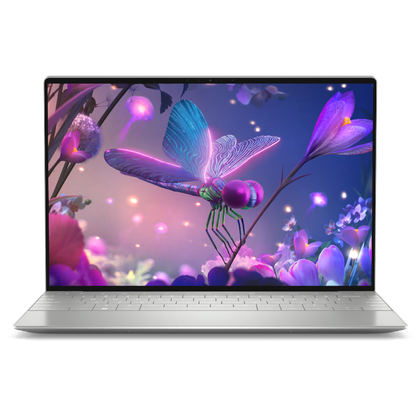
##### Dell XPS 13 Plus with Linux
**Operating System**Ubuntu Linux 22\.04 LTS**CPU**13th Gen Intel Core i7\-1360P**GPU**Intel Iris Xe Graphics**RAM**16GB DDR5**Storage**512GB SSD**Weight**2\.71 lbs
The Dell XPS 13 Plus with Linux combines powerful hardware and a great screen in a lightweight, great\-looking chassis to create a fantastic Linux laptop\.