Cached at:
05/08/26, 09:28 AM
# Bean – Ploopy
Source: [https://ploopy.co/bean/](https://ploopy.co/bean/)
## The most sensitive Bean there is\.
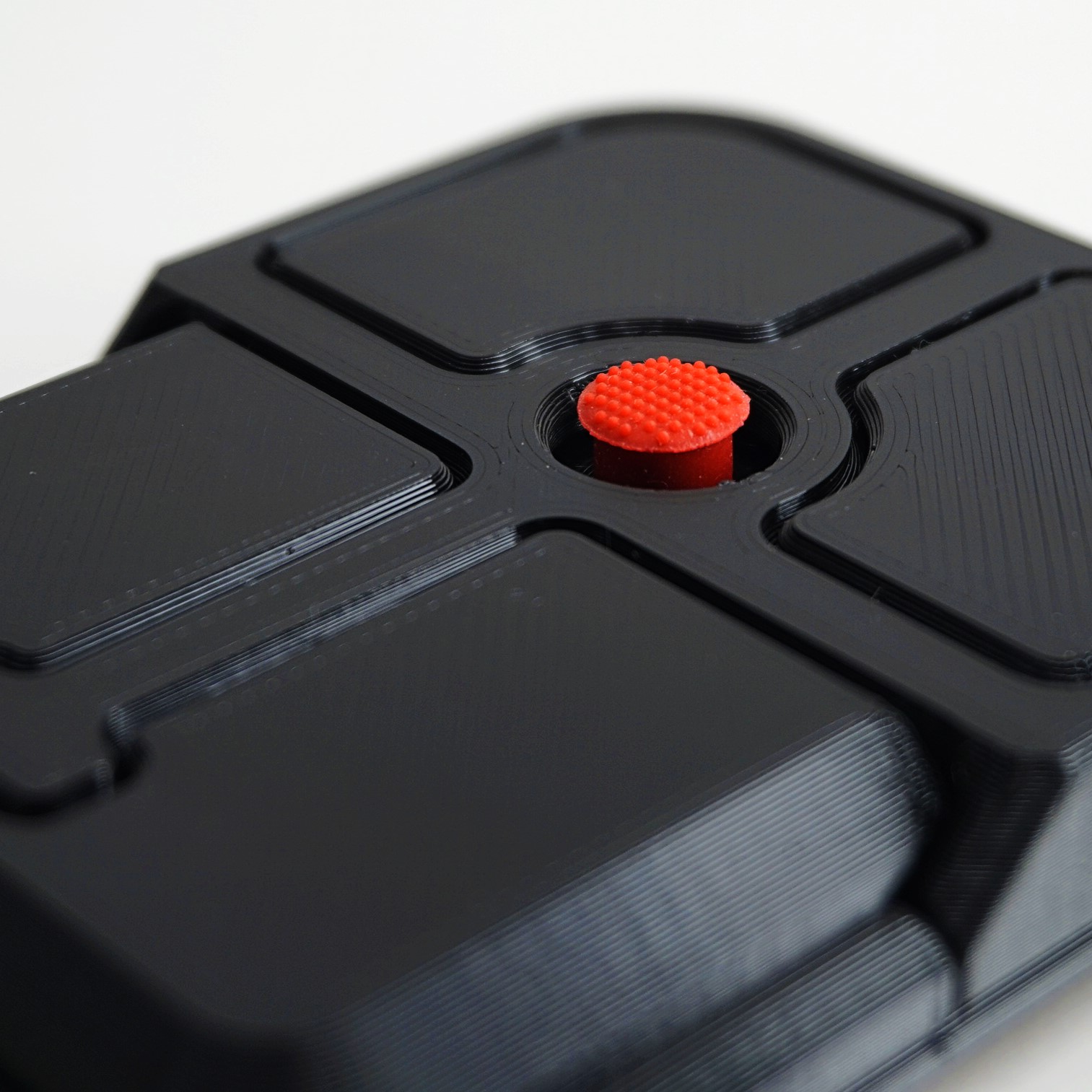
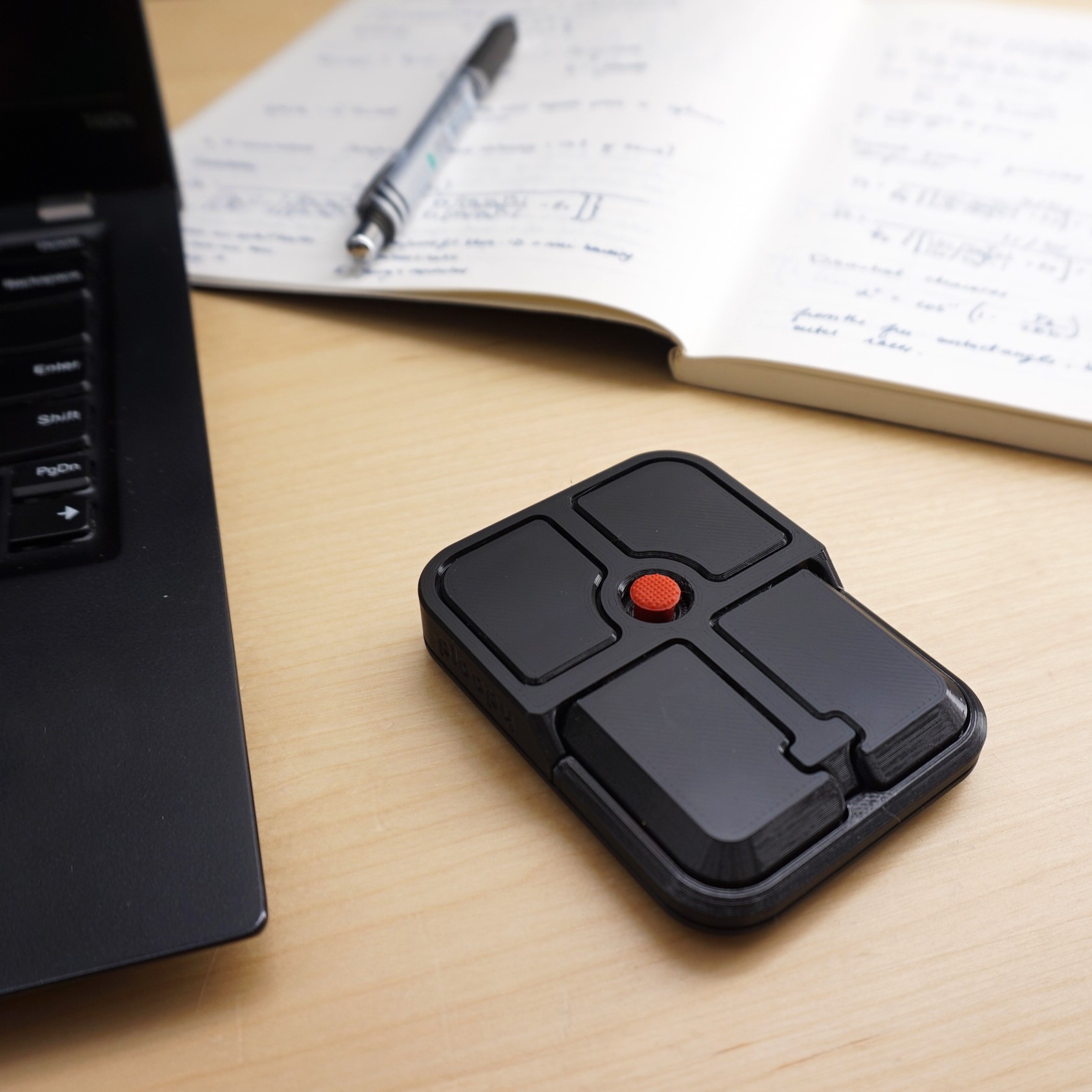
The Bean is a high\-performance pointing stick, providing a precise and complete cursor experience in a small, convenient package\.
## Senses every single touch\.
#### Extreme sensitivity
The Bean is able to detect touches as small as 3 microns, so even the slightest touches of the Bean are easily detected\.
#### High\-resolution drag scrolling
The Bean features high\-resolution drag scrolling out of the box, delivering the most precise scrolling solution available\.
#### Premium switches
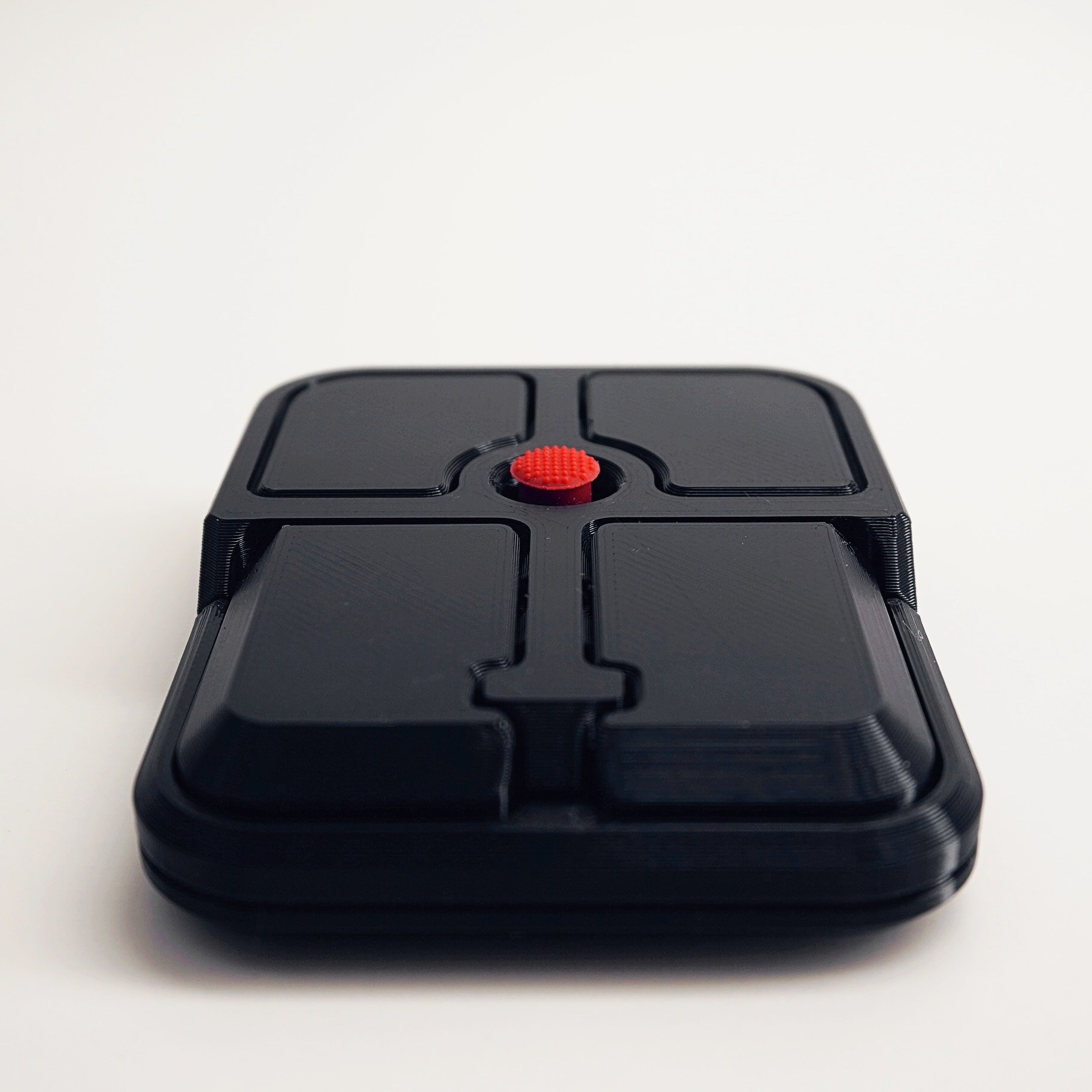
The Bean has four Omron D2LS\-21 switches, featuring a crisp actuation for superior feel\.
#### Prime polling rate
A 1,000Hz polling rate ensures that the Bean feels snappy and responsive, especially when paired with high\-frequency monitors\.
## Make it your own\.
The Bean’s four buttons are easy to customize using VIA, a free online web tool\. Macros, extended functionality, key combos and more are all possible\. And best of all, your cusomizations travel with your Bean for ultimate portability\.
## 3D\-printed and ready to go\.
#### Great surface finish
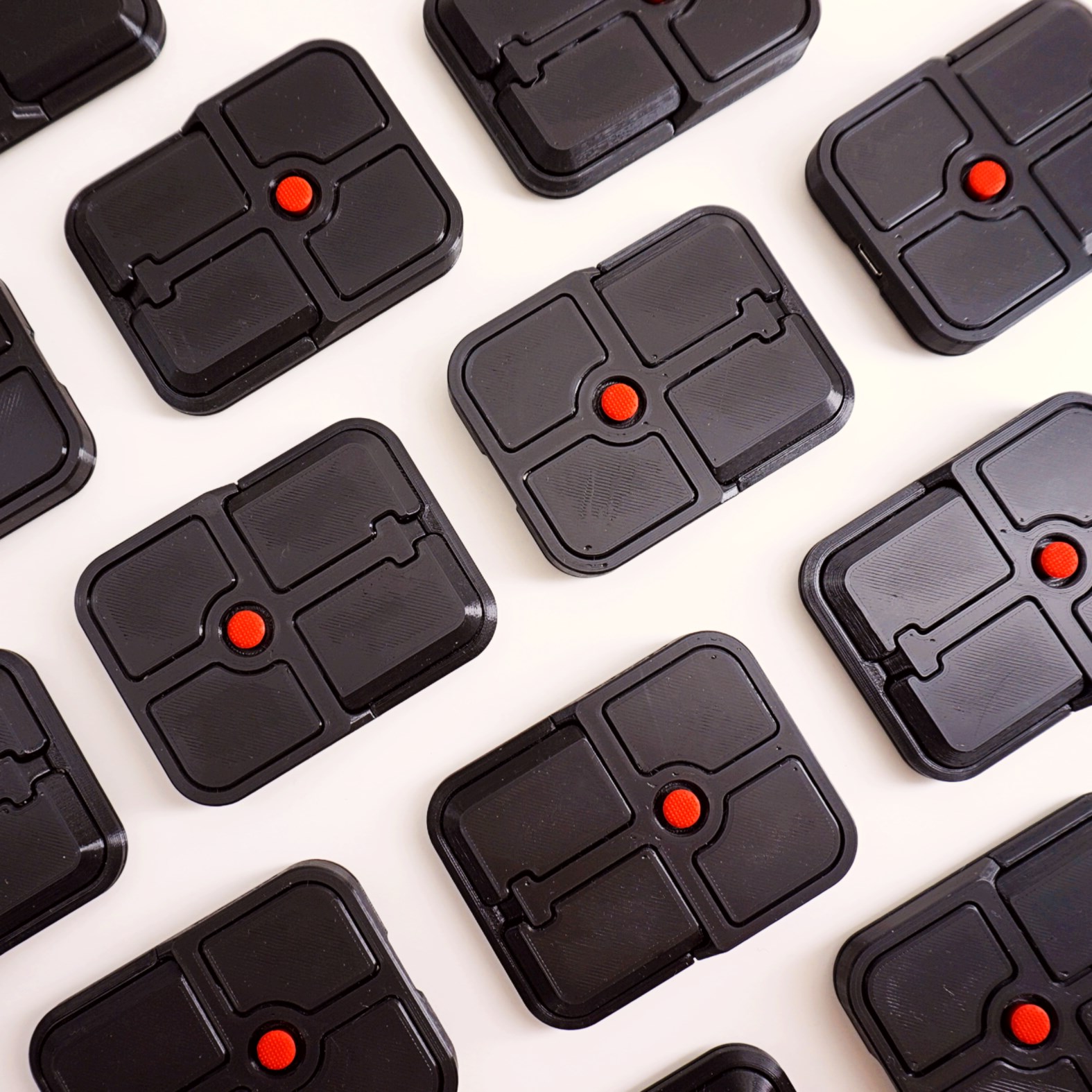
The Bean is designed so that the button surface has a great finish, a stylish texture that feels great\.
#### Easy to repair and customize
3D\-printing means that new parts can always be made with your own 3D\-printer\. You can fix broken parts or print in new colours and make your Bean completely unique\.
#### Modifiable
Dozens of our community members have created incredible mods for Ploopy products, and more are being tweaked and released every day\. The Bean’s 3D\-printed design means you can modify the design files as much as you want\.
## Open source, now and forever\.
Just like all of our kits, we’ve released all of the design files for the Bean: electrical, mechanical, and firmware designs\. Everything is available to everyone, for free\. We’ve also released thorough documentation, so you can understand and modify your Bean\.
## Tech specs that work for you\.
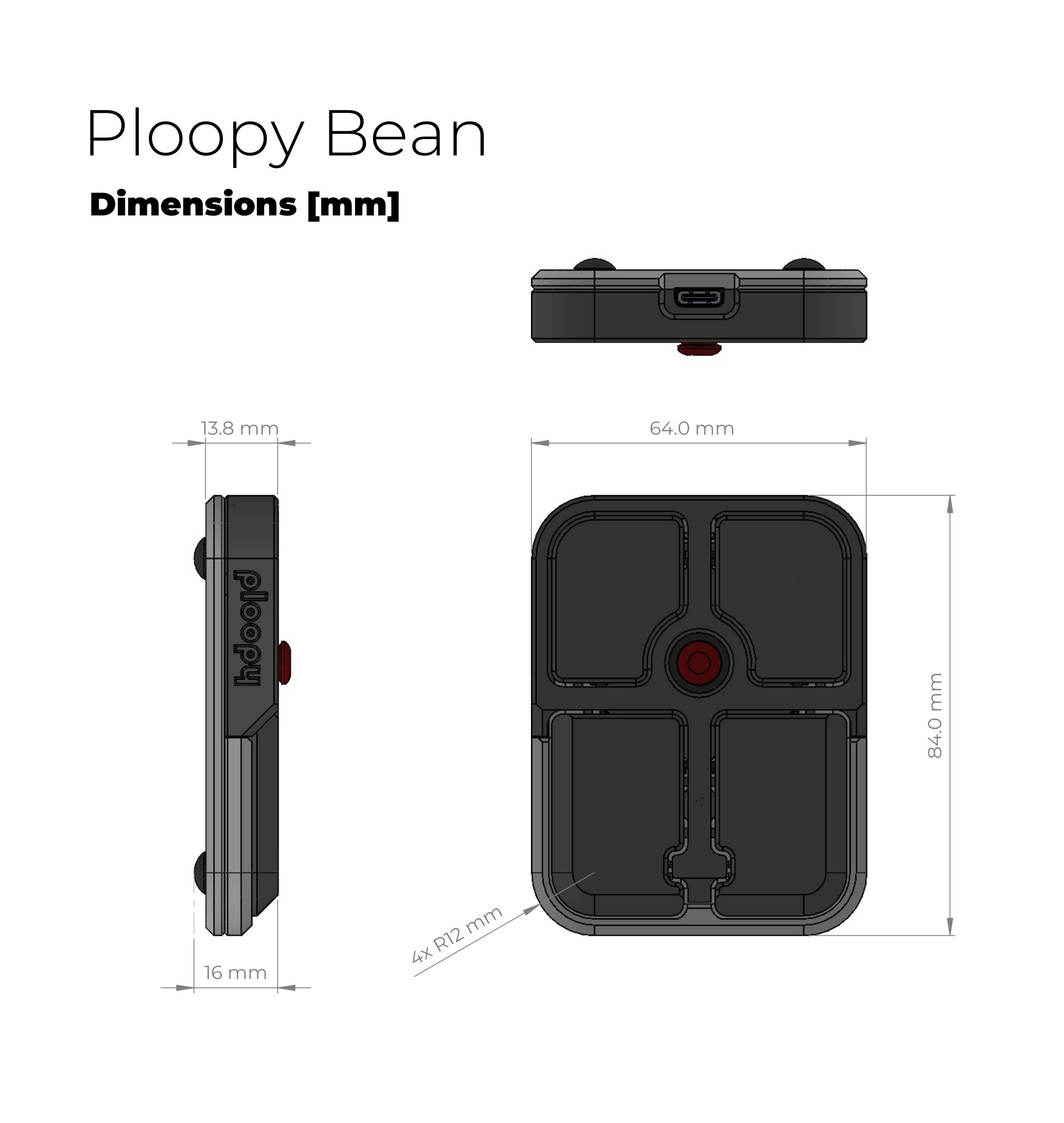
##### **Case Dimensions**
---
84mm x 64mm x 16mm, or 3\.3″ x 2\.5″ x 0\.63″
##### **Supported Operating Systems**
---
Windows Mac Linux
##### **Weight**
---
52g, or 1\.8oz
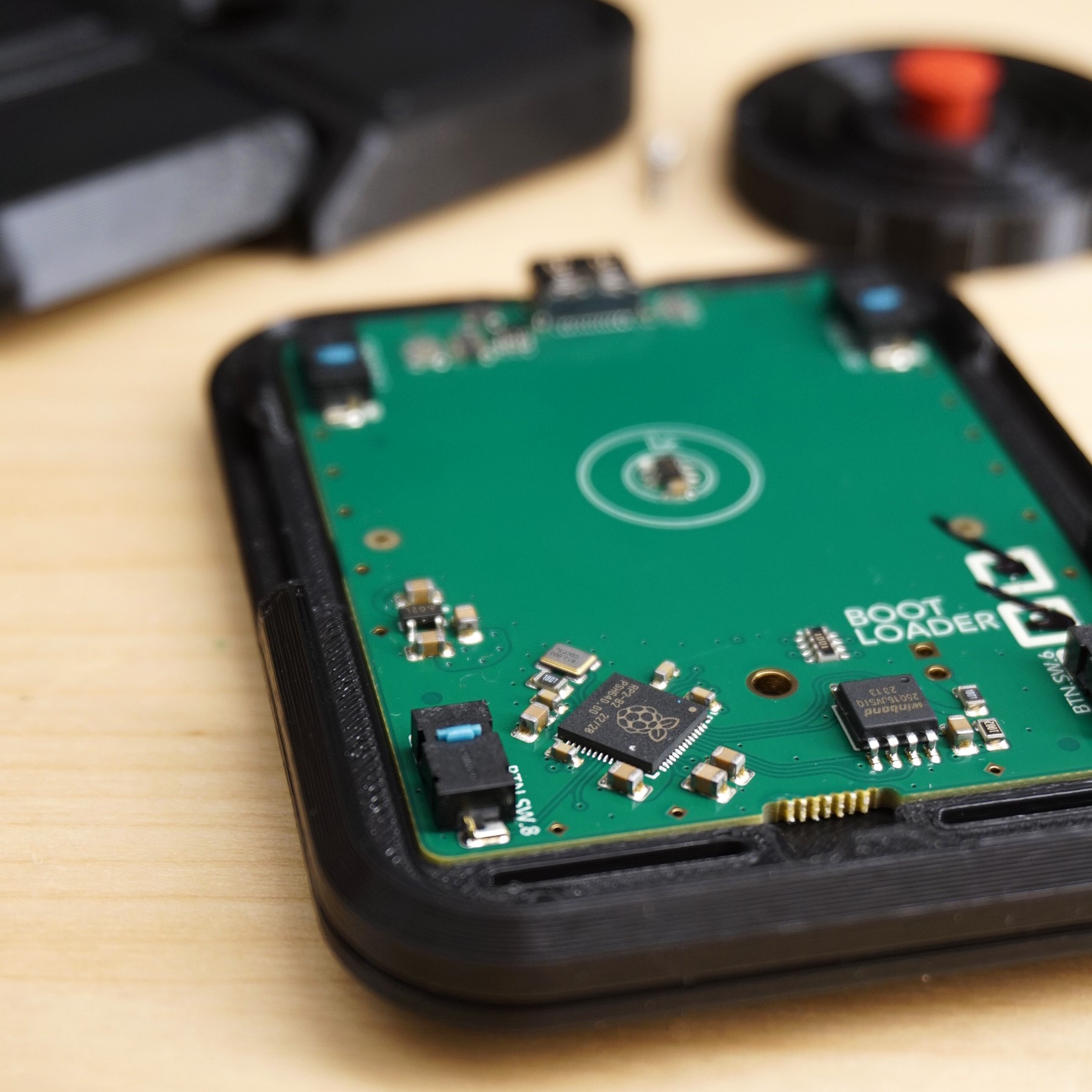
##### **Magnetic Sensor Chip**
---
TMAG5273 \>1,000Hz Polling Rate 20,000 samples per second 12\-bit resolution
##### ****Microcontroller****
---
Raspberry Pi RP2040 Cortex M0 125MHz
## See what others are saying about the Bean\.
#### “This is so cool\!\! I’ve always been the only one I knew that liked using the trackpoint over the trackpad”
###### – Blabel \(Discord\)
#### “Wow that’s exactly what I’m looking for to complement my split keeb, looking forward to making an order”
###### – r/dimitrimus \(Reddit\)
#### “I want it, even though I wouldn’t have thought about it before this”
###### – il \(Discord\)
#### “Can’t wait to flick that bean”
###### – bri \(Discord\)
#### “neat\. trackpoints were never my thing, but a dedicated desktop accessory for one is a welcome addition to the family”
###### – gizmo \(Discord\)
#### “I’ve been looking for something like this”
###### – r/AmbitionMinimum1911 \(Reddit\)

#### We’re on Discord
Join the conversation\. Get early access to product updates and releases\. Get new ideas and code from other users like you\. And join Office Hours with the designers\.

#### And on Reddit
Join the community\. See the latest builds and colour runs\. Learn about mods that extend the functionality of your devices\. And weigh in on future product features\.