@Easycompany333: 整理了 6 个可以直接试的视频类 Claude Skills: 1. HyperFrames 一句话生成动效视频,文章、推文、产品介绍都能变成 MP4。 适合产品宣发、教程开场、社交短视频。 https://github.com/heyg…
摘要
整理了6个可直接使用的视频类Claude Skills,涵盖自动生成动效视频、AI辅助粗剪、React组件渲染视频、多媒体生成工具箱、中文剪辑Agent和视频提示词编写等开源工具。
查看缓存全文
缓存时间: 2026/06/18 18:19
整理了 6 个可以直接试的视频类 Claude Skills:
-
HyperFrames 一句话生成动效视频,文章、推文、产品介绍都能变成 MP4。 适合产品宣发、教程开场、社交短视频。 https://github.com/heygen-com/hyperframes…
-
video-use 让 coding agent 帮你做视频粗剪,处理停顿、错句、口头禅、字幕、调色。 口播、采访、教程类内容很适合先跑一遍。 https://github.com/browser-use/video-use…
-
Remotion Skills(貌似目前最好用) 用 React 批量做视频。 字幕、动画、时间轴都能用代码控制。 适合排行榜、数据周报、产品更新这种固定栏目。 https://github.com/remotion-dev/skills…
-
Generative Media Skills 图片、视频、音频生成工具箱。 适合广告素材、UGC 视频、音乐短片和实验性创作。 https://github.com/SamurAIGPT/Generative-Media-Skills…
-
videocut-skills 面向中文创作者的剪辑 Agent。 能处理口播素材、字幕、重复句、口误和中文短视频工作流。 https://github.com/Ceeon/videocut-skills…
-
seedance2-skill 帮你写 Seedance 2.0 视频提示词。 如果你脑子里有画面,但不会拆分镜、镜头、运动和氛围,可以先用它。 https://github.com/dexhunter/seedance2-skill…
heygen-com/hyperframes
Source: https://github.com/heygen-com/hyperframes






Write HTML. Render video. Built for agents.
Quickstart | Showcase | Playground | Catalog | Docs | Discord

HyperFrames is an open-source framework for turning HTML, CSS, media, and seekable animations into deterministic MP4 videos. Use it locally with the CLI, from AI coding agents with skills, or as the rendering core behind hosted authoring workflows.
Quick Start
With an AI coding agent
Install the HyperFrames skills, then describe the video you want:
npx skills add heygen-com/hyperframes
Try a prompt like:
Using
/hyperframes, create a 10-second product intro with a fade-in title, a background video, and subtle background music.
The skills teach agents the HyperFrames production loop: plan the video, write valid HTML, wire seekable animations, add media, lint, preview, and render. They work with Claude Code, Cursor, Gemini CLI, Codex, and other coding agents that support skills.
For visual design handoff workflows, see the Claude Design guide and Open Design guide.
Manually with the CLI
npx hyperframes init my-video
cd my-video
npx hyperframes preview      # preview in browser with live reload
npx hyperframes render       # render to MP4
Requirements: Node.js 22+, FFmpeg
What You Can Build
Need ideas? Browse the Showcase for finished videos you can watch, read, run, and remix.
- Product launch videos and feature announcements
- PR walkthroughs with animated code diffs, narration, and captions
- Data visualizations, chart races, and map animations
- Social videos with kinetic captions, overlays, and music
- Docs-to-video, PDF-to-video, and website-to-video explainers
- Reusable motion graphics for automated content pipelines
Frame.md
frame.md — your design system, ready for video.
Every brand has a design.md. None of them were written for a camera. frame.md is the missing translation layer: it takes your web-context design spec and inverts it for the frame — the same tokens, the same rules, but rewritten so an AI agent can compose a promo video without guessing at scale or reaching for web chrome.
The output is a DESIGN.md superset your whole toolchain can read. Atoms stay sacred. Composition stays free. Numbers come from the script.

Biennale Yellow |

BlockFrame |

Blue Professional |

Bold Poster |
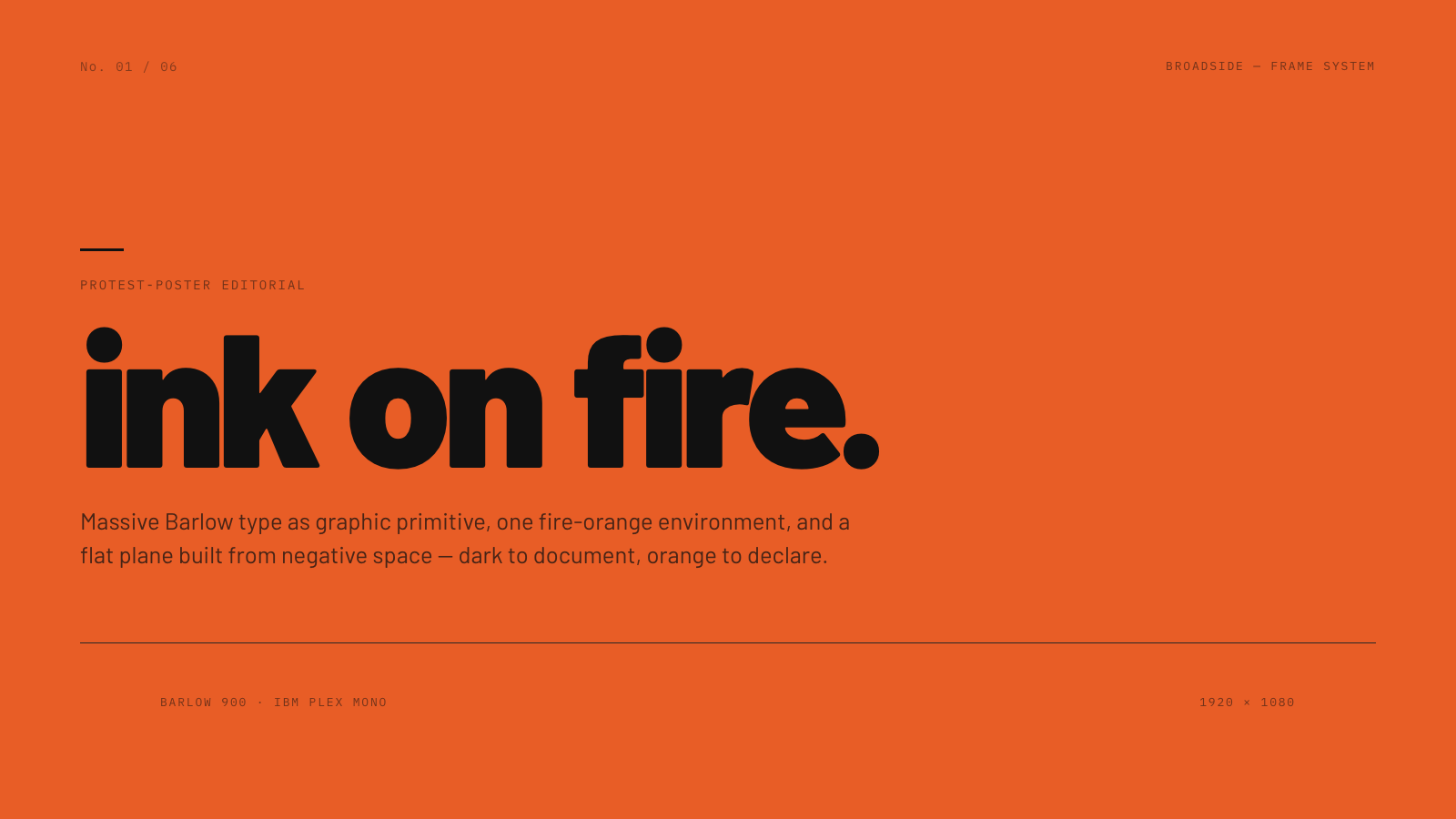
Broadside |
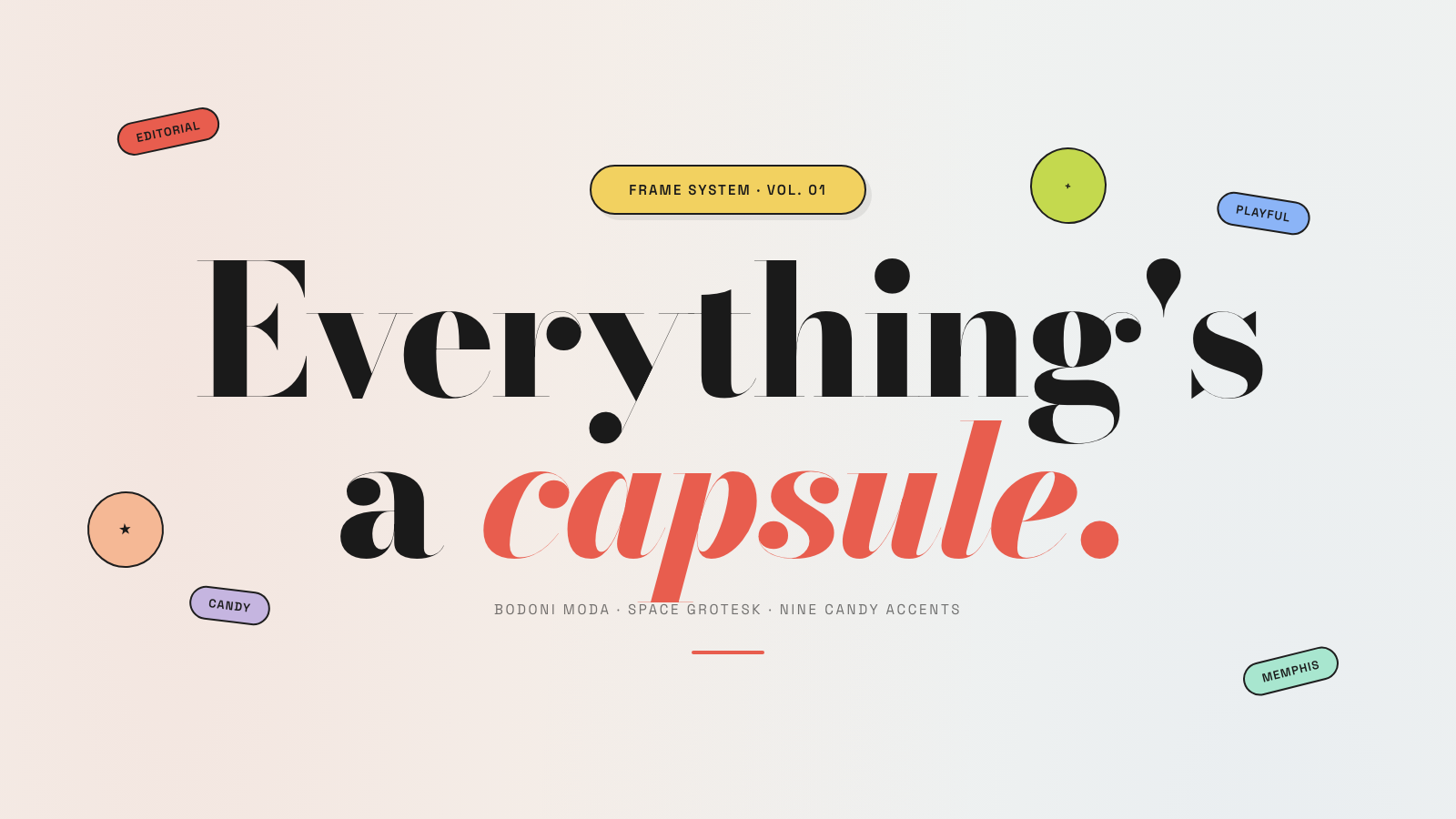
Capsule |
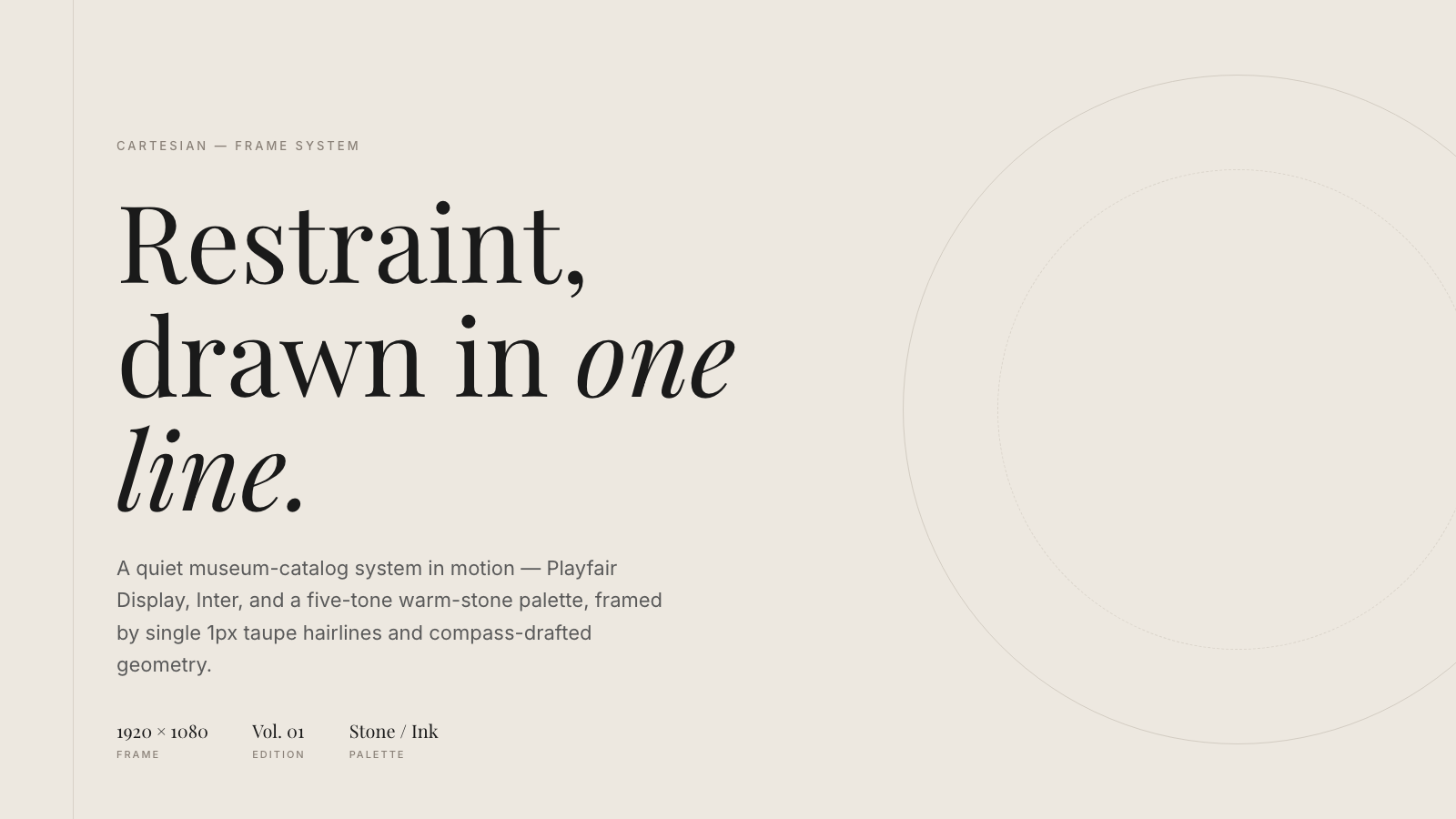
Cartesian |
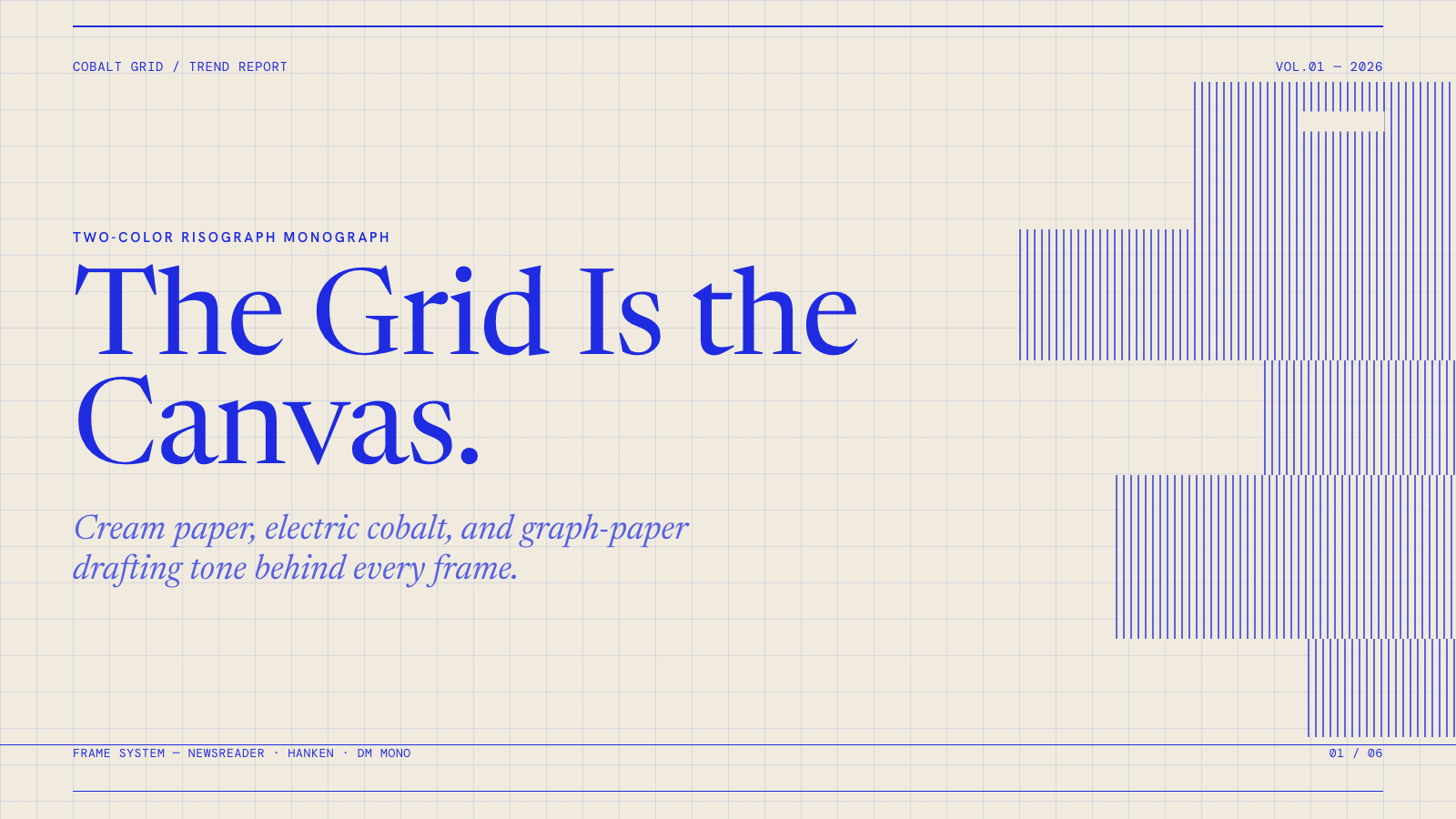
Cobalt Grid |

Coral |
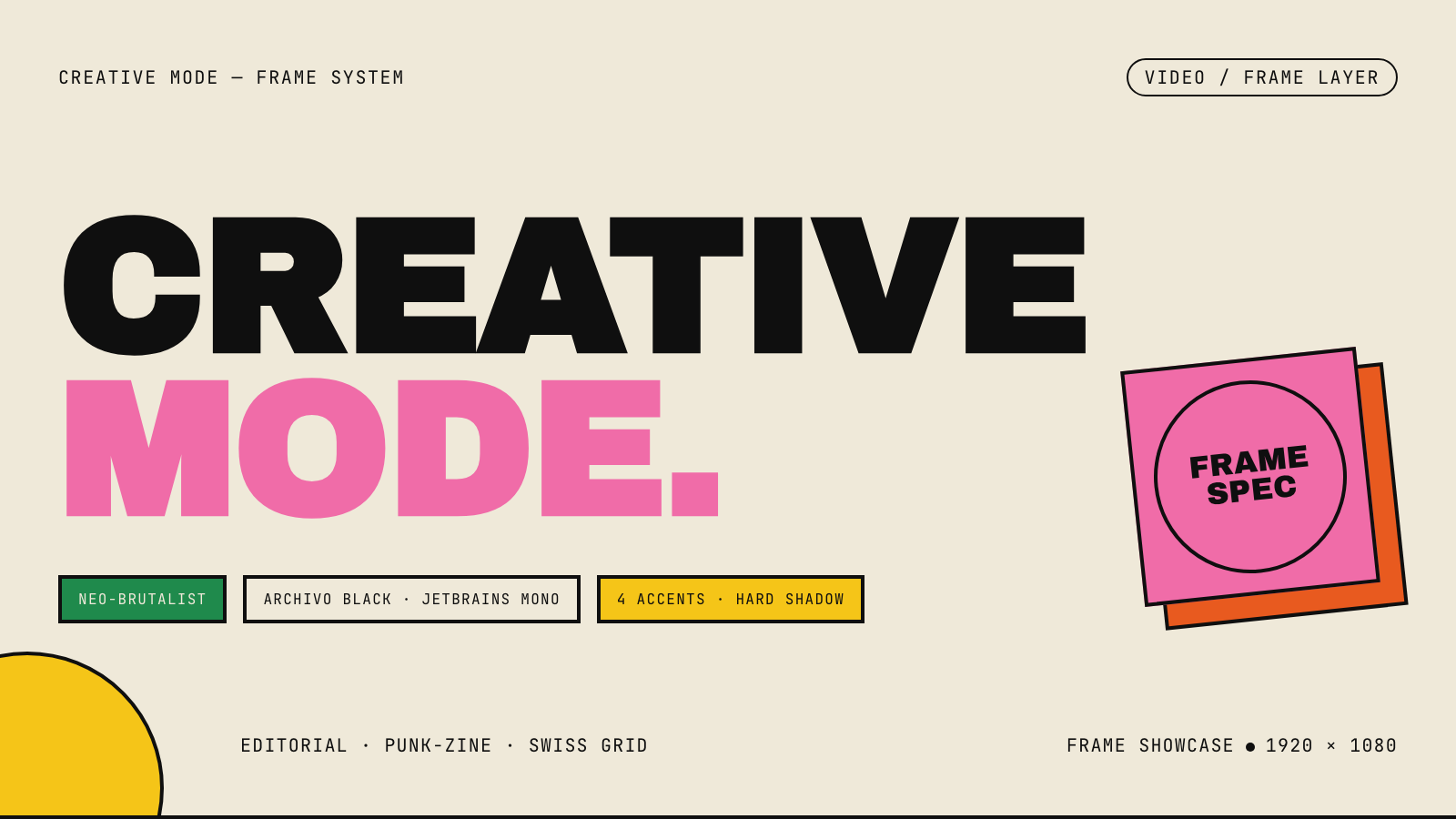
Creative Mode |
Browse and remix them all at hyperframes.dev/design.
How It Works
Define a video as HTML. Add data attributes for timing and tracks. Use GSAP, CSS, Lottie, Three.js, Anime.js, WAAPI, or your own frame adapter for seekable animation.
<div id="stage" data-composition-id="launch" data-start="0" data-width="1920" data-height="1080">
  <video
    class="clip"
    data-start="0"
    data-duration="6"
    data-track-index="0"
    src="intro.mp4"
    muted
    playsinline
  ></video>

  <h1 id="title" class="clip" data-start="1" data-duration="4" data-track-index="1">Launch day</h1>

  <audio
    data-start="0"
    data-duration="6"
    data-track-index="2"
    data-volume="0.5"
    src="music.wav"
  ></audio>

  <script src="https://cdn.jsdelivr.net/npm/gsap@3/dist/gsap.min.js"></script>
  <script>
    const tl = gsap.timeline({ paused: true });
    tl.from("#title", { opacity: 0, y: 40, duration: 0.8 }, 1);
    window.__timelines = window.__timelines || {};
    window.__timelines.launch = tl;
  </script>
</div>
Preview instantly in the browser. Render locally or in Docker. The renderer seeks each frame in headless Chrome and encodes the result with FFmpeg, so the same input produces the same video.
HyperFrames Stack
HyperFrames is the open-source rendering engine, plus a growing set of tools around HTML-native video creation.
| Piece | Status | What it does |
|---|---|---|
| CLI | Available | Scaffold, preview, lint, inspect, and render local video projects |
| Core / Engine / Producer | Available | Parse compositions, drive headless Chrome, encode video, and mix audio |
| Catalog | Available | Reusable blocks and components for transitions, overlays, captions, charts, maps, and effects |
| Agent skills | Available | Teach coding agents the video-production patterns that generic web docs miss |
| Studio | Available, evolving | Browser surface for previewing and editing compositions |
| AWS Lambda rendering | Available | Deploy a distributed render stack and drive renders from your laptop or CI |
| hyperframes.dev | Available | Community playground for previewing, iterating, sharing, and rendering HTML-native video projects |
| frame.md | Available | Invert your design system for the camera — a DESIGN.md superset an agent can compose video from |
Catalog
Install ready-to-use blocks and components:
npx hyperframes add flash-through-white   # shader transition
npx hyperframes add instagram-follow      # social overlay
npx hyperframes add data-chart            # animated chart
Browse the catalog at hyperframes.heygen.com/catalog.
Why HyperFrames?
- HTML-native: compositions are HTML files with data attributes. No React requirement, no proprietary timeline format.
- Agent-friendly: agents already write HTML, and the CLI is non-interactive by default.
- Deterministic: same input, same frames, same output. Built for CI, regression tests, and automated rendering.
- No build step: an
index.htmlcomposition plays as-is and can be previewed directly in the browser. - Adapter-based animation: bring GSAP, CSS animations, Lottie, Three.js, Anime.js, WAAPI, or a custom runtime.
- Open source: Apache 2.0 license, with no per-render fees or commercial-use thresholds.
HyperFrames vs Remotion
HyperFrames is inspired by Remotion. Both tools render video with headless Chrome and FFmpeg. The main difference is the authoring model: Remotion’s bet is React components; HyperFrames’ bet is plain HTML that humans and agents can both write easily.
| HyperFrames | Remotion | |
|---|---|---|
| Authoring | HTML + CSS + seekable animation | React components |
| Build step | None; index.html plays as-is | Bundler required |
| Agent handoff | Plain HTML files | JSX / React project |
| Library-clock animations | Seekable, frame-accurate via adapters | Wall-clock animation patterns need care |
| Distributed rendering | Local and AWS Lambda render paths | Remotion Lambda, mature cloud renderer |
| License | Apache 2.0 | Source-available Remotion License |
Read the full comparison in the HyperFrames vs Remotion guide.
Documentation
Full documentation: hyperframes.heygen.com/introduction
Packages
| Package | Description |
|---|---|
hyperframes | CLI for creating, previewing, linting, and rendering compositions |
@hyperframes/core | Types, parsers, generators, linter, runtime, and frame adapters |
@hyperframes/engine | Seekable page-to-video capture engine using Puppeteer and FFmpeg |
@hyperframes/producer | Full rendering pipeline for capture, encode, and audio mix |
@hyperframes/studio | Browser-based composition editor UI |
@hyperframes/player | Embeddable <hyperframes-player> web component |
@hyperframes/shader-transitions | WebGL shader transitions for compositions |
@hyperframes/aws-lambda | AWS Lambda SDK and deployment surface for distributed renders |
Community
HyperFrames is used in production at HeyGen, with community examples from teams like tldraw, TanStack, and others in ADOPTERS.md. Open a PR if your team is using HyperFrames.
- Questions and ideas: Discord
- Bugs and feature requests: GitHub Issues
- Security reports: SECURITY.md
- Contributions: CONTRIBUTING.md
Development Note
The repo uses Git LFS for golden regression-test baselines under packages/producer/tests/**/output.mp4 (about 240 MB of .mp4 files). If you’re cloning the full repo for development, install Git LFS first:
# macOS
brew install git-lfs

# Ubuntu / Debian
sudo apt install git-lfs

# Windows
winget install GitHub.GitLFS

# Then, once per machine
git lfs install
If you only need source files, you can skip LFS content:
GIT_LFS_SKIP_SMUDGE=1 git clone https://github.com/heygen-com/hyperframes.git
License
相似文章
@GitTrend0x: Claude Code 现在也可以编辑视频了! 这个 SKILL 100% 免费且开源。 ✓ 自动创建动画 ✓ 生成不同风格的字幕 ✓ 消除静音、错误和填充词 https://github.com/browser-use/video-us…
video-use is a 100% open-source tool that lets Claude Code edit videos automatically by removing filler words, adding subtitles, color grading, and generating animations. It integrates with Claude Code via a skill and uses ElevenLabs for transcription.
@yunxi0623: https://x.com/yunxi0623/status/2075532304529920468
介绍了6个用于AI编程Agent(如Codex、Claude Code、Cursor)的视频处理技能(HyperFrames、FFmpeg、OpenMontage、Remotion、Video-Use、Manim),覆盖从图文转视频、压缩转码到科普动画等场景,并给出了选择建议和安装指南。
@Smartpigai: 每次有人问我“做内容 / 视频 / 素材管理用啥工具”,我都懒得再解释了,直接一次性整理好,你自己存 1、视频剪辑(用代码做视频) https://github.com/remotion-dev/remotion… 2、语音转字幕 / 会…
一个帖子整理了多个用于内容创作的开源工具,包括视频剪辑、语音转字幕、AI绘图、媒体处理等,强调免费开源且可拼成自己的系统。
@0xluffy_eth: 有人为Claude Code开发了免费视频编辑工具...太疯狂了。 只需把原始素材和资源放入文件夹。 就这样。 它会处理一切: - 剪辑片段 - 移除冗余词 - 添加字幕 - 应用色彩分级和滤镜 - 处理动画 - 渲染最终视频 无时间线。…
A free, open-source video editing tool built for Claude Code that fully automates editing from raw footage—clipping, filler word removal, subtitles, color grading, animation, and final rendering—all without a timeline or manual edits.
@shadouyoua: 整理了一下这几天写的几个SKILL,现在全部开源出来 1、bbshare-video 讲解视频生产流水线,从一个主题生成 HTML 幻灯片、旁白、TTS、人声字幕、背景音乐和最终视频 2、book-account-video 读书账号短视…
作者开源了多个用于内容创作的SKILL,包括视频生产流水线、读书短视频、小红书美食卡片和视频下载工具。