@Dropbox: Introducing Dropbox for Microsoft Copilot. Find and summarize Dropbox content with @MSFTCopilot, use it to draft a proj…
Summary
Dropbox announced Dropbox for Microsoft Copilot, an integration that lets users find and summarize Dropbox content within Copilot, draft documents in Microsoft Word, and save generated text back to Dropbox with shared links.
View Cached Full Text
Cached at: 10/28/26, 01:44 AM
Introducing Dropbox for Microsoft Copilot.
Find and summarize Dropbox content with @MSFTCopilot, use it to draft a project update in Microsoft Word, then save the update back to Dropbox.
Dropbox Integration for Microsoft Copilot - Dropbox
Source: https://www.dropbox.com/app-integrations/microsoft-copilot?_tk=social_ai-integrations Skip to main contentDropbox × Microsoft Copilot
Stay in your flow with Microsoft Copilot
The Dropbox for Copilot integration lets you reference project files to quickly create briefs, proposals, and more. Save your finished work back to Dropbox so your team can pick up and build from there.
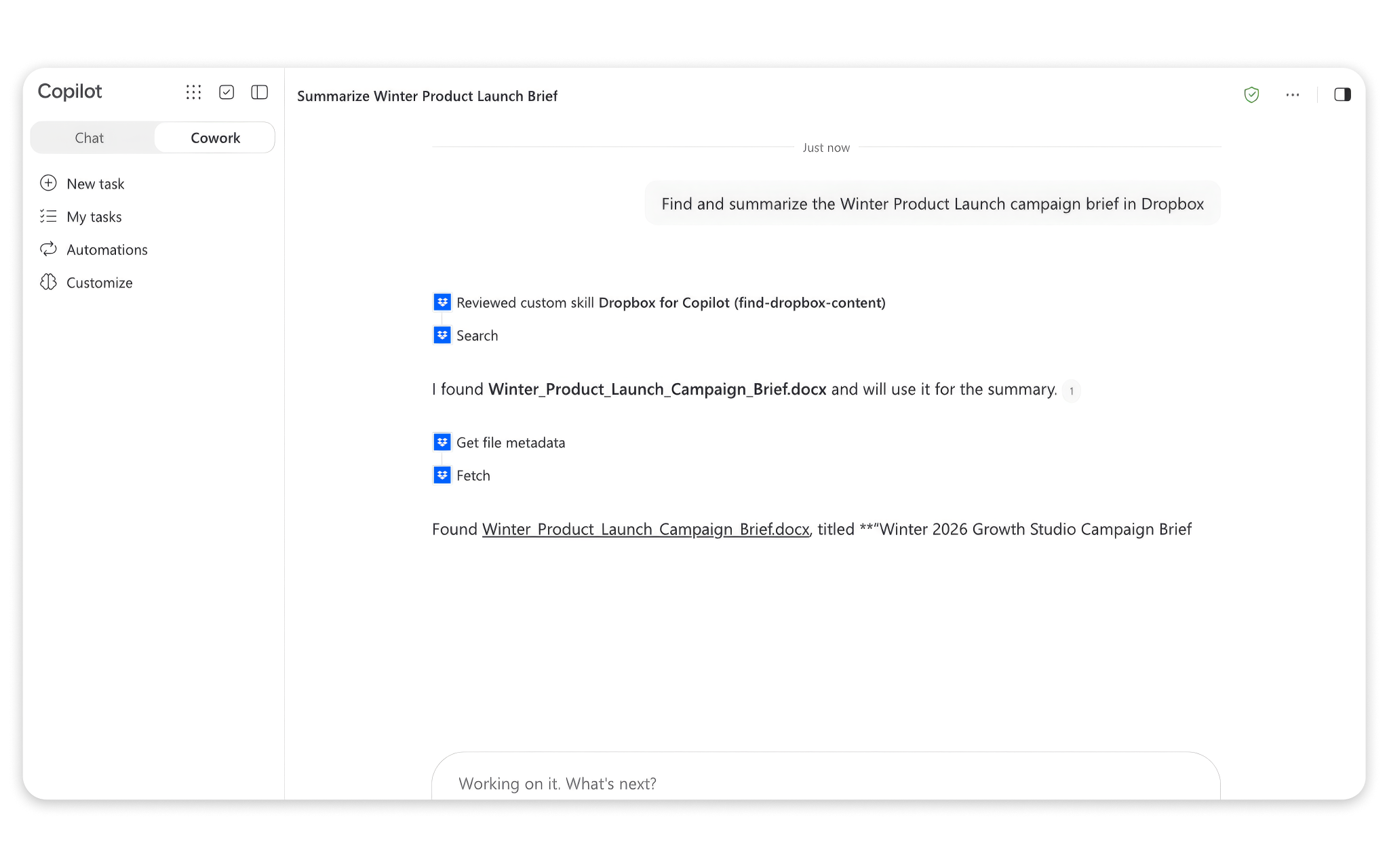
Work with more momentum
Access and move your projects forward directly in Copilot—with fewer app switches and less distraction.
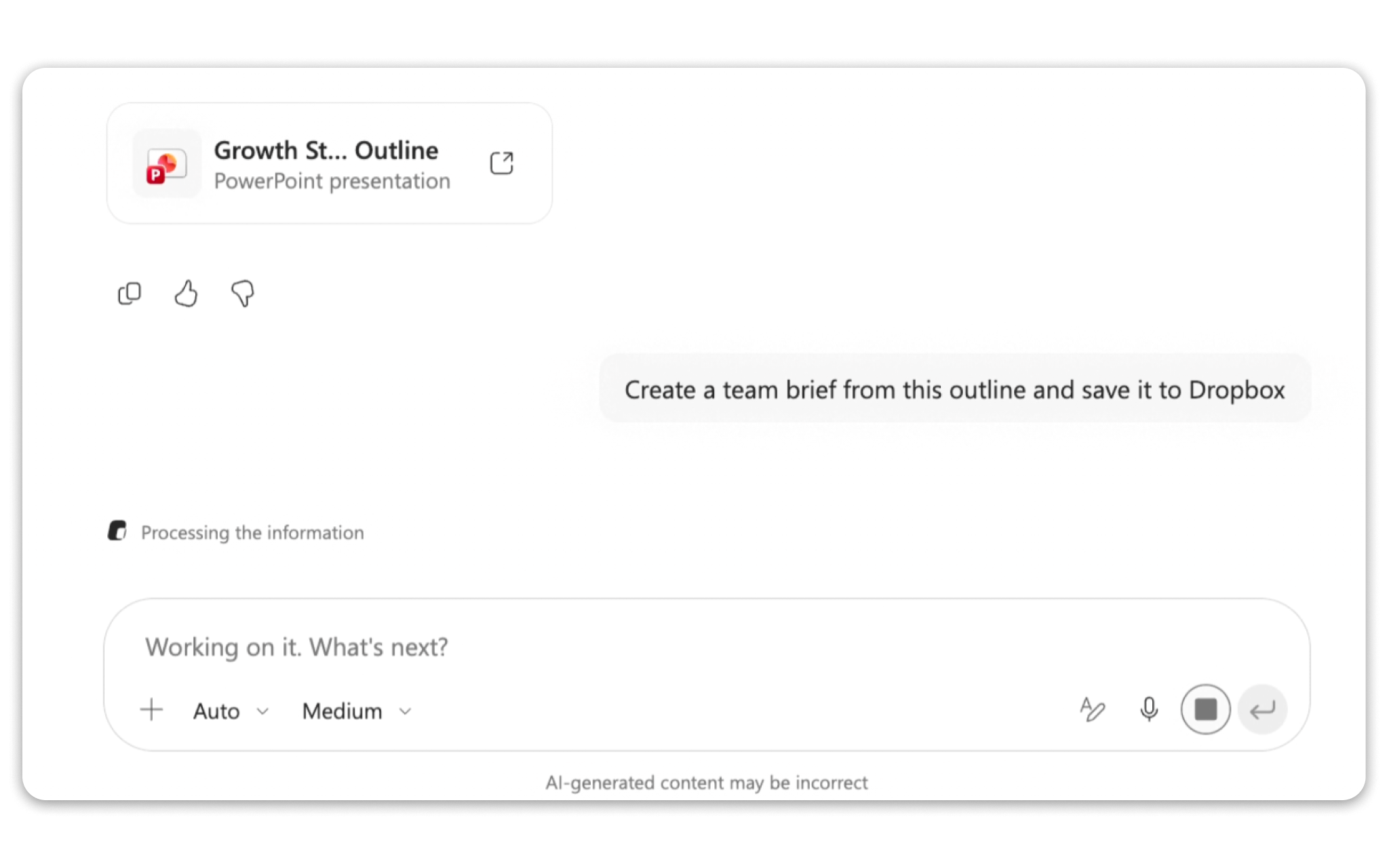
Take everyday tasks further
Your Dropbox content gives Copilot more to draw from. Compare drafts with source materials to double-check requirements and flag open questions, so you have a clearer picture of what comes next.
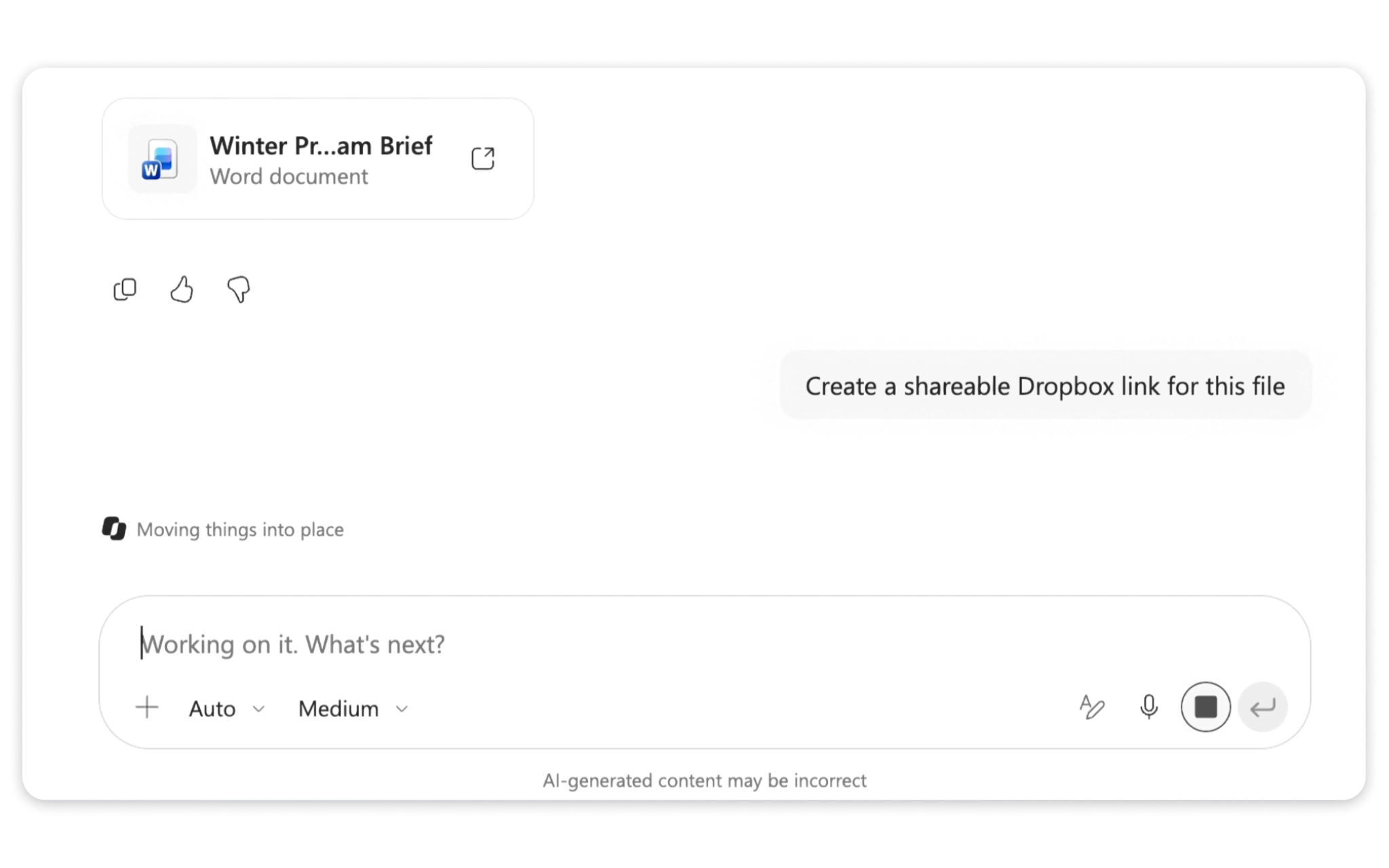
Even easier handoffs
Copilot lets you save generated text back to Dropbox and create shared links to supporting files, so collaborators can see the insights and where they came from.
Frequently asked questions
What can I do with Dropbox in Microsoft Copilot?With Dropbox for Copilot, you can find files and folders, summarize supported content, and use that information to draft briefs and proposals. You can also create shared links and save newly generated text back to Dropbox.
How do I connect Dropbox to Copilot?- Install Dropbox for Copilot through Cowork.
- Go toCustomizeand search forDropbox for Copilot.
- Connectand authorize your Dropbox account.
- Once connected, explicitly mention Dropbox in your prompts to use the integration.
Can Copilot access my entire Dropbox account?It can only work with content your connected account is authorized to access. Existing Dropbox permissions and team policies still apply.
What can I save back to Dropbox?You can save newly generated UTF-8 text or code as new files up to 5 MB with supported extensions. For example, save a meeting recap or project update as a text file.
Which Dropbox plans and platforms are supported?Dropbox for Copilot supports all Dropbox plans. Setup instructions are available for Microsoft Copilot on the web and desktop. You’ll also need access to Microsoft Copilot and Cowork.
Explore more ways to work with Dropbox
Similar Articles
Microsoft Copilot
Microsoft Copilot is an AI assistant built for work, connecting existing tools with AI capabilities to help users create finished work.
@PolymarketMoney: JUST IN: $MSFT weighs DeepSeek for Copilot Cowork.
Microsoft is reportedly considering integrating DeepSeek into its Copilot Cowork product.
New screenshots of upcoming Copilot Super App (2 minute read)
Microsoft is planning to unveil a unified Copilot super app at Build 2026, with new screenshots revealing a coding surface with GitHub Copilot integration and a Cowork tab for data aggregation. The app aims to consolidate scattered tools into a single home.
Inside Microsoft’s big Copilot rethink
Microsoft is rethinking Copilot, repositioning it as the 'OS for work' with unified consumer/enterprise UI, coding and agent features, and the full Office suite, while consolidating leadership under Jacob Andreou and rebranding Microsoft Scout to Autopilot.
@satyanadella: We’re building Copilot as a new OS for work that spans every model, every form factor, and every task. Today, we’re ann…
Microsoft announces a major update to Copilot, introducing Autopilot for enterprise agents, Code for app building, Home for chat and coworking, and full Office integration, positioning it as an AI OS for work.