@realchendahuang: 厚礼蟹!我才知道Firefox浏览器为每个用户提供了每月免费50G的VPN流量。 对于先有鸡、先有蛋的尴尬场景,非常有帮助。 使用方法就是: 1. 在地址栏输入 about:config 2. 进入高级首选项,点显示全部 3. 搜索输入 …
摘要
Firefox推出内置免费VPN,每月提供50GB流量,并支持位置选择。用户在浏览器内一键开启,无需额外安装应用。
查看缓存全文
缓存时间: 2026/07/01 03:58
厚礼蟹!我才知道Firefox浏览器为每个用户提供了每月免费50G的VPN流量。
对于先有鸡、先有蛋的尴尬场景,非常有帮助。
使用方法就是:
- 在地址栏输入 about:config
- 进入高级首选项,点显示全部
- 搜索输入 browser.ipProtection.enabled
- 将该条目的值切换为 true
原文: https://blog.mozilla.org/en/firefox/built-in-vpn/…
A free VPN you can trust, now built into Firefox | The Mozilla Blog
Source: https://blog.mozilla.org/en/firefox/built-in-vpn/
 ***Update on May 19, 2026:*Firefox’s free built-in VPN now supports location selection, giving people access to a fully comprehensive VPN experience directly within the browser. Starting today, Firefox users in the U.S., U.K., France, Germany, and Canada can choose to browse from any of the countries where we’ve launched VPN support. Browsing is subject to the local laws and content restrictions of the selected region.
Original post from March 2026:
Today we’re introducing a free built-in VPN in Firefox, a newIP-protectionfeature designed to keep you even more private while you browse. We’re starting by offering an industry-leading 50 gigabytes of free VPN-browsing each month.
Firefox has long focused on building privacy tools directly into the browser to protect you online. Over the years, we’ve introducedworld-class protectionsthat block known trackers, reduce fingerprinting and limit how companies can follow people across the web. Our goal has been consistent: make meaningful privacy protections accessible to Firefox users every day.
Firefox is the only major browser to include a built-in VPN like this for free — giving you more control over your privacy, right where you browse.
Privacy built into the browser
Every time you visit a website, your IP address is shared automatically. IP addresses help websites know where to send information back to your device, but they can also be used to approximate your location, link your browsing activity across sites and keep logs about your online behavior, meaning websites can track your behavior. It’s one of many ways companies track activity across the internet.
Additionally, when you’re using public Wi-Fi while at a coffee shop, in a hotel, or in your dorm, people can spy on your network traffic and see which websites you might be visiting.
At Mozilla, we believe people should have stronger protections against this kind of tracking and spying, and that those protections should be easy to use.
Introducing built-in VPN
Our free built-in VPN is designed to make IP protection simple to use in Firefox.
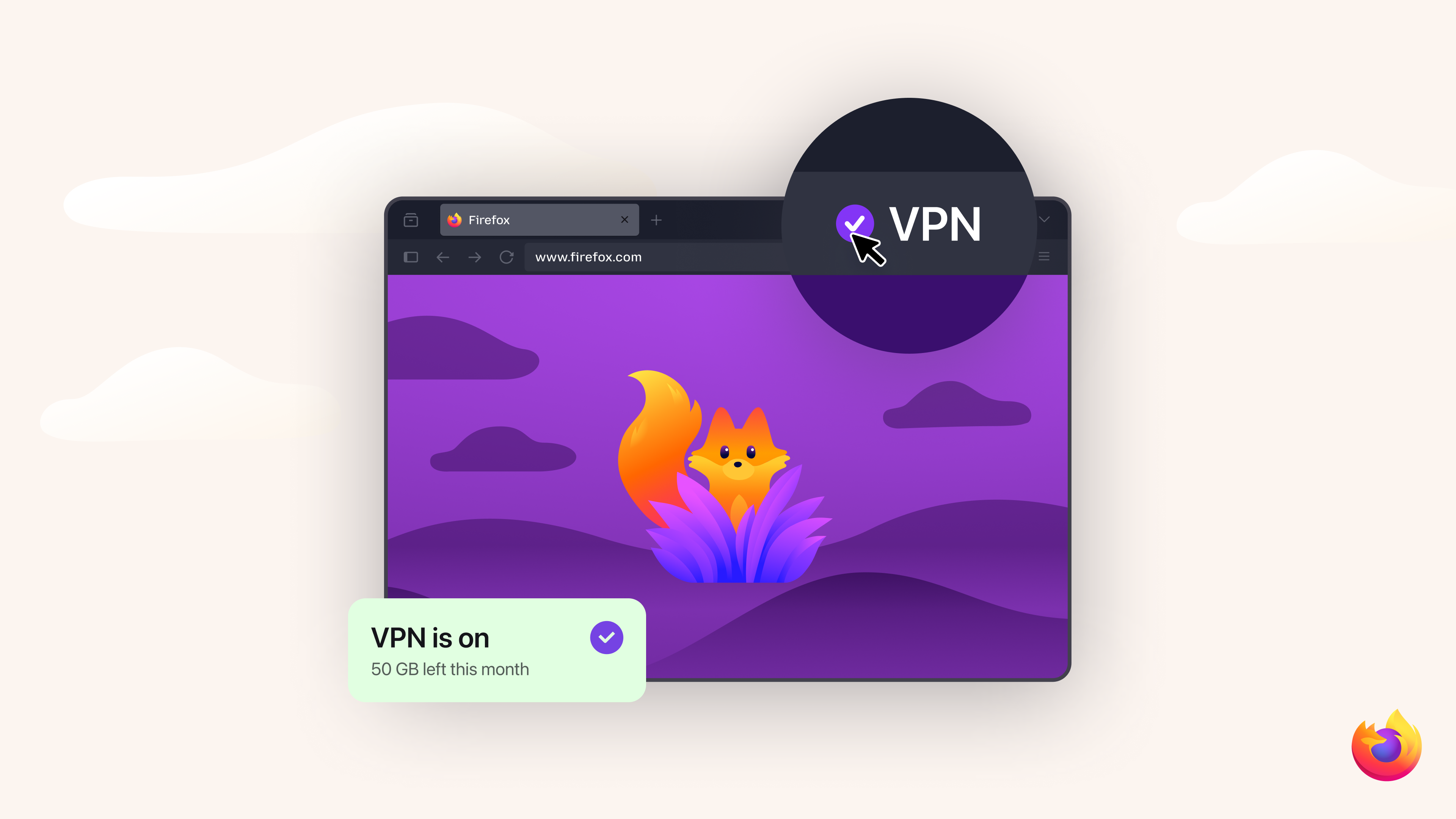
The built-in VPN includes an unprecedented 50 GB per month of free VPN browsing, enough to cover everyday activities like shopping, banking, and reading.
Turn it on in Firefox with a single click. No extra apps. No downloads. Once it’s on, Firefox routes your browsing traffic through a proxy network that replaces your IP address before it reaches a website. The sites you visit see the proxy’s IP address rather than your own. Firefox already encrypts your traffic with HTTPS, but masking your IP adds another layer of privacy. You can mask the URLs you’re visiting from anyone trying to spy on your network traffic on public Wi-Fi, like while you’re enjoying a latte at your favorite coffee shop.
If you reach the monthly limit, IP protection is paused until the next cycle. Firefox will require you to confirm before proceeding without the VPN so your browsing doesn’t unintentionally continue without IP protection.
Browser-level protection and full-device protection
The free built-in VPN helps secure your traffic while browsing in Firefox, making it a simple way to protect your IP address from being tracked by big tech. However, it does not offer full device protection.
For those looking for broader coverage, you can also choose protection that extends across your entire device, including other apps. The standaloneMozilla VPNsubscription offers this capability with unlimited data across multiple devices. Depending on your needs, you can pick the level of privacy and protection that suits you.
We’ve heard concerns about so-called “free VPNs,” which often rely on advertising or selling user data to generate revenue. Firefox’s built-in VPN is designed differently. It does not sell your browsing data and does not inject advertising into your traffic. Instead, we offer a limited amount of browser-level protection for free, alongsideMozilla VPN, our paid, unlimited, full-device VPN service.
Read more about thedifferences between VPNs and web proxies.
Rolling out to Firefox users
The free built-in VPN is currently rolling out as a beta to Firefox desktop users in the United States, the United Kingdom, Germany and France, with plans to expand to additional countries coming soon over the next several releases.
As with many Firefox features, we’re introducing it gradually starting inFirefox 149so we can learn from user feedback and continue improving the experience.
Building a more private web
Protecting privacy online is an ongoing effort. As the web evolves, new technologies create both opportunities and challenges for keeping personal information safe.
Mozilla has spent years building privacy protections — fromTotal Cookie ProtectiontoPrivate browsing modetoanti-fingerprinting— directly into Firefox so people have more control over how they experience the web. This built-in VPN is one more way Firefox helps you browse with less exposure and more peace of mind.
By continuing to build these protections into Firefox, we aim to make the web safer, more transparent and more respectful of the people who use it.
 ### Take control of your internet Download FirefoxThis post is also available in:Deutsch(German)Français(French)
相似文章
@Suu766: 2026年了,相信还有很多朋友还在为VPN订阅费用和稳定性发愁 这里我推荐一个零成本的自建节点方案:通过 Cloudflare 搭建个人专属节点 整个过程不需要购买服务器,也不用编写代码,只需在网页上操作,大概10-15分钟就能完成 部署…
介绍通过 Cloudflare 免费自建 VPN 节点的方法,无需服务器和代码,适合解锁 ChatGPT 等 AI 工具,提供保姆级教程。
@aronhouyu: 0元/月???? 600个窗口????? 卧槽,什么多开浏览器赛博大善人? 地址(有分佣): https://mostlogin.com/zh?invite-code=b729d997…
推广MostLogin多开浏览器,声称提供0元/月600个窗口,支持多账号管理、指纹保护、团队协作和自动化功能。
@dulipeng: https://x.com/dulipeng/status/2067450611529093311
这篇文章是一篇实操教程,详细介绍了如何利用 Cloudflare Workers/Pages 免费额度部署一个低成本 VPN,基于开源项目 edgetunnel,并配合 Clash、Shadowrocket 等客户端使用。
@fexisnpc: 果然深信服的EasyConnect也是有第三方的野生客户端的,而且可以把全局VPN变成socks5/HTTP代理 这次就爽了,做到了在外面和在公司内网相同的访问体验,稍微调整一下浏览器代理插件的设置就行了,多加几条配置的事儿
EZ4Connect是一个第三方的深信服EasyConnect客户端,可将全局VPN转换为socks5/HTTP代理,实现在外与内网相同的访问体验。
@ezshine: 老婆回国了,让我给她弄个梯子,本来想省事买个几块钱的,结果发现一个开源项目可以把网络大善人CF的全球成千上万的边缘节点用来翻墙,ip 随心所欲换地儿, 一分钱都不用花,速度还贼拉快,部署极其简单,拢共 2 步,这你受得了吗?
一个开源项目利用Cloudflare的全球边缘节点提供免费翻墙服务,部署简单,速度快,IP可随意更换。