Cached at:
08/30/26, 02:01 PM
# OpenWrt: Monitor your IPv6 Status - Ralf's Blog
Source: [https://bergs.biz/blog/2026/08/30/openwrt-monitor-your-ipv6-status/](https://bergs.biz/blog/2026/08/30/openwrt-monitor-your-ipv6-status/)
I recently had a full outage of IPv6 on my Deutsche Glasfaser fibre\-based internet line that lasted for more than 3\.5 months\. I only found out by chance, which I found very frustrating\. If it happens again I want to be notified immediately, so I built an automation that has the following architecture:
- OpenWrt\-based router/internet gateway sends event every time WAN interface changes with respect to IPv6
- Event lands in an MQTT broker
- Home Assistant: set up sensor based on messages sent to MQTT topic
- Home Assistant: set up automation if IPv6 status sensor changes to “broken”
Here’s the details:
First we need events to be generated if and when the status of our WAN interface \(more specifically the IPv6\-specific interface named`wan6`\) changes\. We can easily and elegantly accomplish this by using the “[Hotplug](https://openwrt.org/docs/guide-user/base-system/hotplug)” mechanism built into Linux and OpenWrt\. I had to write a script that parses the IPv6 status on changes of the`wan6`interface and determines the IPv6 assignment and delegation of a prefix\. If these are not available, then the status is “unhealthy\.”
Here’s my script which I deployed as/etc/hotplug\.d/iface/99\-ipv6\-monitor:
```
#!/bin/sh
[ "$INTERFACE" = "wan6" ] || exit 0
MQTT_BROKER="ha.gv.internal.bergs.biz" # Your Home Assistant / MQTT broker IP
MQTT_USER="openwrt"
MQTT_PWD="s3cr3TpA55w0rD"
MQTT_TOPIC="openwrt/network/ipv6"
if [ "$ACTION" = "ifup" ] || [ "$ACTION" = "ifupdate" ]; then
# Query ubus for WAN IPv6 address and delegated prefix
IPV6_ADDR=$(ubus call network.interface.wan6 status | jsonfilter -e '@["ipv6-address"][0].address')
IPV6_PREFIX=$(ubus call network.interface.wan6 status | jsonfilter -e '@["ipv6-prefix"][0].address')
PREFIX_LEN=$(ubus call network.interface.wan6 status | jsonfilter -e '@["ipv6-prefix"][0].mask')
# Default to "none" if string is empty
IPV6_ADDR=${IPV6_ADDR:-"none"}
IPV6_PREFIX=${IPV6_PREFIX:-"none"}
PREFIX_LEN=${PREFIX_LEN:-"0"}
# Determine status boolean
if [ "$IPV6_ADDR" != "none" ] || [ "$IPV6_PREFIX" != "none" ]; then
HAS_IPV6="true"
else
HAS_IPV6="false"
fi
PAYLOAD=$(cat <<EOF
{
"state": "$HAS_IPV6",
"wan_address": "$IPV6_ADDR",
"delegated_prefix": "$IPV6_PREFIX/$PREFIX_LEN"
}
EOF
)
mosquitto_pub -h "$MQTT_BROKER" -u "$MQTT_USER" -P "$MQTT_PWD" -t "$MQTT_TOPIC" -m "$PAYLOAD" -r
elif [ "$ACTION" = "ifdown" ]; then
PAYLOAD='{"state": "false", "wan_address": "none", "delegated_prefix": "none"}'
mosquitto_pub -h "$MQTT_BROKER" -u "$MQTT_USER" -P "$MQTT_PWD" -t "$MQTT_TOPIC" -m "$PAYLOAD" -r
fi
```
Remember to make this script executable, or else it would not be executed by hotplug\! BTW, you need to have the`mosquitto\-client`installed to make the above work\.
This should be sufficient to send messages into your MQTT broker\.
\(Note that MQTT messages are sent with a[retained](https://www.hivemq.com/blog/mqtt-essentials-part-8-retained-messages/)flag \(`\-r`\), ensuring Home Assistant always displays the active state even after a Home Assistant reboot\.\)
Now we need to set up Home Assistant to create a sensor based on these events\. Change yourconfiguration\.yamlas follows:
```
# Add MQTT entities
mqtt:
sensor:
- name: "Internet Gateway IPv6 Status"
state_topic: "openwrt/network/ipv6"
value_template: "{{ value_json.state }}"
icon: "mdi:ip-network"
unique_id: "7597092c-8f5b-4aeb-ba00-c803a2508789"
- name: "Internet Gateway Public IPv6 Address"
state_topic: "openwrt/network/ipv6"
value_template: "{{ value_json.wan_address }}"
unique_id: "716227e1-86a3-4ed5-a92c-700cef66f43d"
- name: "Internet Gateway Delegated IPv6 Prefix"
state_topic: "openwrt/network/ipv6"
value_template: "{{ value_json.delegated_prefix }}"
unique_id: "c96d6cbc-a17b-4172-a823-51da63d4dfff"
```
The “unique IDs” are just random[UUID](https://en.wikipedia.org/wiki/Universally_unique_identifier)s \(sometimes also called “GUIDs”\) — actually they could be more or less arbitrary random strings\. If you don’t have these, you can’t create automations using the UI\. If that’s fine for you, you can leave out the unique IDs\.
Remember to restart Home Assistant after you have modified your configuration\!
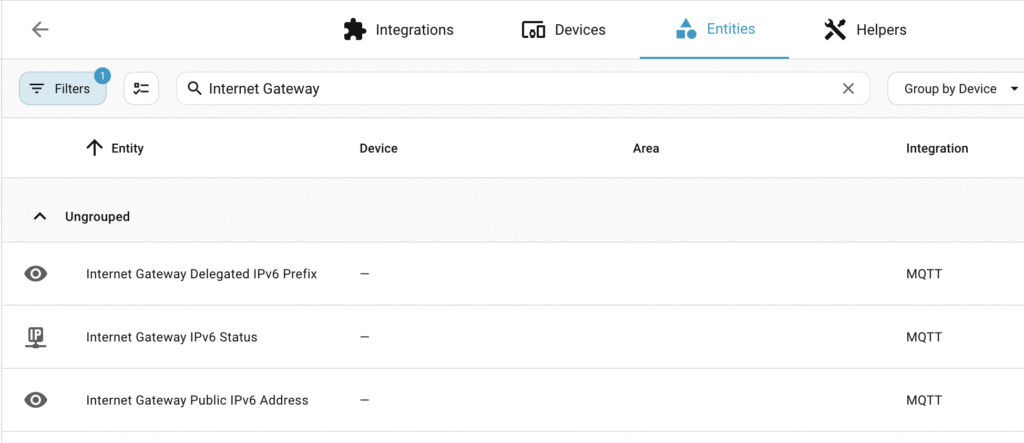
If everything was successful, then you will be able to find entities as the below:
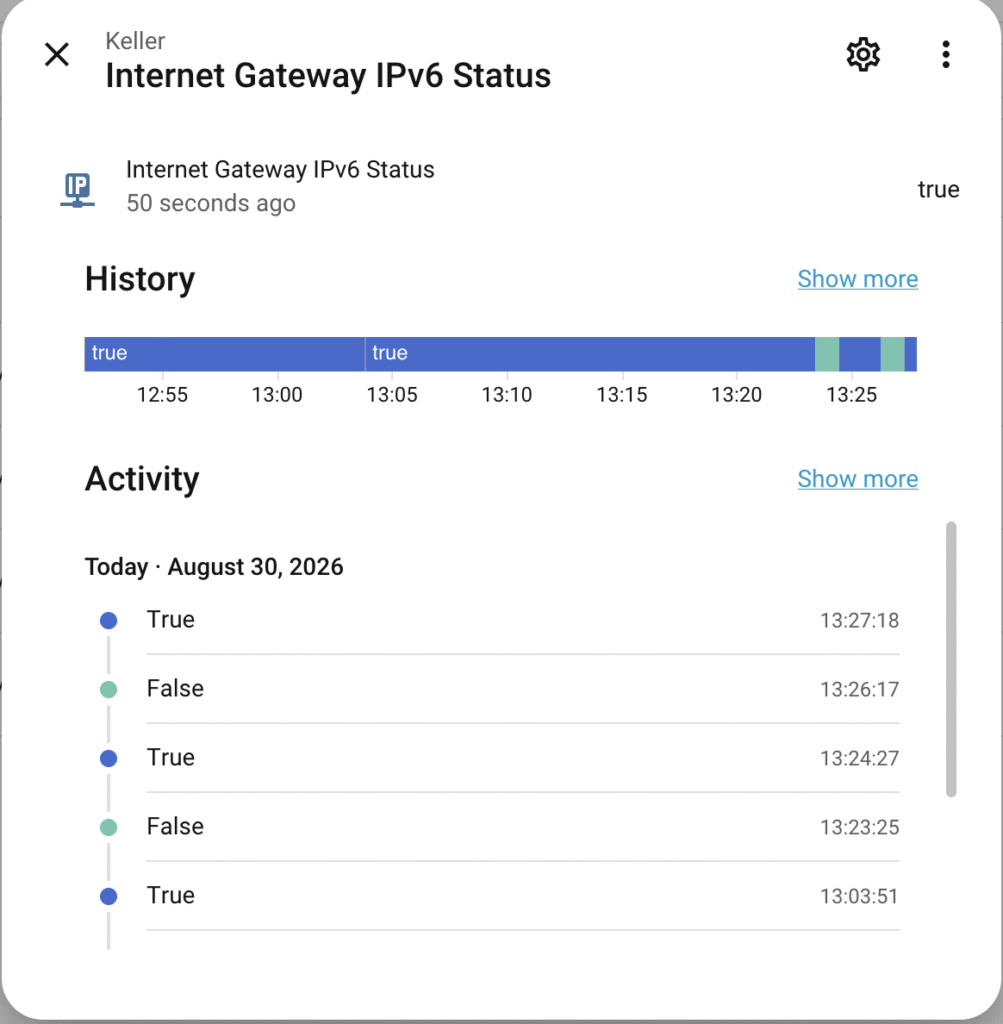
Here’s how the “Status” \(which is the most important sensor for our purpose\) could look like:
Now let’s create an automation\. I’ll just copy the YAML here so that you can easily copy it \(describing the many clicks involved using the UI would be just too tedious\):
```
alias: 'Internet Gateway: "IPv6 broken" warning'
description: ''
triggers:
- trigger: state
entity_id:
- sensor.internet_gateway_ipv6_status
to:
- 'false'
conditions: []
actions:
- action: persistent_notification.create
metadata: {}
data:
title: ⚠️ IPv6 Status Alert
message: 'Internet Gateway/Router: IPv6 scheint kaputt zu sein'
mode: single
```
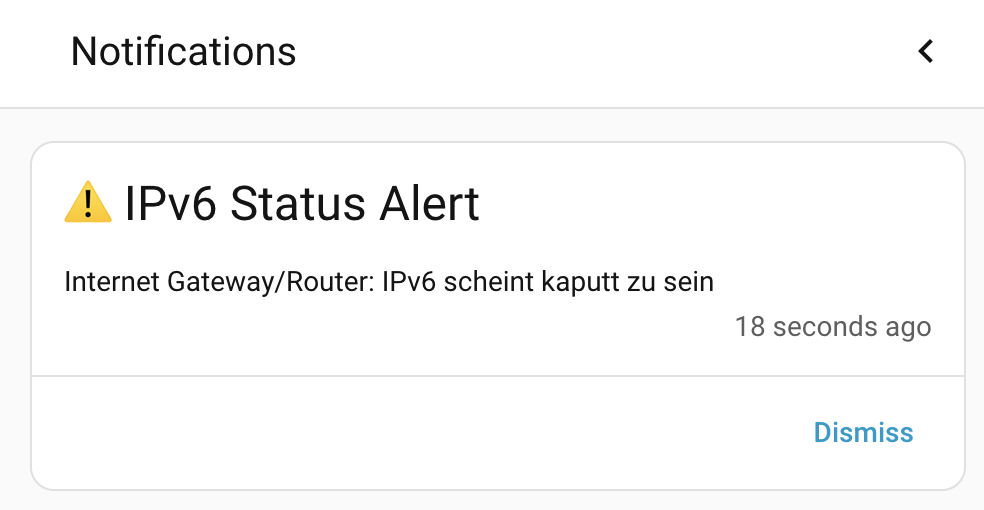
Now, if something happens to your IPv6, you will receive an alert like the below:
That was pretty simple, huh?
What I find really nice with this approach is that it is as light\-weight as it could be\. There’s no polling involved, just “events”\. which are triggered automatically by the system, which keeps the CPU usage down to an absolute minimum\. I’m also using existing infrastructure \(for me anyway, but many enthusiasts will have the same setup\), so I didn’t have to “reinvent the wheel\.”
BTW, if you export your sensor data into InfluxDB \(which I do\), then you now also have a long\-term record of your IPv6 addresses and prefixes\. 😉
How do you like it? Let me know if this is helpful, or if you have any other comments\.
Cheers\!