@cnyzgkc: 用AI 做PPT,我非常推荐两个人的skill 1. 张咋啦 @zarazhangrui frontend-slides::https://github.com/zarazhangrui/frontend-slides… 2.归藏 @op…
摘要
推荐两个基于AI制作PPT的skill工具(frontend-slides和guizang-ppt-skill),并详细介绍frontend-slides的安装和使用方法,包括Claude Code插件安装和手动安装方式。
查看缓存全文
缓存时间: 2026/06/24 22:30
用AI 做PPT,我非常推荐两个人的skill
- 张咋啦 @zarazhangrui frontend-slides::https://github.com/zarazhangrui/frontend-slides…
2.归藏 @op7418 的 guizang-ppt-skill:https://github.com/op7418/guizang-ppt-skill…
使用方式很简单: 将上述两个地址发给Codex,然后跟agent说安装skill
做PPT的流程,建议先生成文字稿后,再使用skill进行改造
zarazhangrui/frontend-slides
Source: https://github.com/zarazhangrui/frontend-slides
Frontend Slides
A coding-agent skill for creating stunning HTML presentations — from scratch or by converting PowerPoint files. It is packaged as a Claude Code plugin, and the core SKILL.md can also be read by other coding agents with filesystem and shell access.
📺 Watch the Walkthrough & Tutorial
New here? This beginner-friendly video walks you through the whole thing, start to finish.
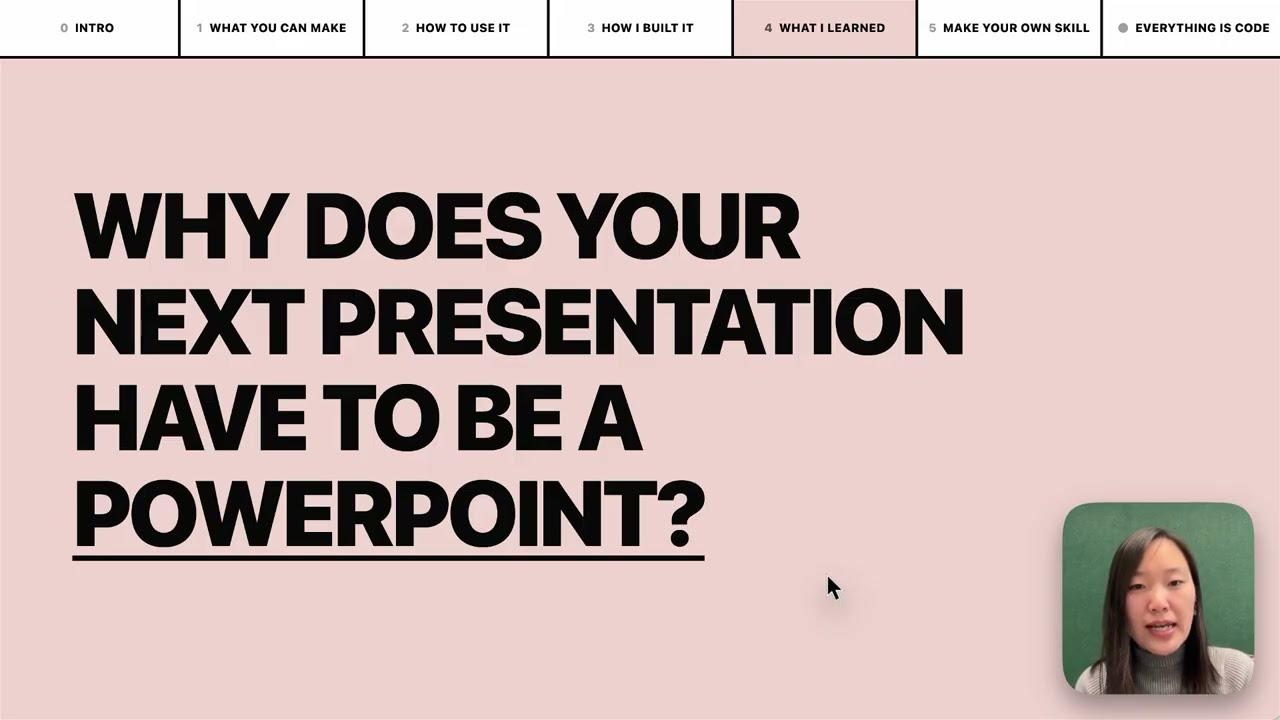
▶️ Watch on YouTube → (beginner-friendly walkthrough and tutorial)
What This Does
Frontend Slides helps non-designers create beautiful web presentations without knowing CSS or JavaScript. It uses a “show, don’t tell” approach: instead of asking you to describe your aesthetic preferences in words, it generates visual previews and lets you pick what you like.
Here is a deck about the skill, made through the skill:
https://github.com/user-attachments/assets/ef57333e-f879-432a-afb9-180388982478
Key Features
- Zero Dependencies — Single HTML files with inline CSS/JS. No npm, no build tools, no frameworks.
- Visual Style Discovery — Can’t articulate design preferences? No problem. Pick from generated visual previews.
- PPT Conversion — Convert existing PowerPoint files to web, preserving all images and content.
- Anti-AI-Slop — Curated distinctive styles that avoid generic AI aesthetics (bye-bye, purple gradients on white).
- Bold Template Pack — Optional design-forward templates from
beautiful-html-templates, loaded progressively so safe presets still work as the default fallback. - Production Quality — Accessible, fixed 16:9, well-commented code you can customize.
Installation
Via Claude Code Custom Marketplace Source
Install directly from this public GitHub repo. Run these as two separate Claude Code messages; do not paste both lines into the prompt at once.
/plugin marketplace add https://github.com/zarazhangrui/frontend-slides
After that finishes, run:
/plugin install frontend-slides@frontend-slides
Use the HTTPS URL. The shorter zarazhangrui/frontend-slides form may make Claude Code try SSH, which can fail if GitHub is not already in your known_hosts file.
Then use it by typing /frontend-slides:frontend-slides in Claude Code. Claude Code namespaces plugin-installed skills as /plugin-name:skill-name.
Claude Code Manual Installation
Copy the skill files to your Claude Code skills directory:
# Create the skill directory
mkdir -p ~/.claude/skills/frontend-slides/scripts

# Copy the user-facing skill files
cp SKILL.md STYLE_PRESETS.md viewport-base.css html-template.md animation-patterns.md ~/.claude/skills/frontend-slides/
cp -R bold-template-pack ~/.claude/skills/frontend-slides/
cp scripts/extract-pptx.py scripts/deploy.sh scripts/export-pdf.sh ~/.claude/skills/frontend-slides/scripts/
Or clone directly:
git clone https://github.com/zarazhangrui/frontend-slides.git ~/.claude/skills/frontend-slides
Then use it by typing /frontend-slides in Claude Code. Standalone skills are not namespaced.
Other Coding Agents
Agents such as Codex, Kimi Code, OpenCode, Gemini CLI, or other local coding assistants can use the same core skill. The simplest path is to send the agent this GitHub repo link and ask it to use the Frontend Slides skill:
https://github.com/zarazhangrui/frontend-slides
If the agent can read GitHub repos or browse files, it should start from SKILL.md and load only the referenced support files it needs:
STYLE_PRESETS.mdviewport-base.csshtml-template.mdanimation-patterns.mdbold-template-pack/scripts/
Some agents can also install the skill for you if they have filesystem access and a known local skills directory. If not, they can still follow SKILL.md directly for the current session.
The Claude Code plugin gives Claude Code a custom marketplace-source install flow and /frontend-slides:frontend-slides command. Other agents usually do not use that command surface.
Usage
Create a New Presentation
/frontend-slides:frontend-slides

> "I want to create a pitch deck for my AI startup"
If installed manually as a standalone Claude Code skill, use /frontend-slides instead.
In non-Claude agents, ask the agent to use the Frontend Slides skill and point it at this repo or SKILL.md.
The skill will:
- Ask about your content (slides, messages, images)
- Generate 3 visual style previews for you to compare, inferring the vibe from your brief unless you already named one
- Let you pick the visual direction
- Create the full presentation in your chosen style
- Open it in your browser
Convert a PowerPoint
/frontend-slides:frontend-slides

> "Convert my presentation.pptx to a web slideshow"
The skill will:
- Extract all text, images, and notes from your PPT
- Show you the extracted content for confirmation
- Let you pick a visual style
- Generate an HTML presentation with all your original assets
Included Styles
Dark Themes
- Bold Signal — Confident, high-impact, vibrant card on dark
- Electric Studio — Clean, professional, split-panel
- Creative Voltage — Energetic, retro-modern, electric blue + neon
- Dark Botanical — Elegant, sophisticated, warm accents
Light Themes
- Notebook Tabs — Editorial, organized, paper with colorful tabs
- Pastel Geometry — Friendly, approachable, vertical pills
- Split Pastel — Playful, modern, two-color vertical split
- Vintage Editorial — Witty, personality-driven, geometric shapes
Specialty
- Neon Cyber — Futuristic, particle backgrounds, neon glow
- Terminal Green — Developer-focused, hacker aesthetic
- Swiss Modern — Minimal, Bauhaus-inspired, geometric
- Paper & Ink — Literary, drop caps, pull quotes
Bold Template Pack
The skill also includes 34 optional bold design systems from
beautiful-html-templates, such as Neo-Grid Bold, Editorial Tri-Tone,
Creative Mode, Broadside, Signal, and Vellum.
During style discovery, the preview set is:
- 1 safe preset from
STYLE_PRESETS.md - at least 1 bold template option from
bold-template-pack/selection-index.json - 1 wildcard option, either another bold template or a self-generated custom design
The agent reads the compact bold template index first, then loads only the
shortlisted candidates’ small preview.md cards for title-slide previews. It
loads the full design.md for exactly one bold template only after the user
picks that template for the final deck. If the user picks a custom wildcard,
the agent expands that preview’s own CSS and layout system into the full deck.
Bold Template Gallery
Frontend Slides can now draw from the 34 bold design systems in beautiful-html-templates. Three screenshots per template show how each visual system handles different slide layouts. Click any template name to inspect the source template library.
Soft Editorial
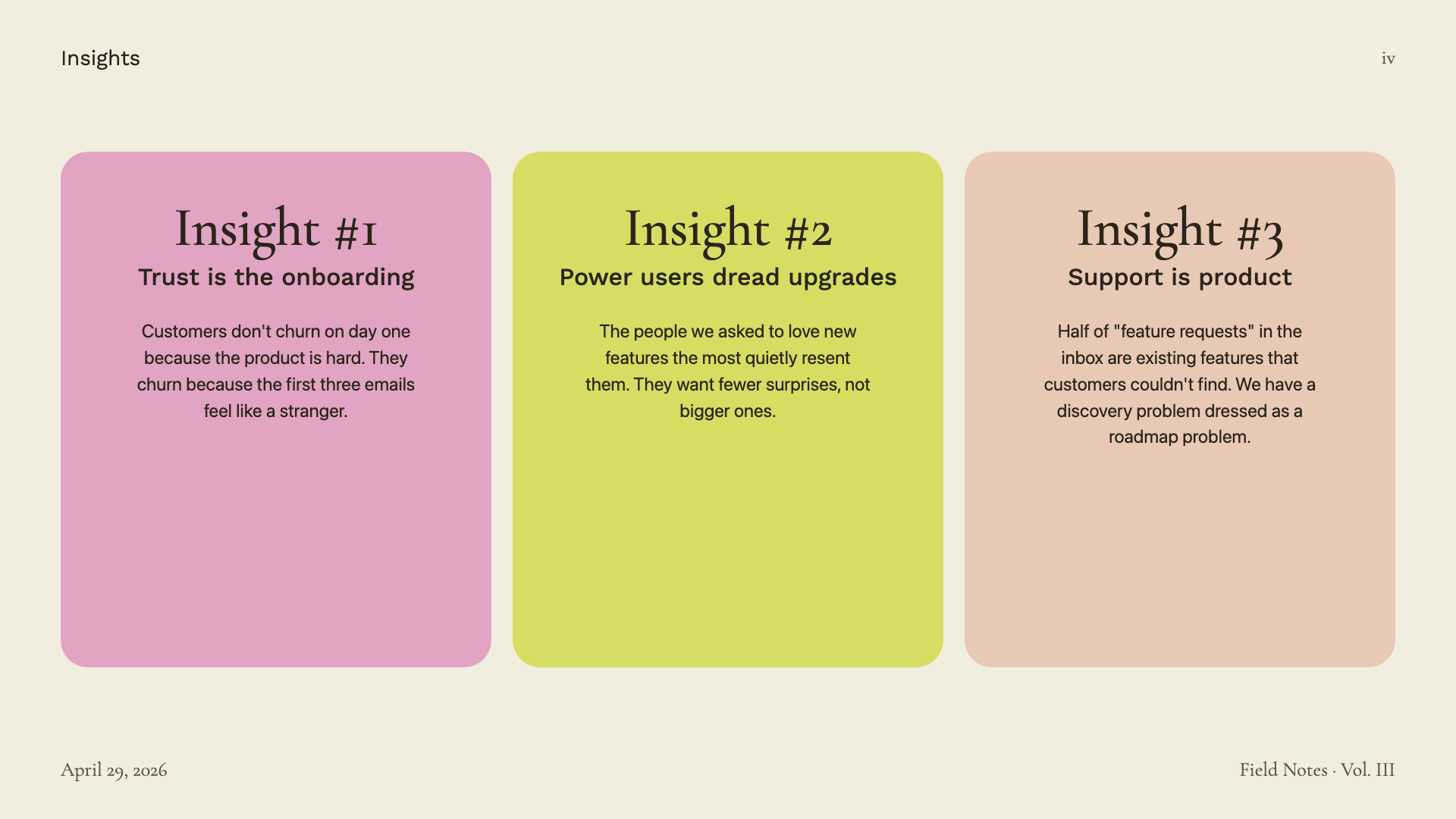
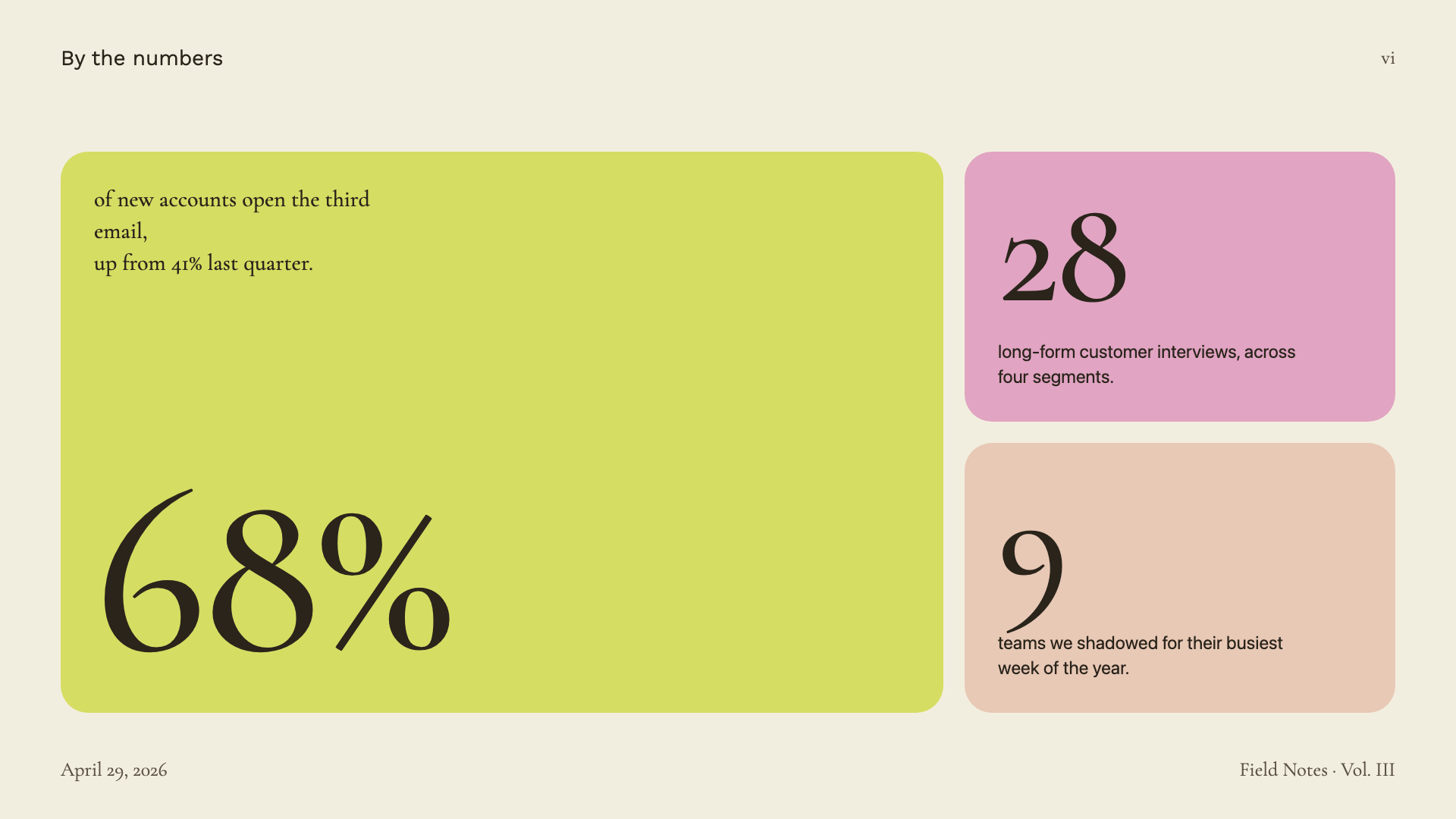
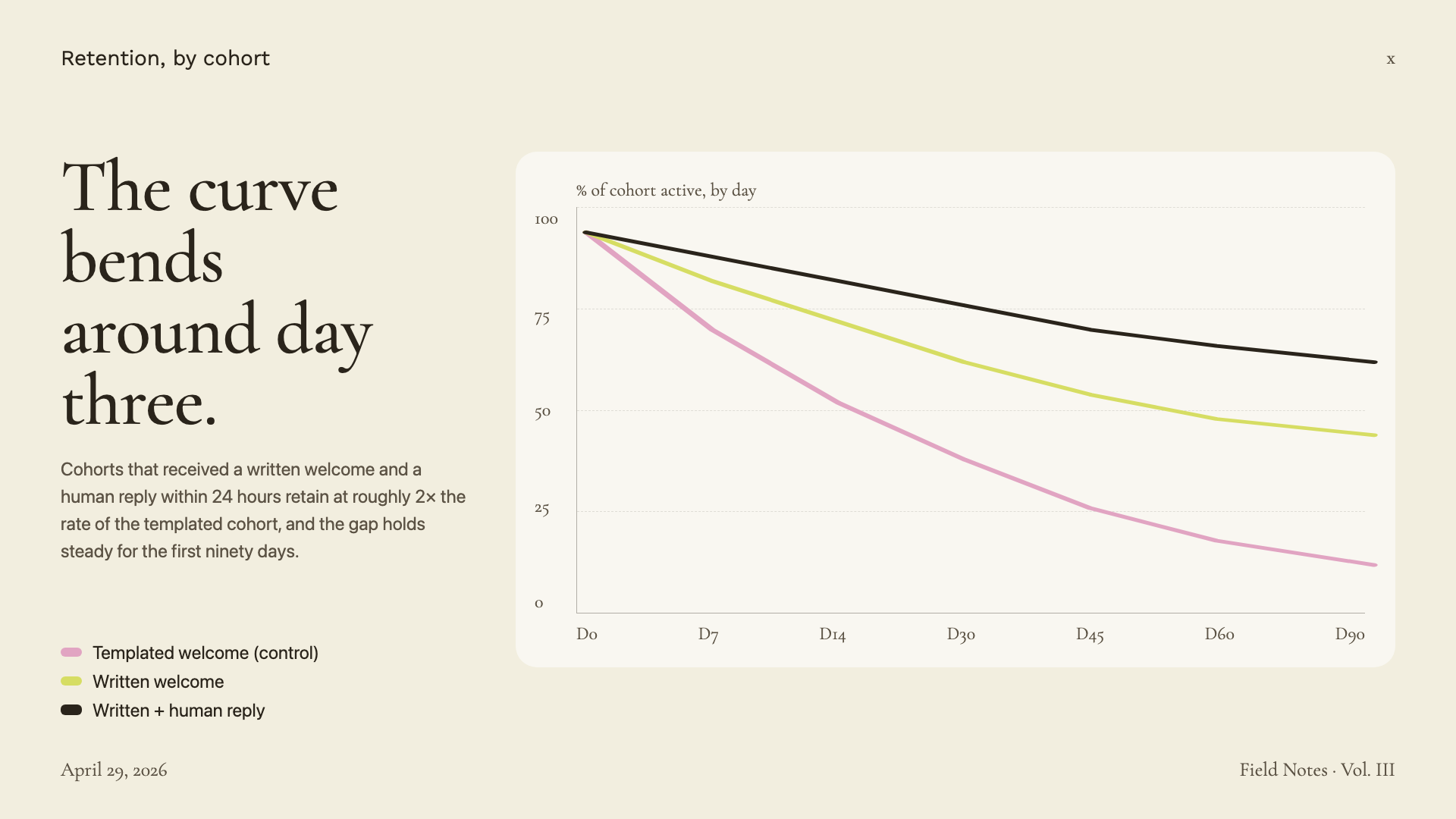
Cormorant Garamond serif on warm paper with sage, blush, and lemon accents.
Editorial Forest
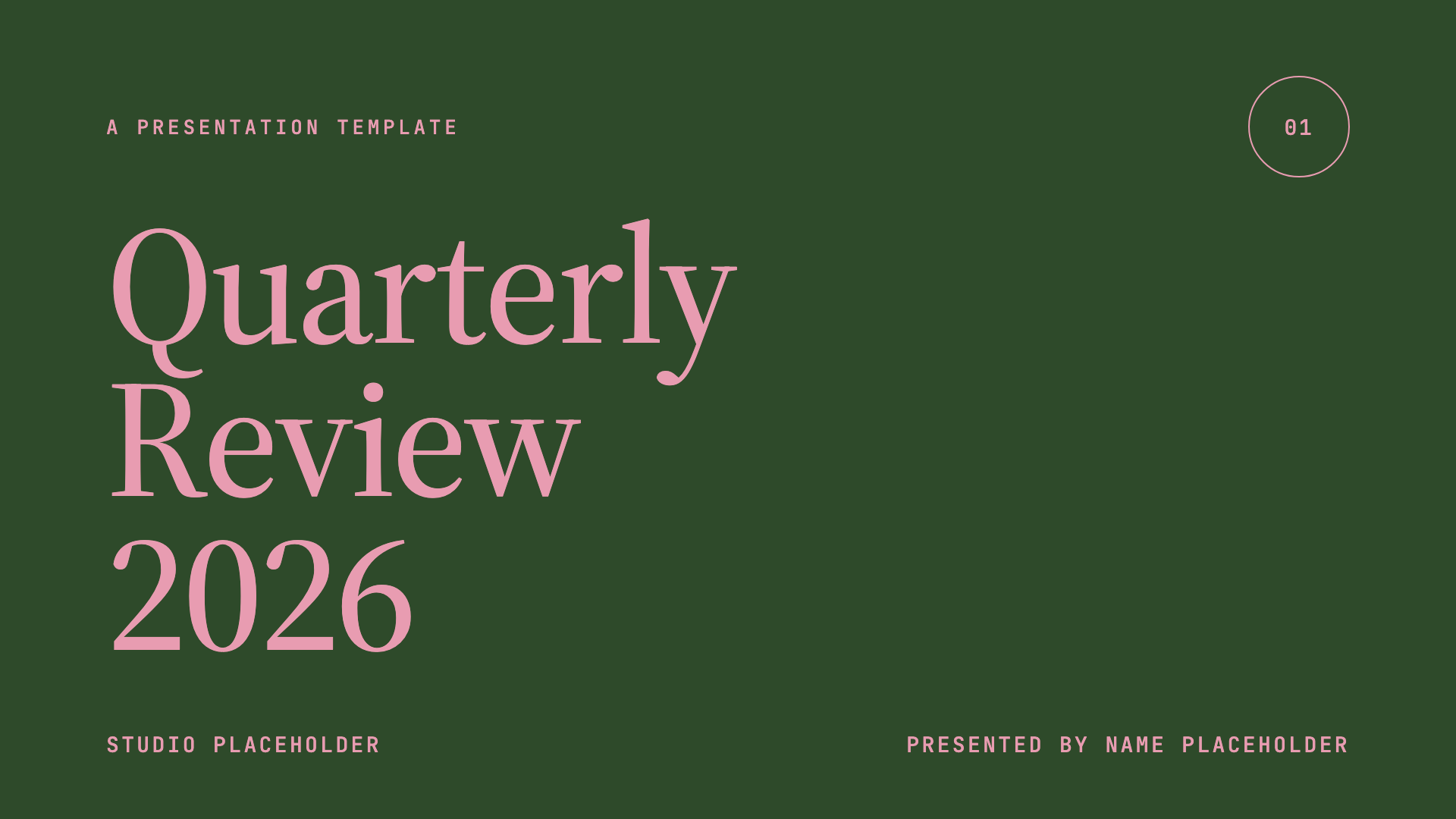
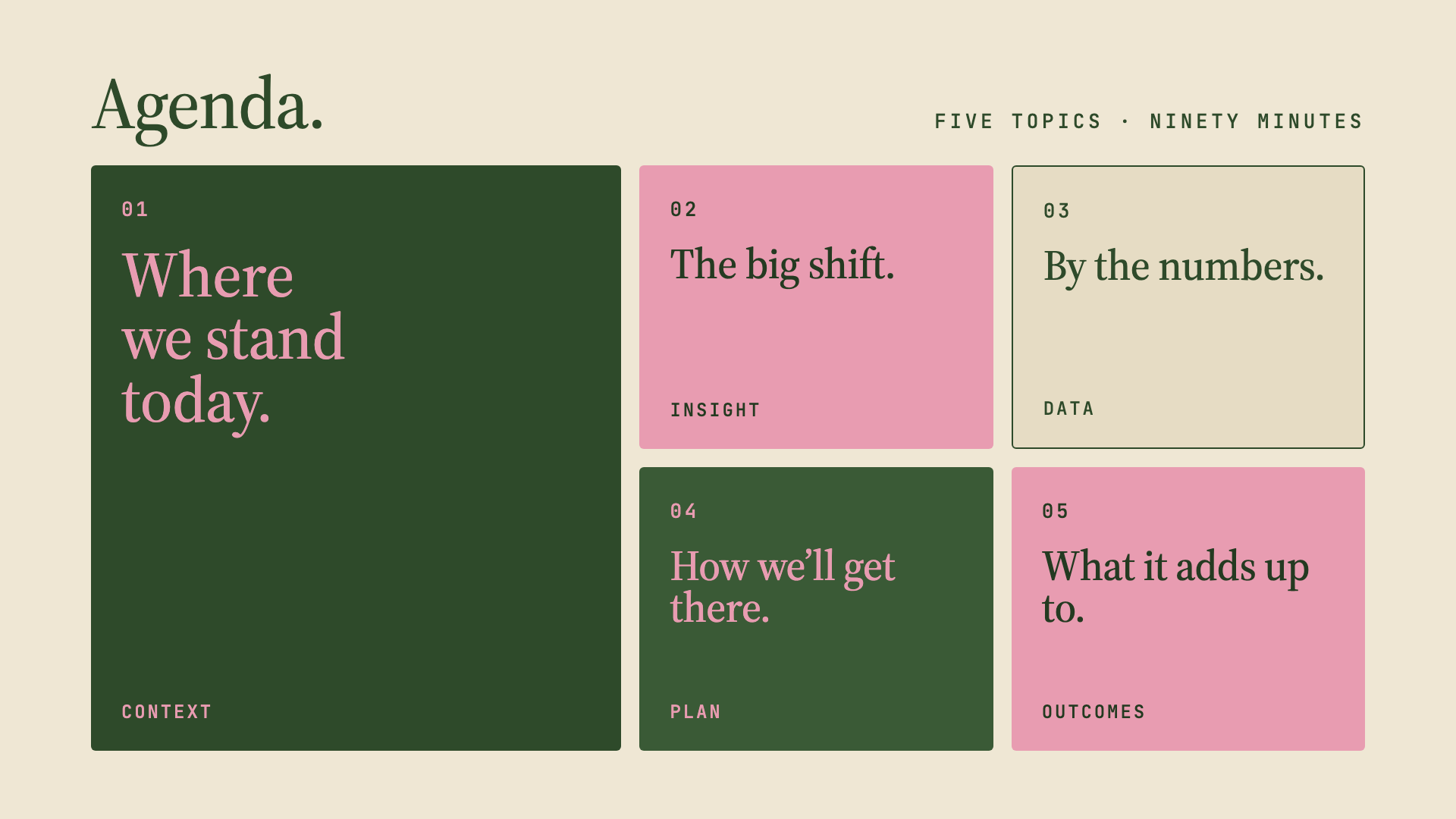
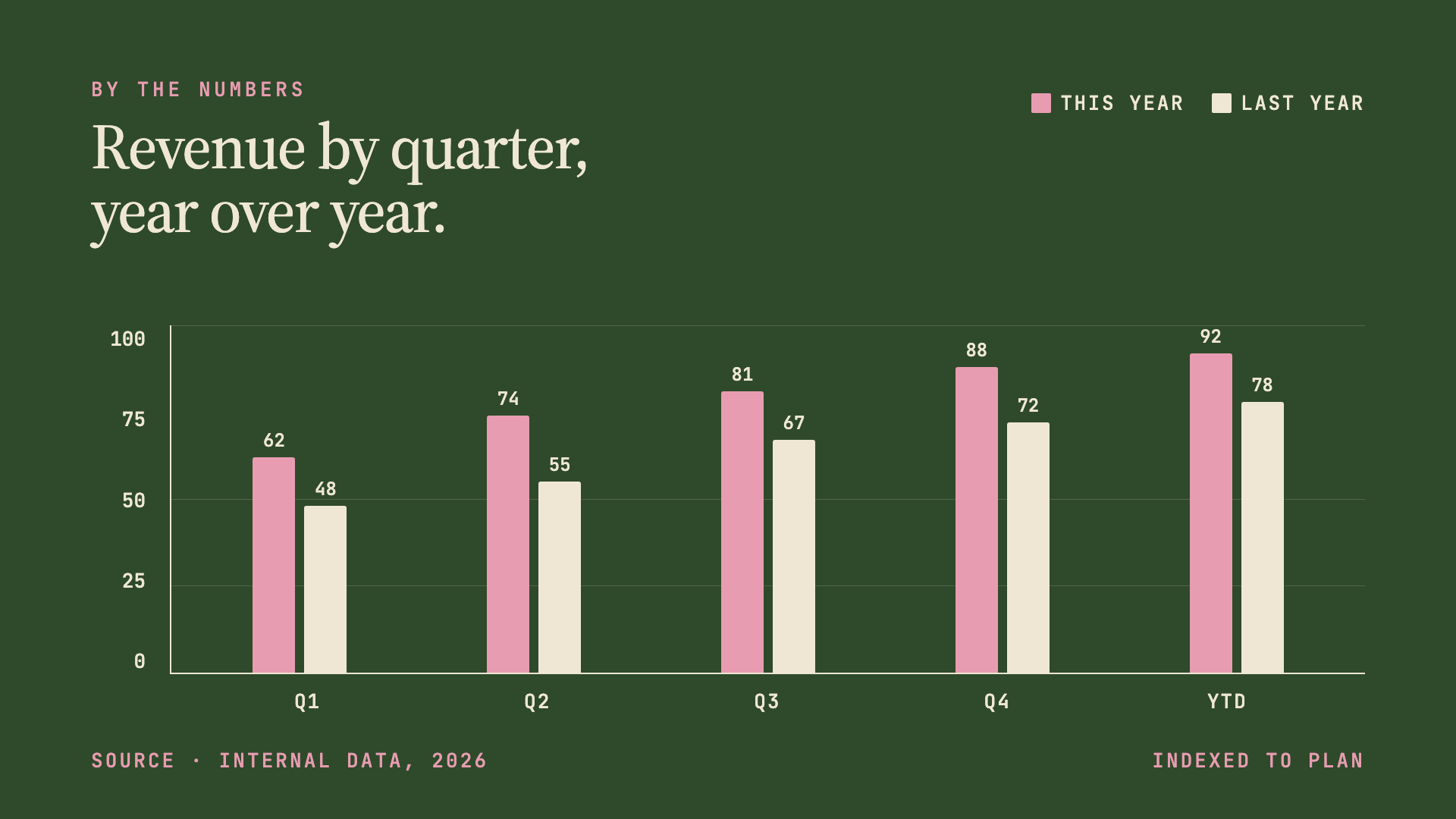
Forest green, dusty pink, and warm cream in Source Serif 4 — quiet, intentional quarterly-review aesthetic.
Pin & Paper
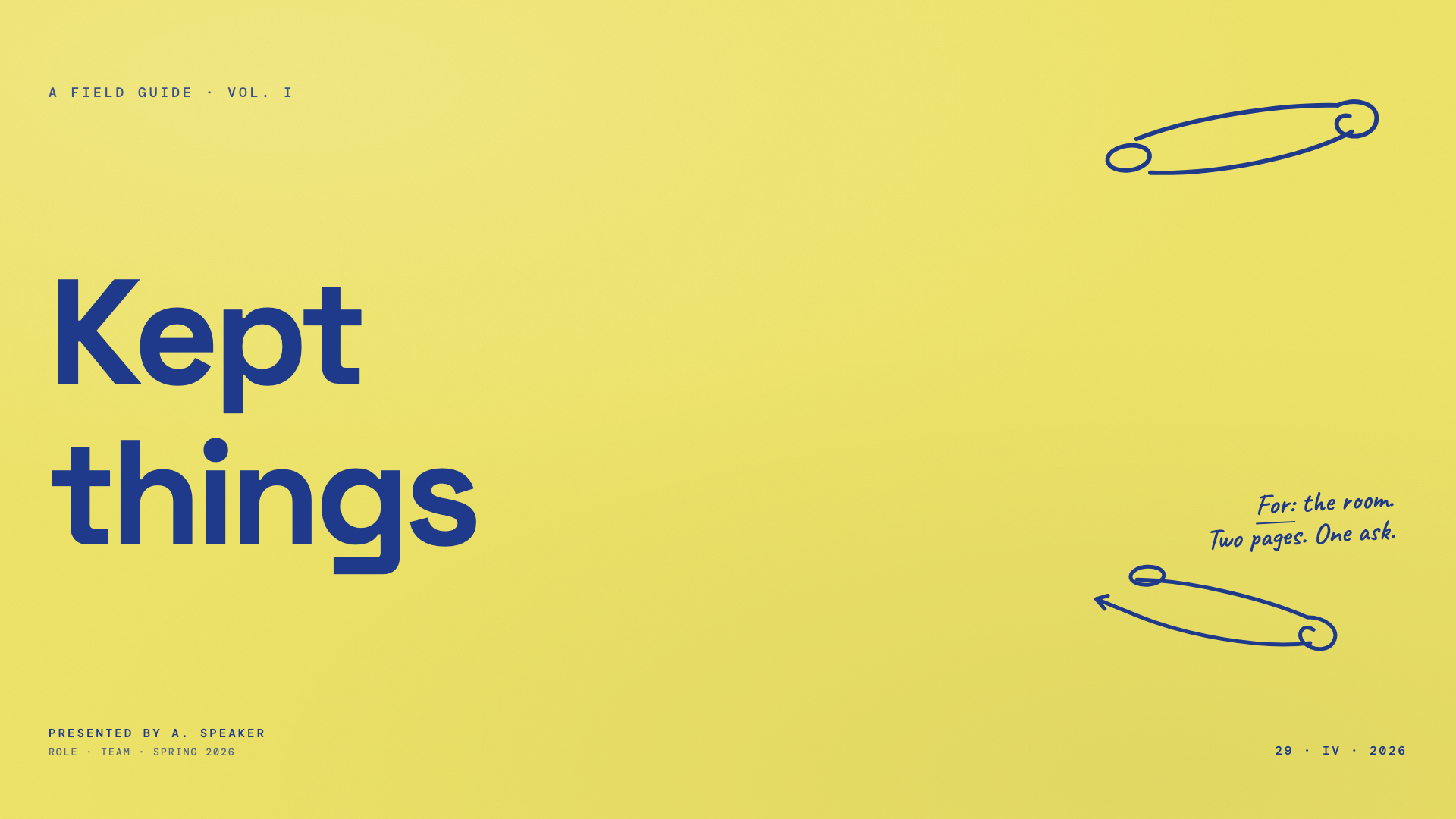
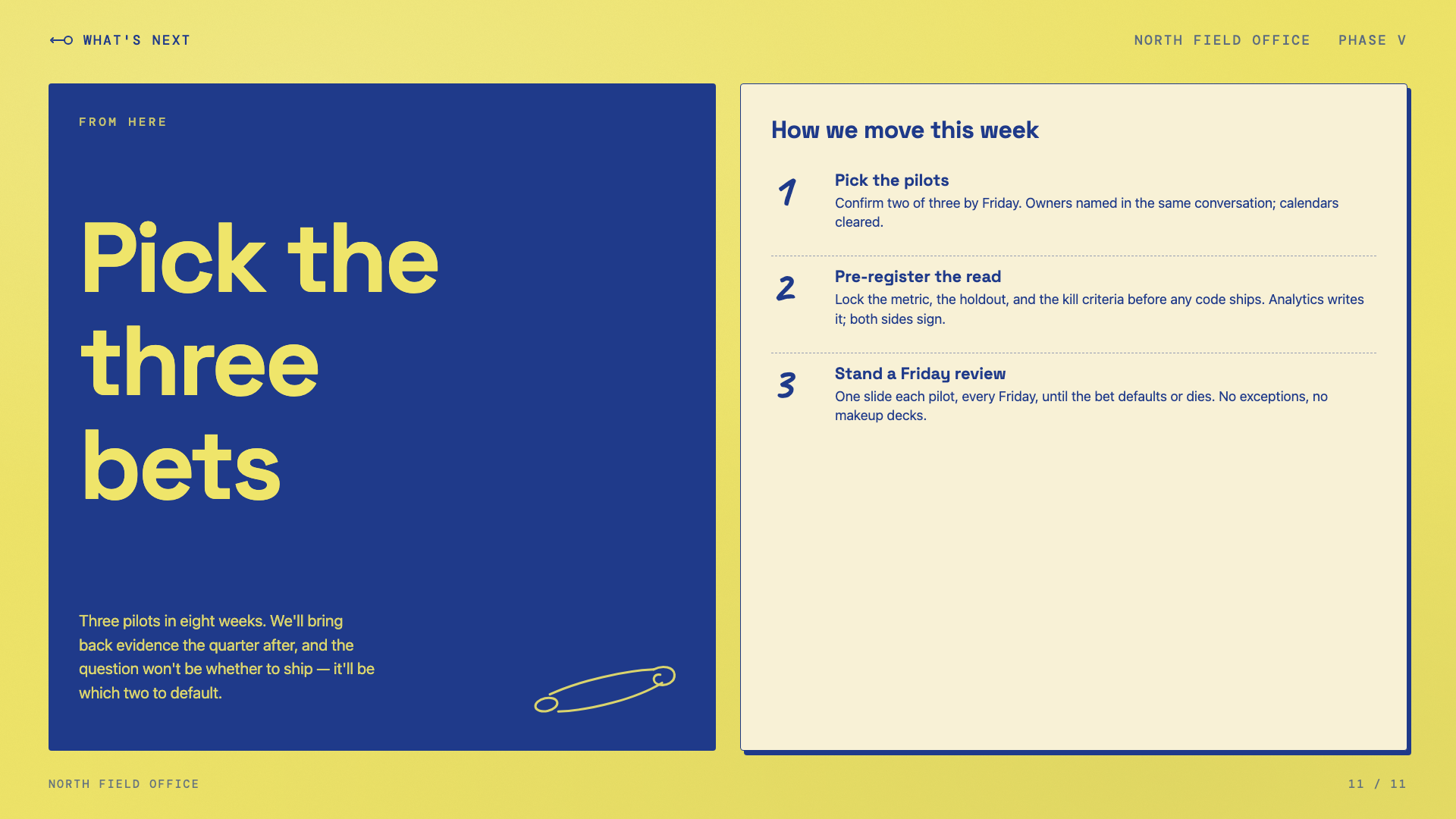
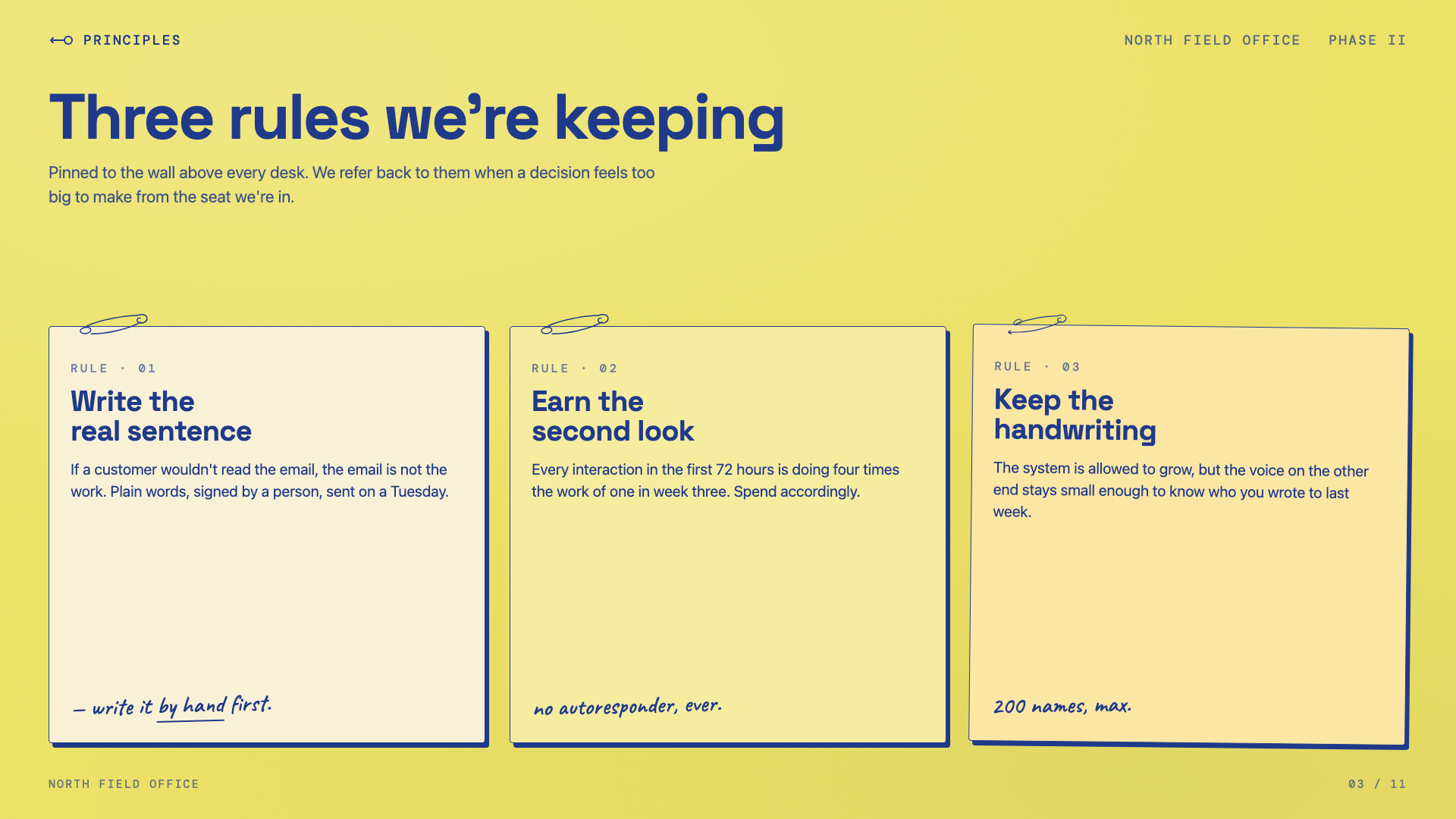
Yellow paper with safety-pin illustrations, ink-blue handwritten Caveat, paper-grain texture.
Sakura Chroma
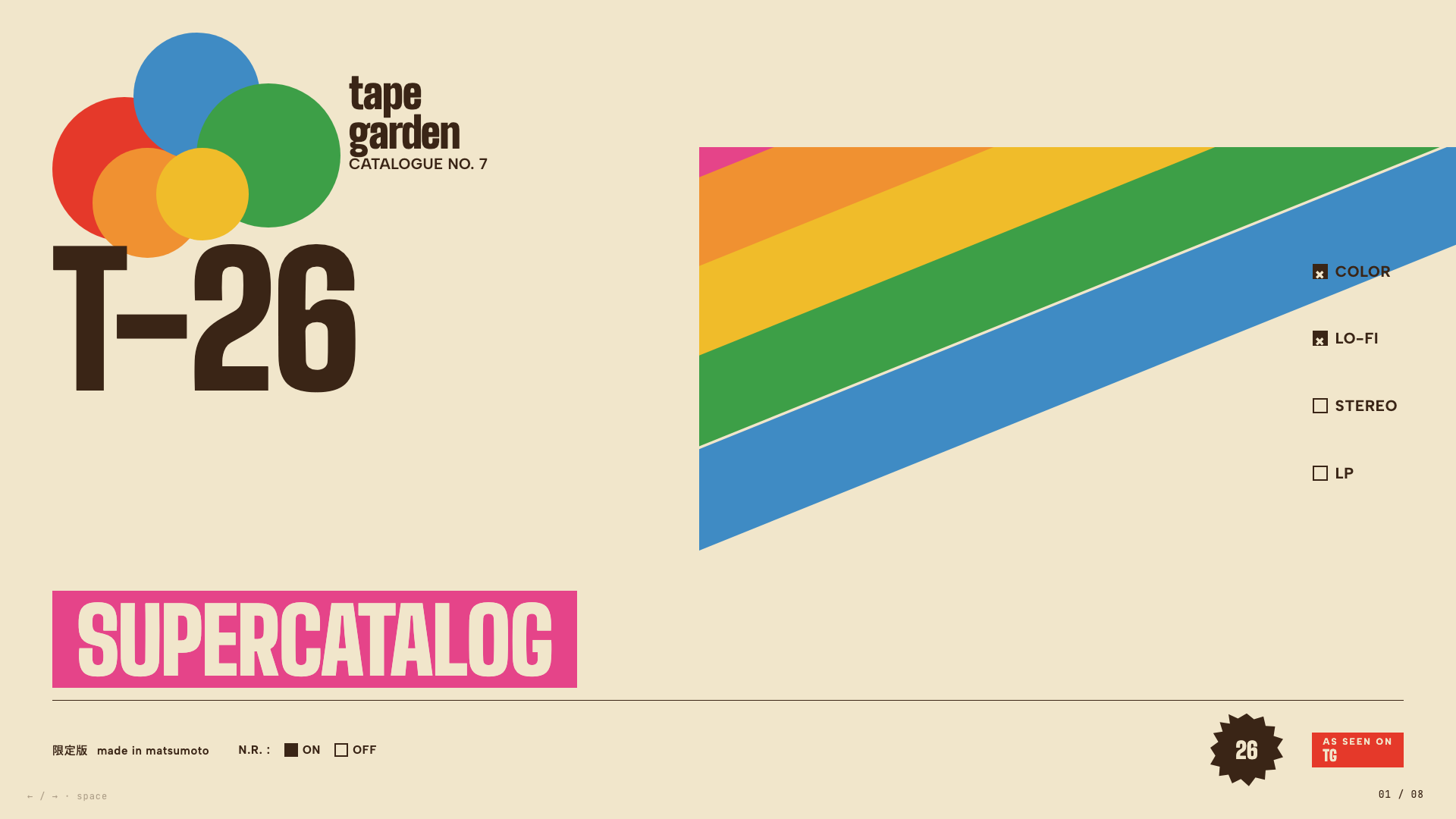
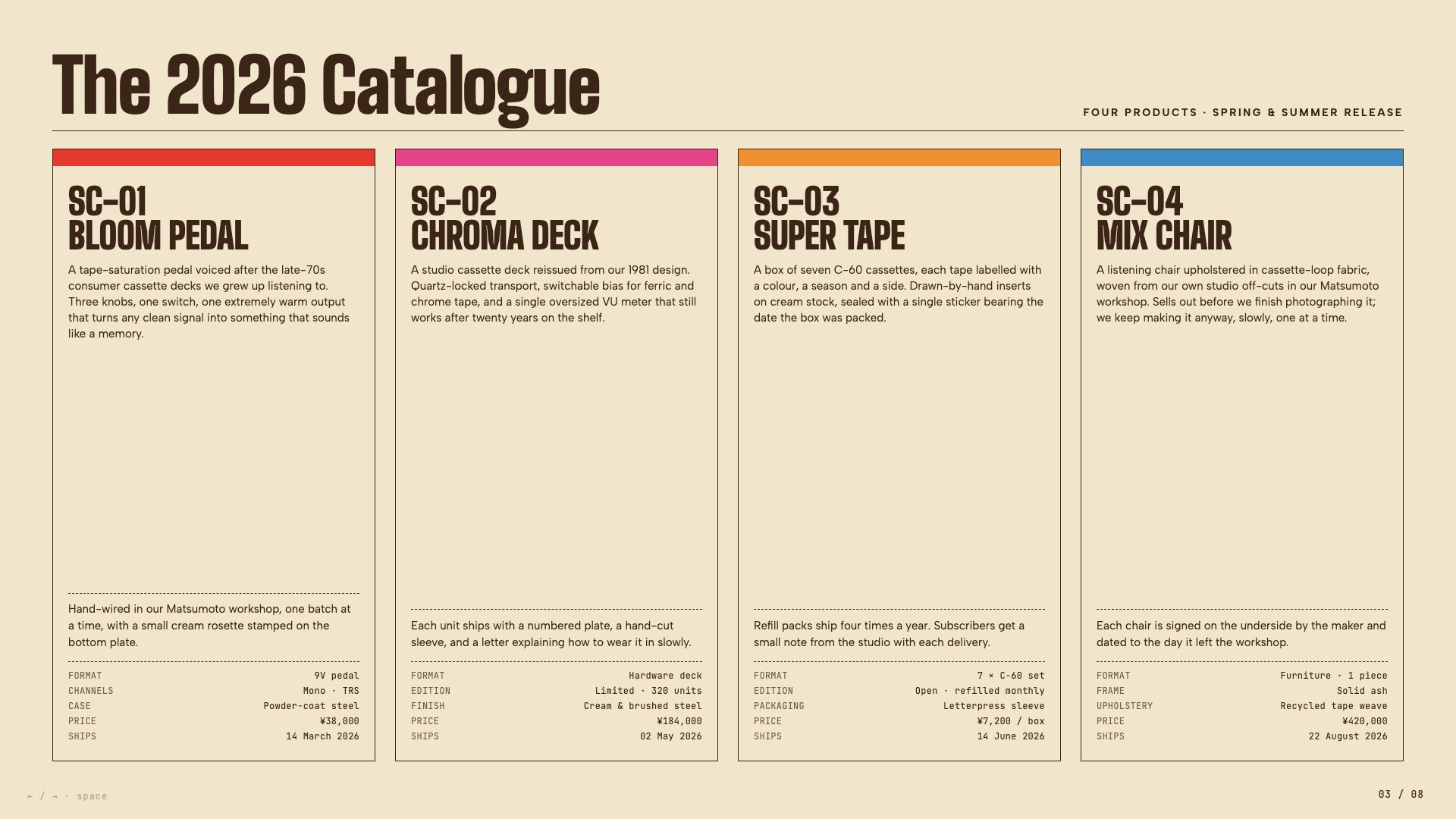
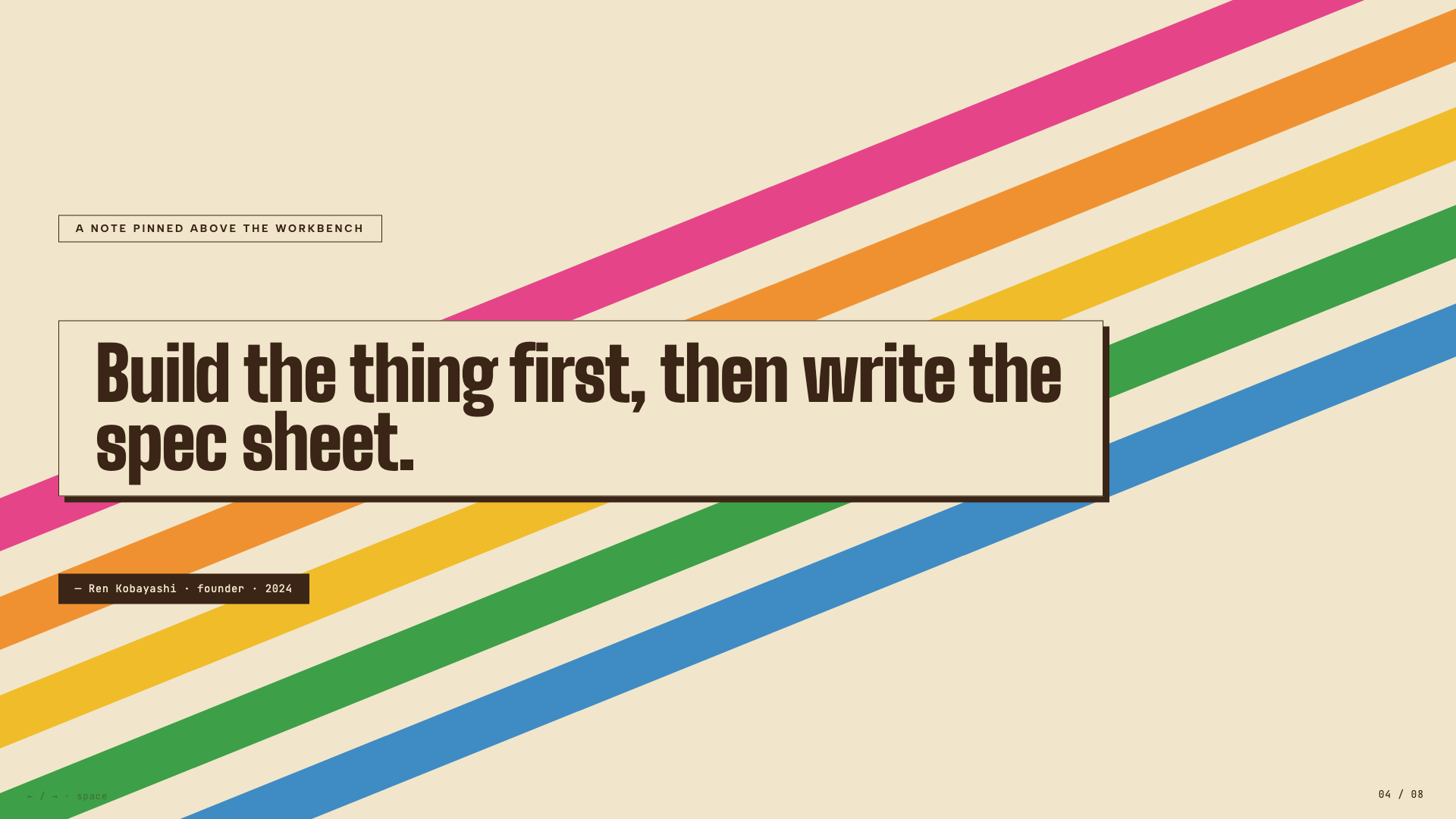
Vintage Japanese cassette-package aesthetic: cream paper, diagonal rainbow ribbons, condensed bold type, JIS-style spec checkboxes.
Stencil & Tablet
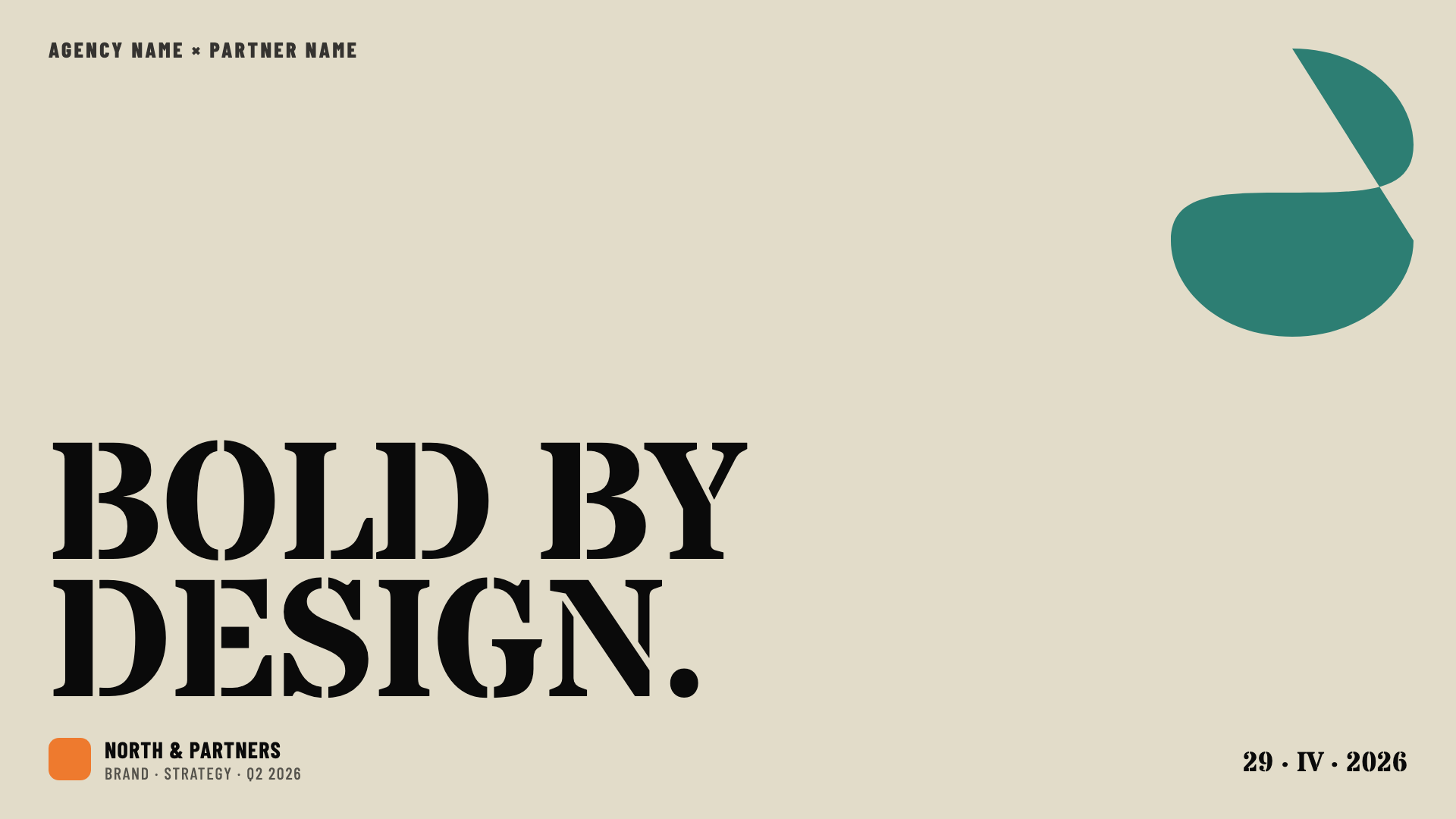
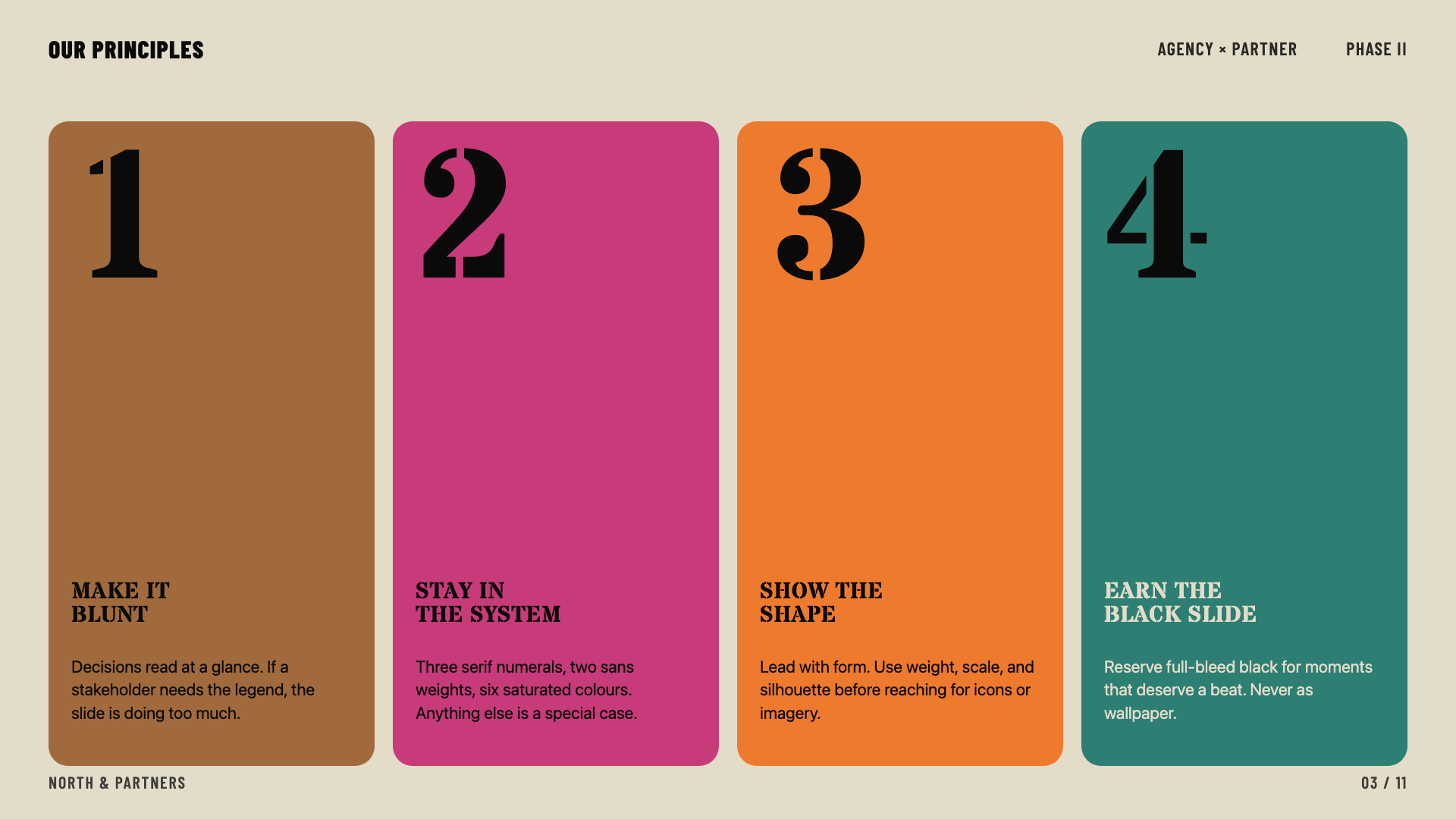
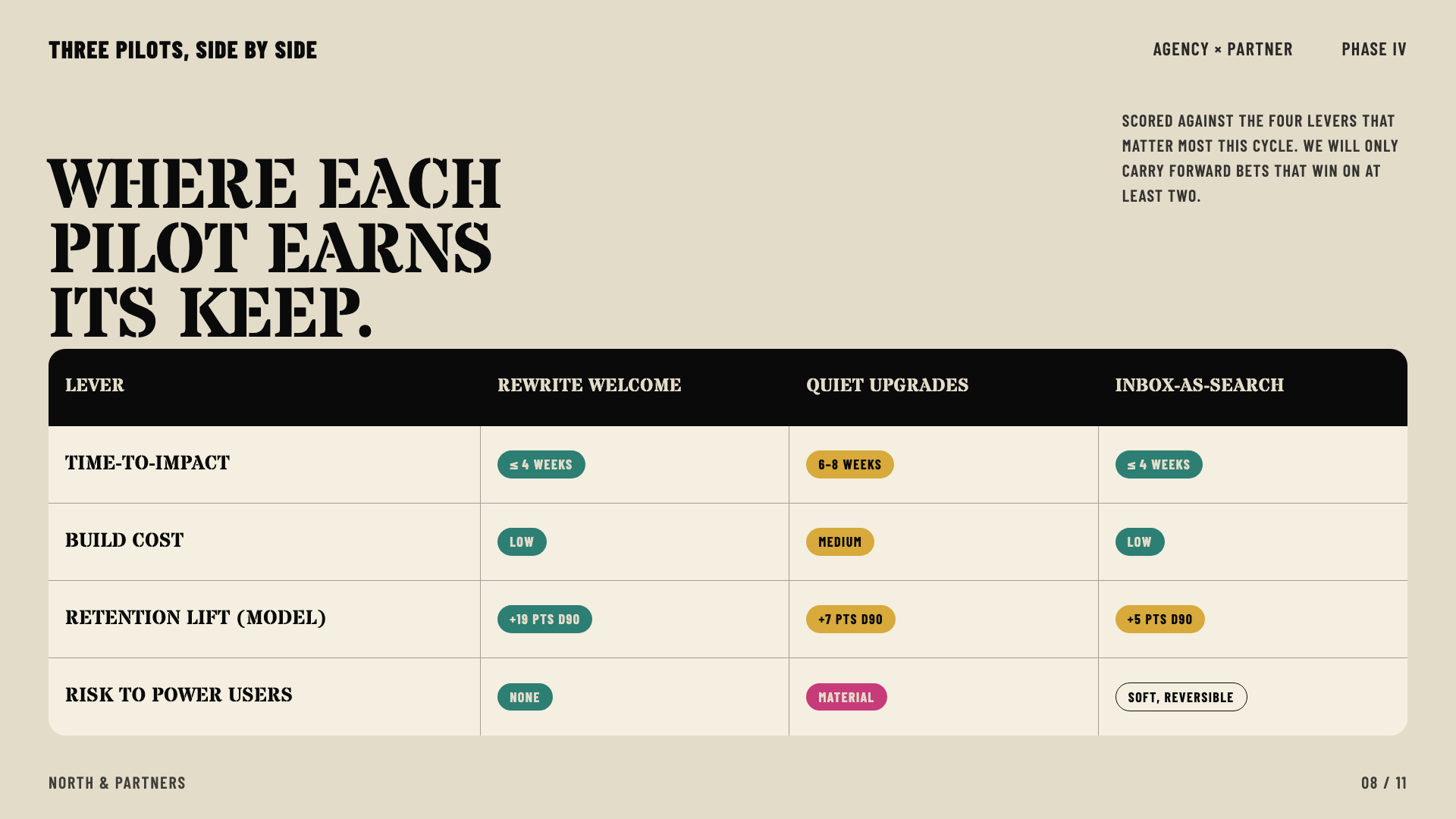
Bone paper with stencil-cut headlines and a six-color earth palette: archaeology meets brand.
Cobalt Grid
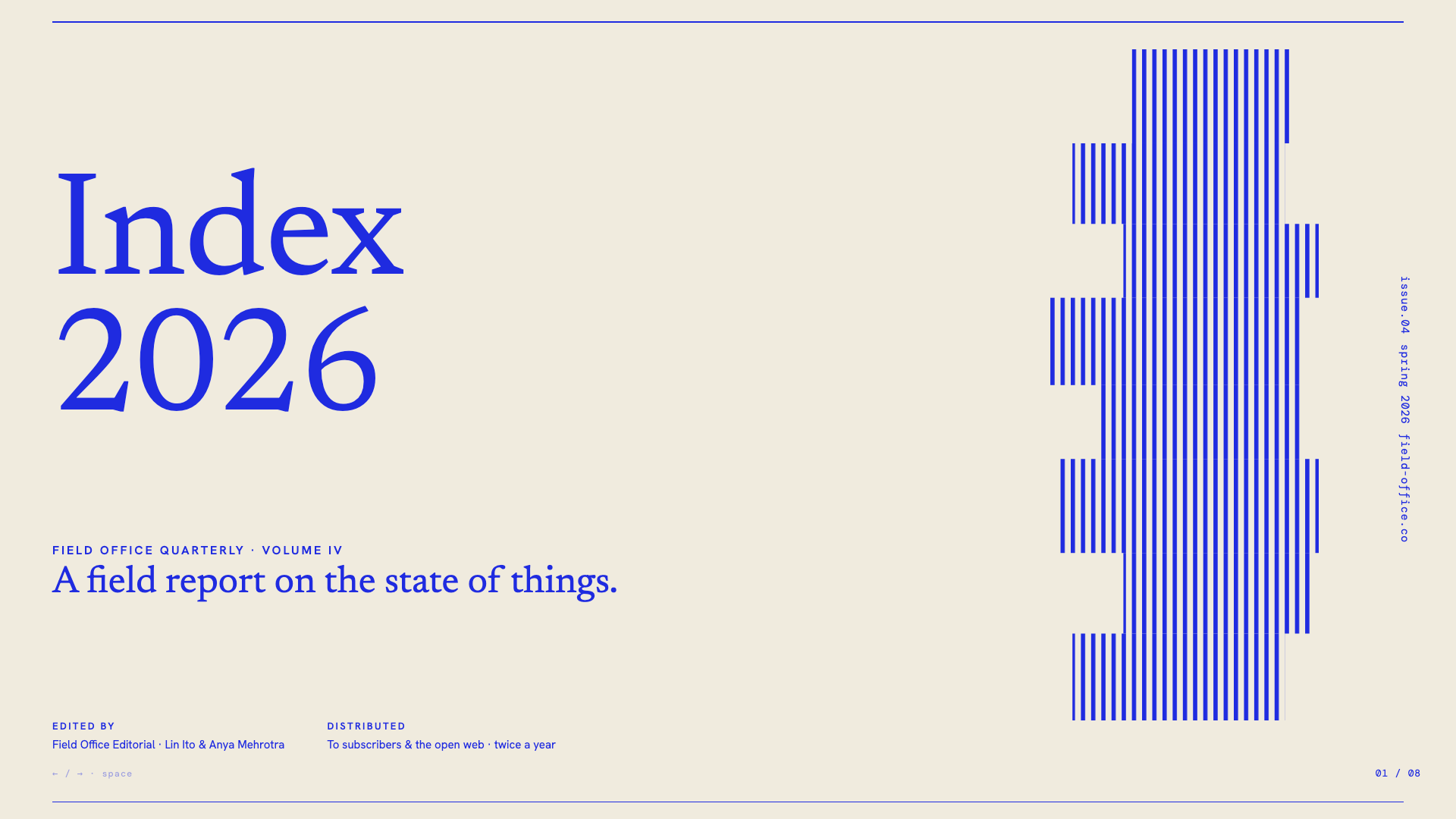
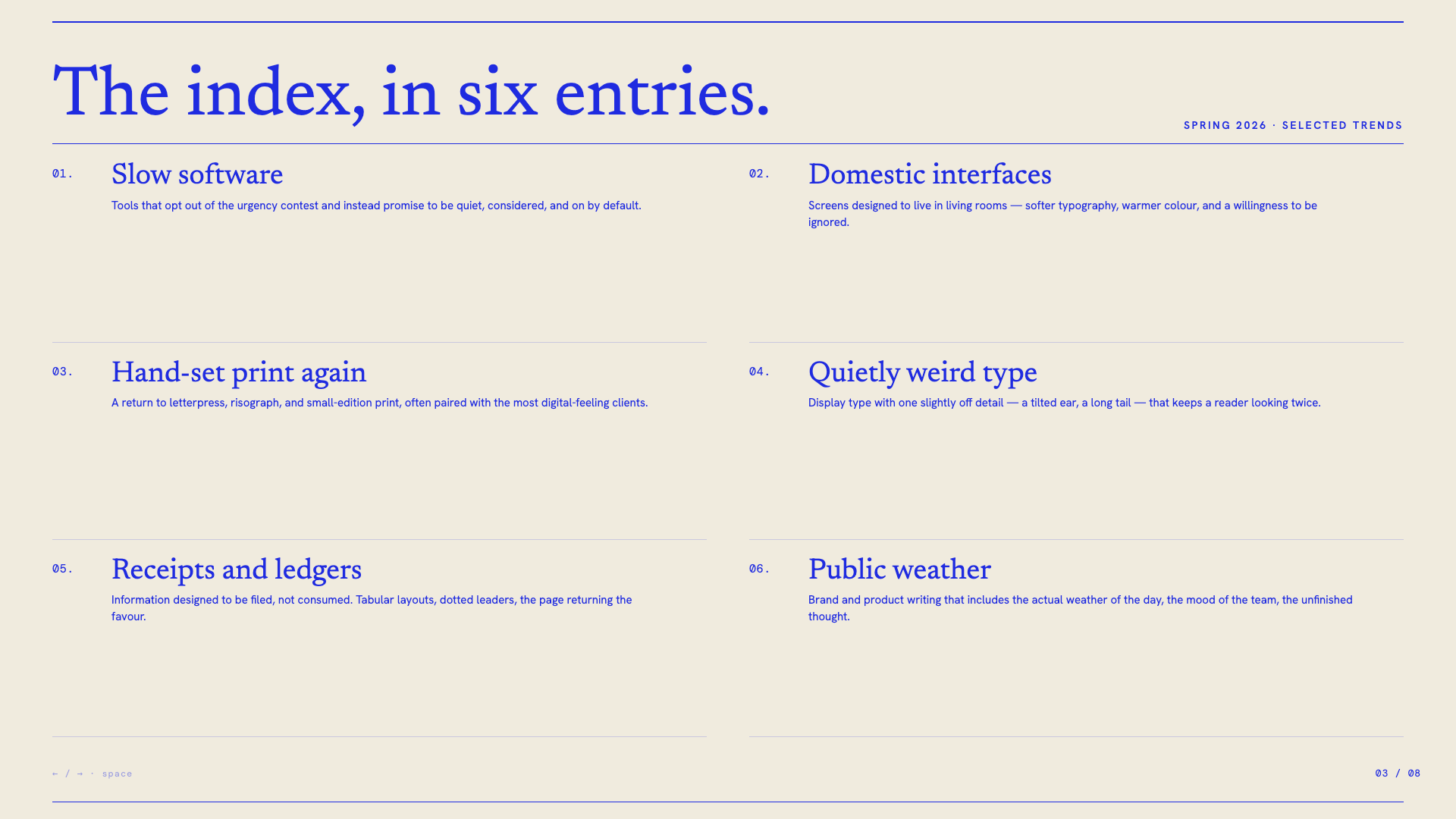
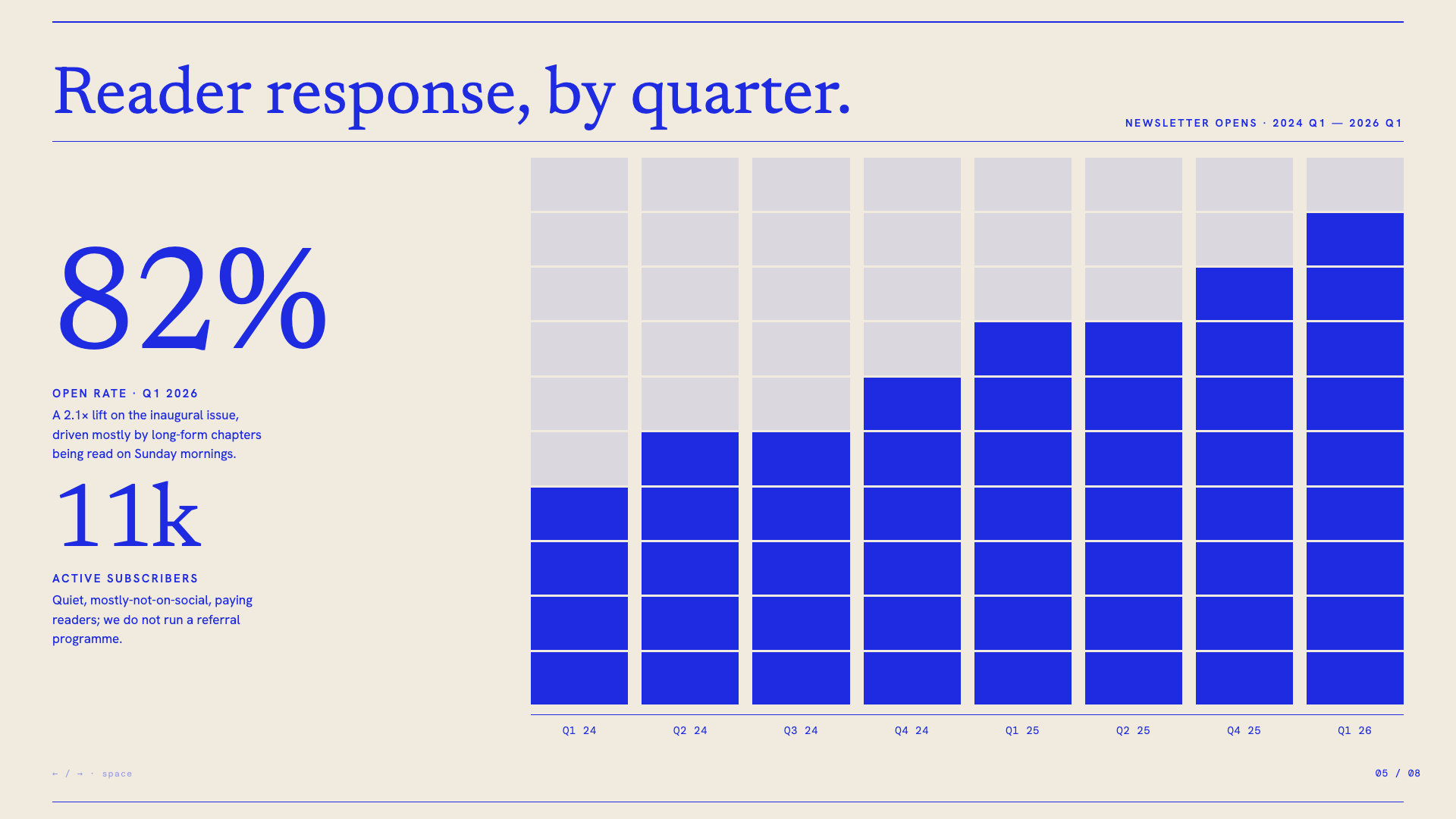
Electric cobalt italic serifs on a graph-paper canvas, anchored by stair-stepped pixel-glitch decorations and slim hairline rules.
Vellum
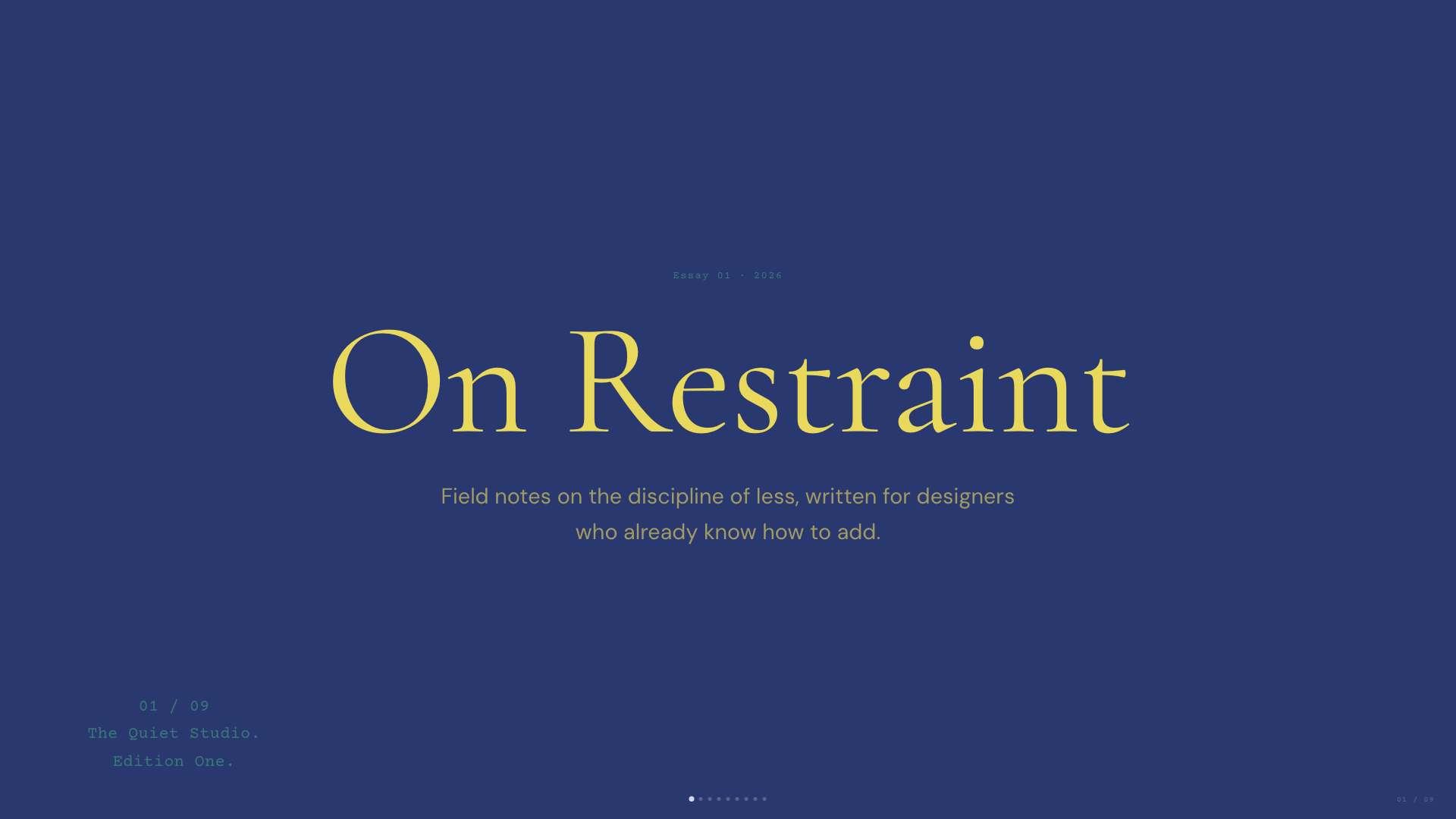
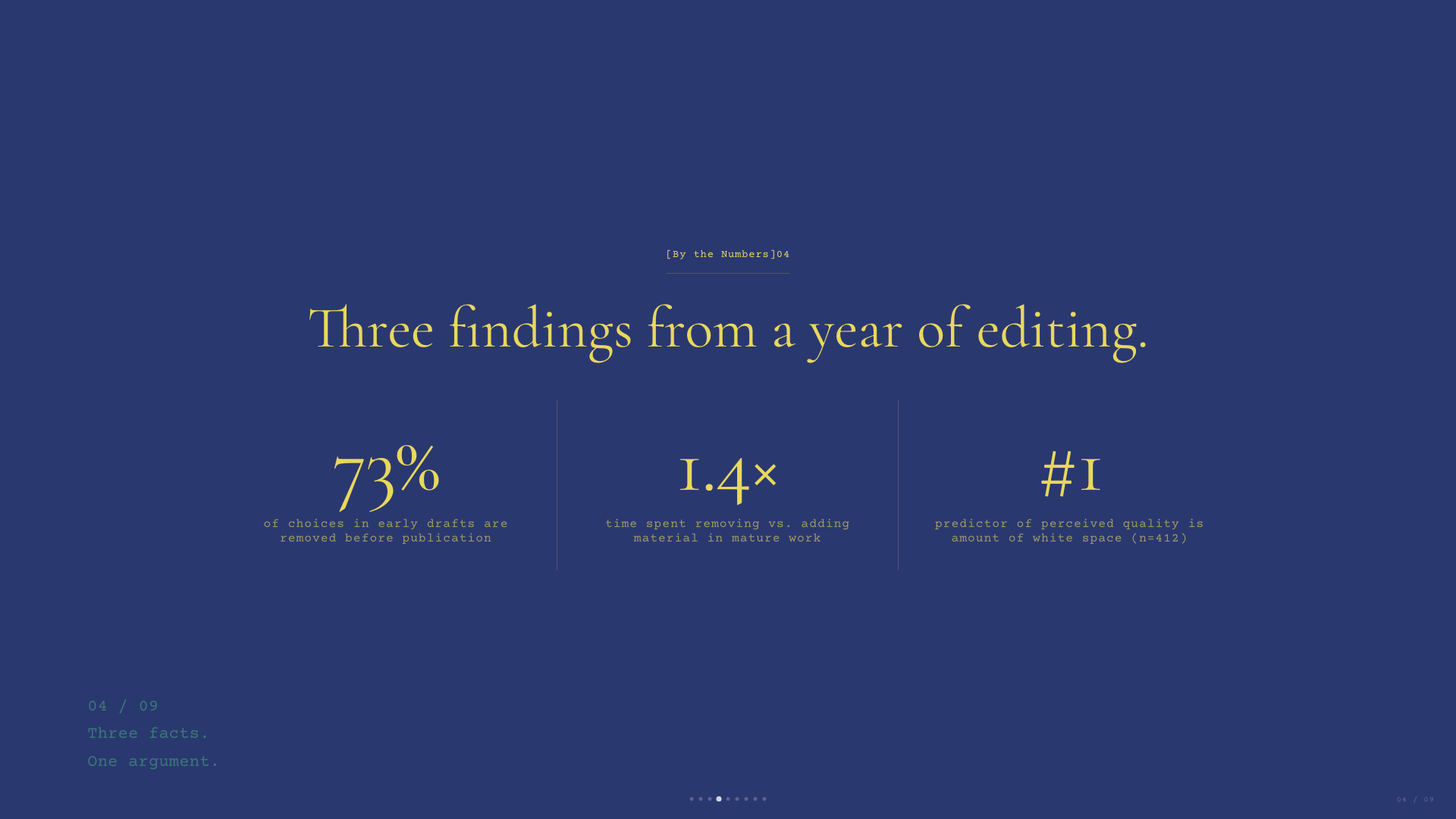
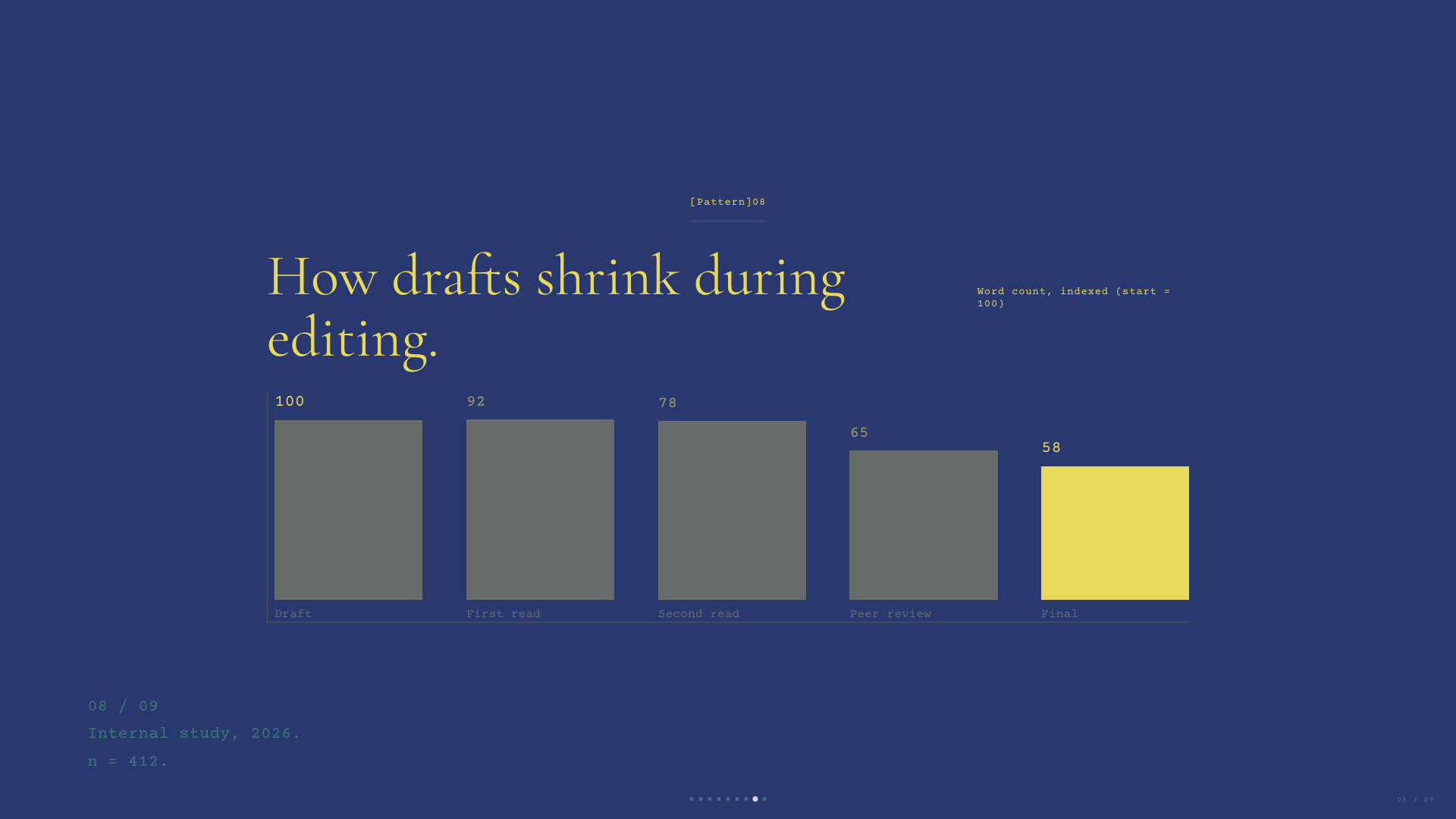
Deep navy canvas with warm-yellow italic Cormorant serifs and a single dusty teal accent. A quiet, scholarly aesthetic.
Emerald Editorial
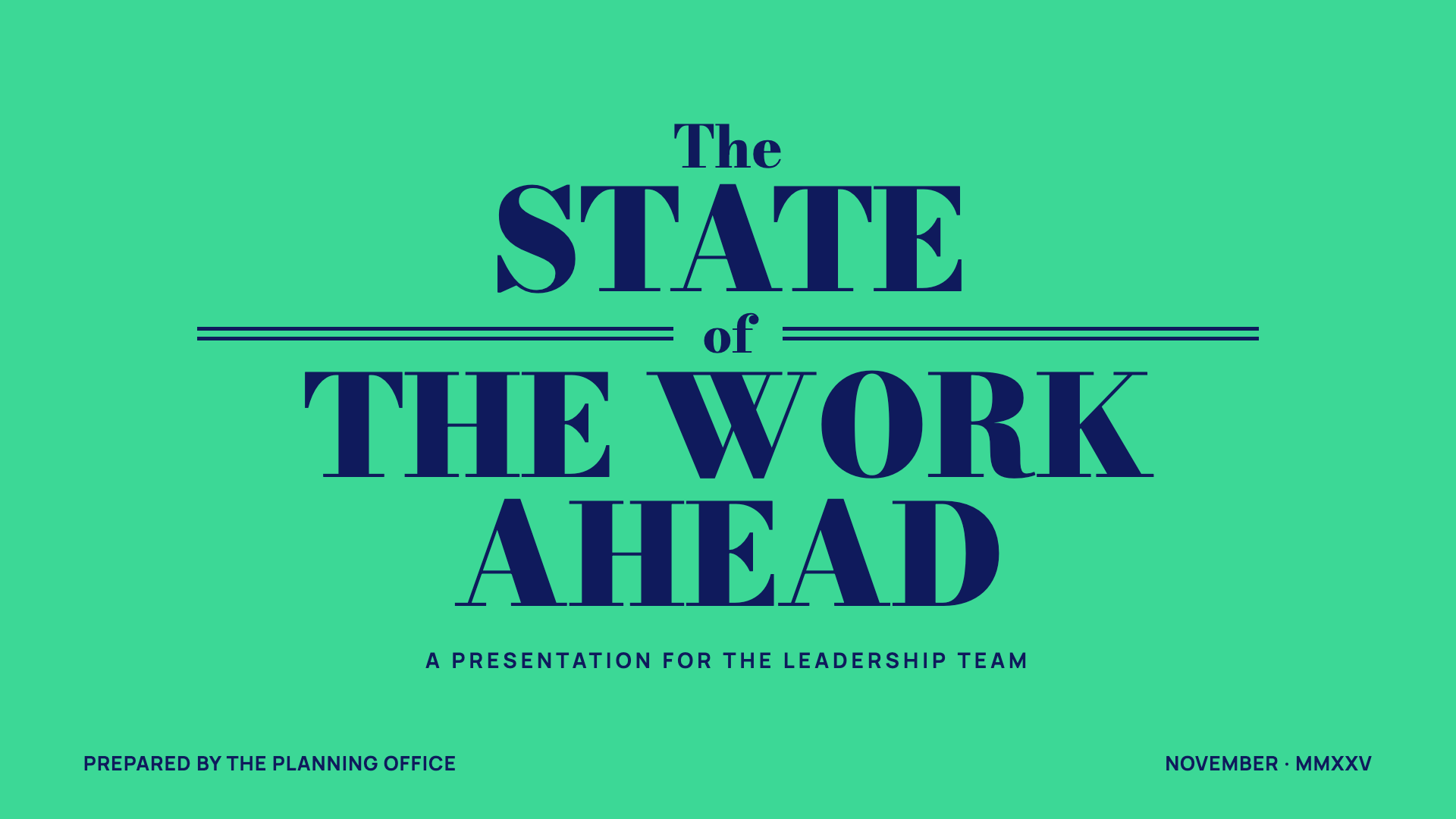
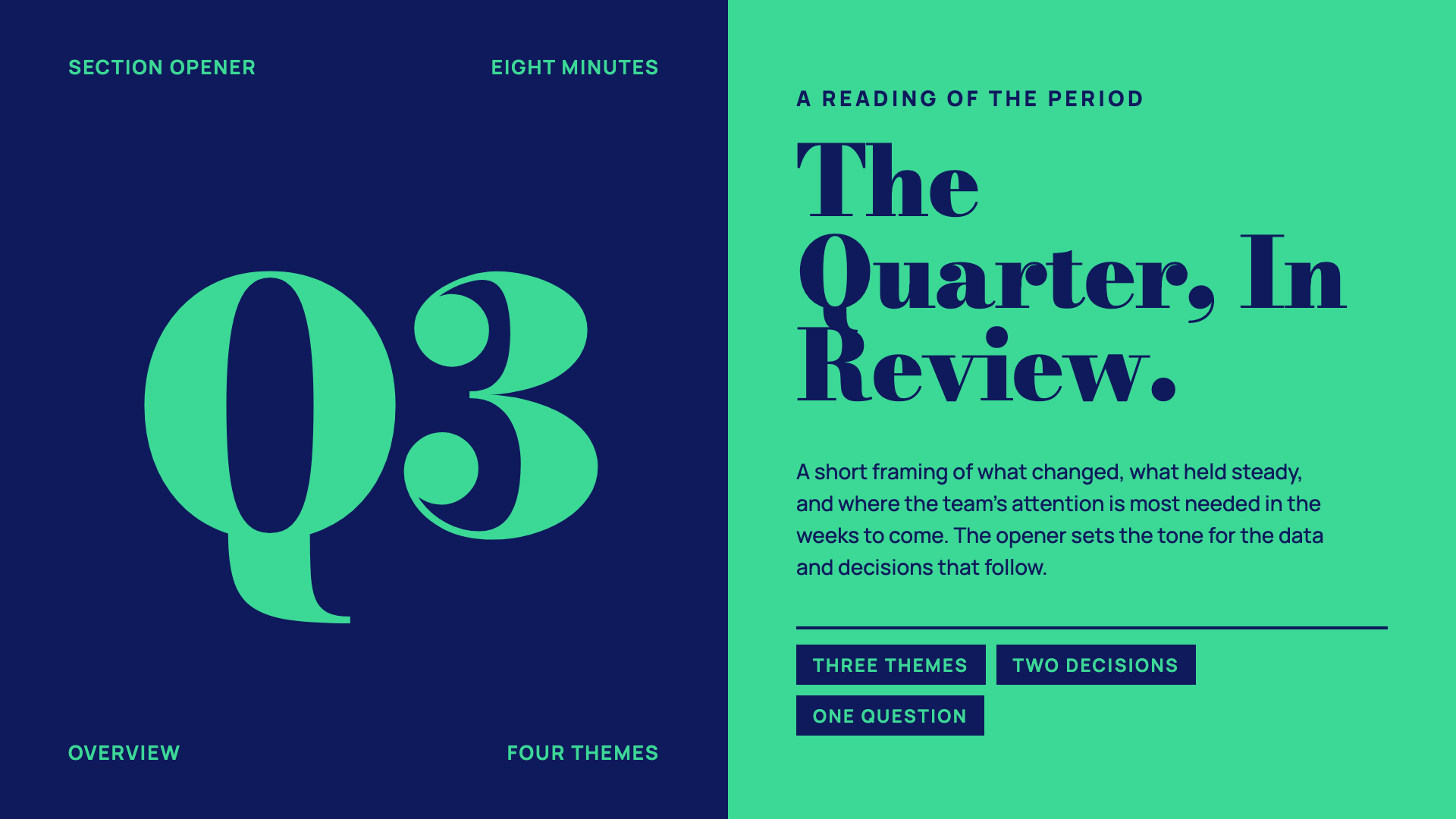
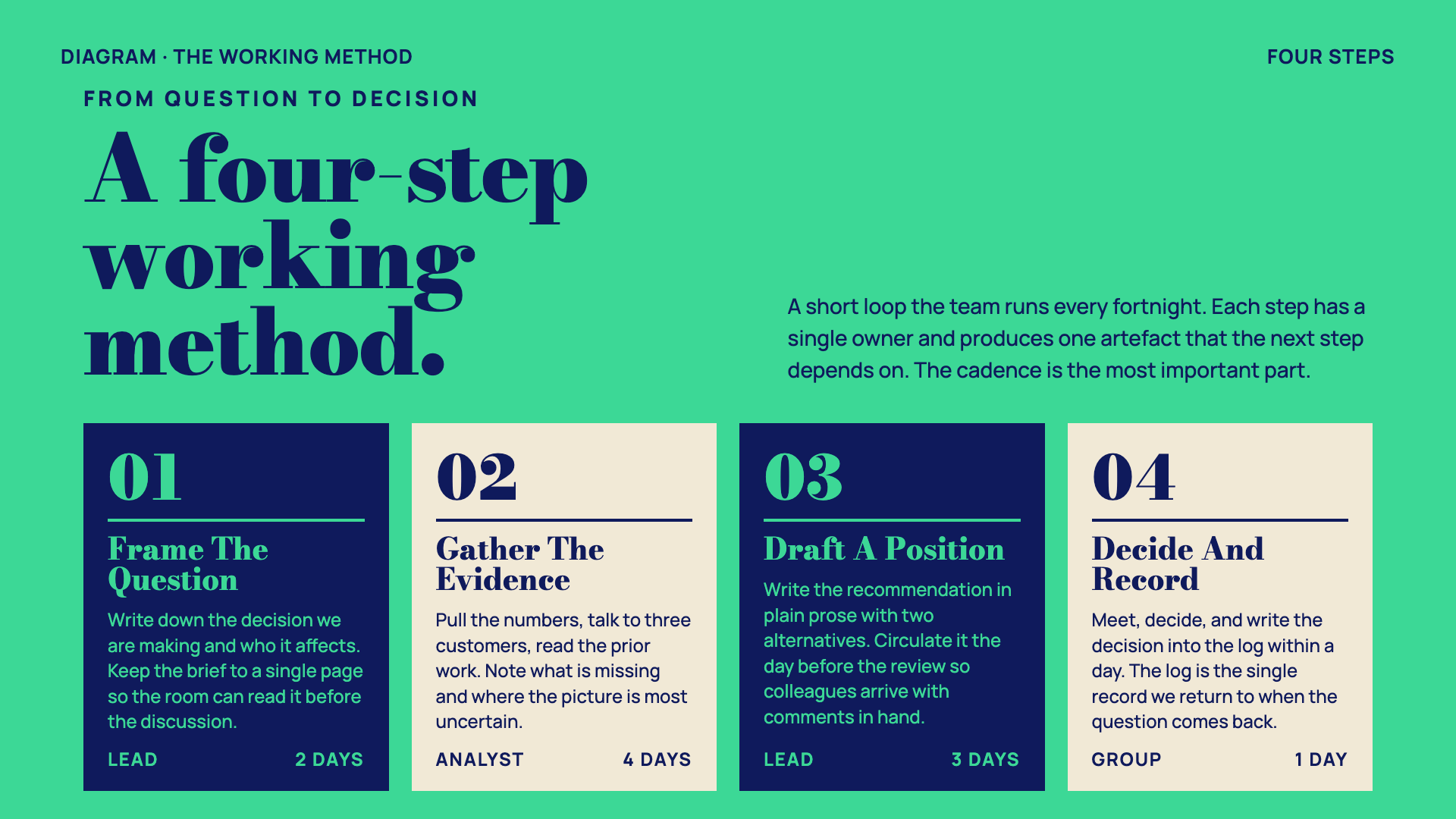
Magazine-cover business deck: emerald + navy + paper with double-rule masthead ornaments and a heavy Bodoni-style display serif.
Neo-Grid Bold
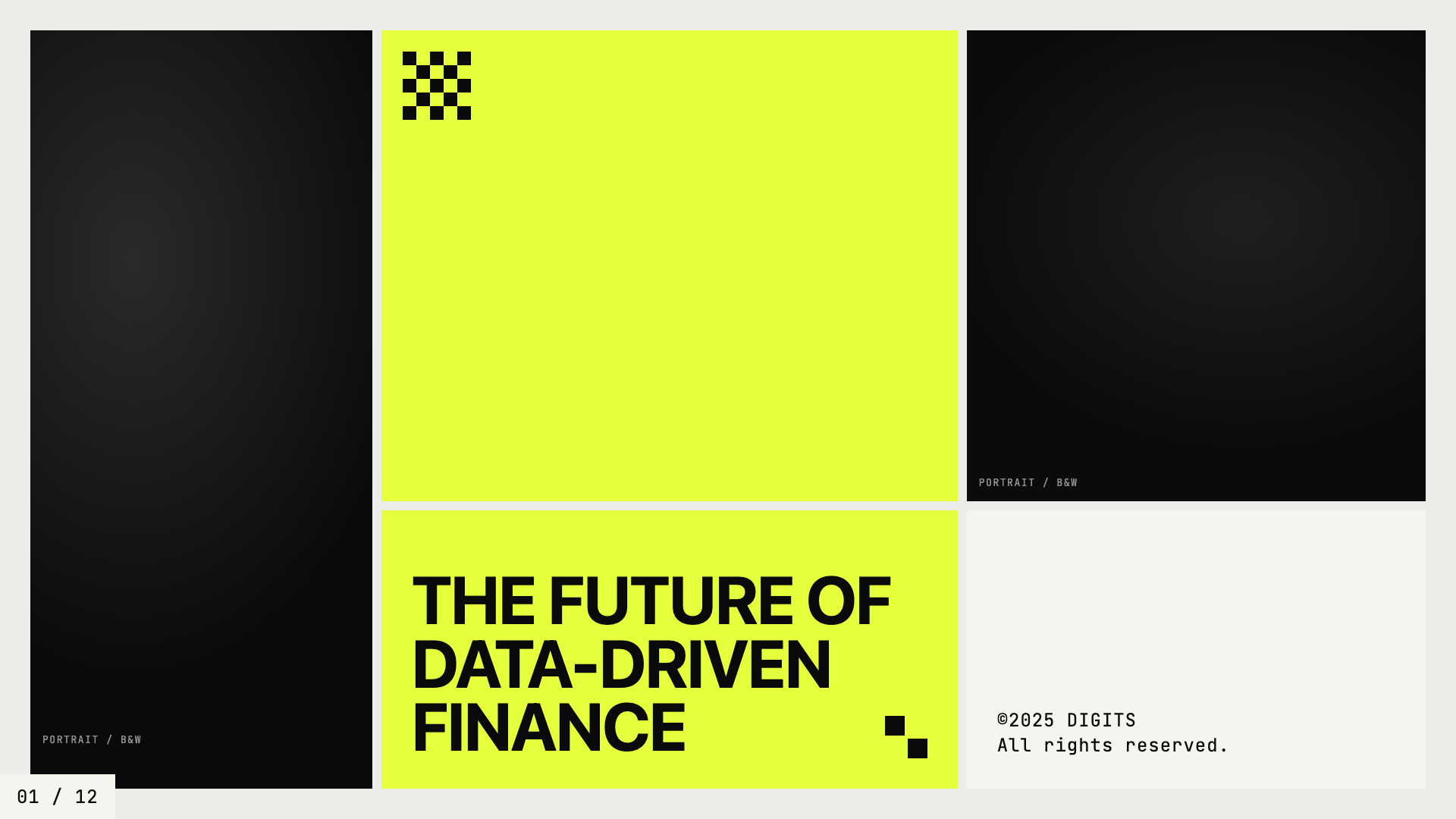
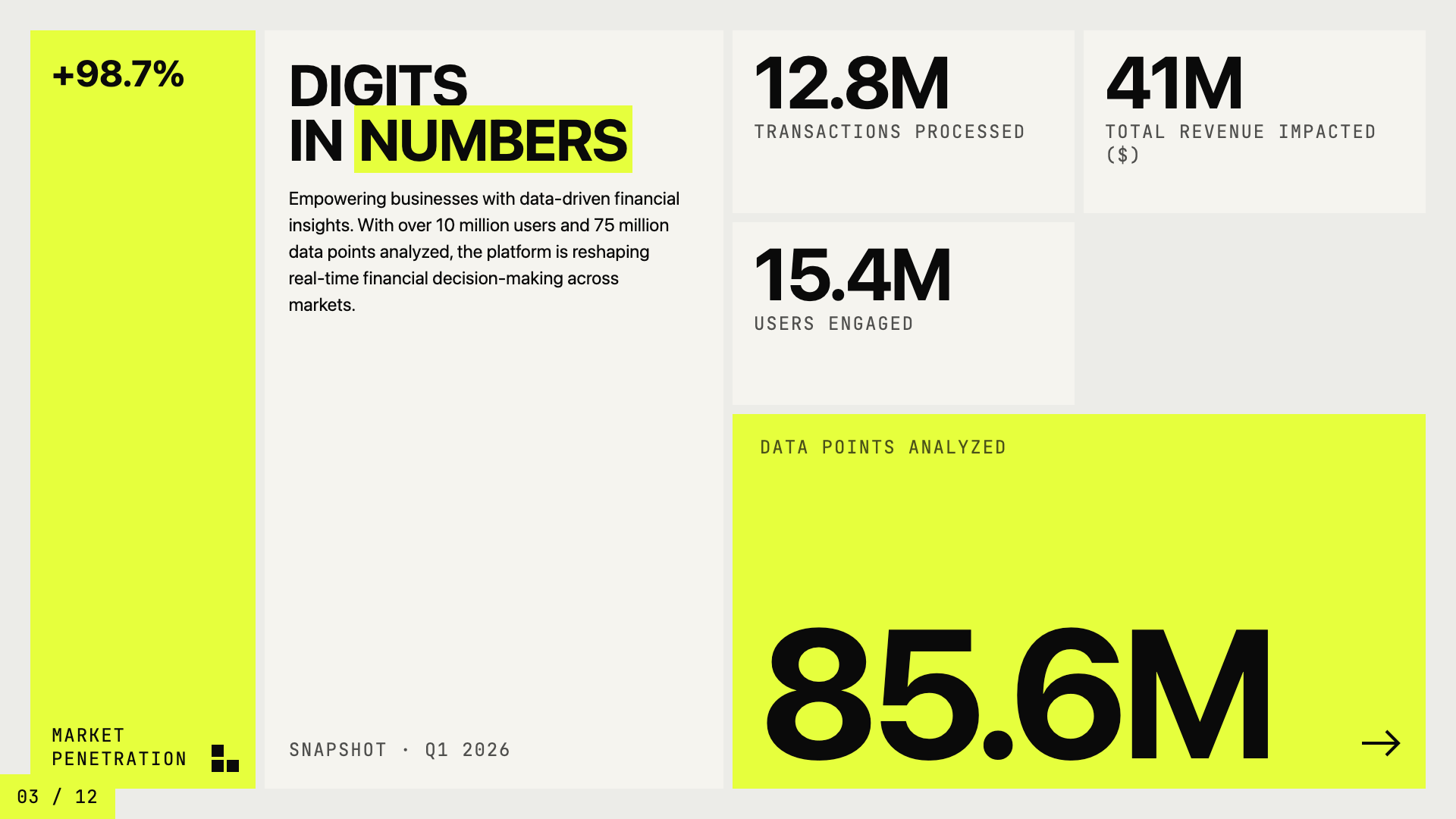
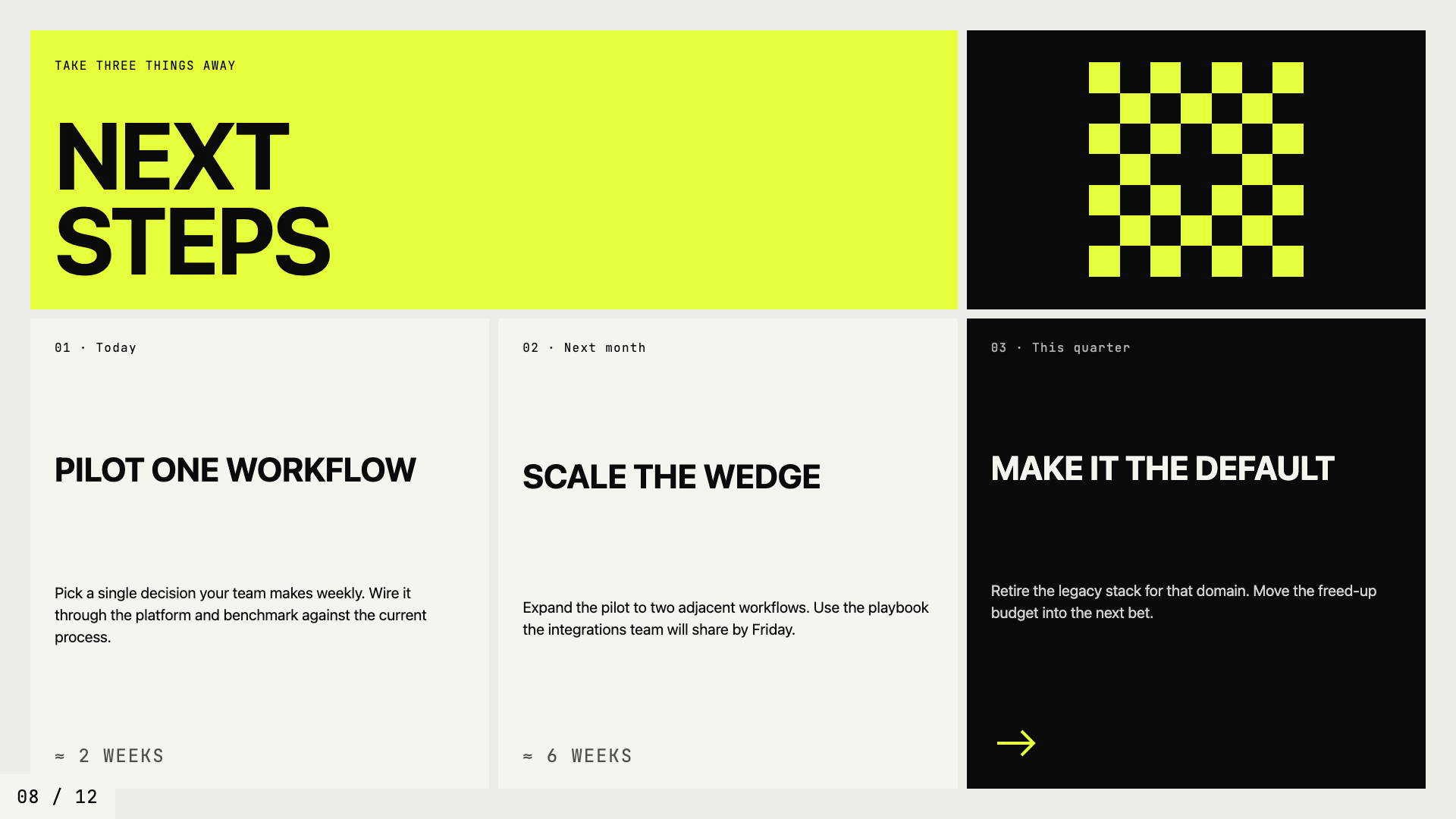
Editorial neo-brutalism with a single neon yellow accent on off-white paper.
Editorial Tri-Tone
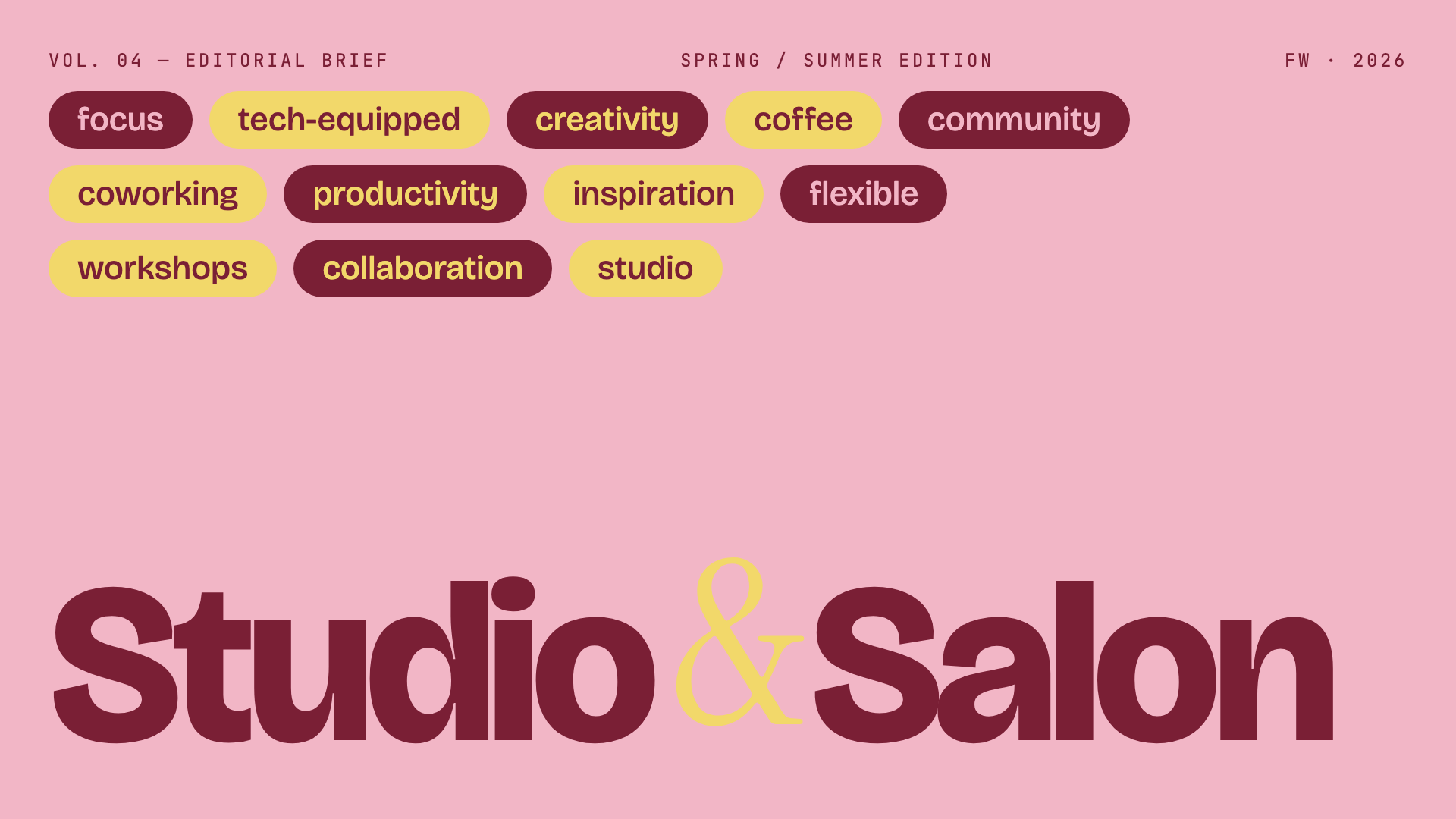
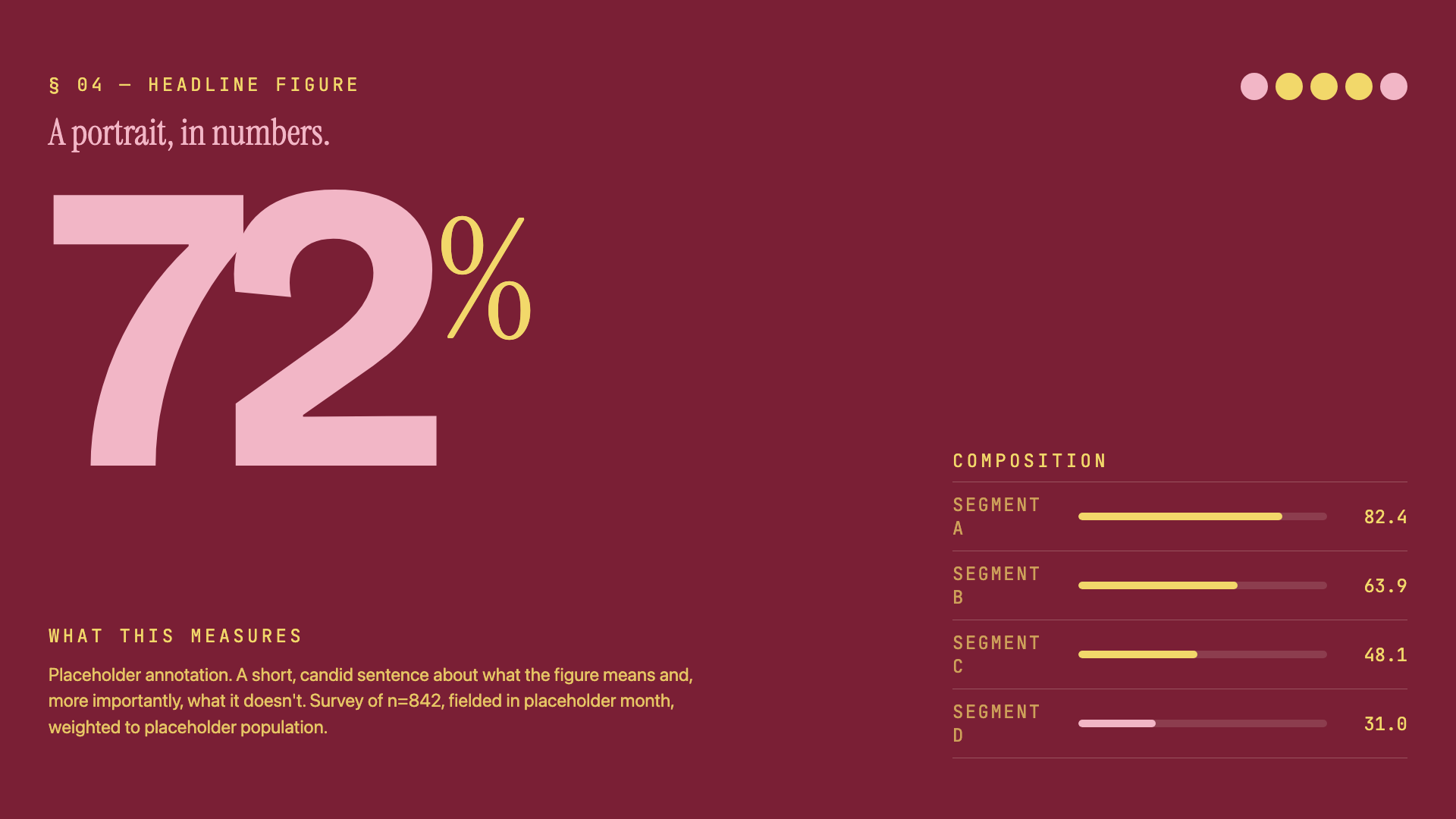
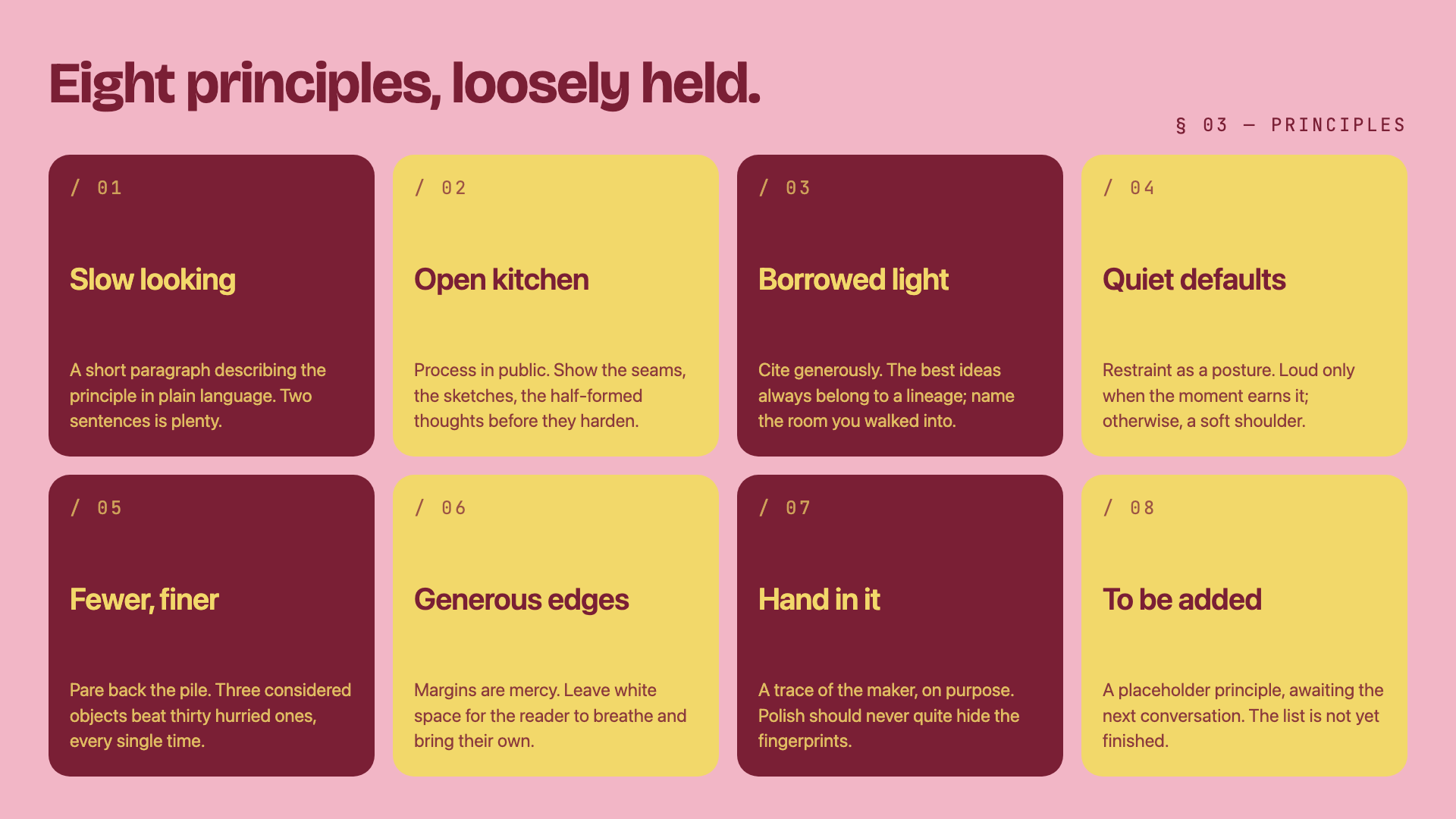
Three-color editorial system: dusty pink, mustard cream, and deep burgundy, set in Bricolage + Instrument Serif.
Creative Mode
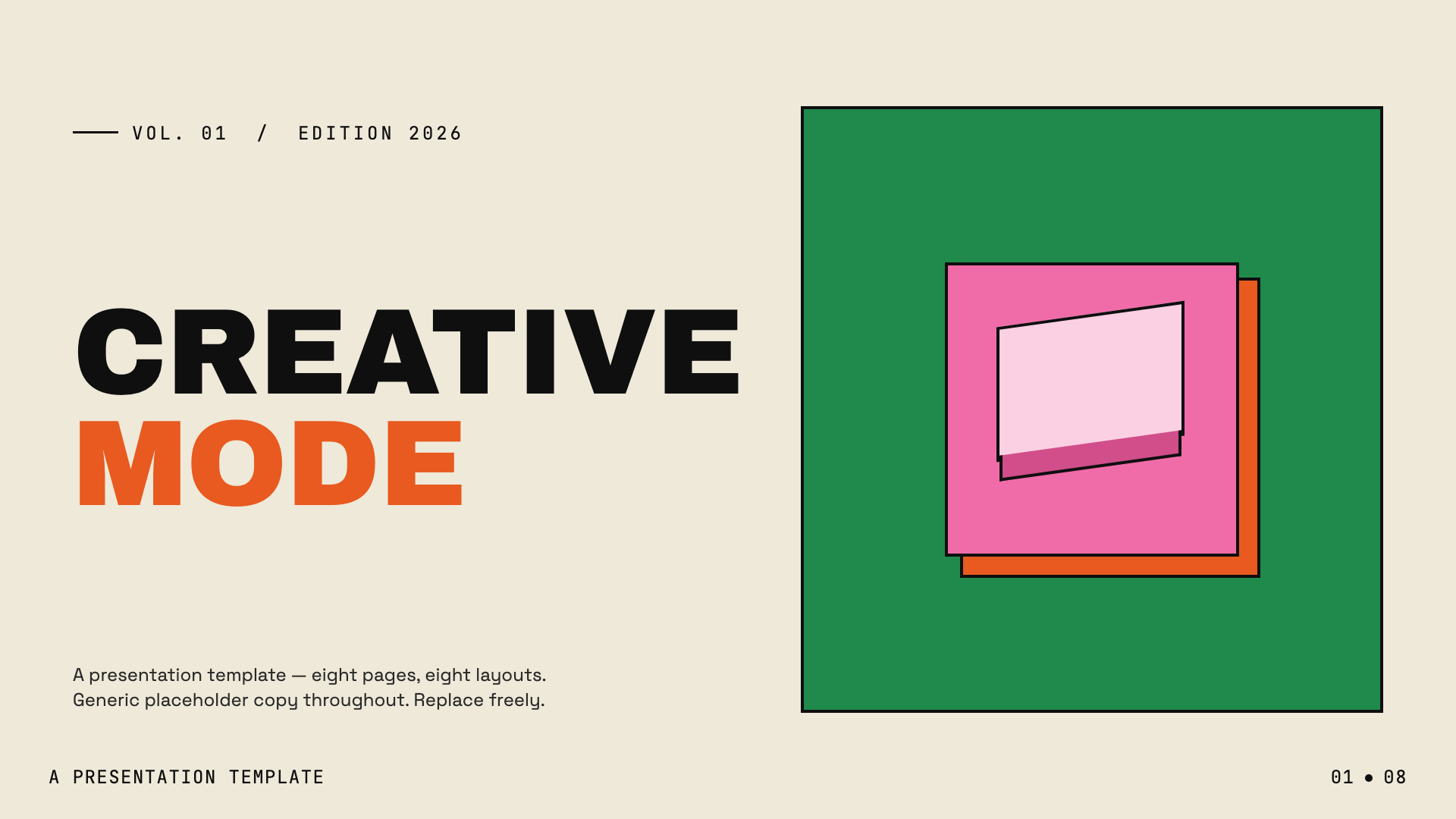
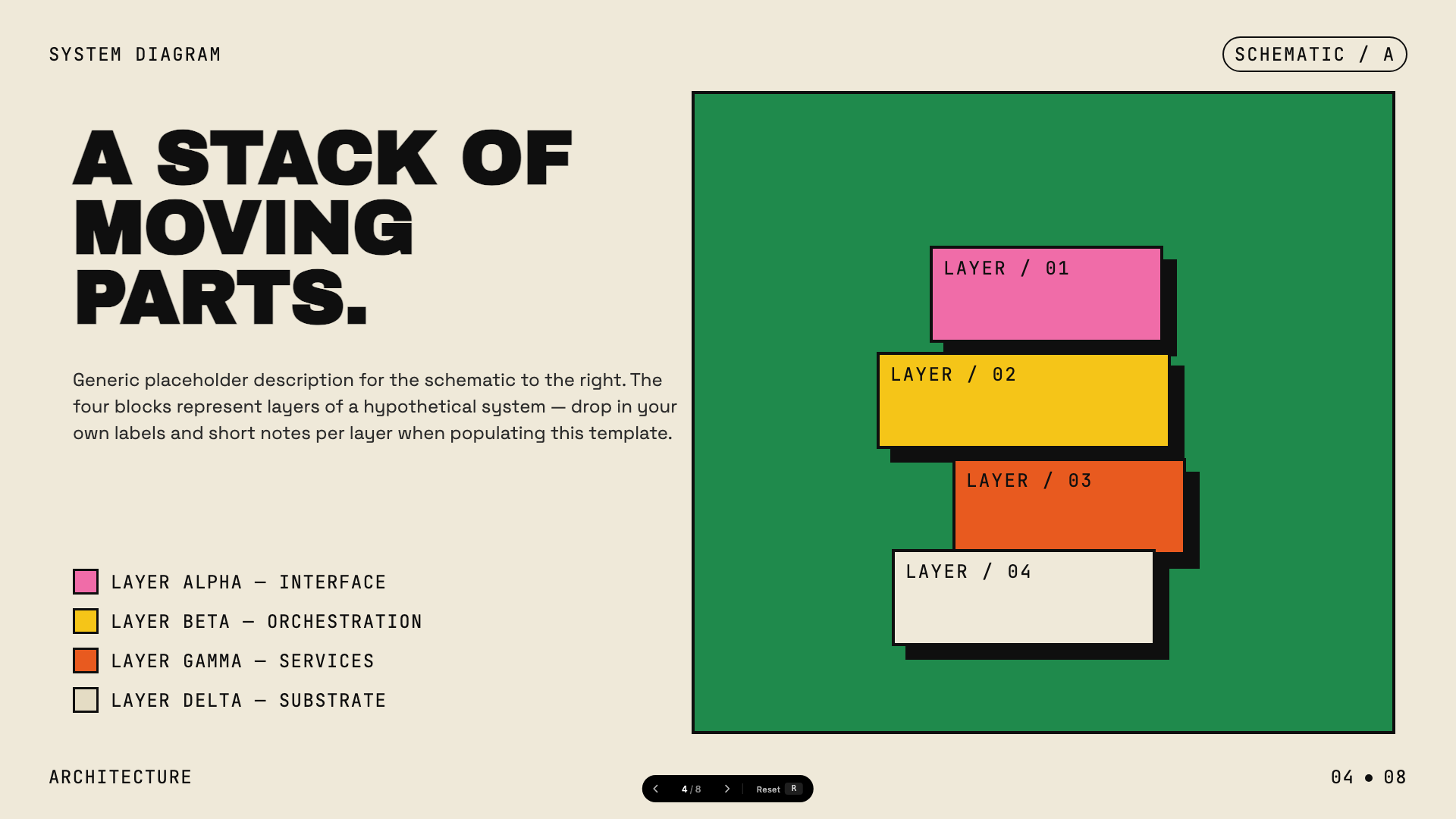
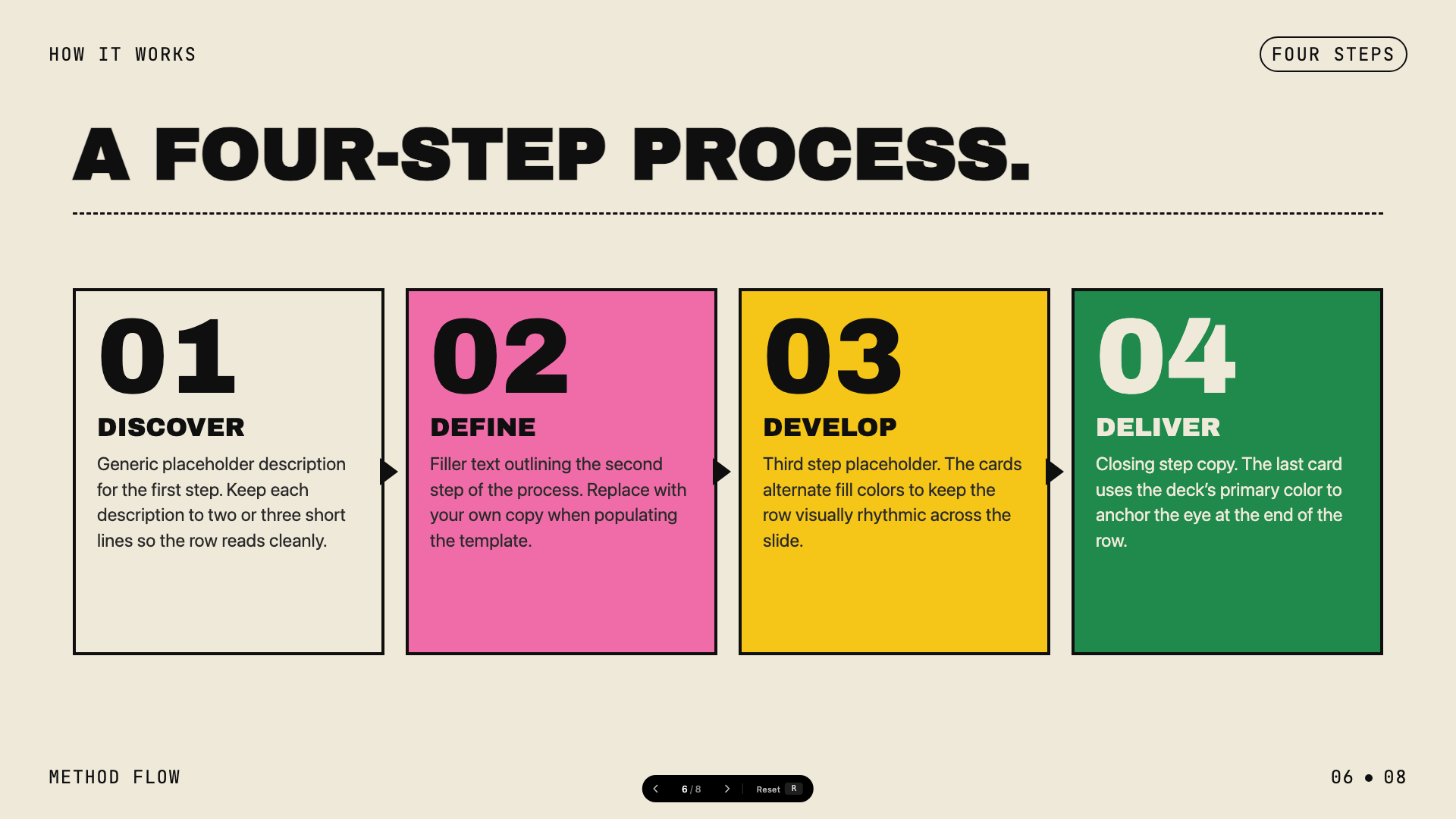
Cream paper canvas with confident multi-color (green, pink, orange, yellow) accents and Archivo Black display.
Monochrome
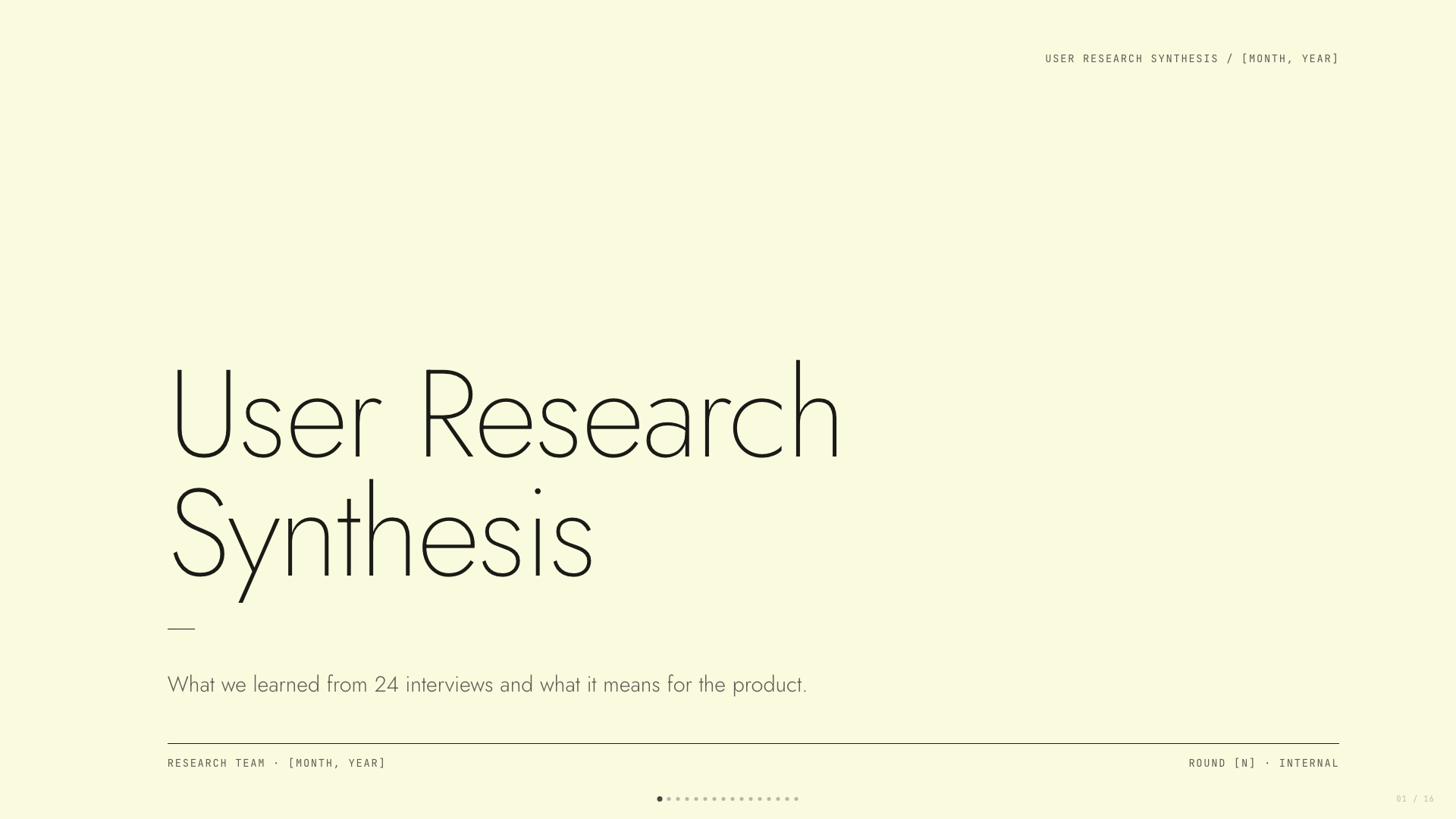
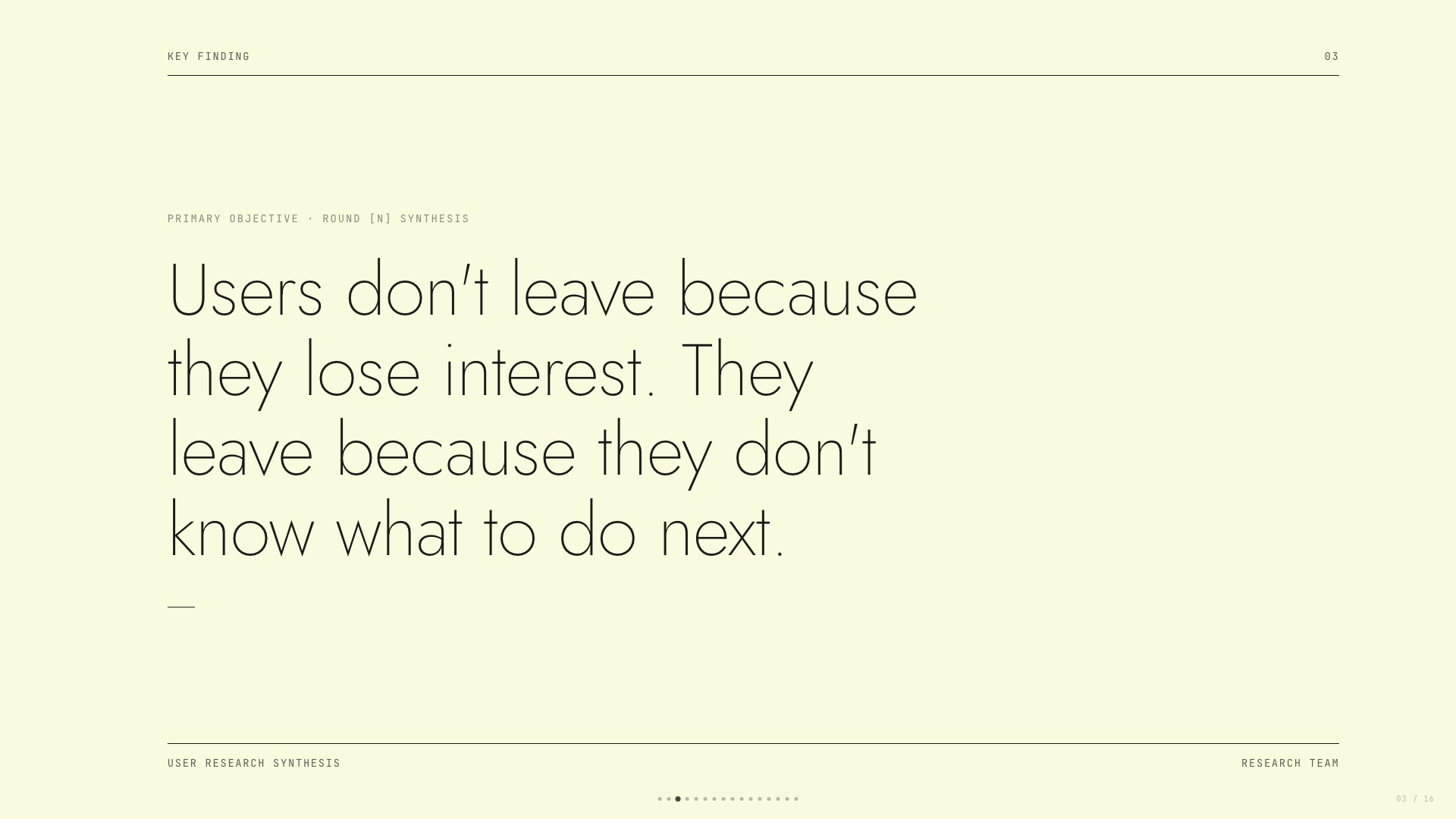
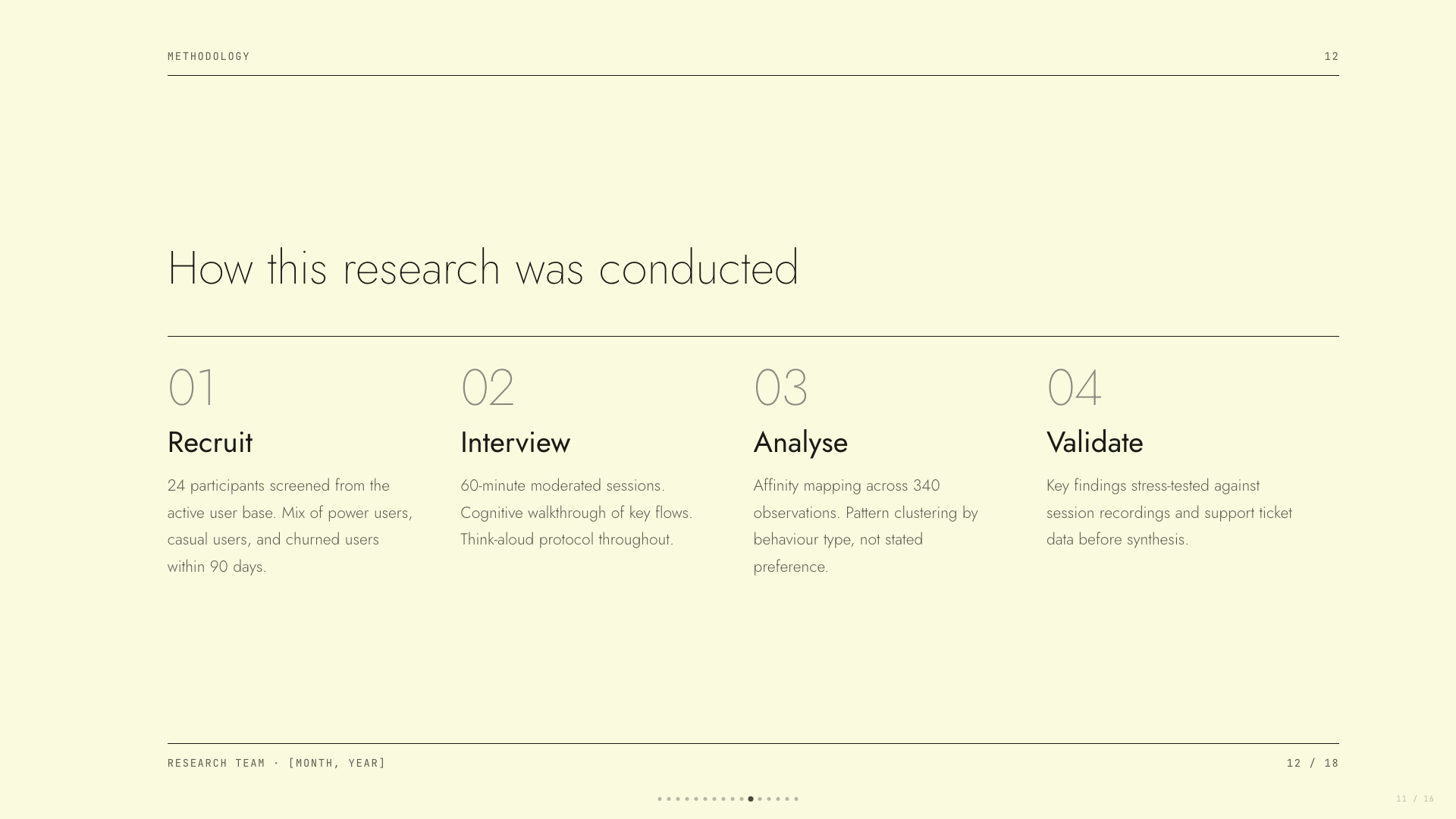
Ivory ledger paper with all-black type; Lora serif headlines, Jost body, no color at all.
People’s Platform (Block & Bold)
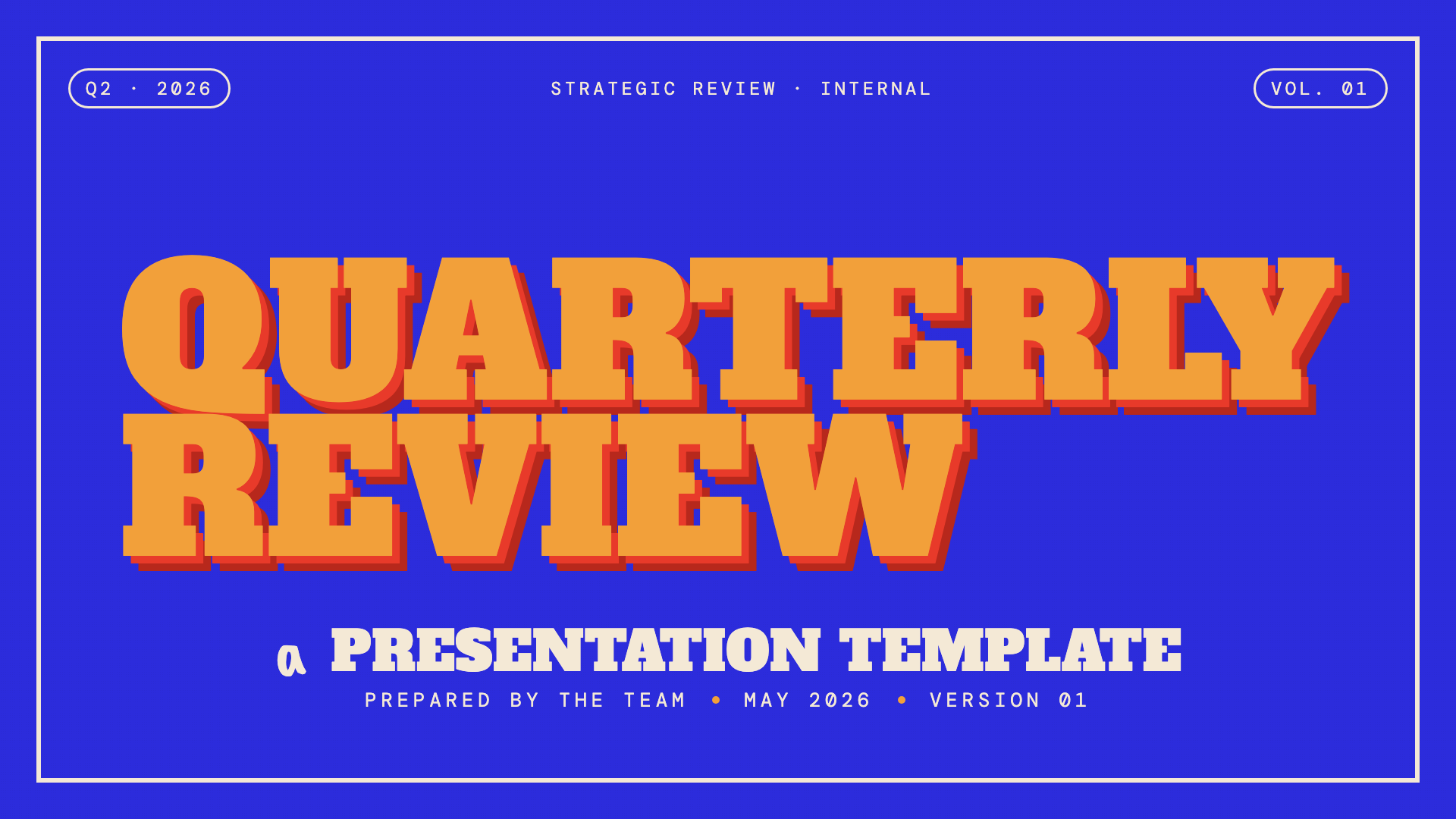
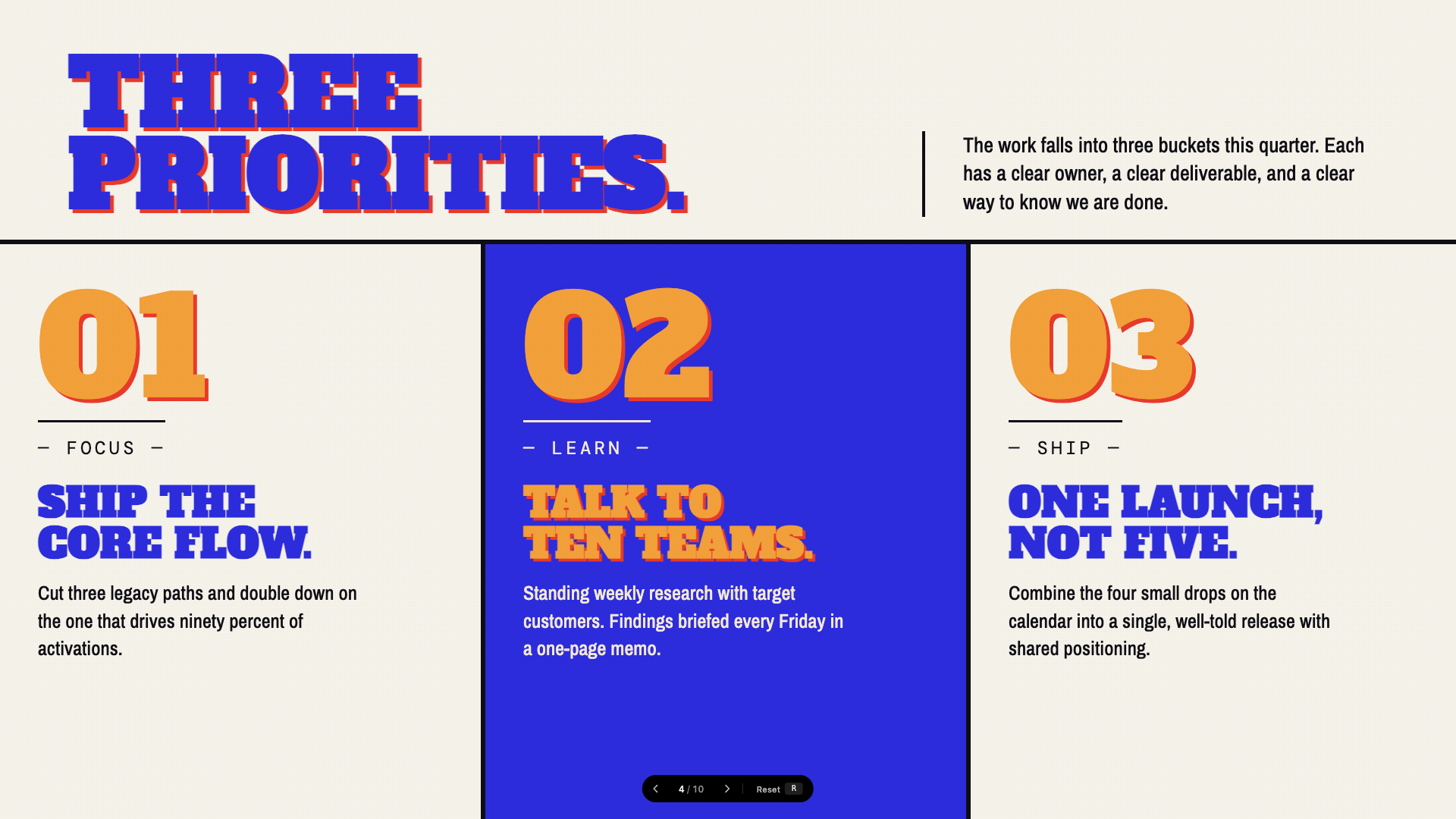
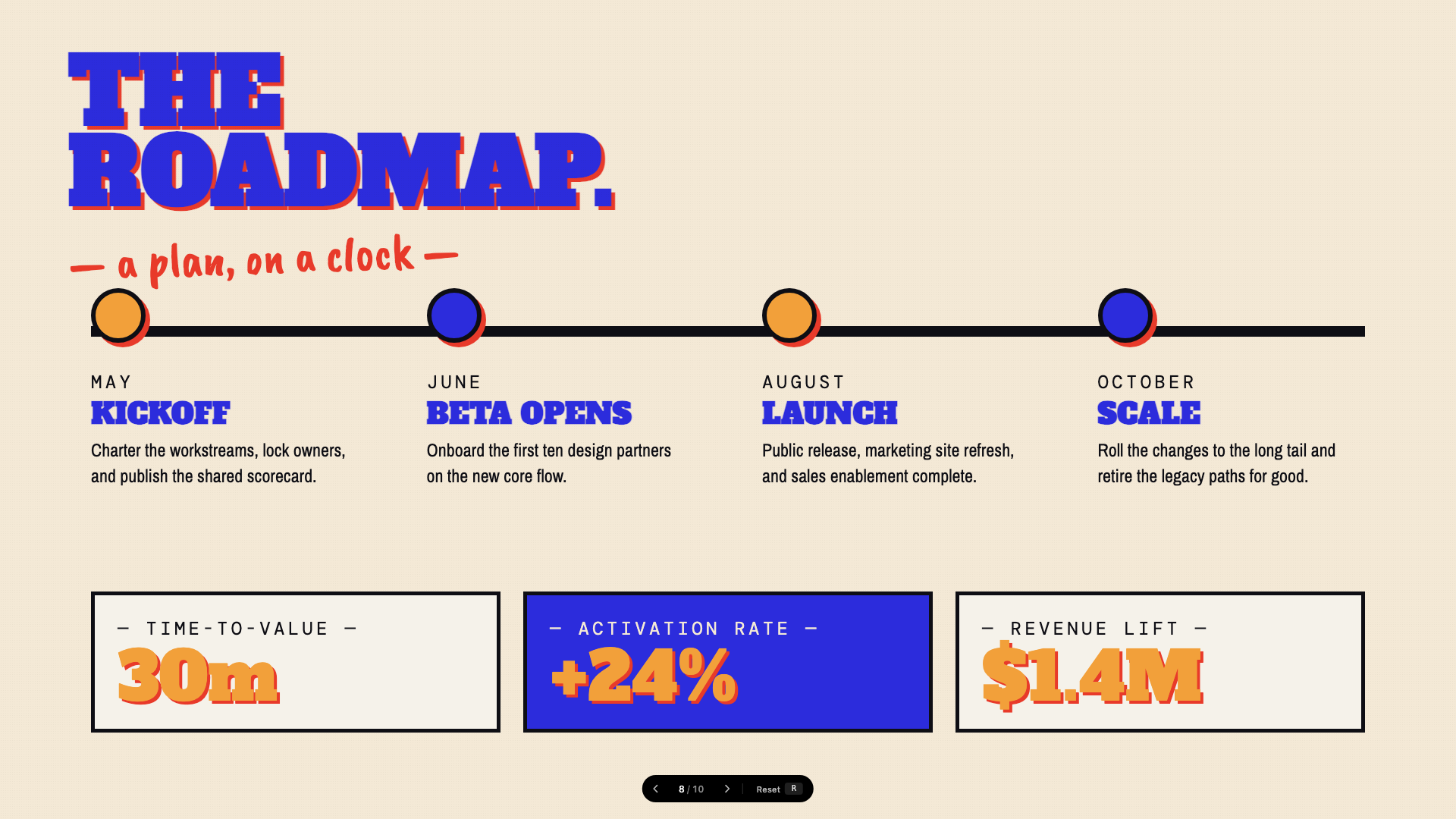
Activist poster energy: blue, orange, red on cream, with Alfa Slab + Caveat Brush.
Pink Script — After Hours
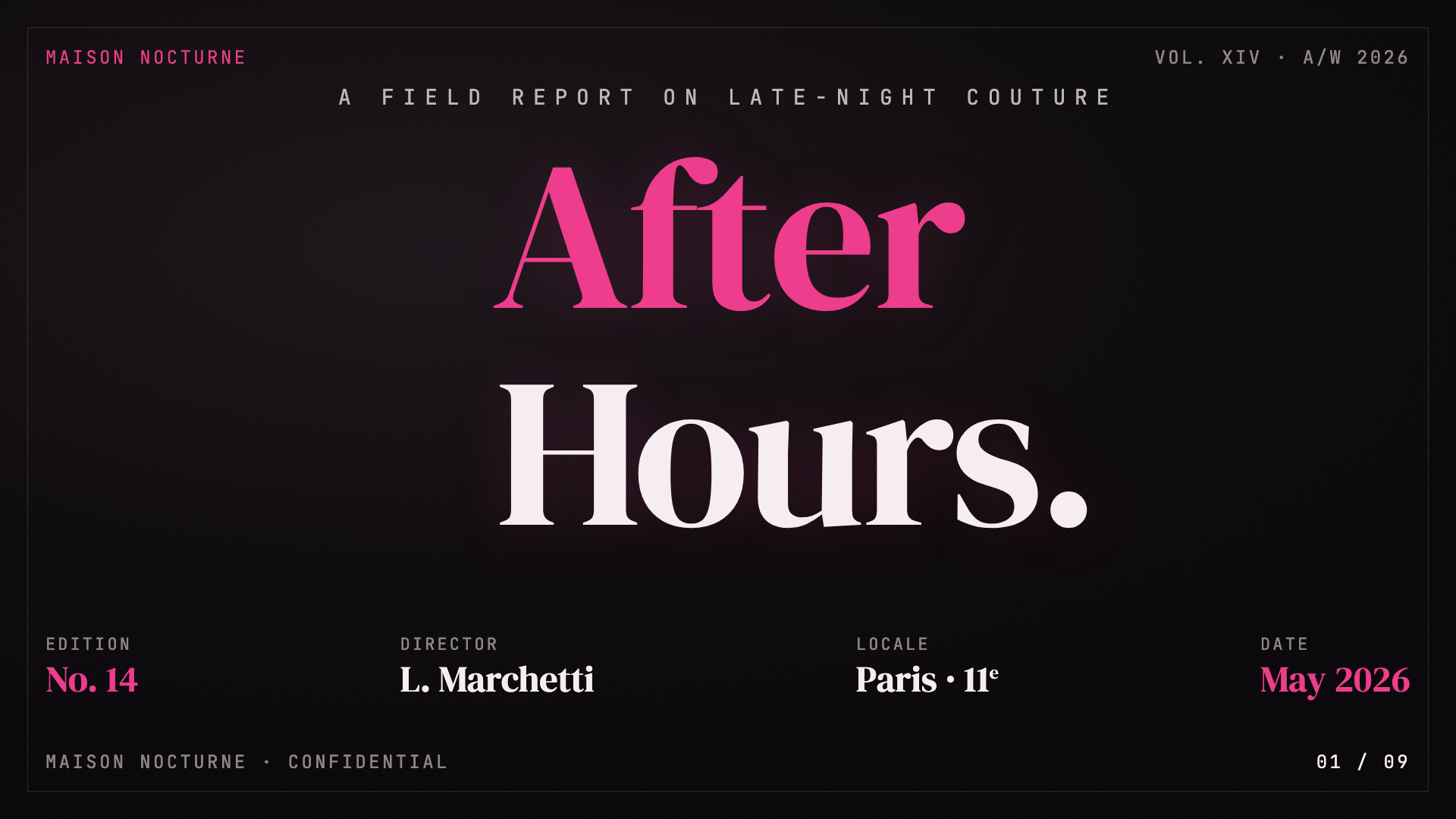
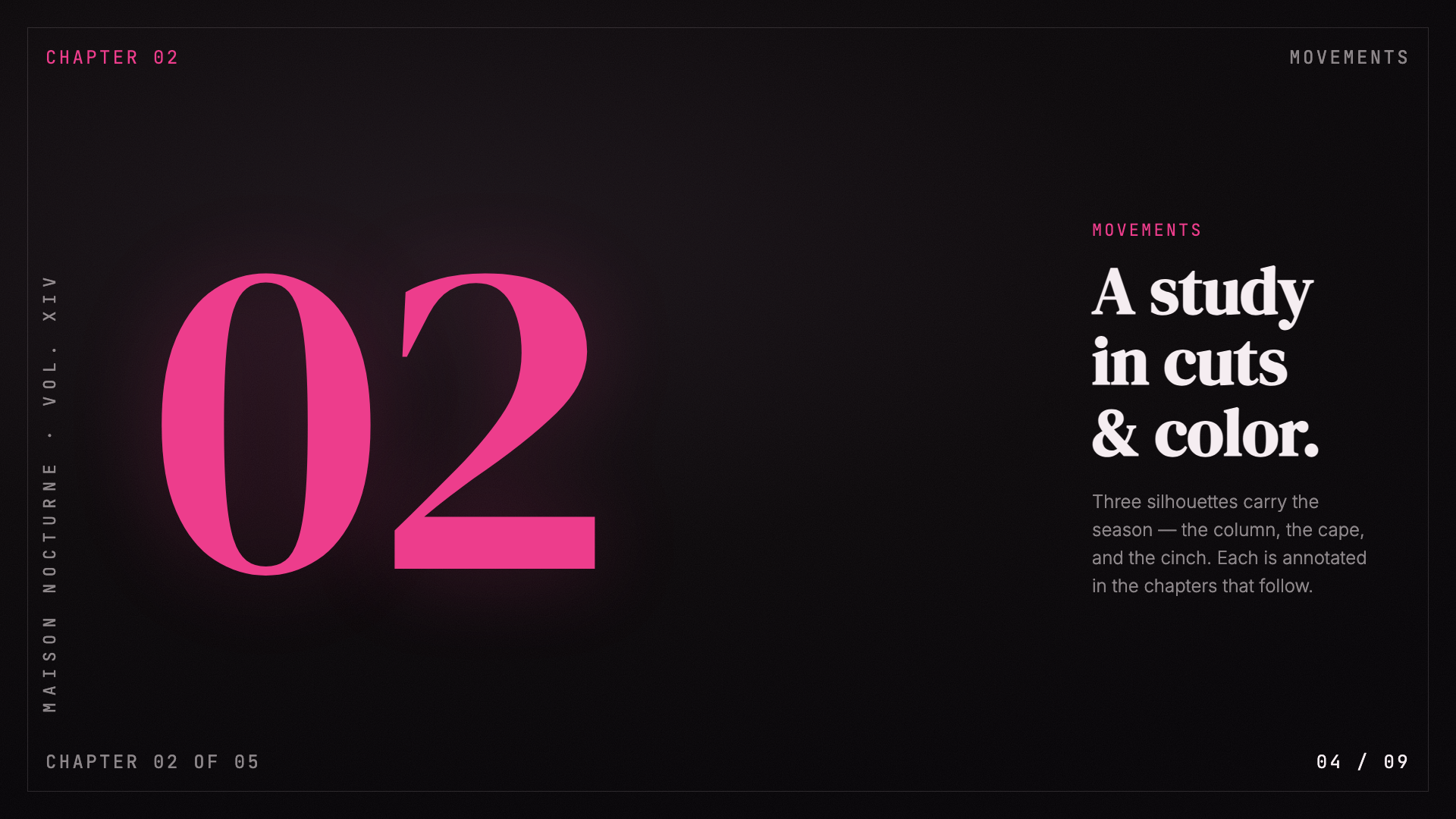
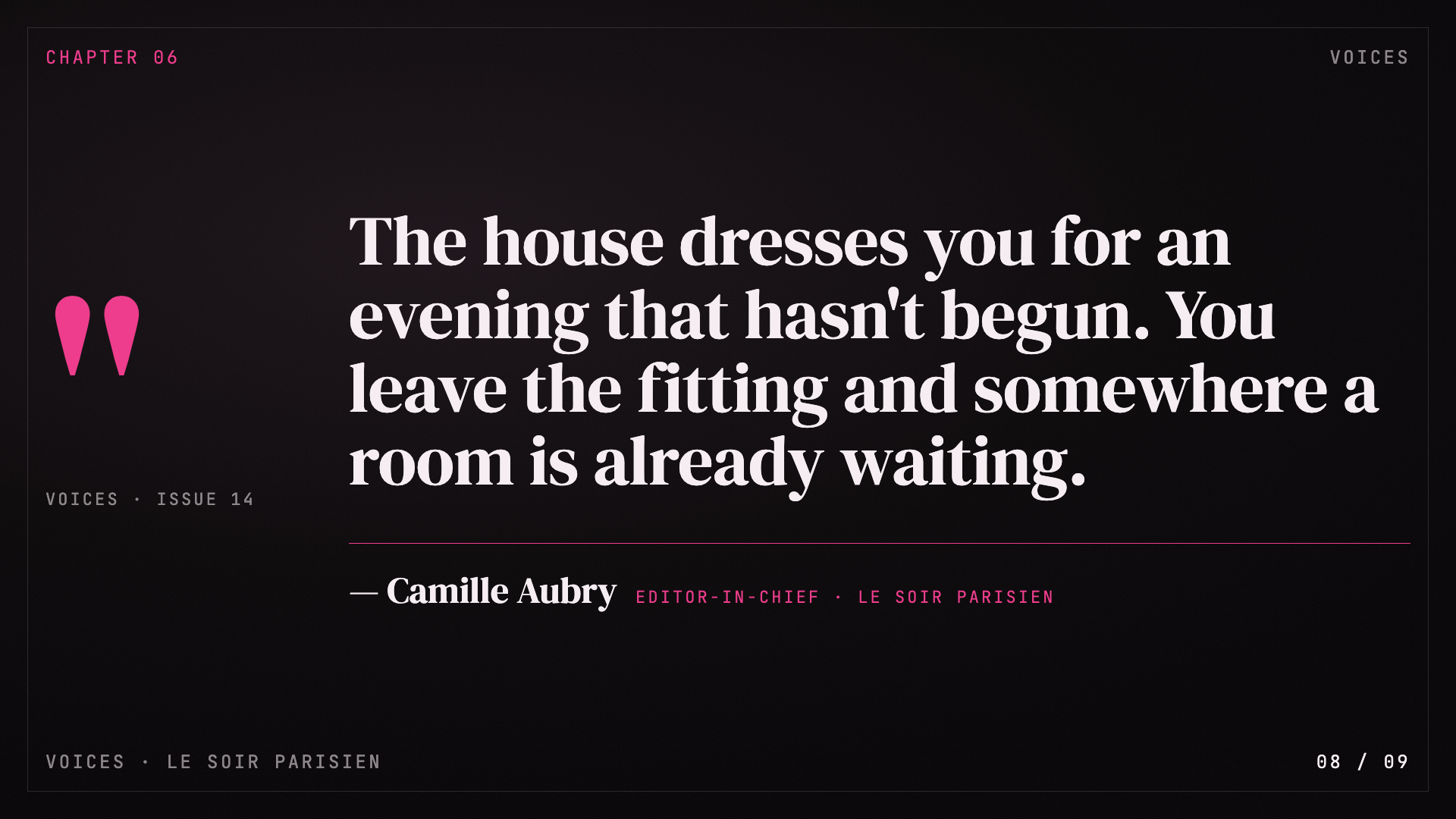
Black canvas, hot pink accent, pearl-cream paper, Instrument Serif headlines: late-night editorial luxury.
8-Bit Orbit
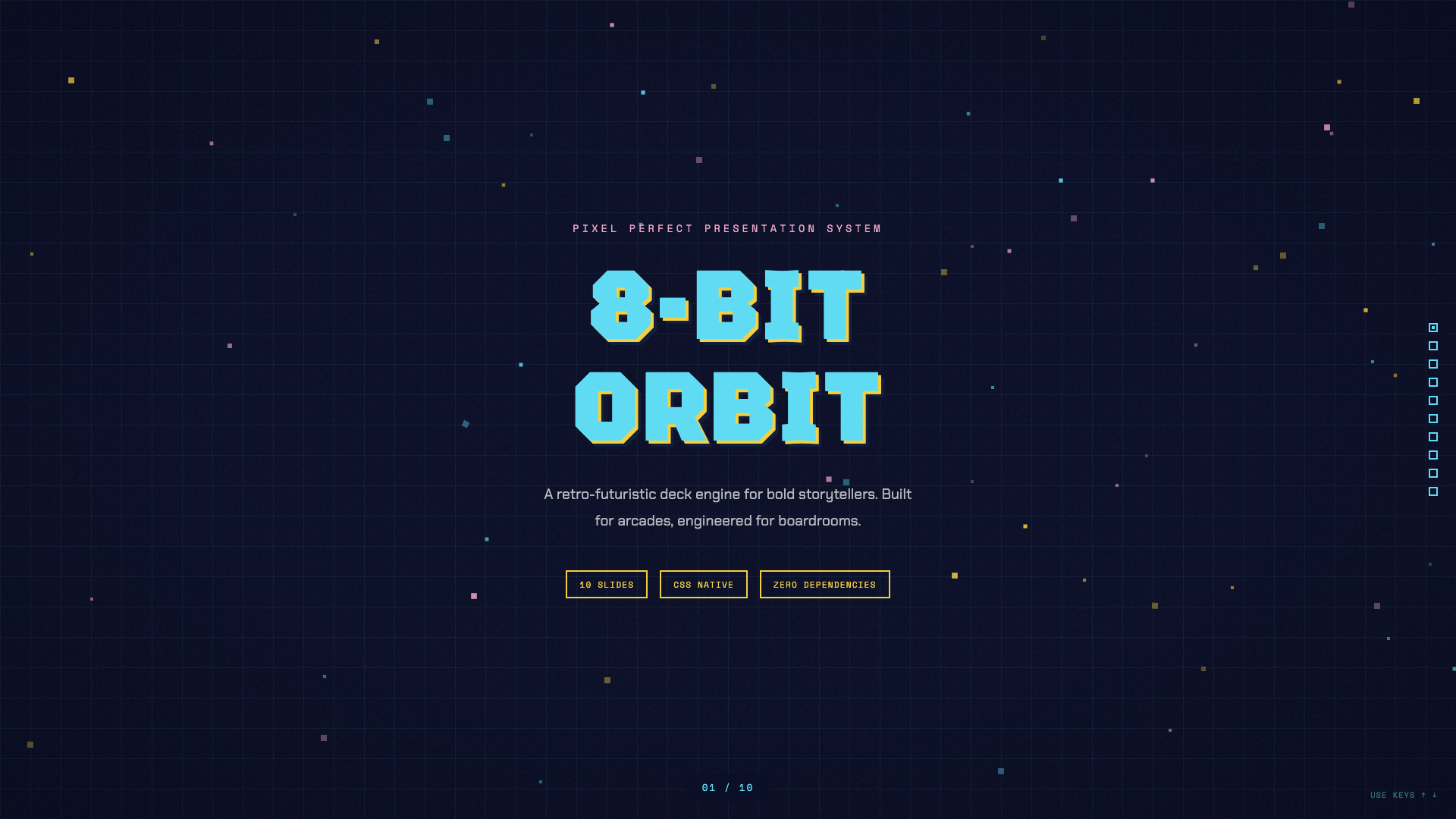
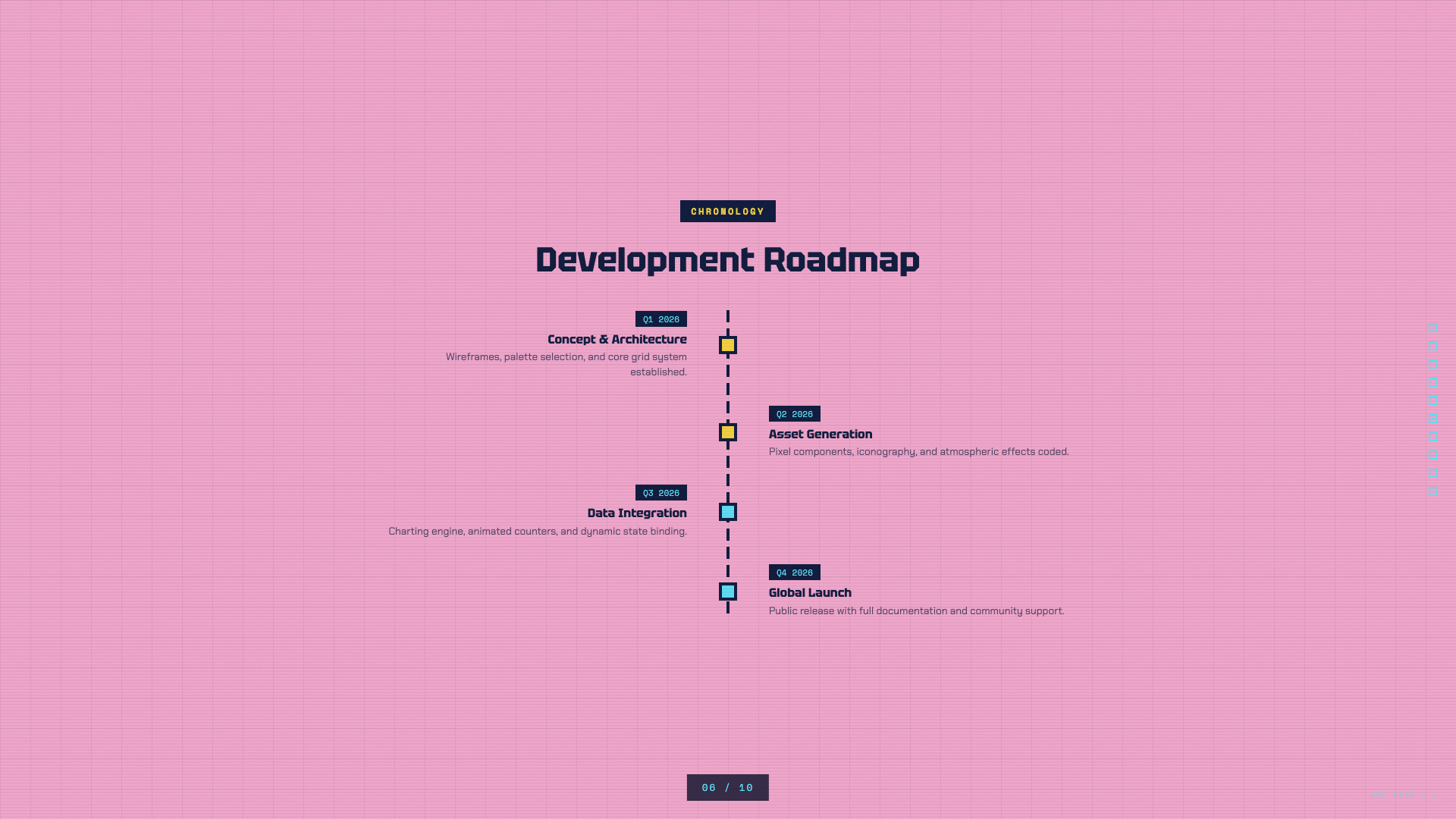
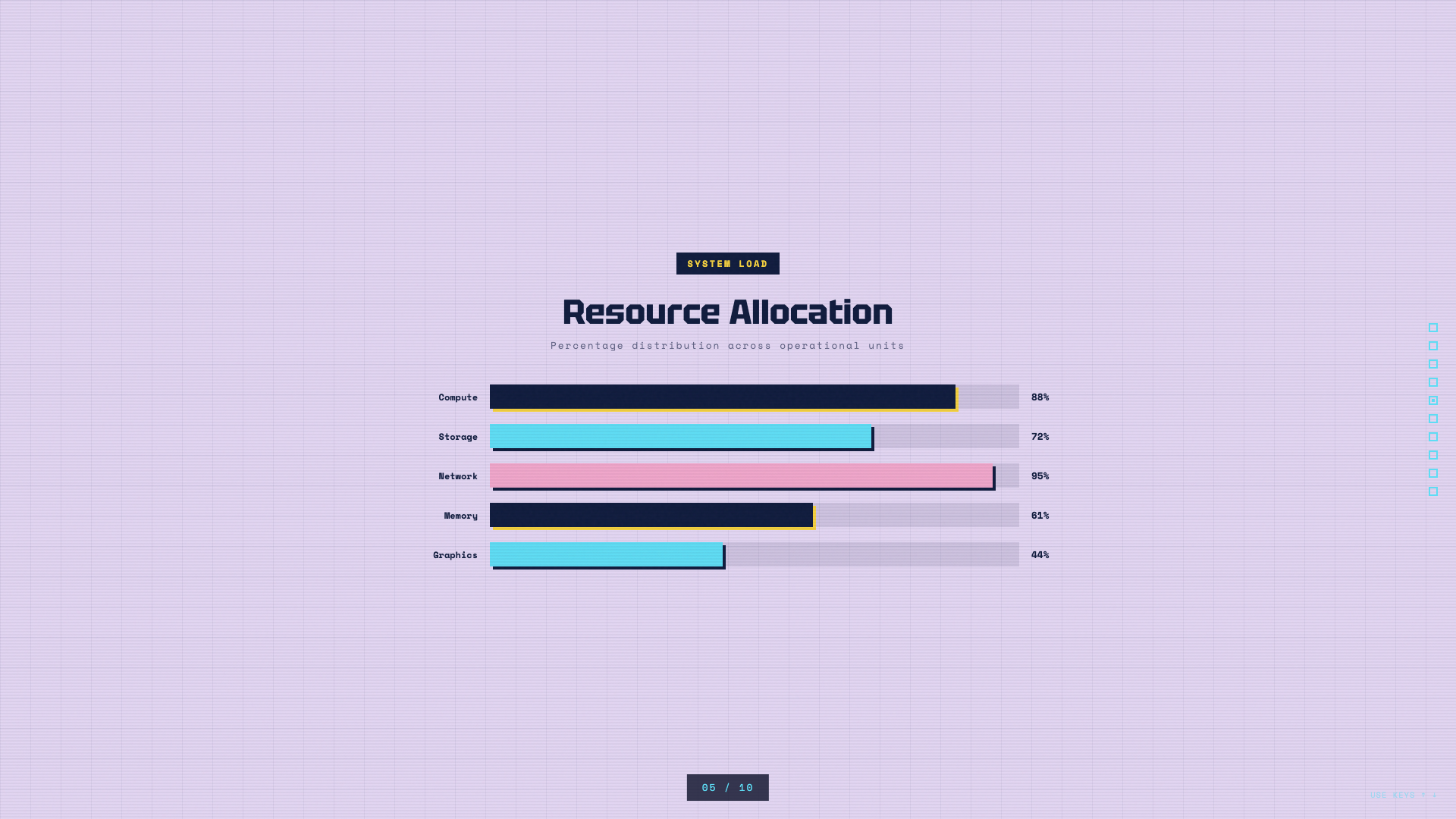
Pixel-art neon arcade aesthetic on a deep navy void.
BlockFrame
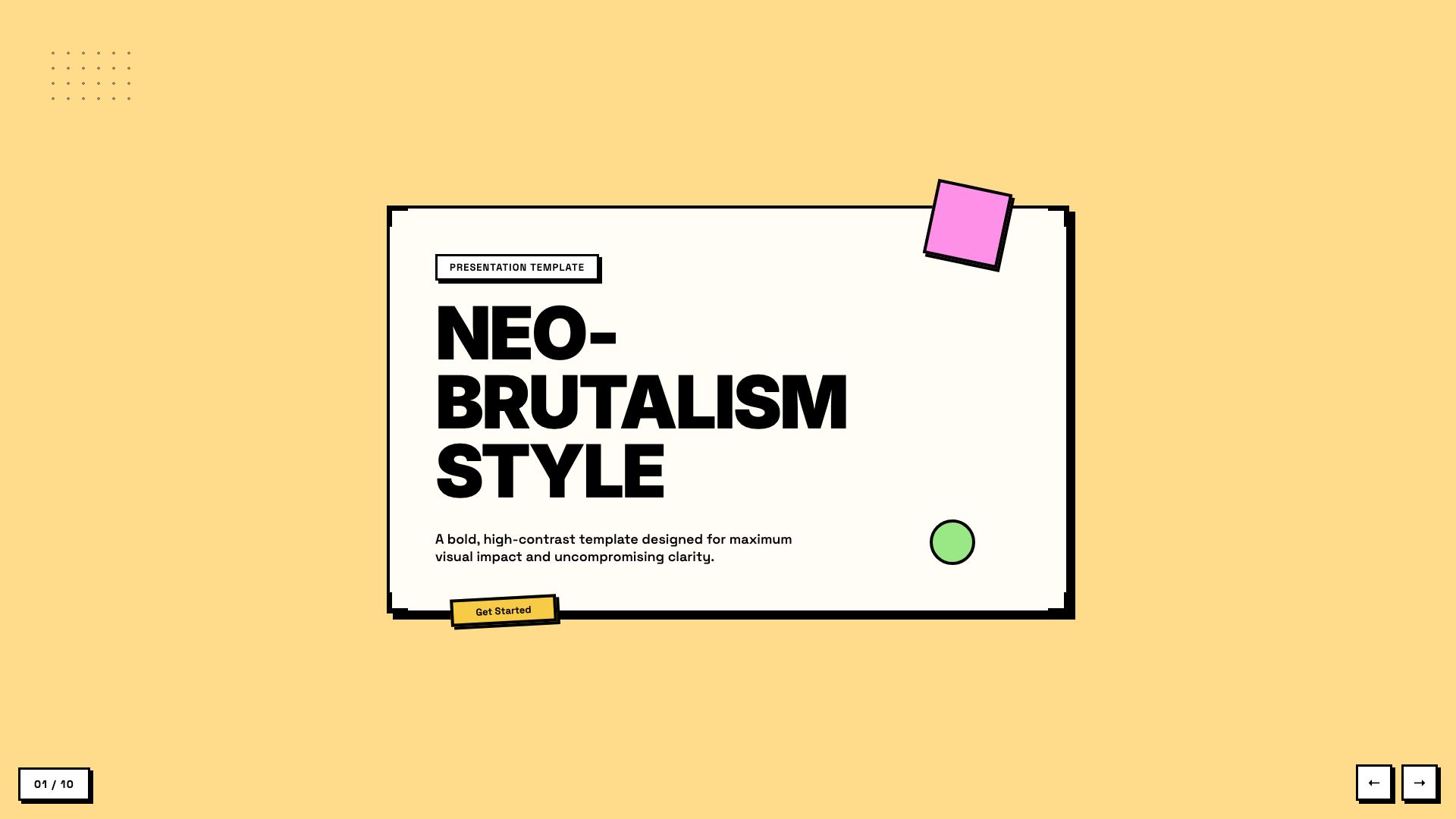
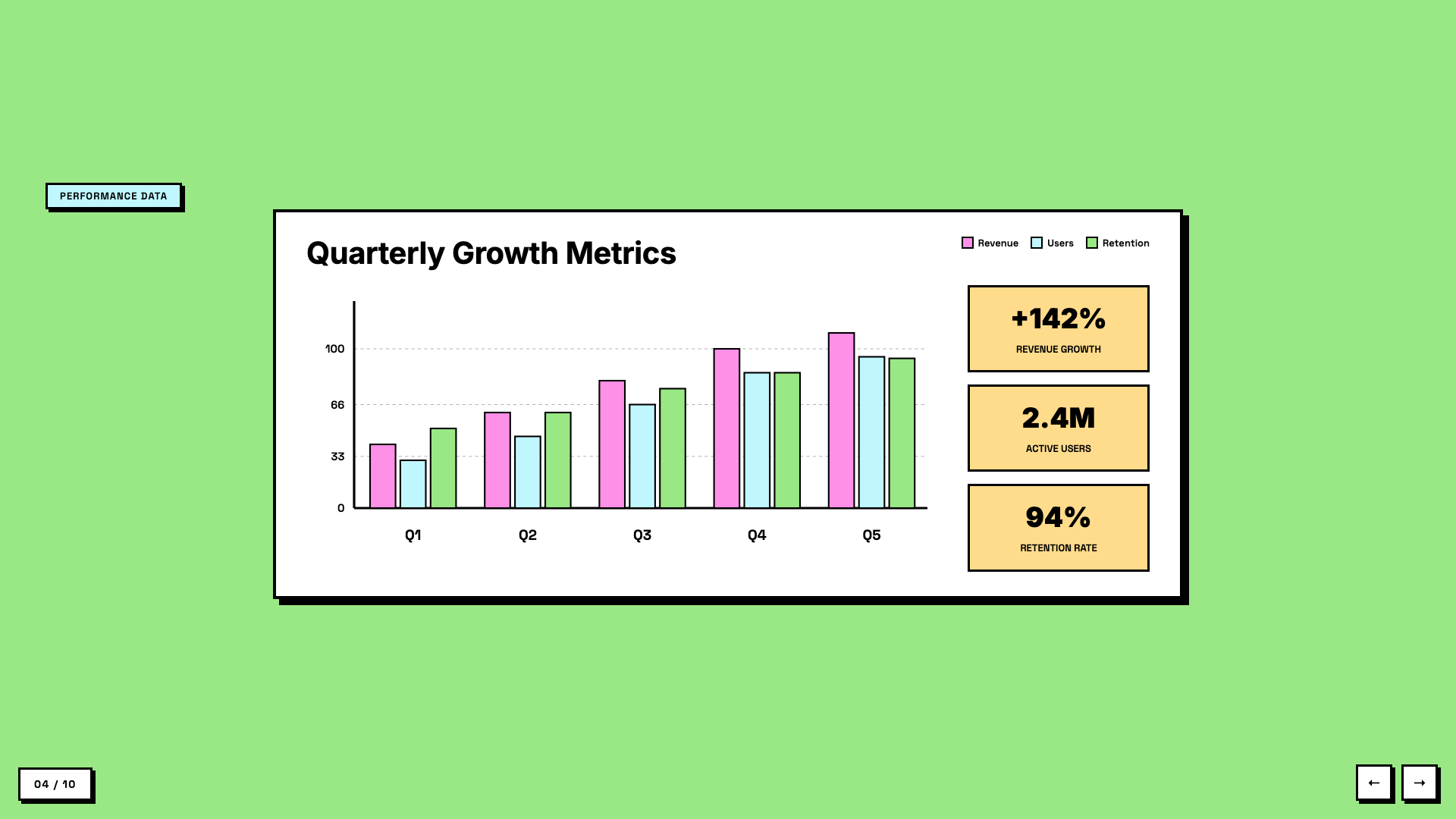
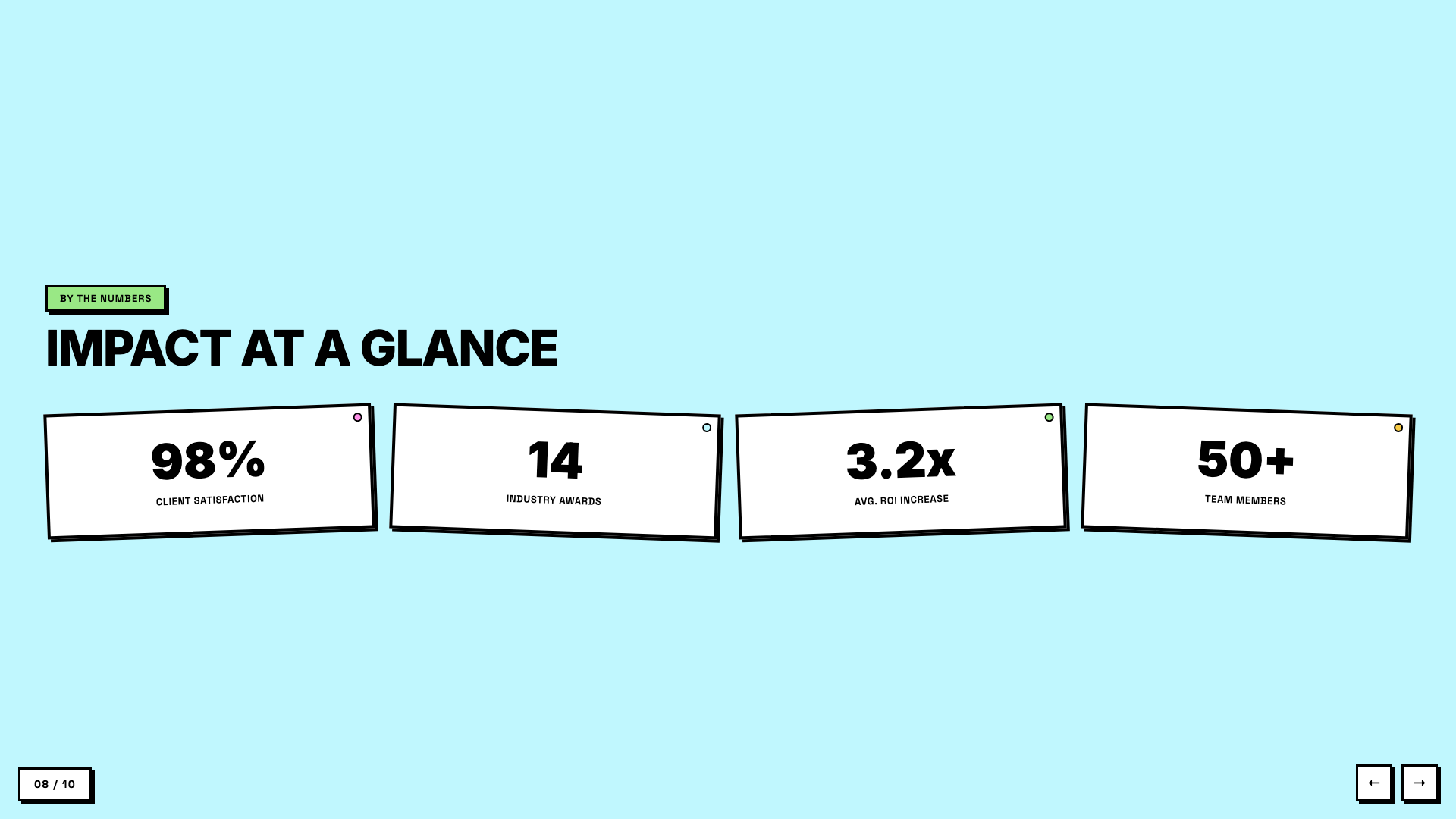
Neobrutalist deck with pastel-neon color blocks and chunky black borders.
Blue Professional
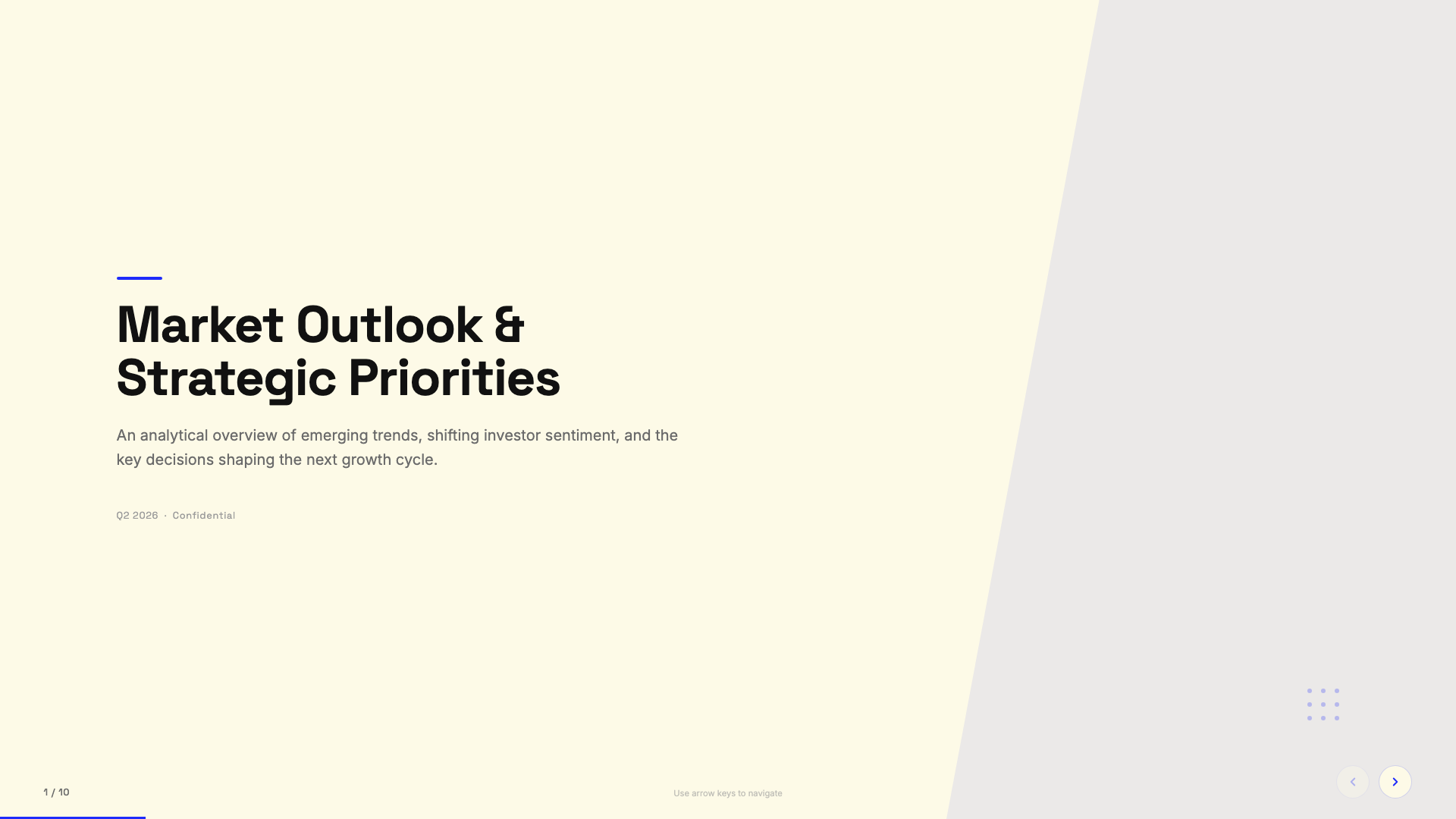
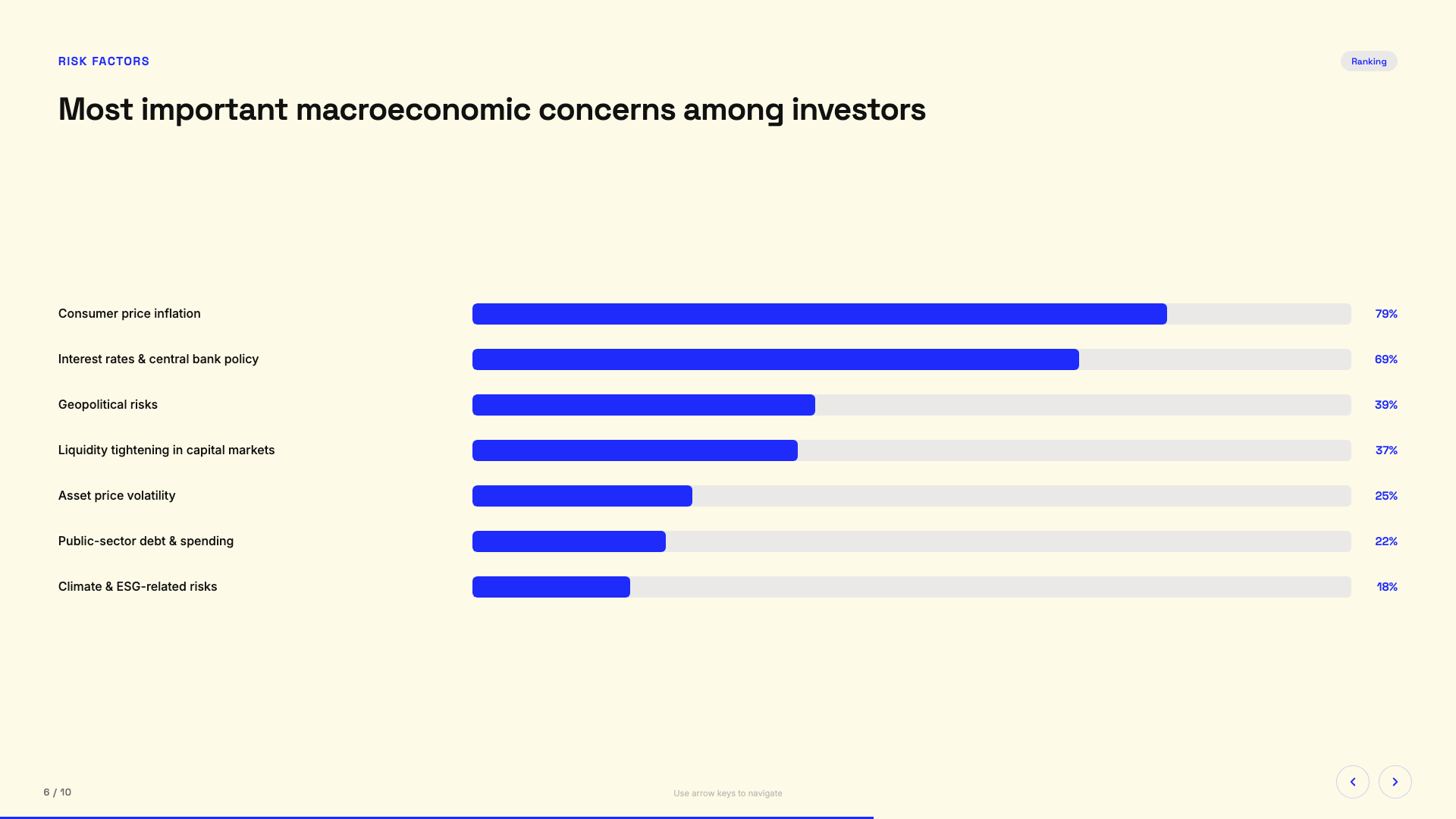
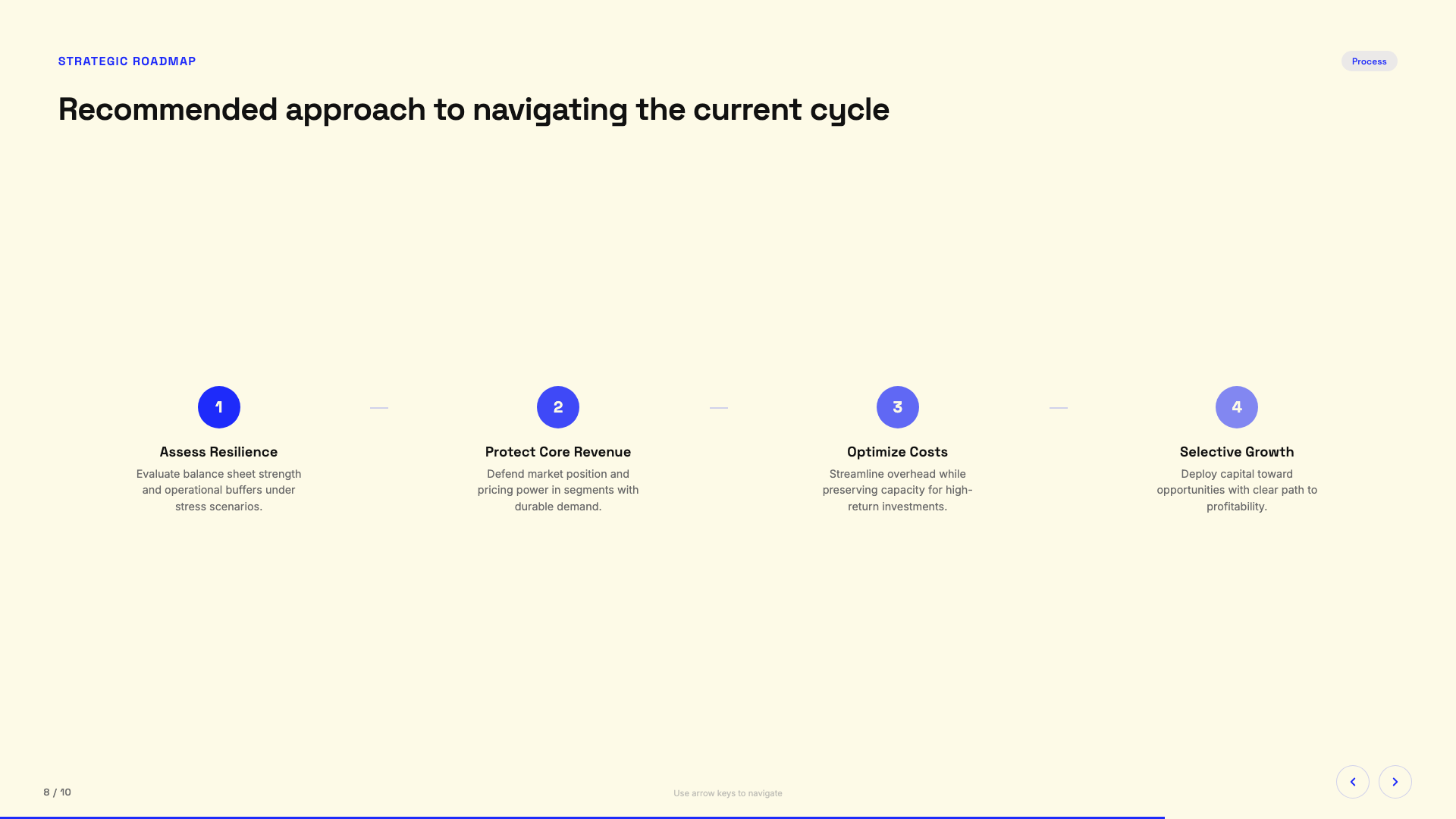
Cream paper background with electric cobalt blue accents; clean modern professional.
Bold Poster
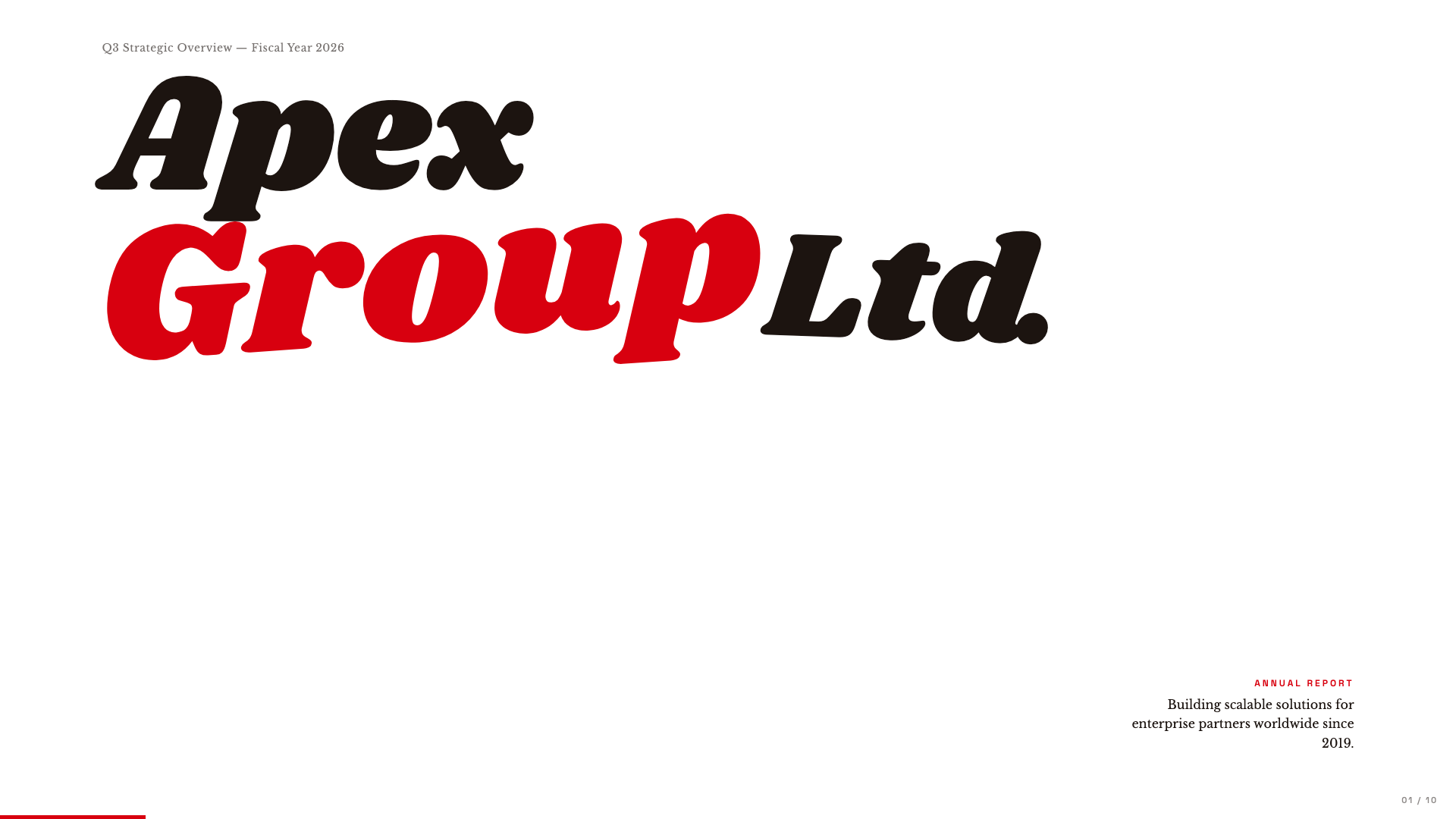
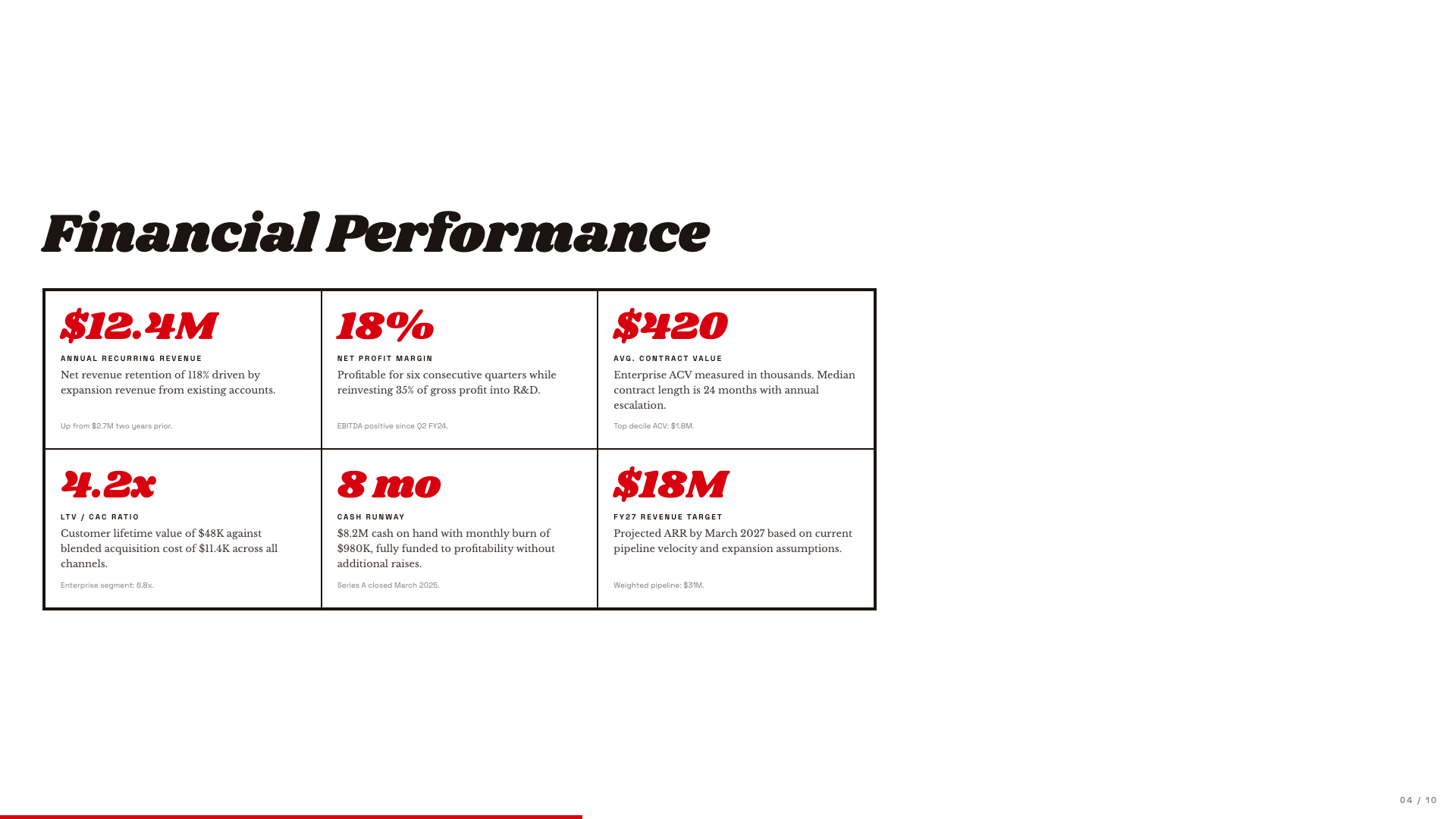
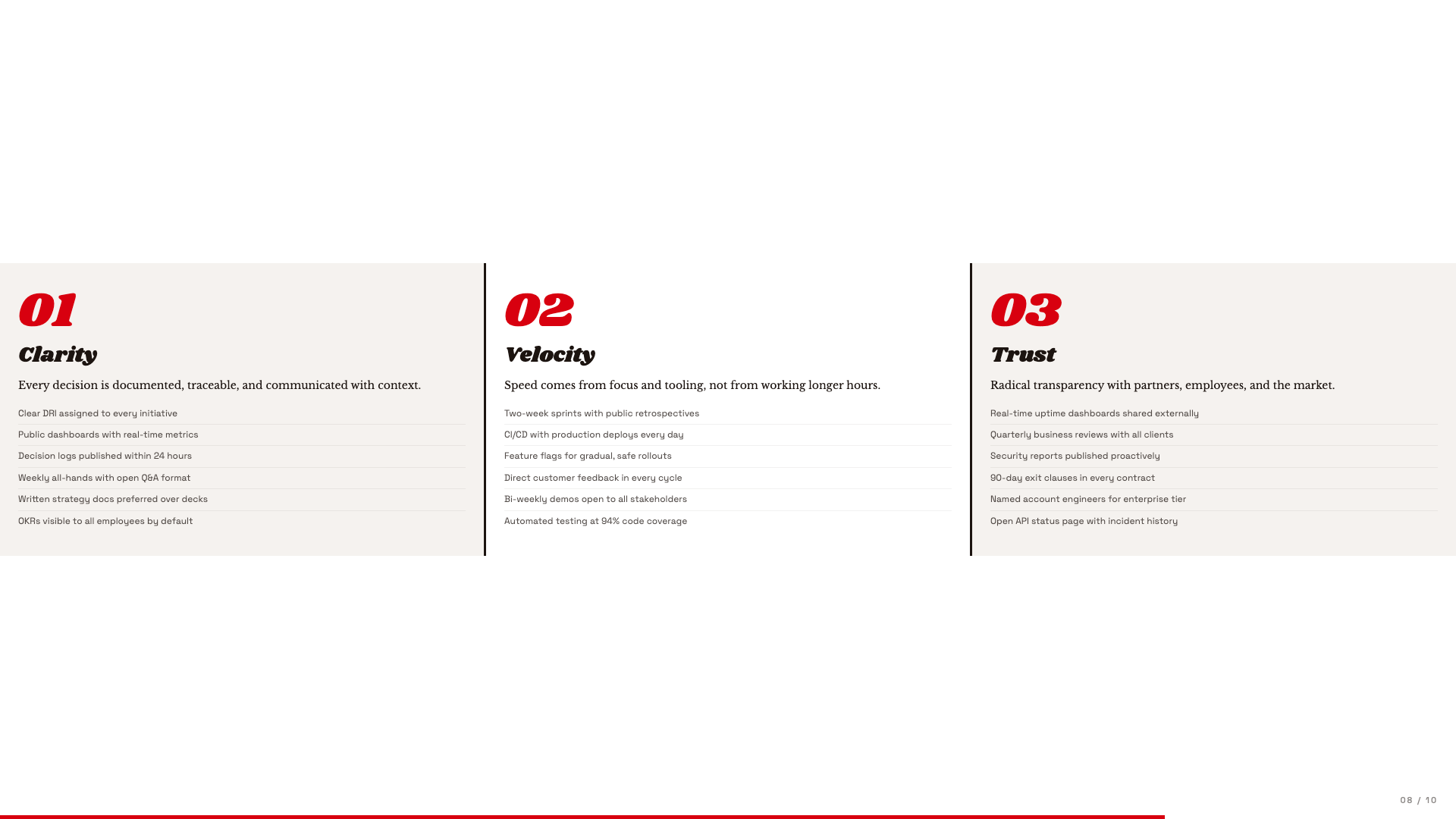
Editorial poster aesthetic with massive Shrikhand display and a single fire-engine red accent.
Broadside
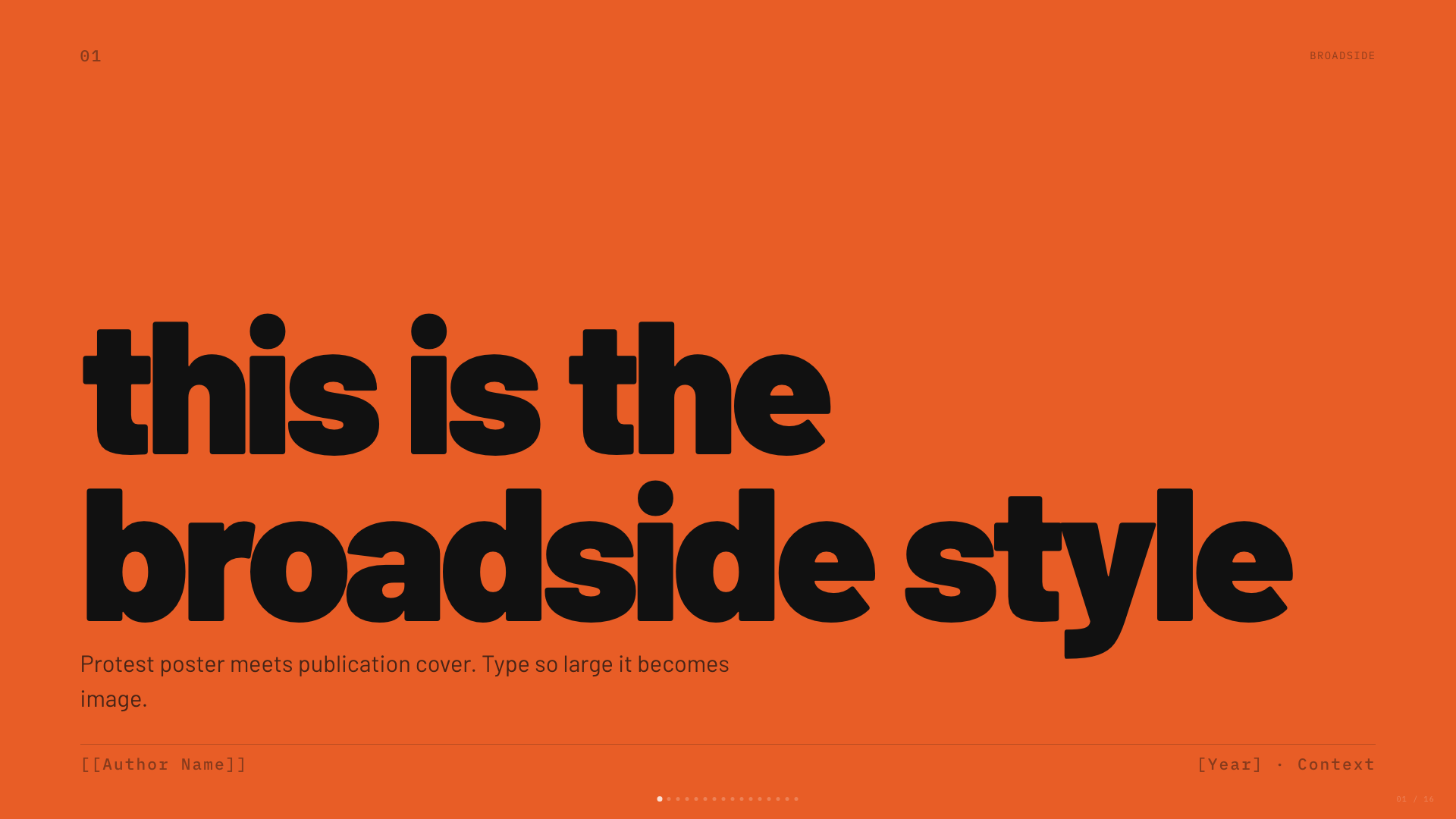
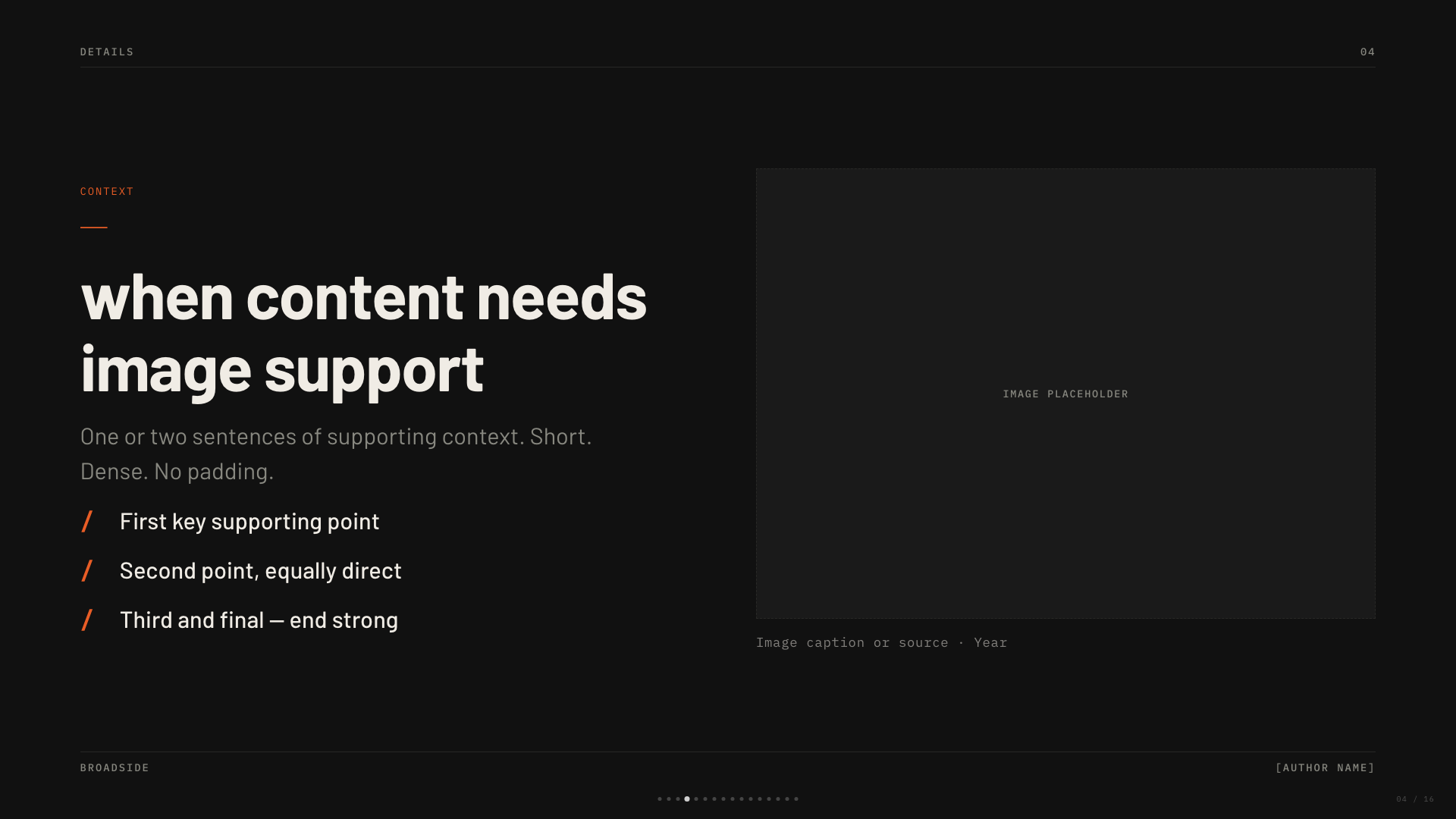
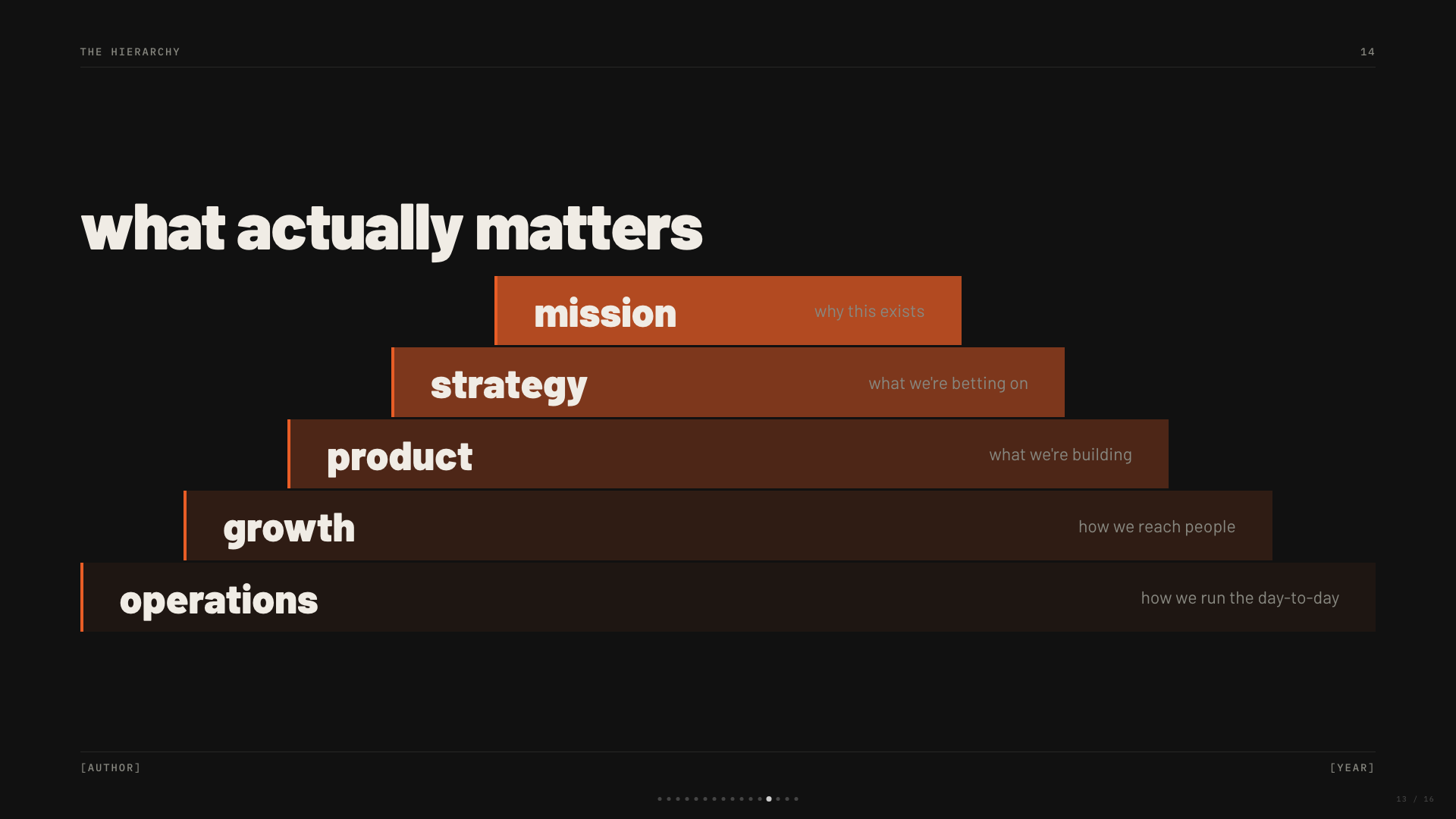
Dark editorial canvas with a single fire orange accent and bilingual Latin/Chinese type stack.
Capsule
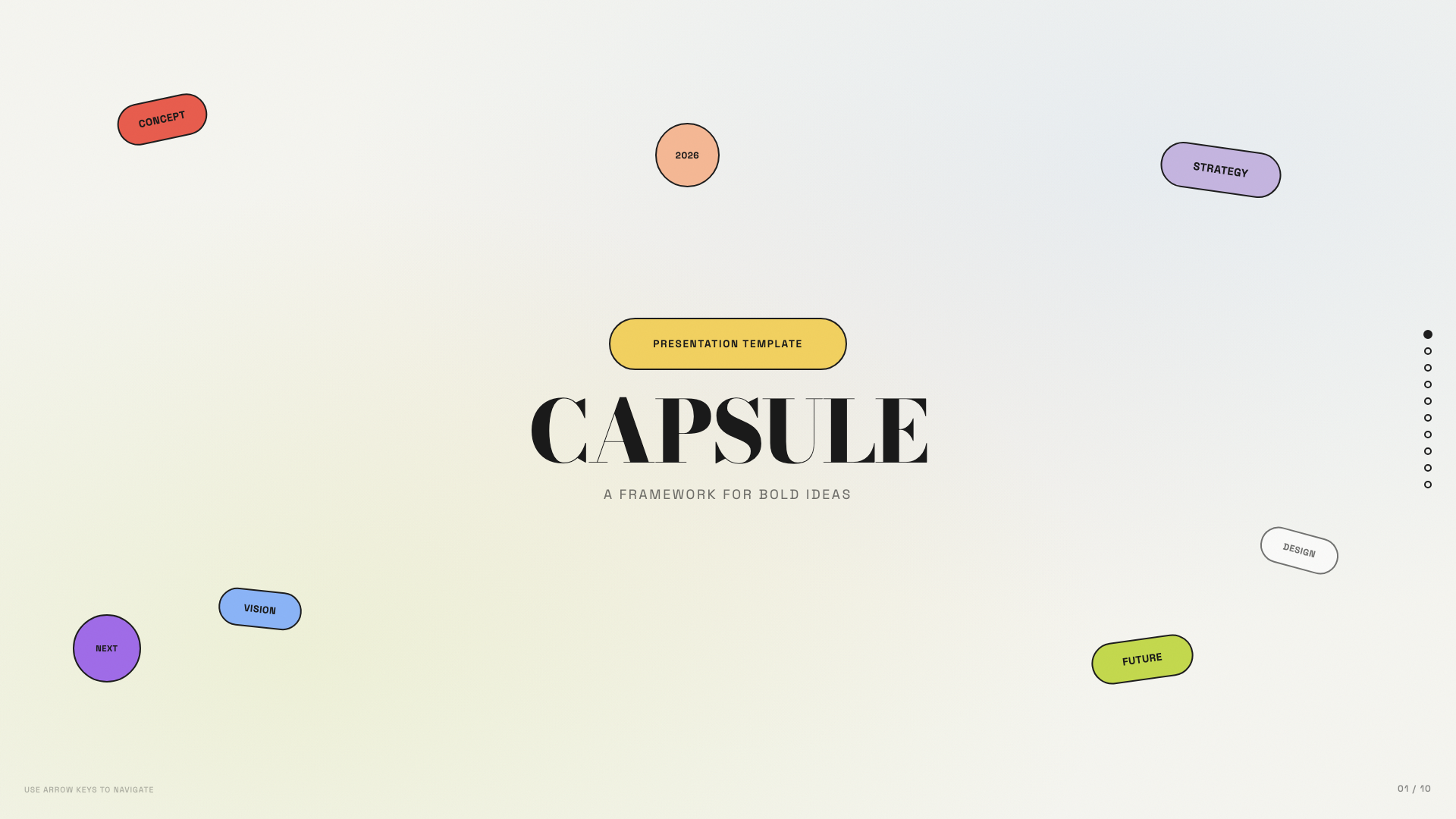
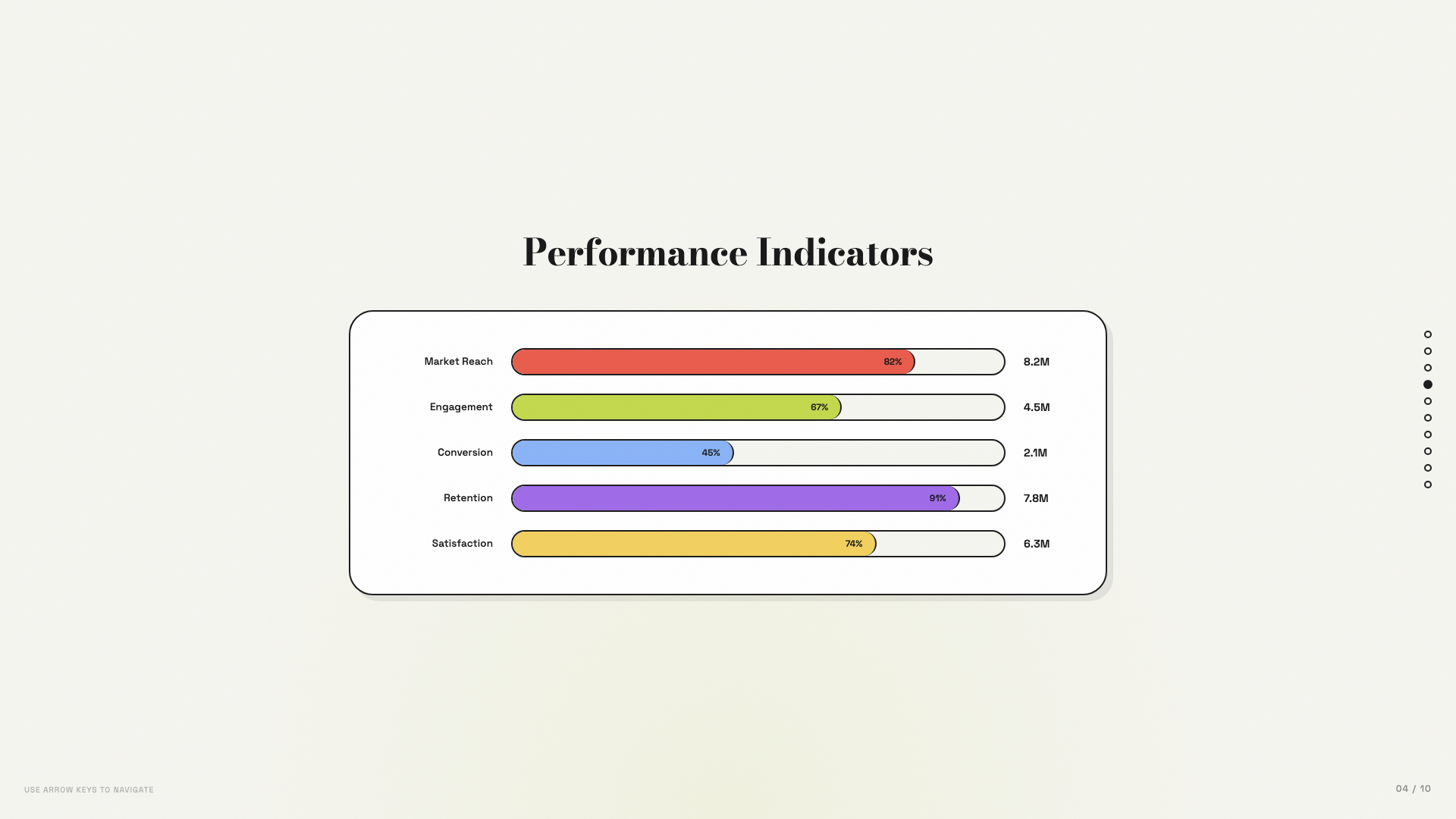
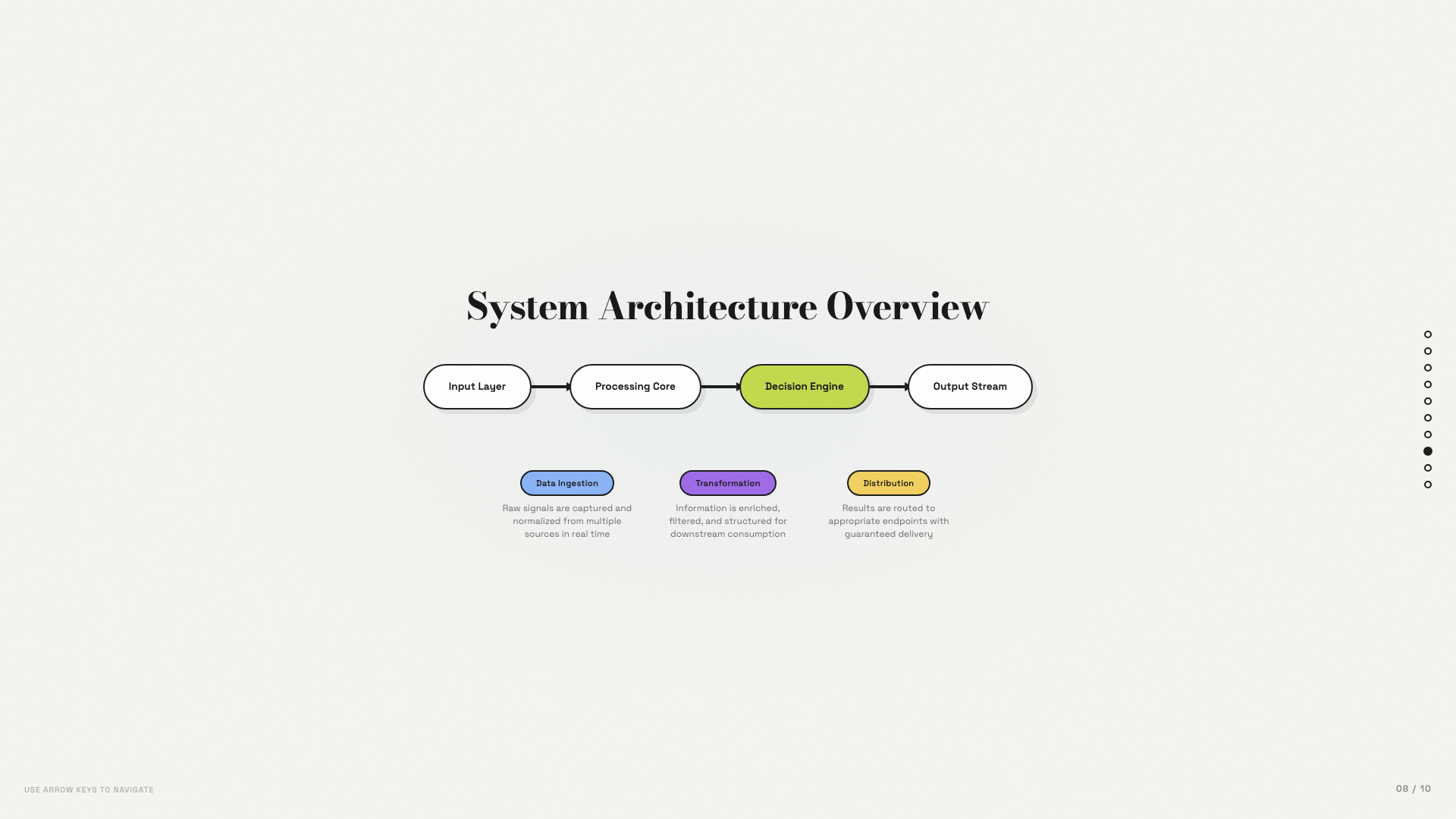
Modular pill-shaped cards on warm bone with a full pastel-pop palette.
Cartesian
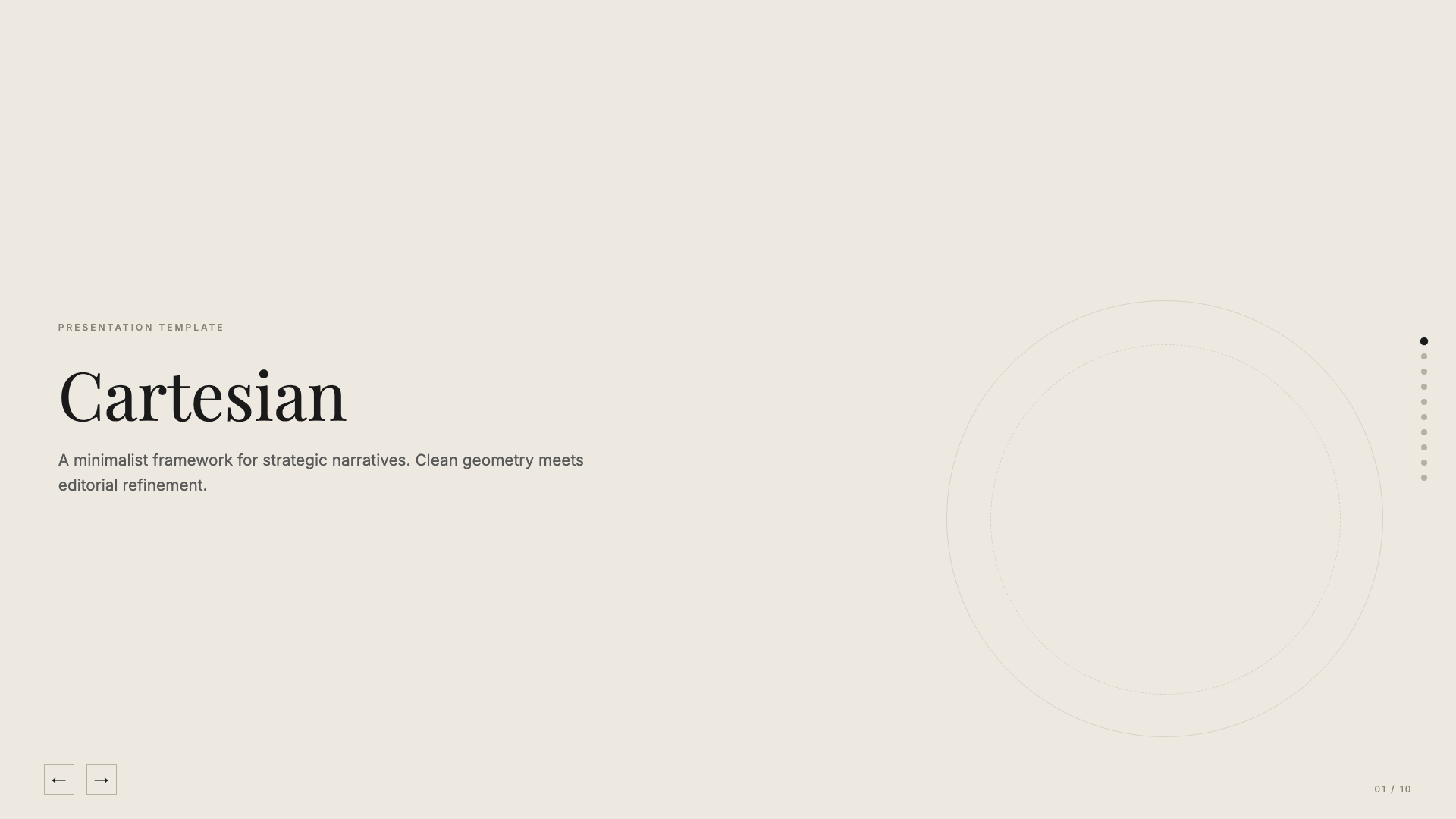
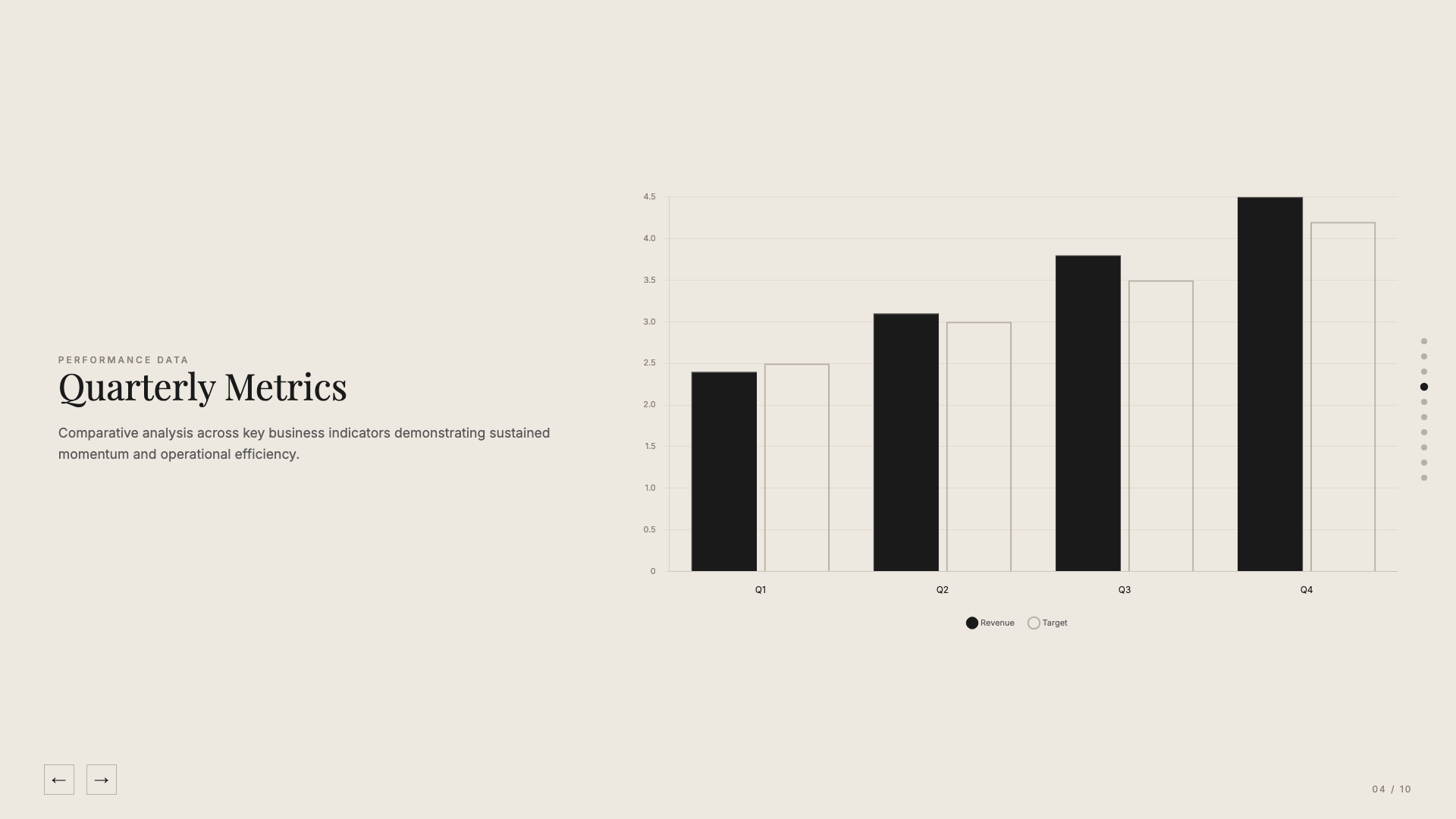
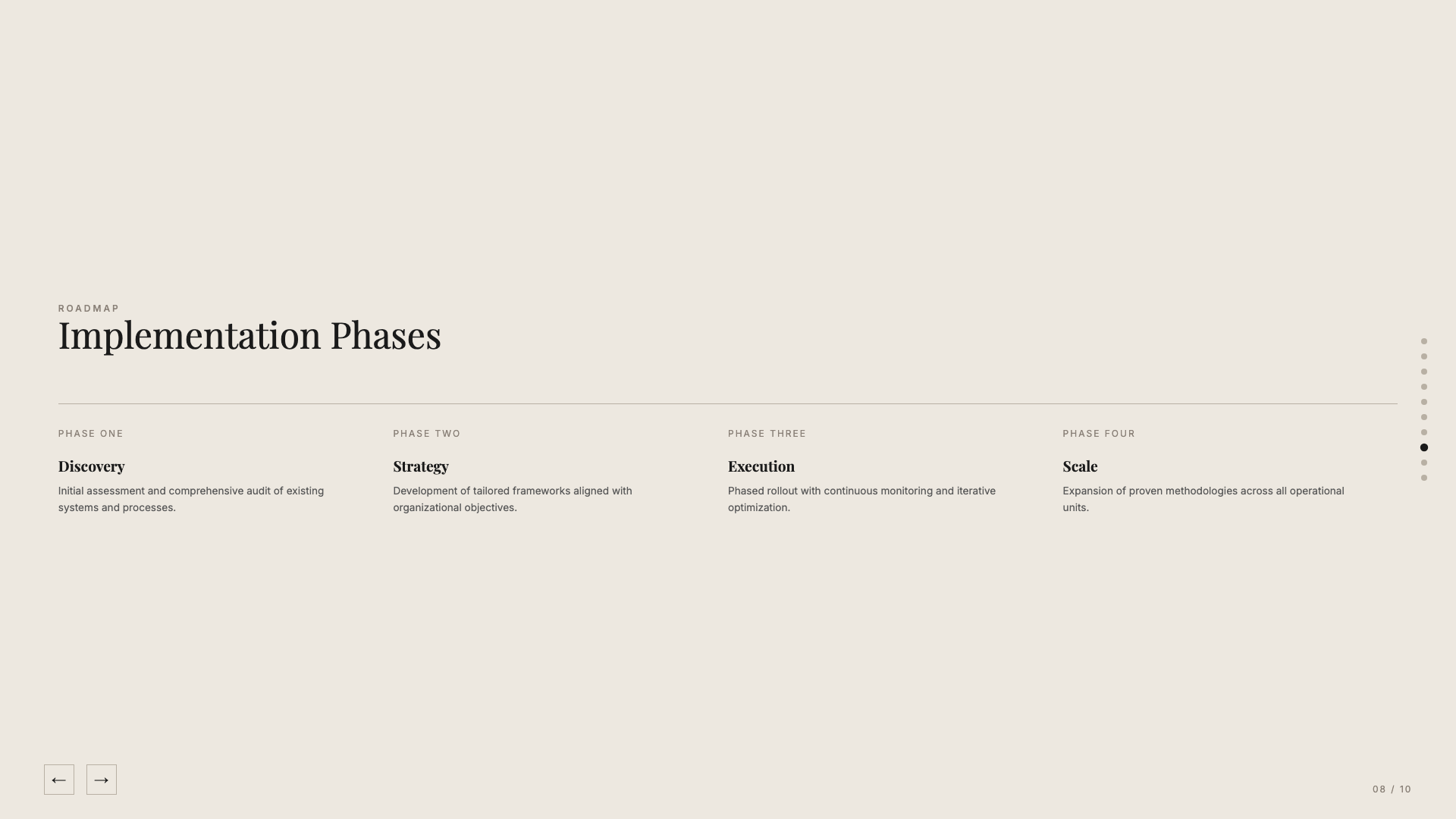
Quiet warm-neutral palette with classical Playfair serifs; tasteful and unhurried.
Coral
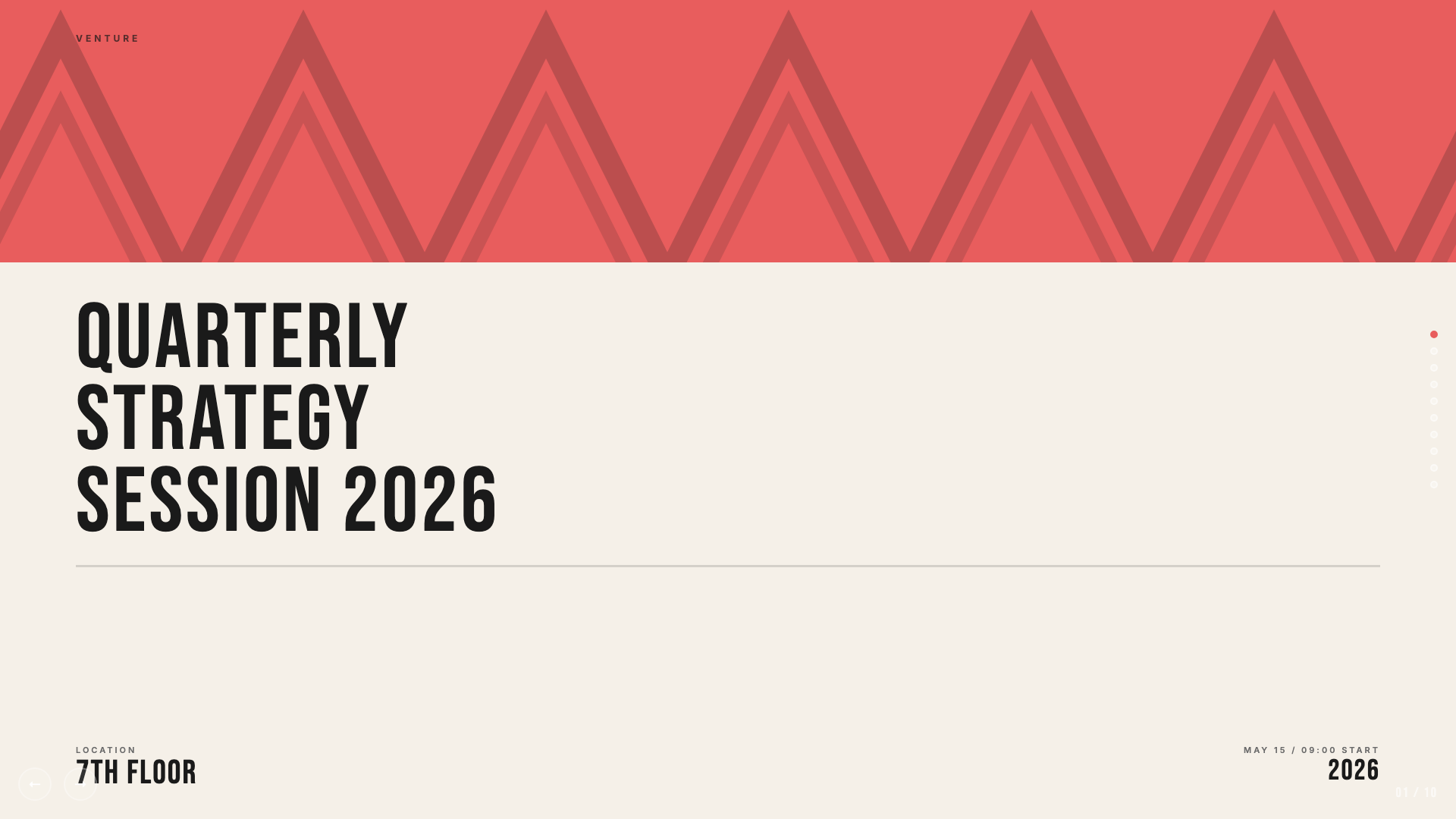
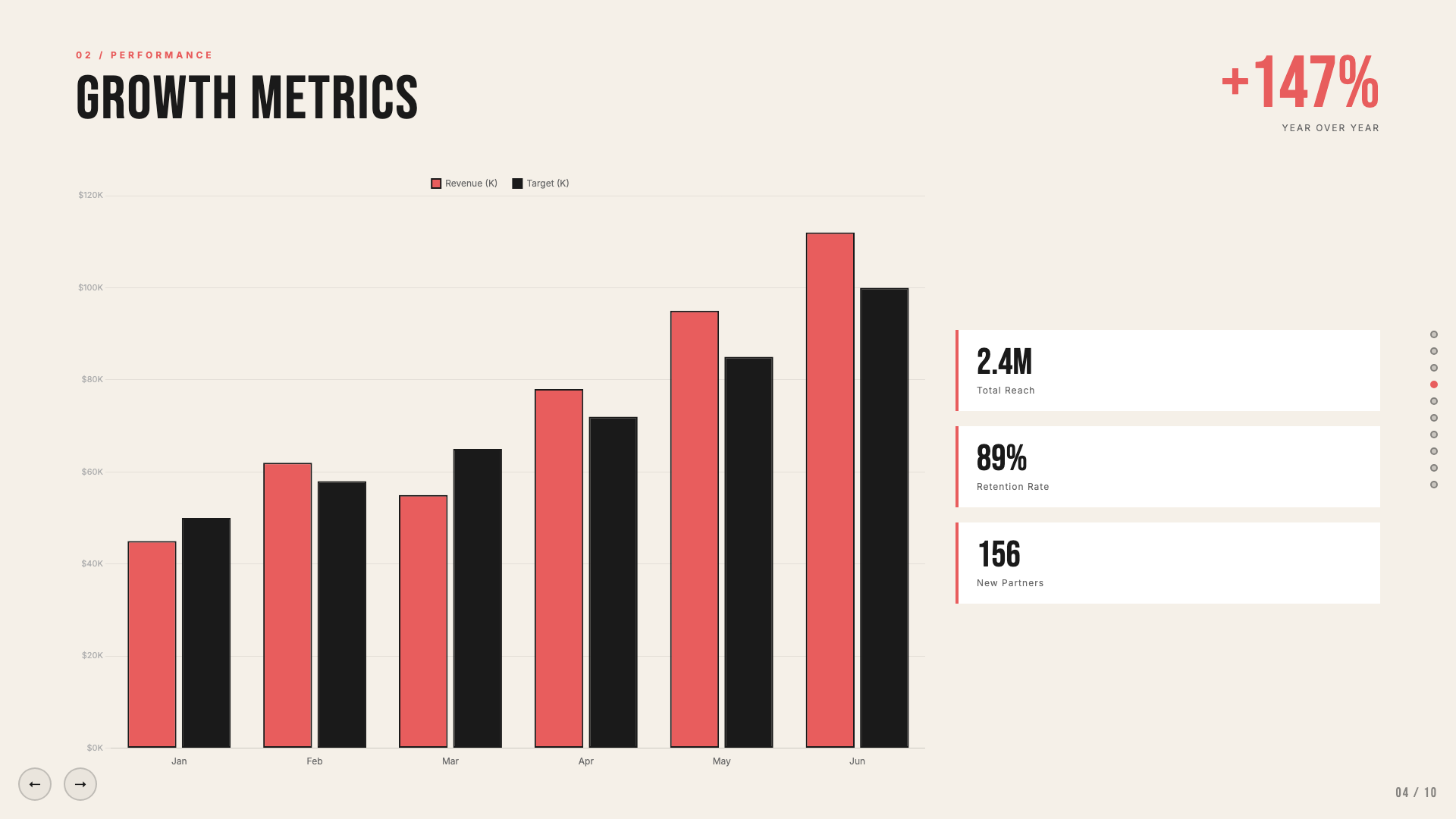
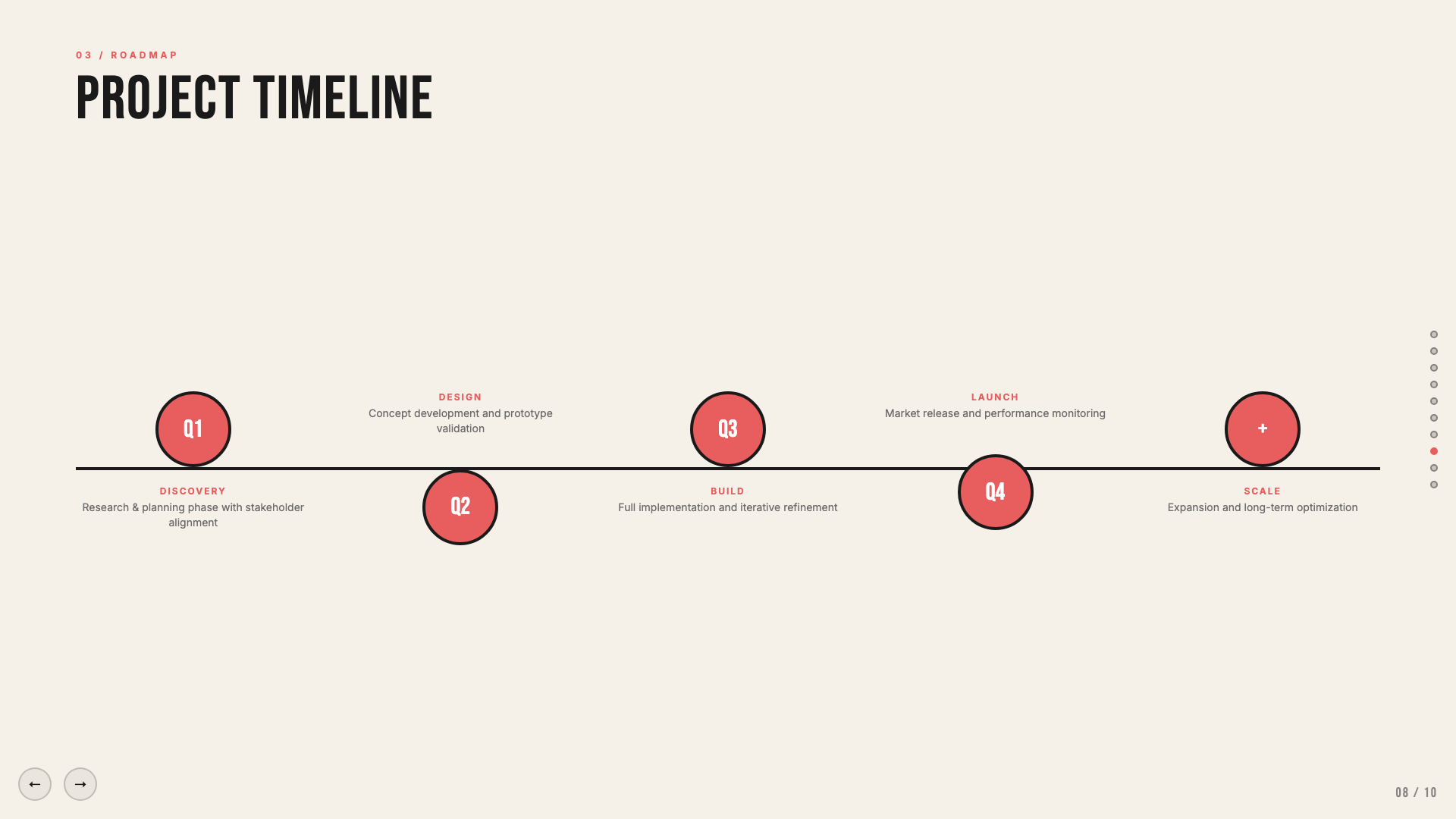
Cream and coral on near-black, set in oversized Bebas Neue.
Daisy Days
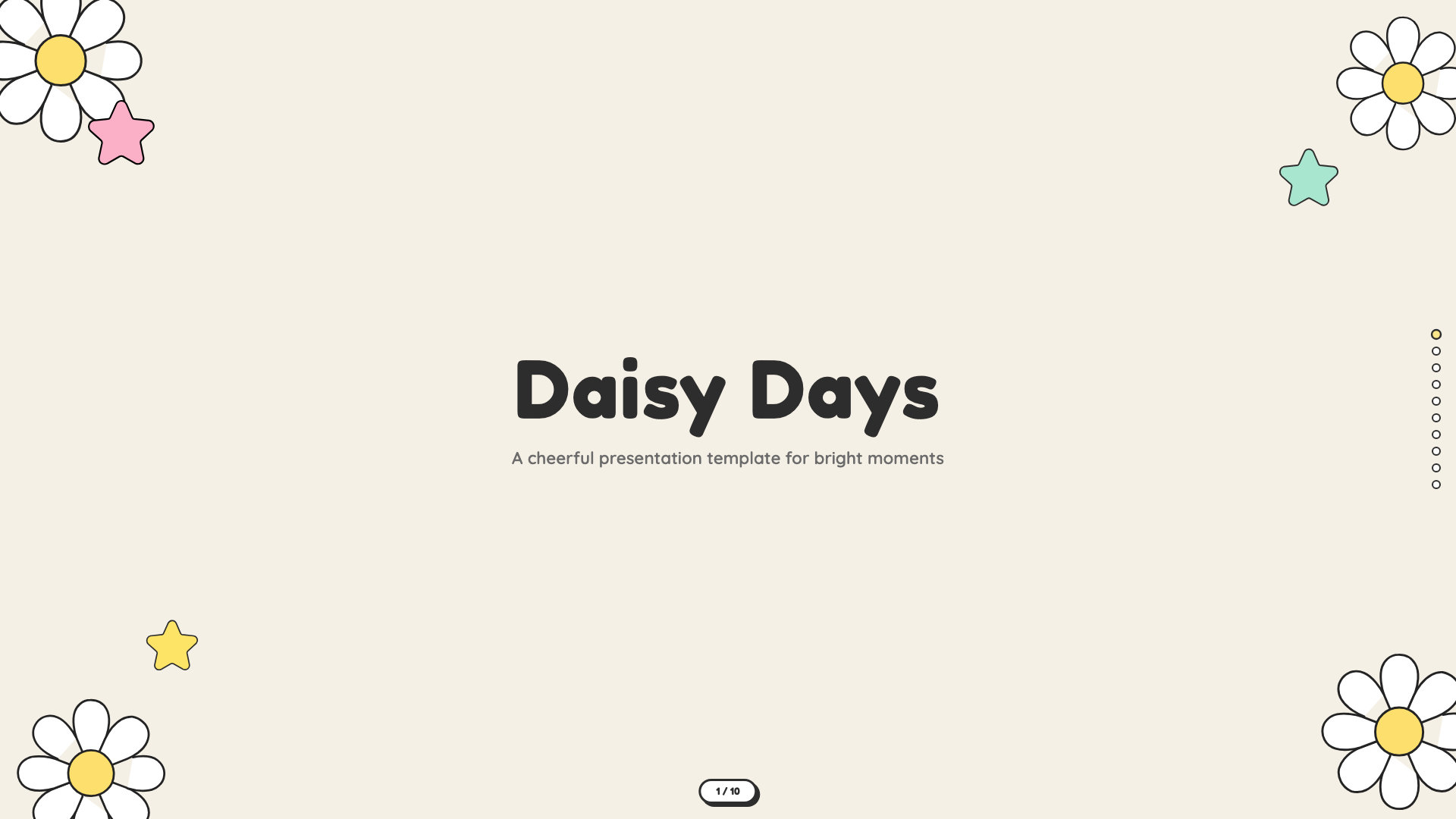
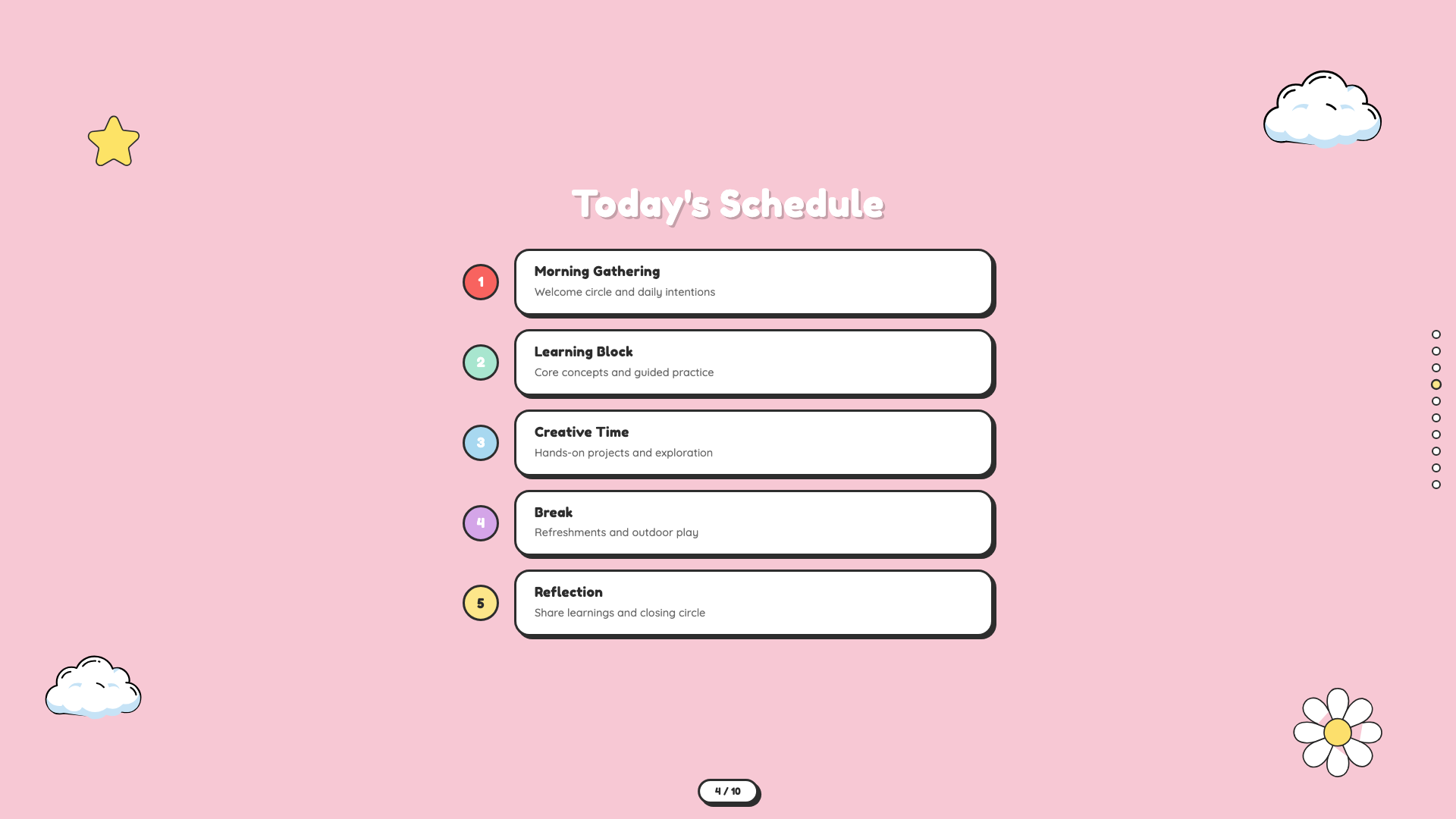
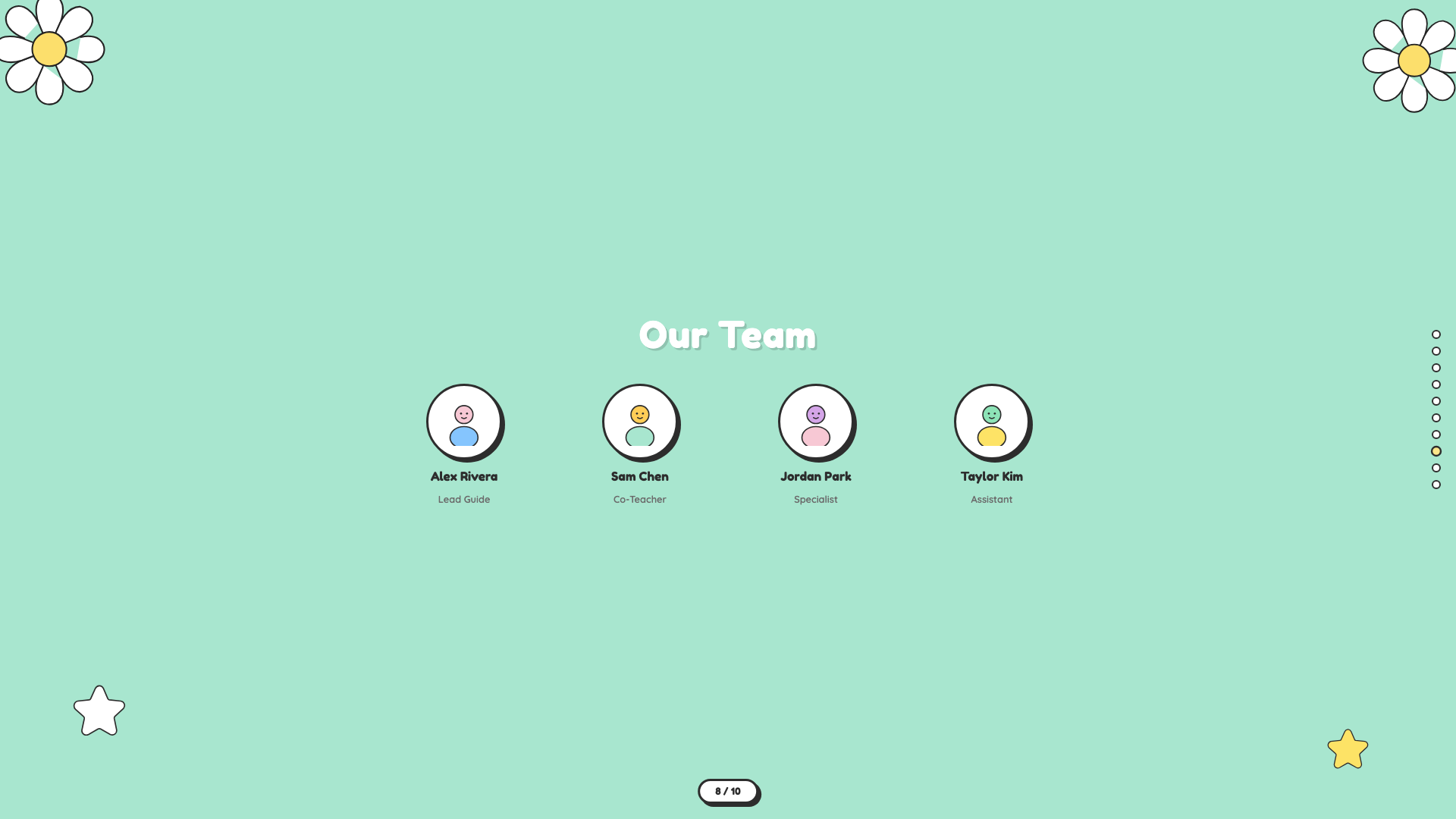
Cheerful pastel deck with hand-drawn daisies, stars, and rainbows. Friendly, soft, and warm.
Grove
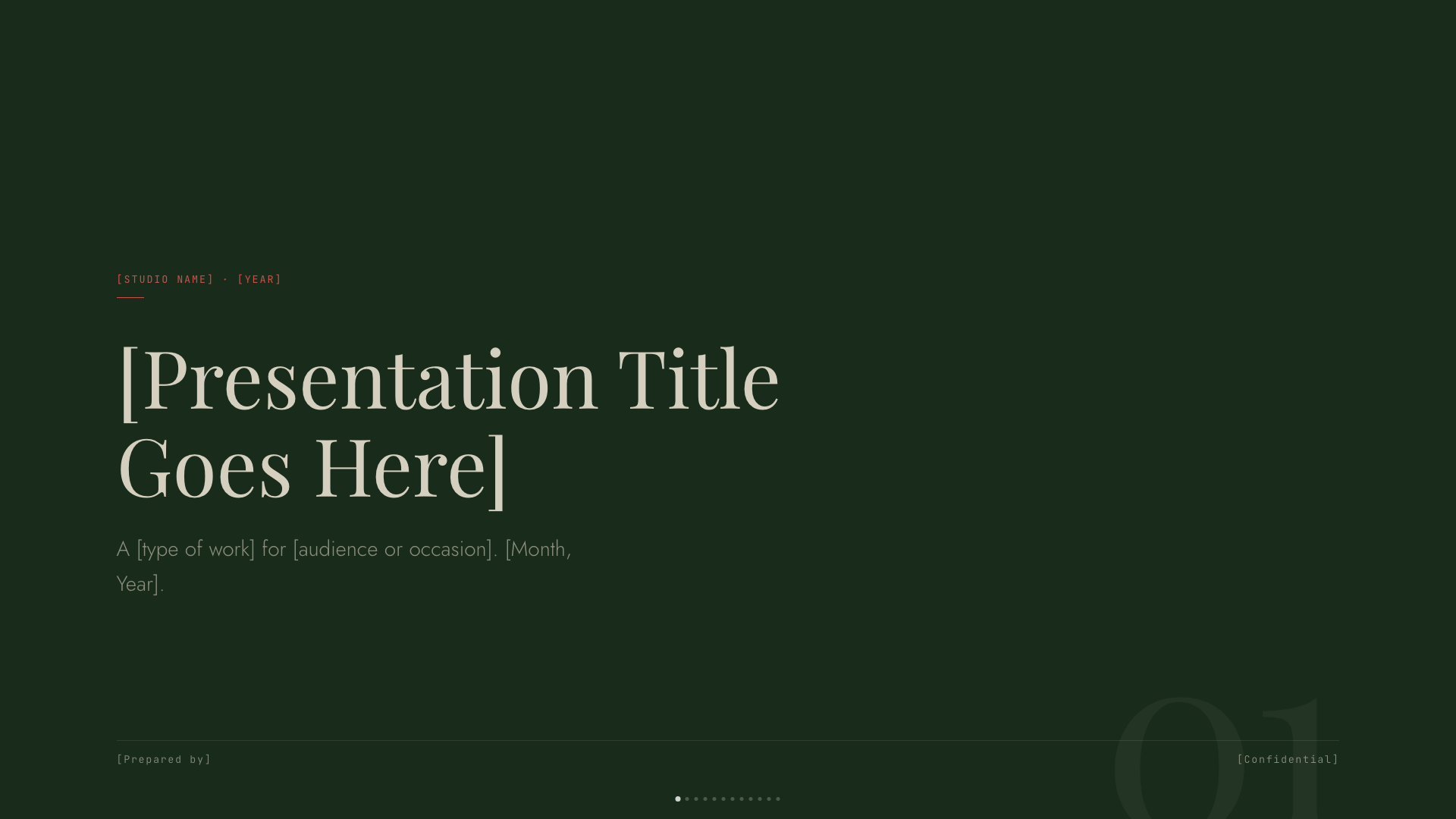
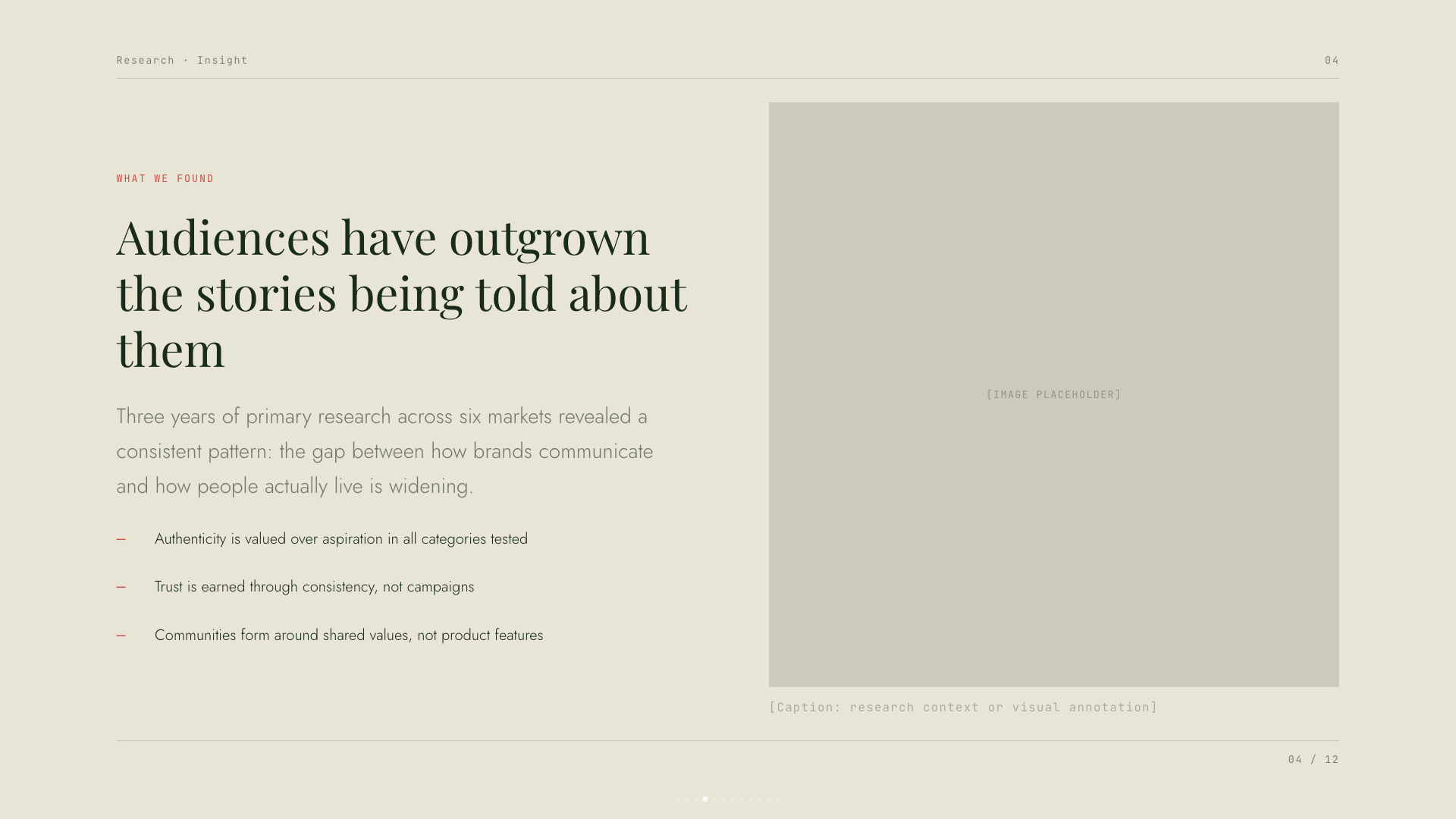
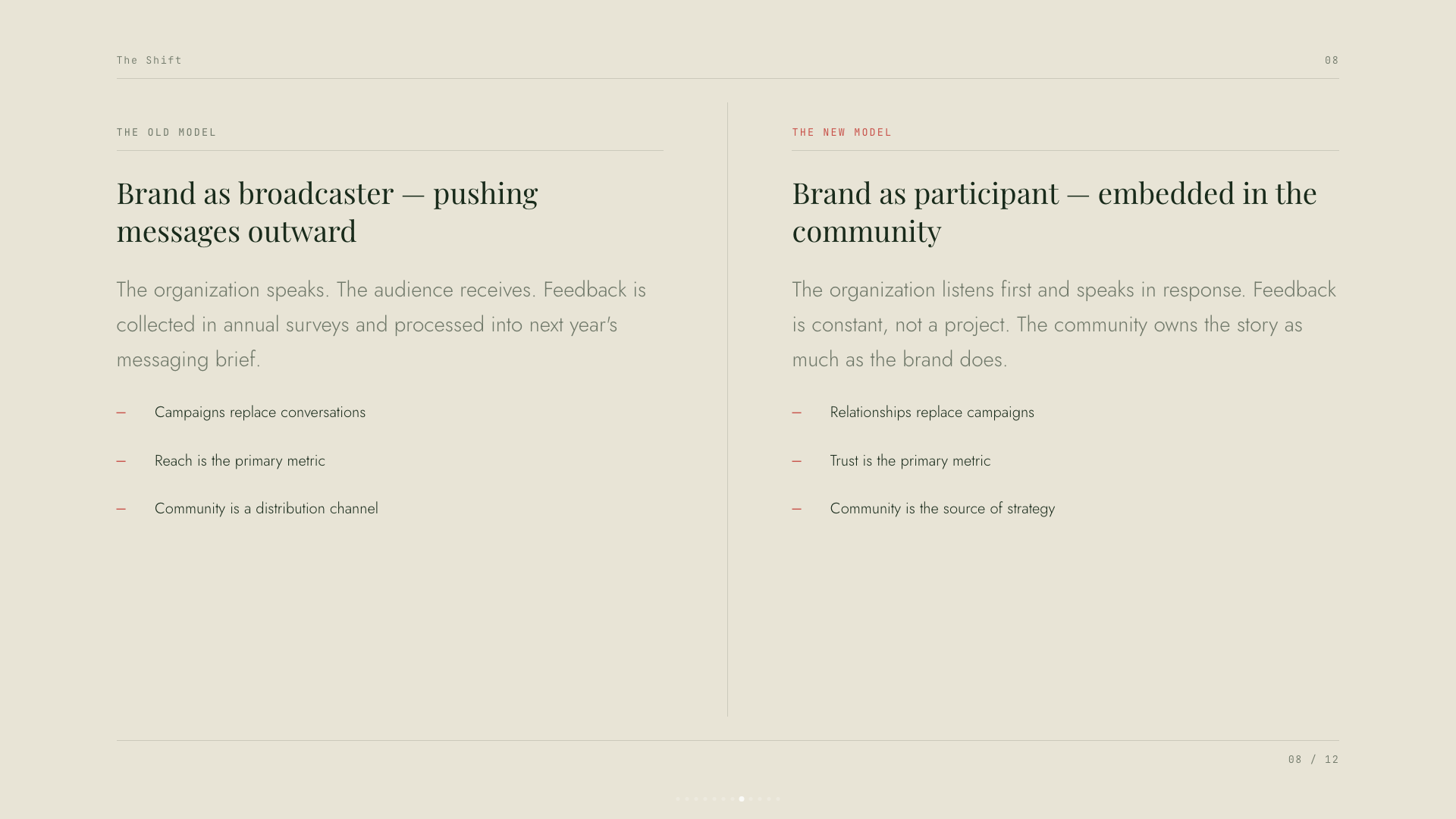
Forest-green canvas with cream type, classical Playfair serifs, and a single rust accent.
Mat
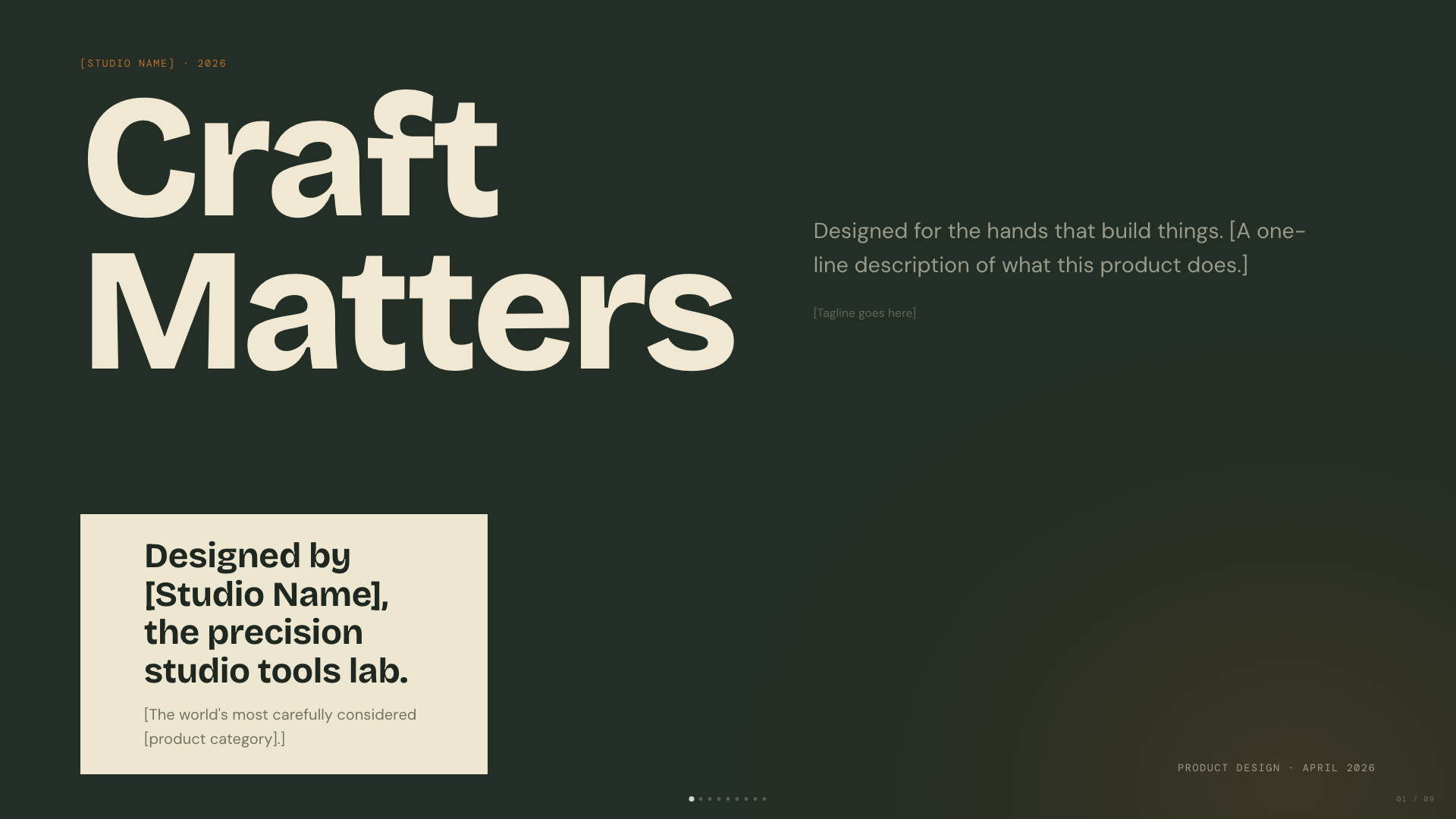
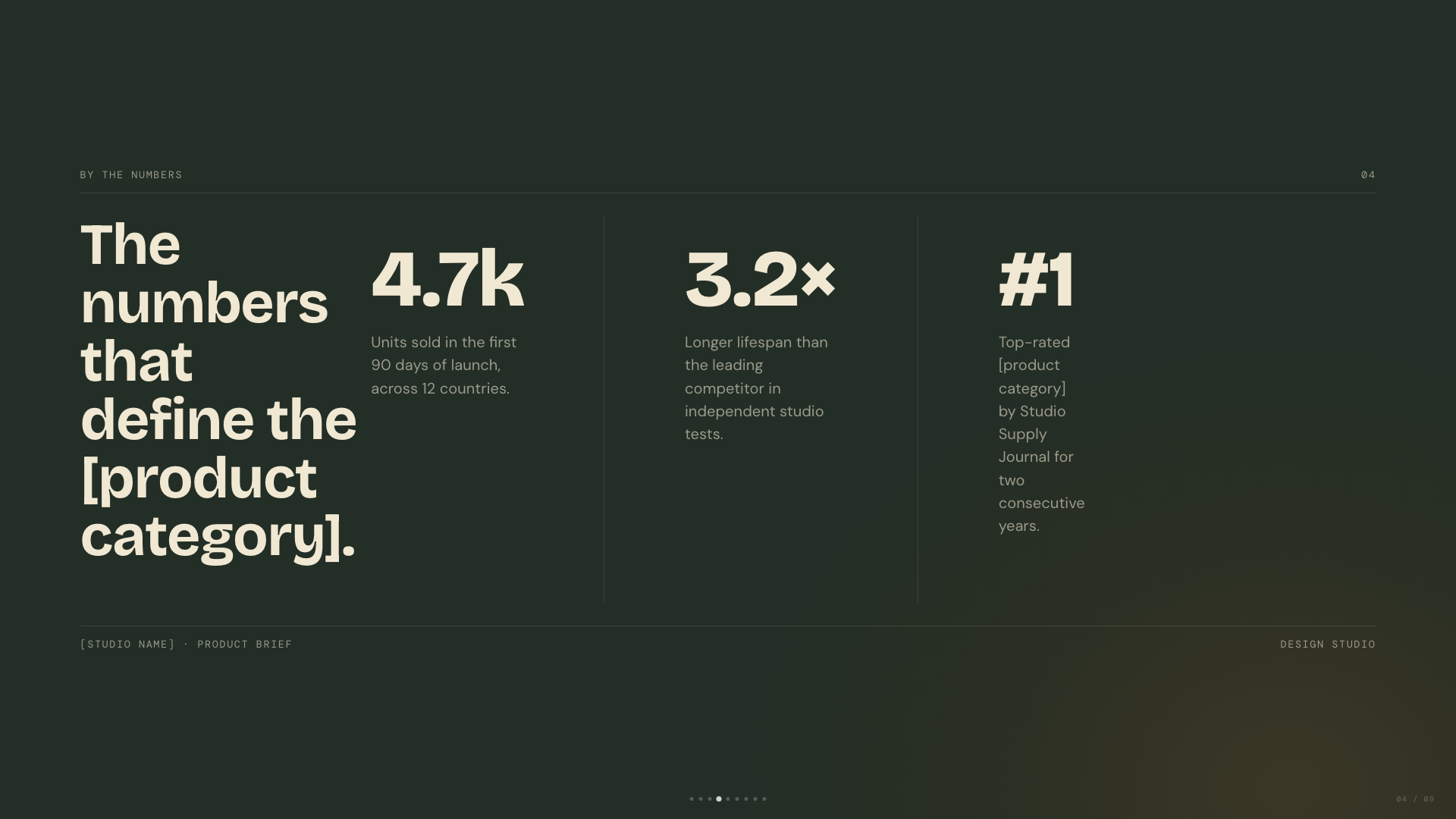
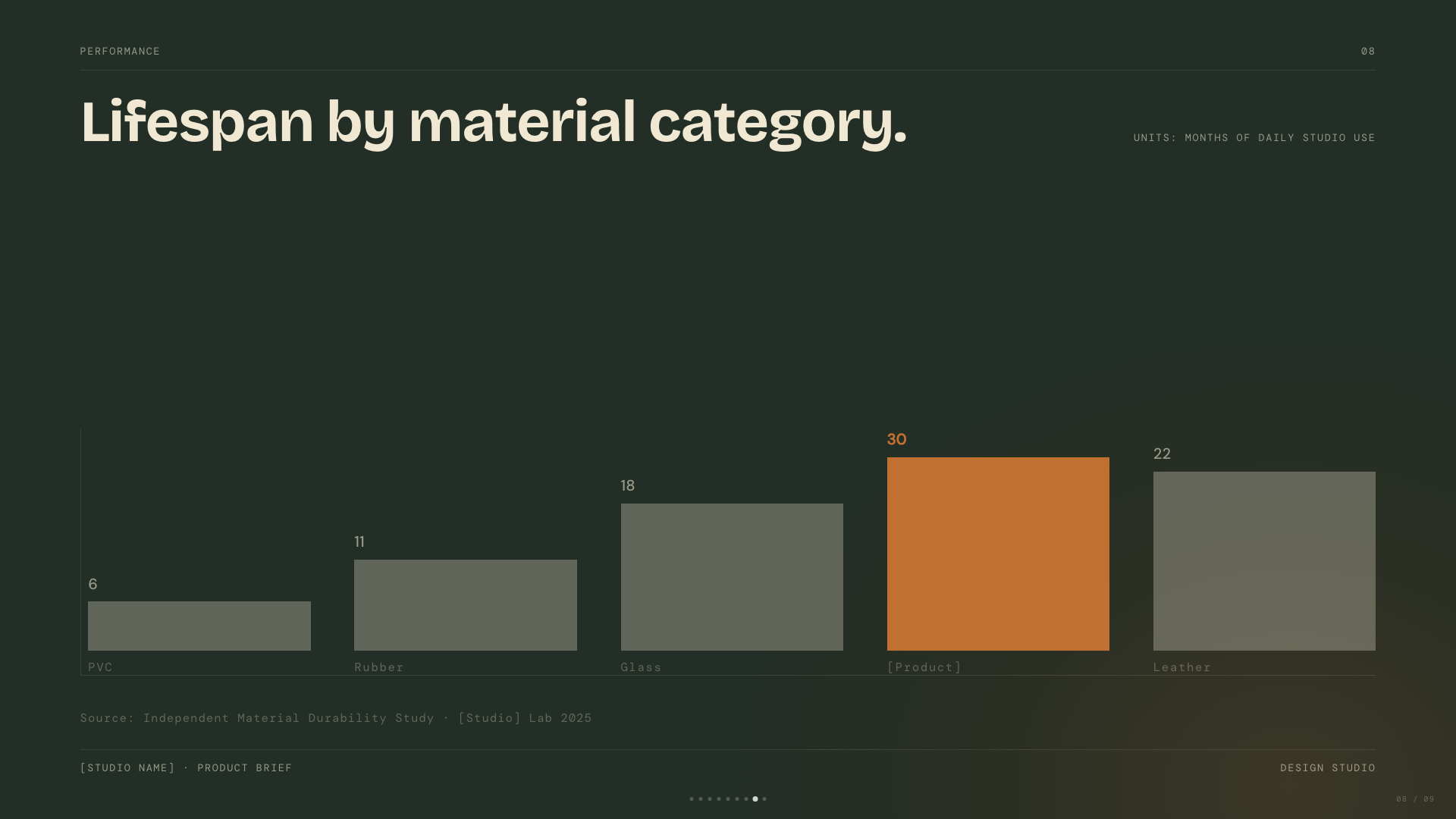
Dark sage canvas with bone paper and burnt-orange accent; mid-century modern with wood undertones.
Playful
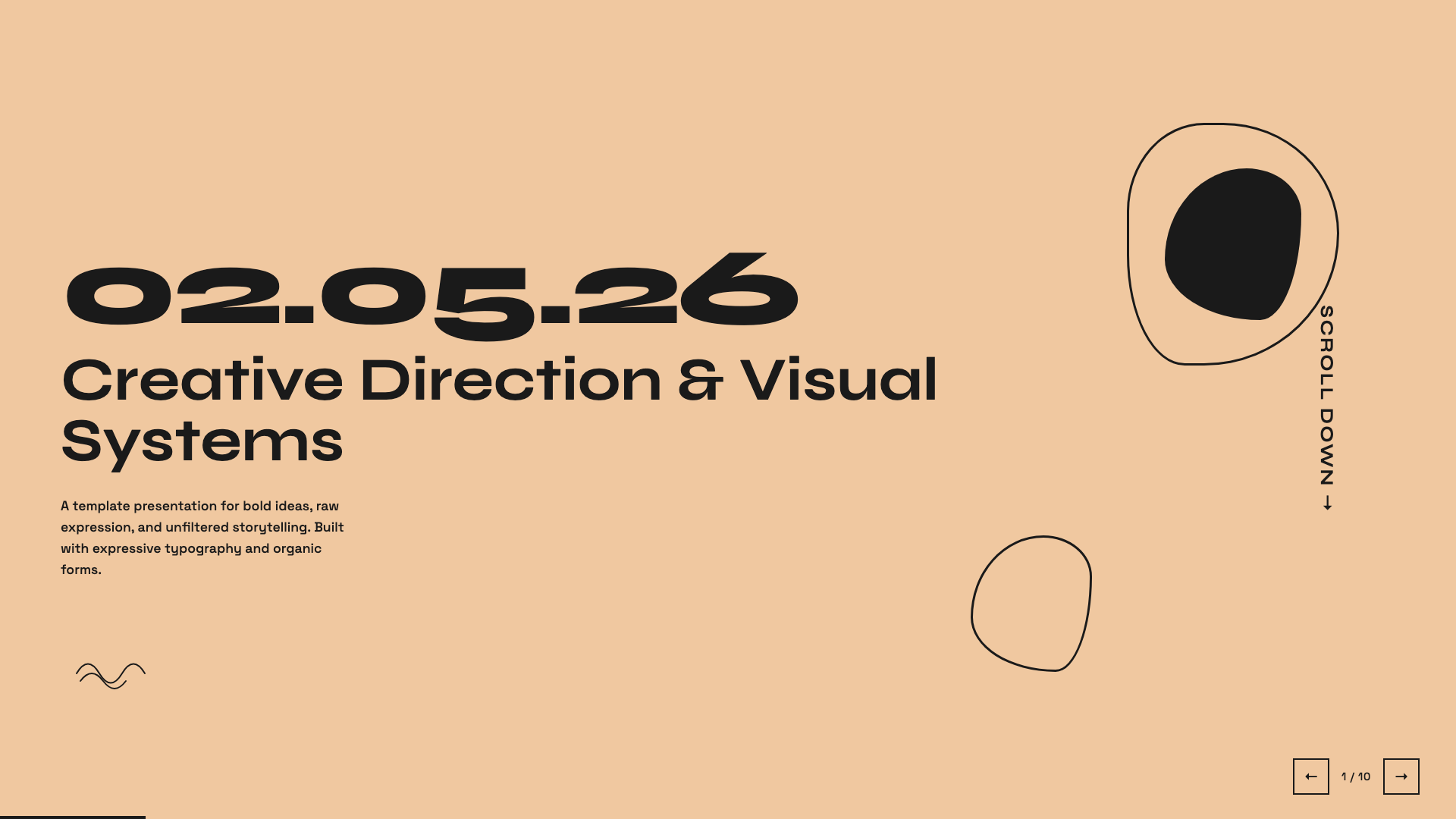
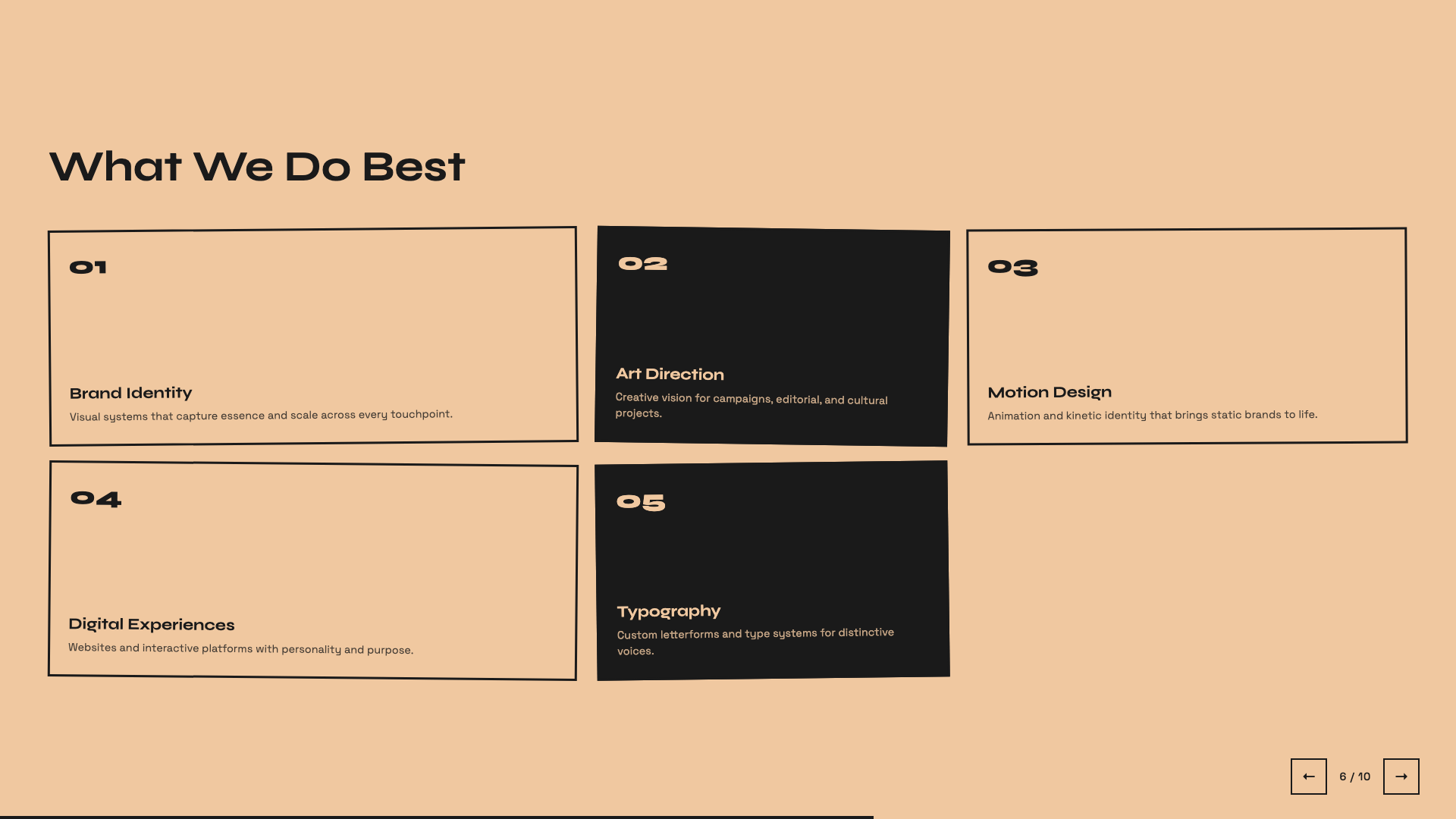
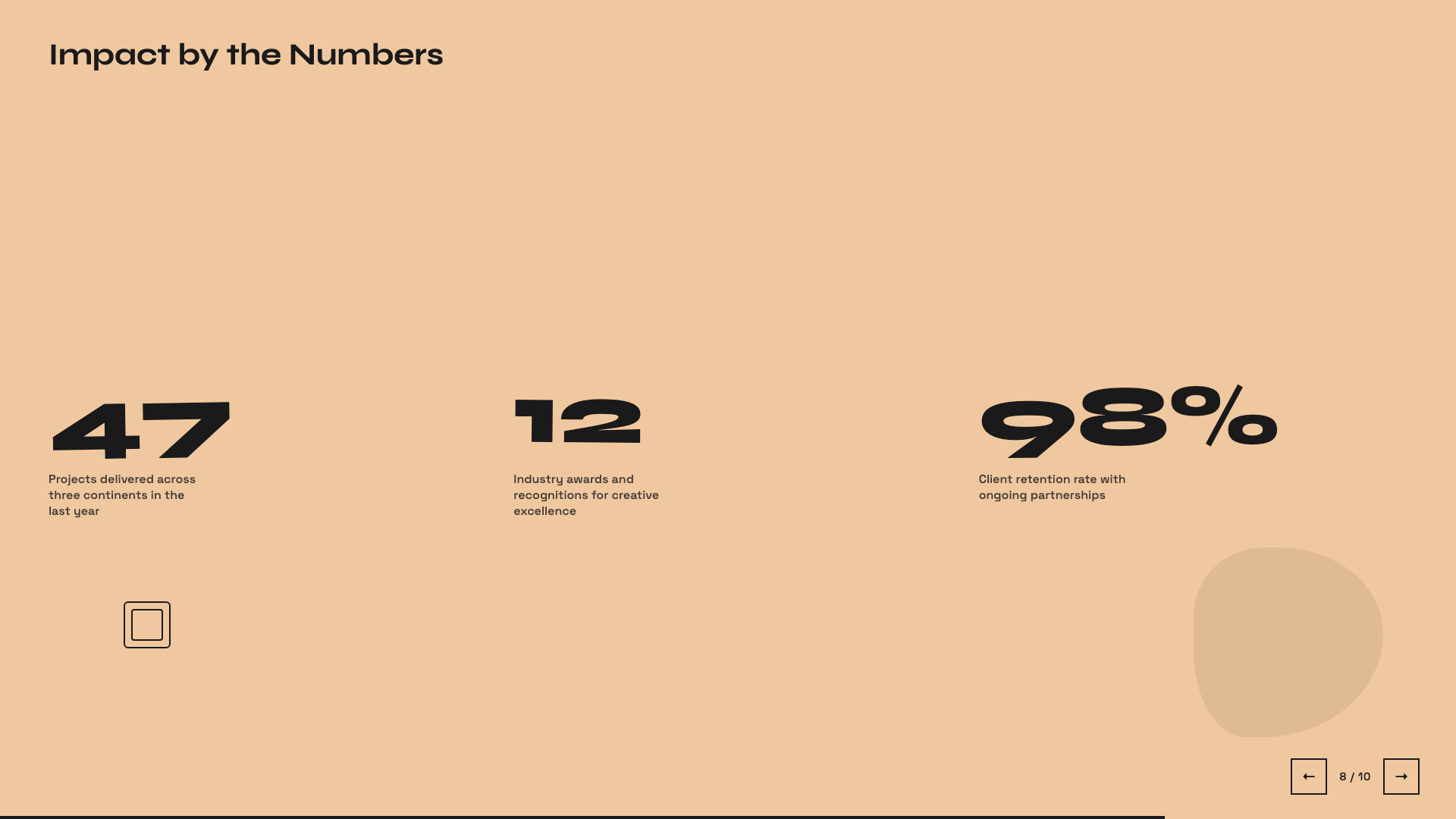
Sun-warm peach background with Syne display: a friendly indie launch deck.
Raw Grid
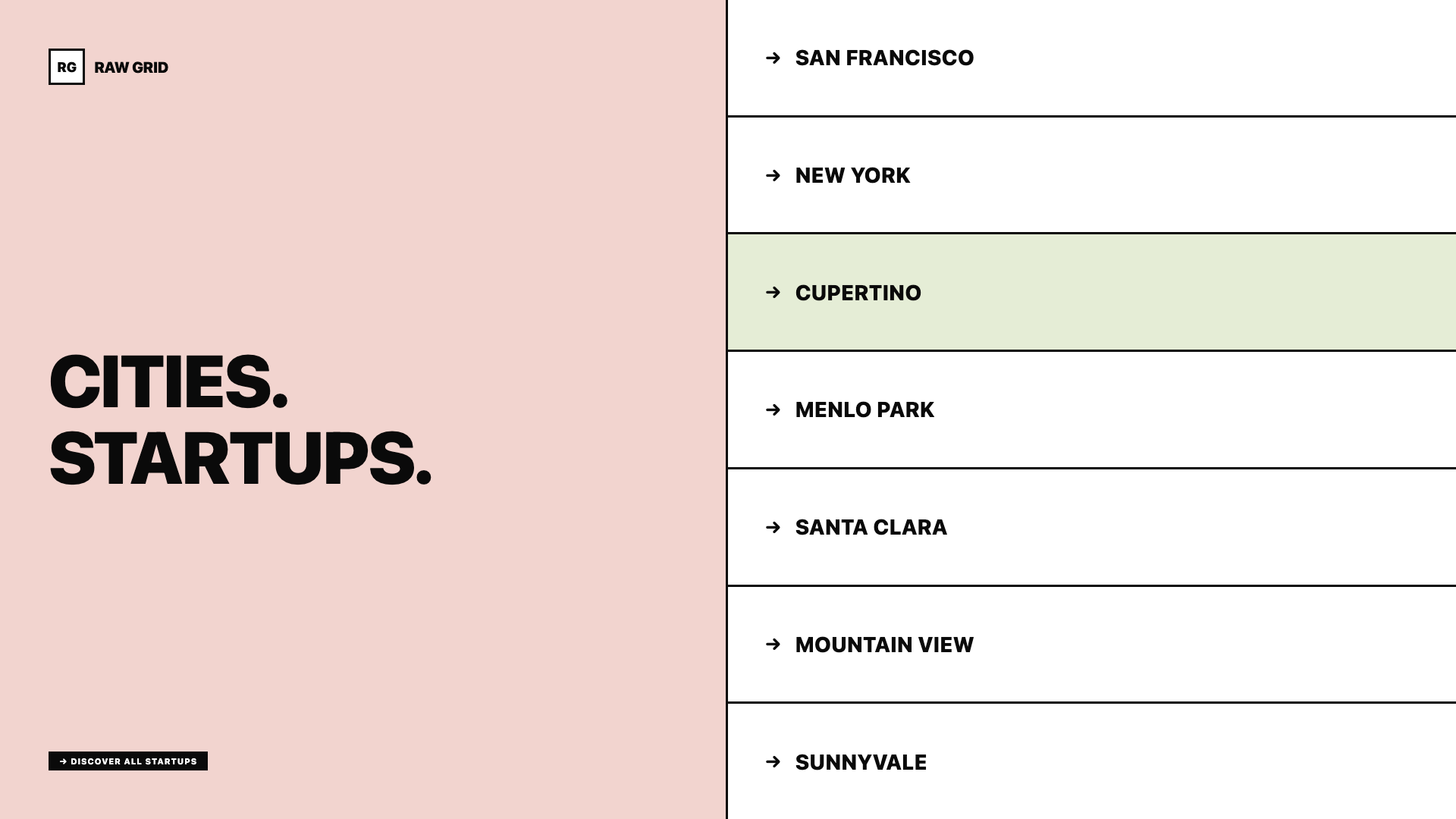
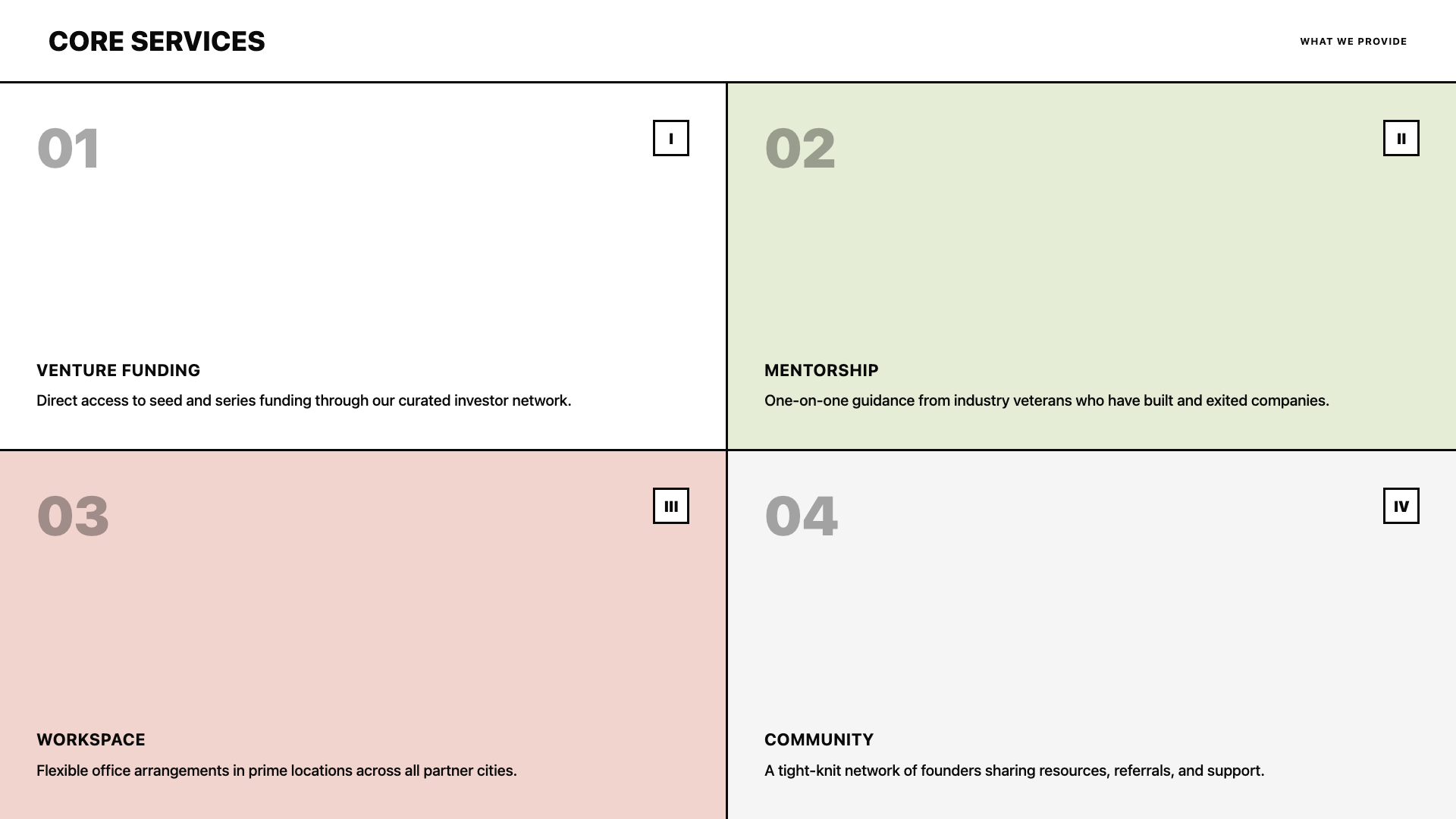
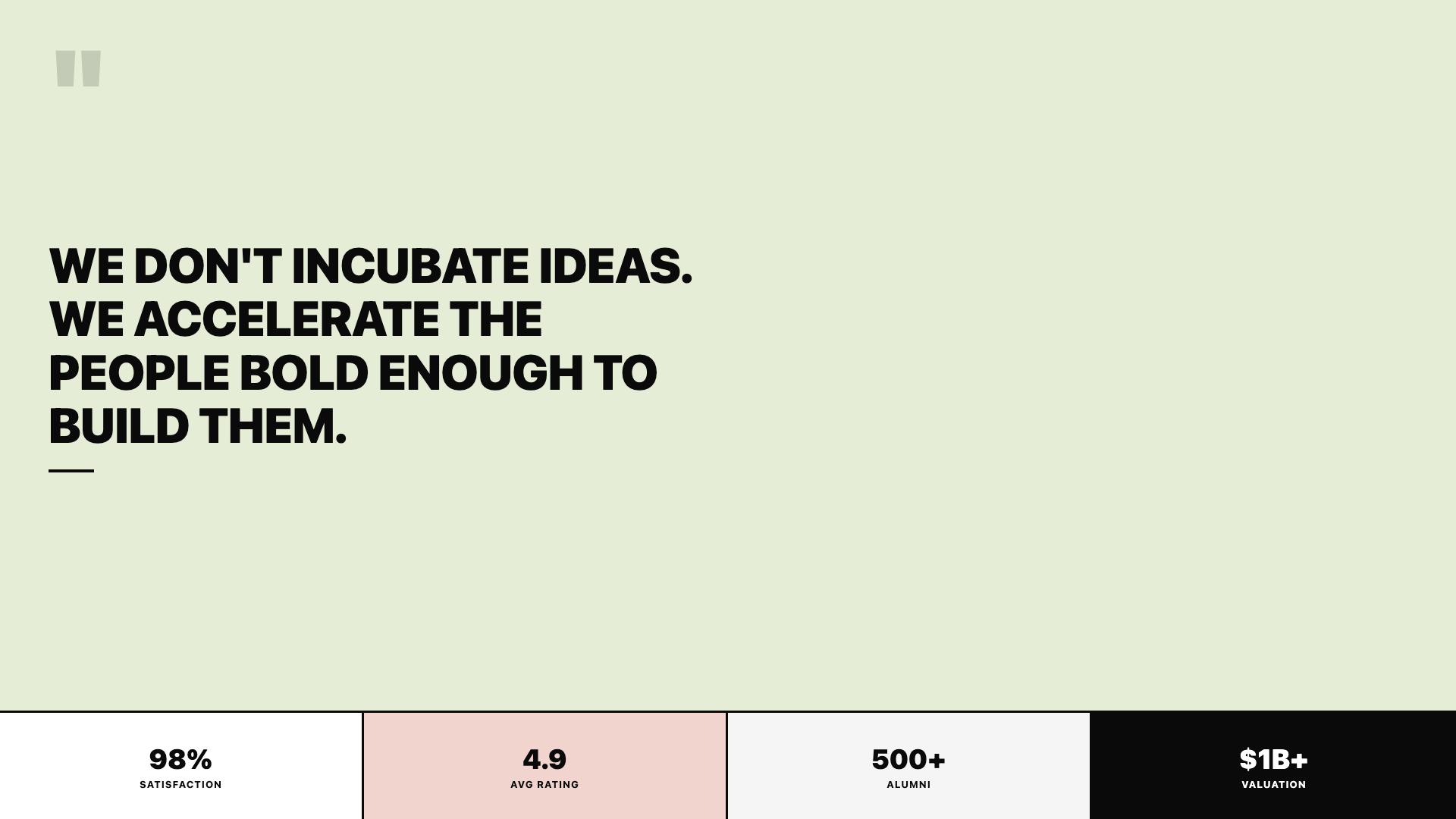
Neo-brutalist deck with thick borders, offset shadows, and a pink/sage/ink palette.
Retro Windows
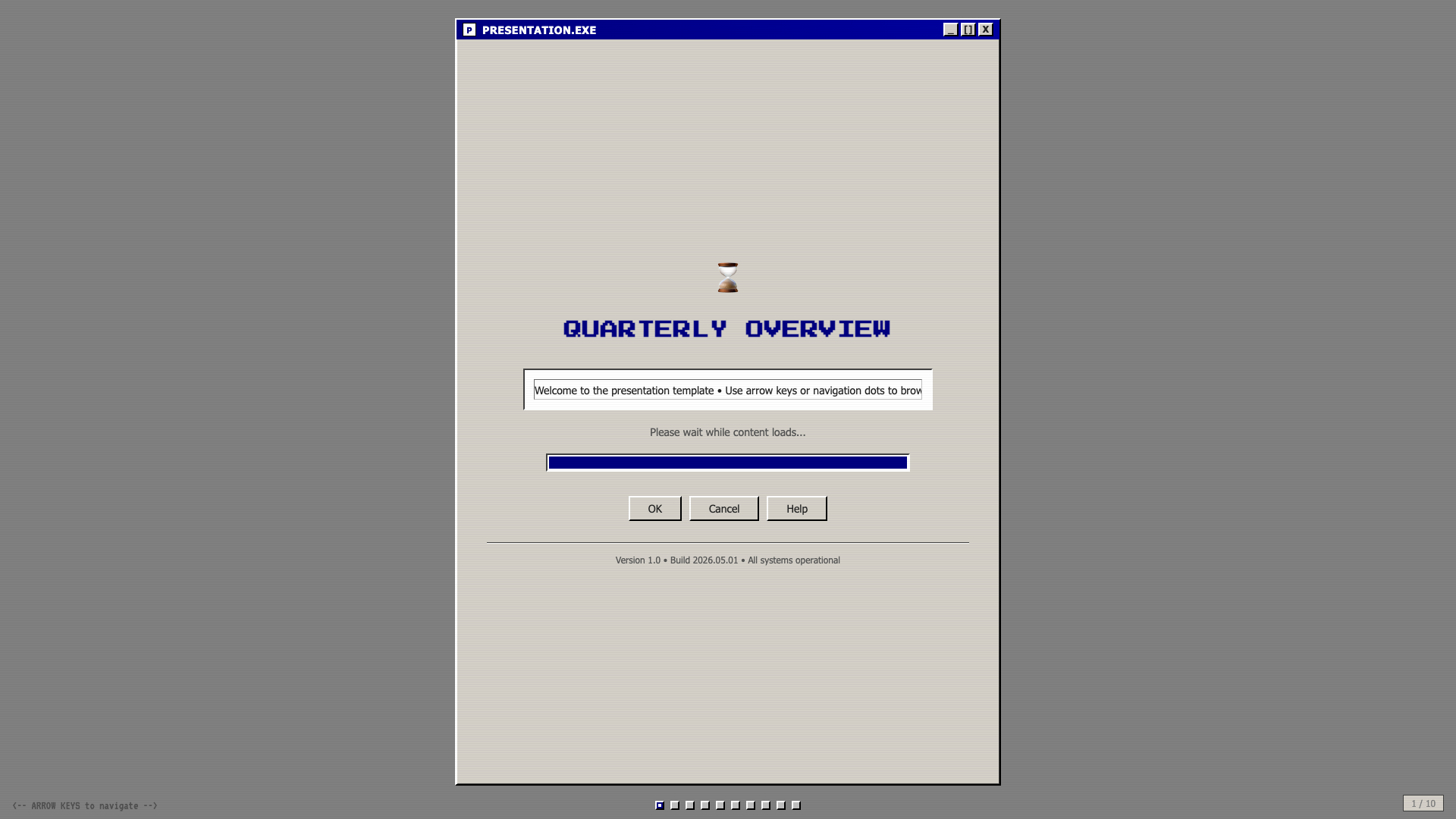
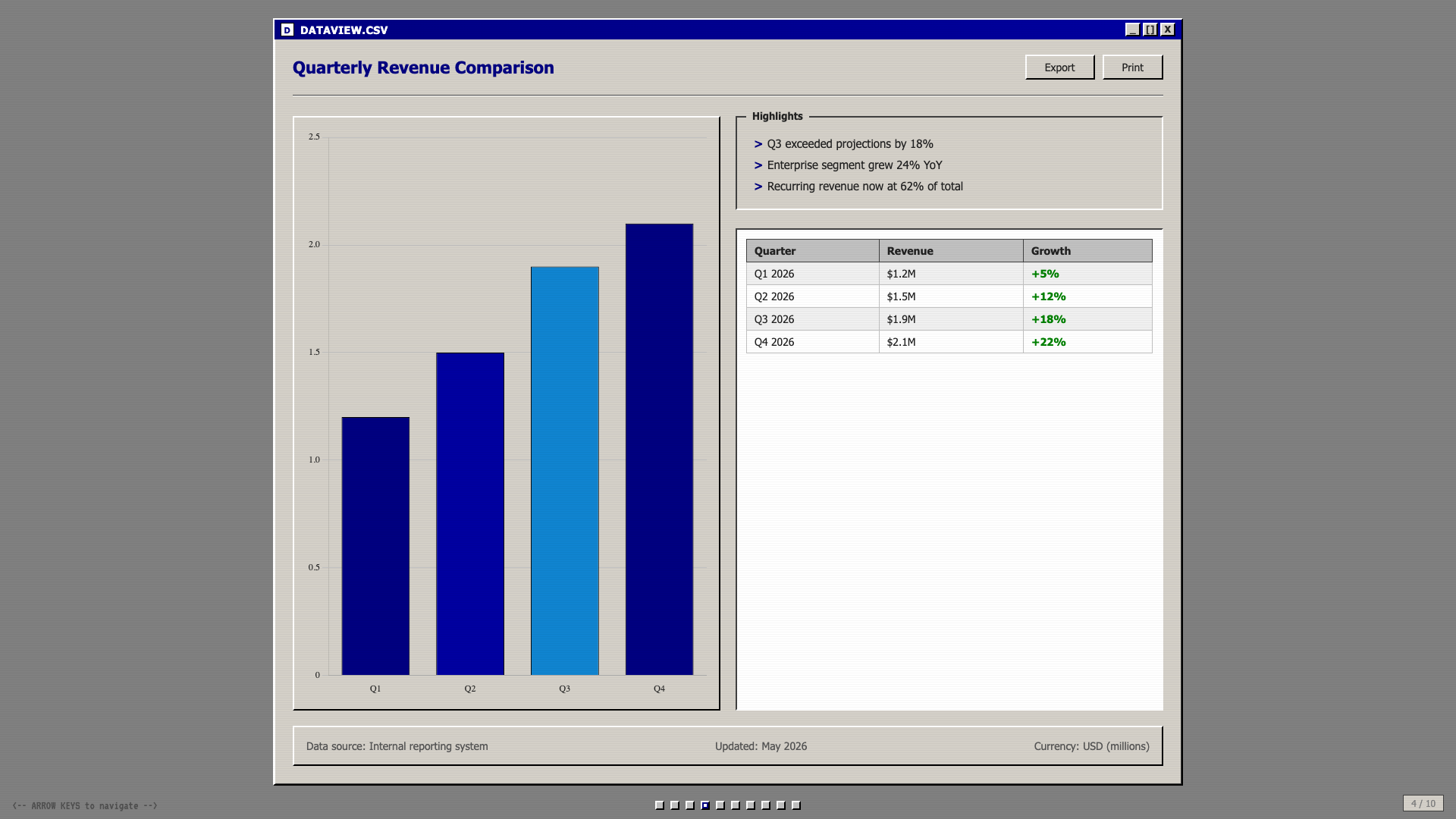
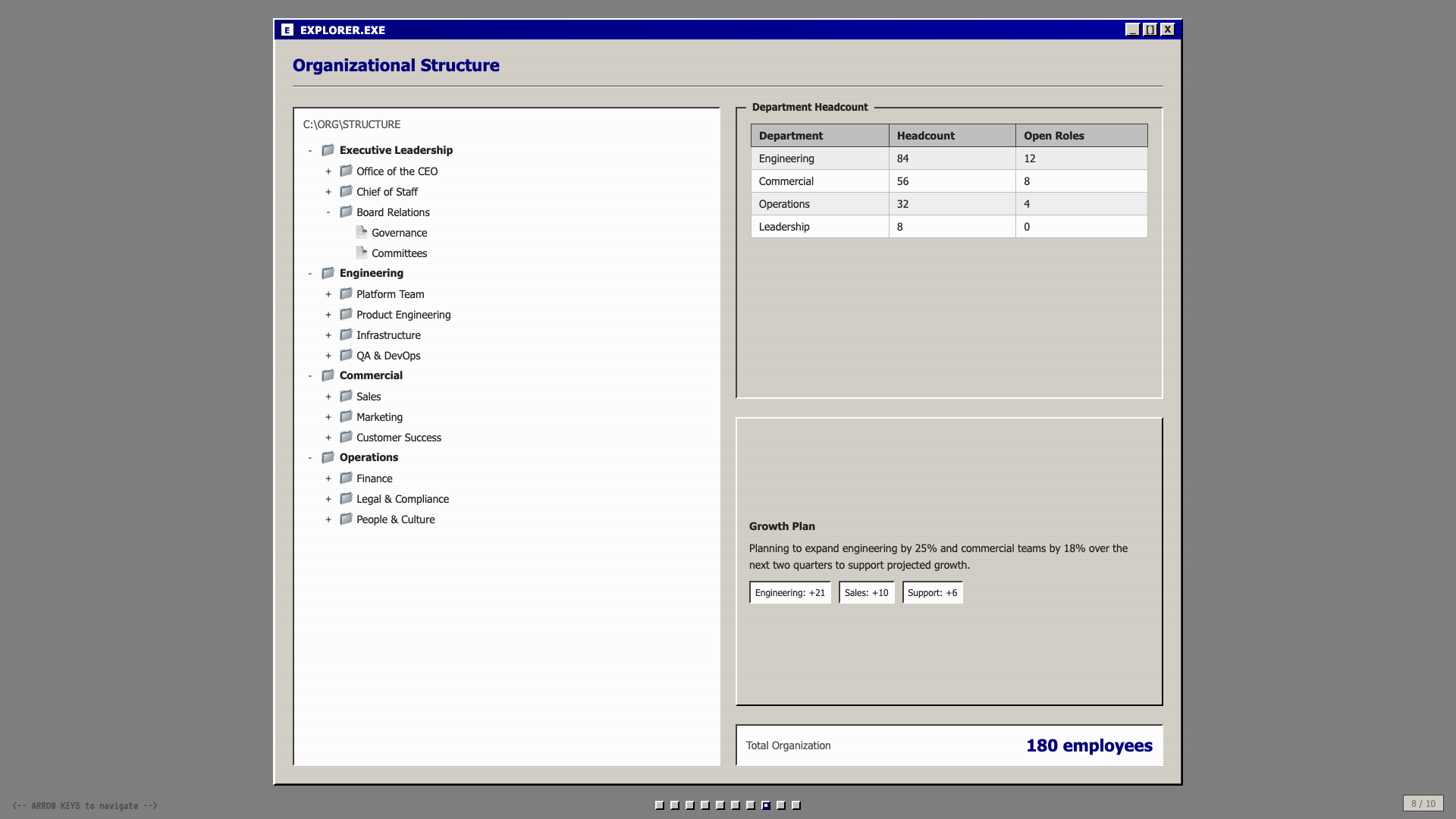
Windows 95 chrome: gray title bars, MS Sans Serif, pixel typography, full nostalgia.
Retro Zine
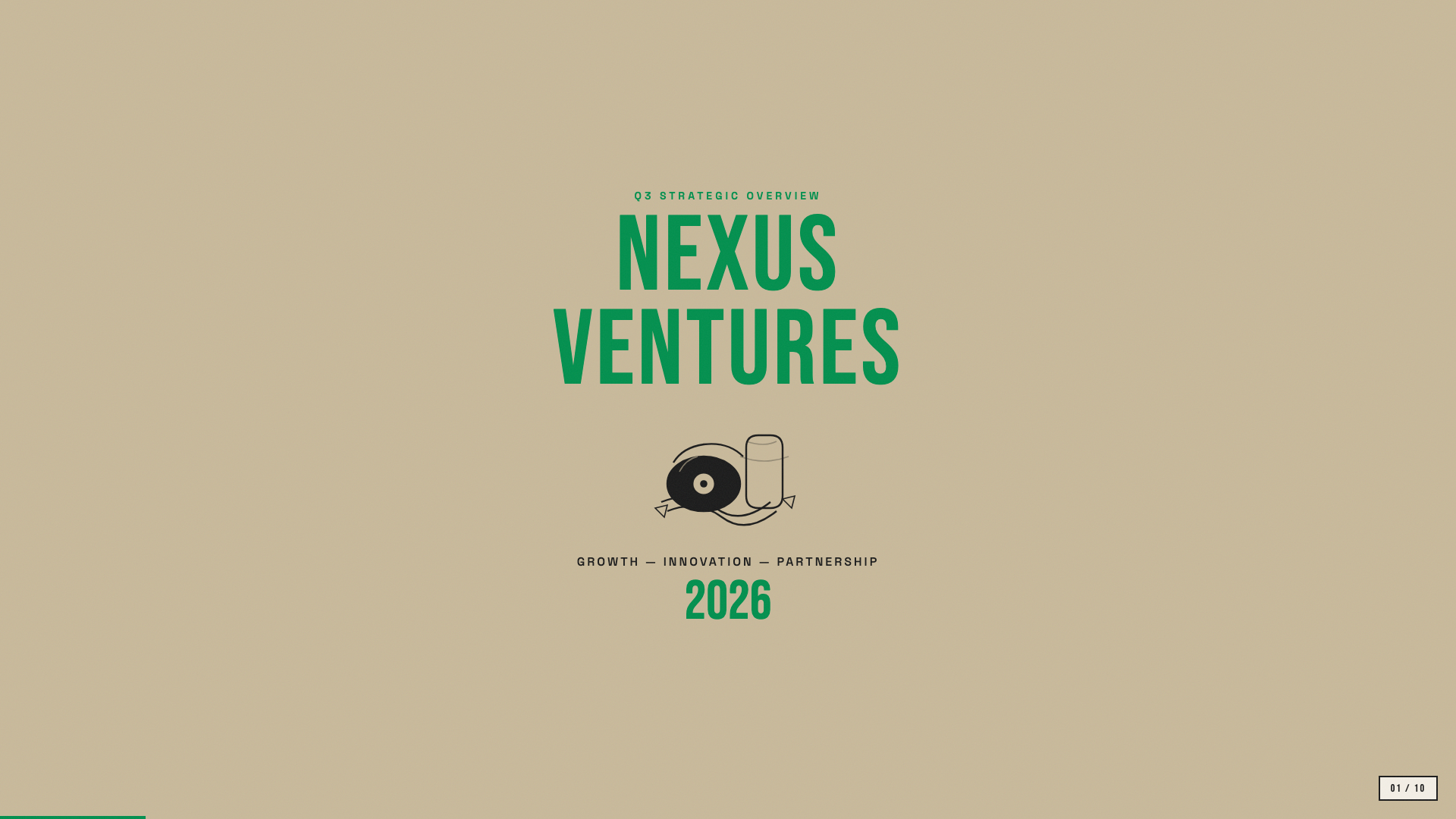
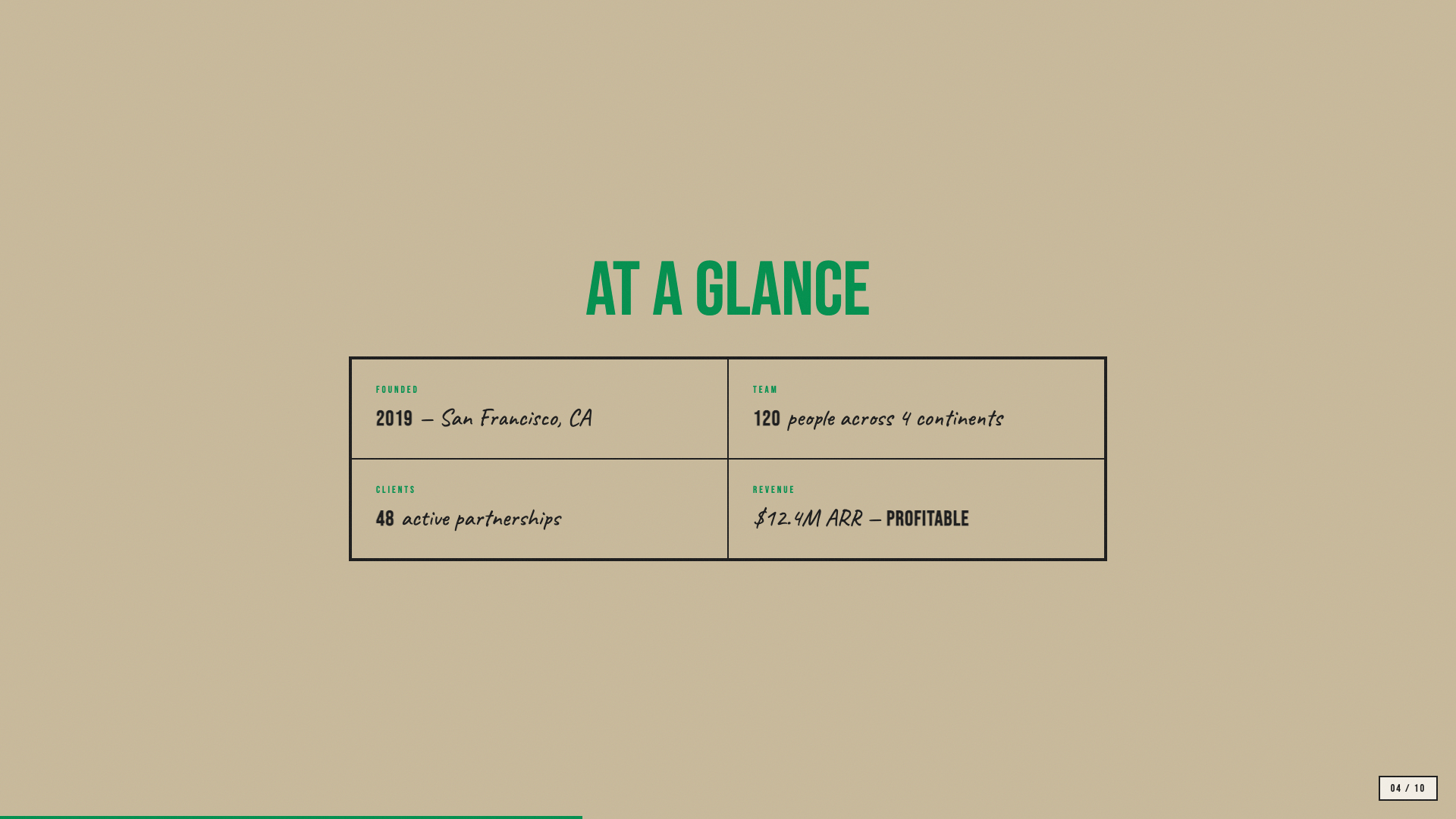
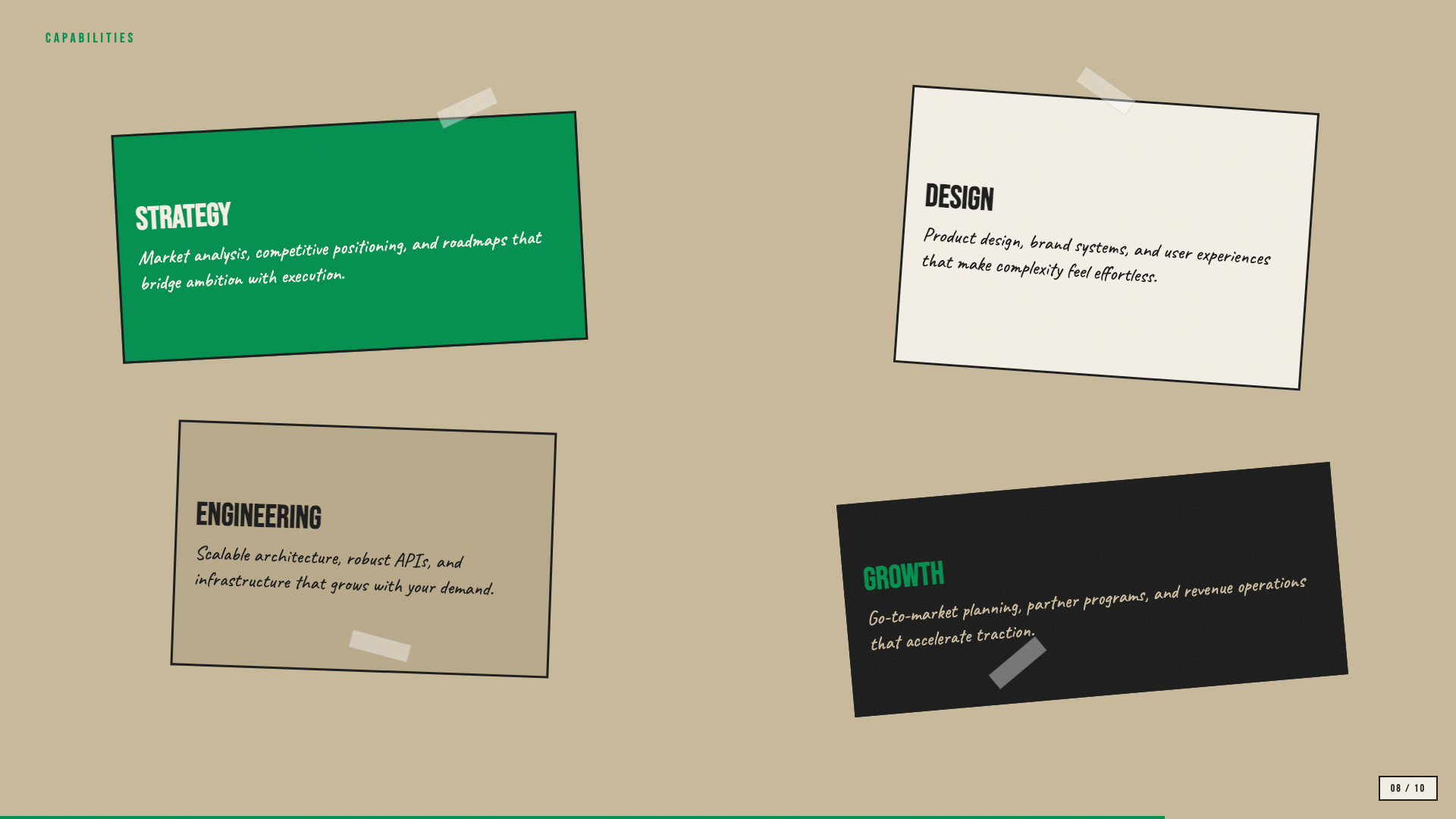
Beige paper with green accent and Bebas Neue + Caveat: a riso-printed zine in HTML form.
Scatterbrain
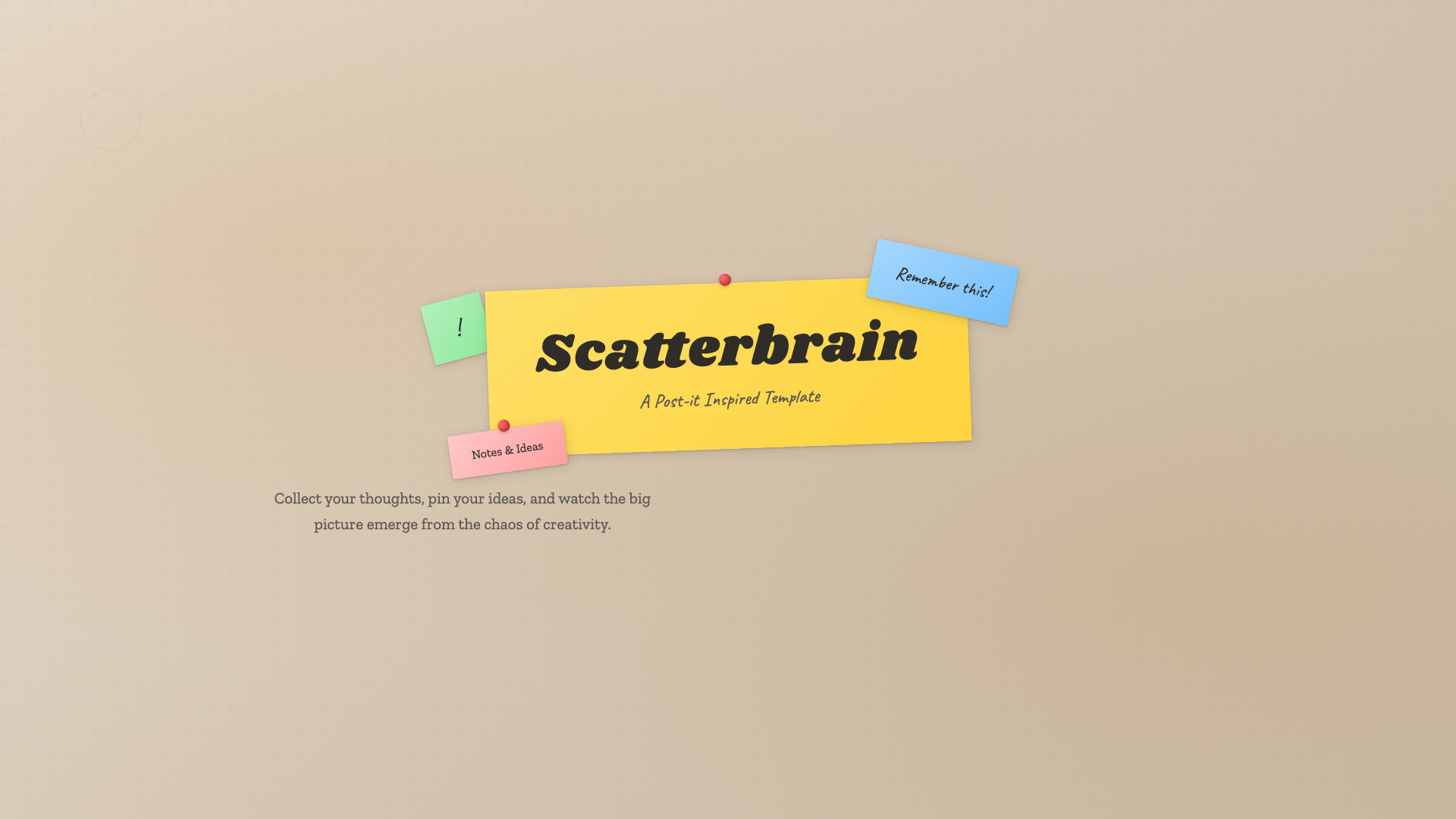
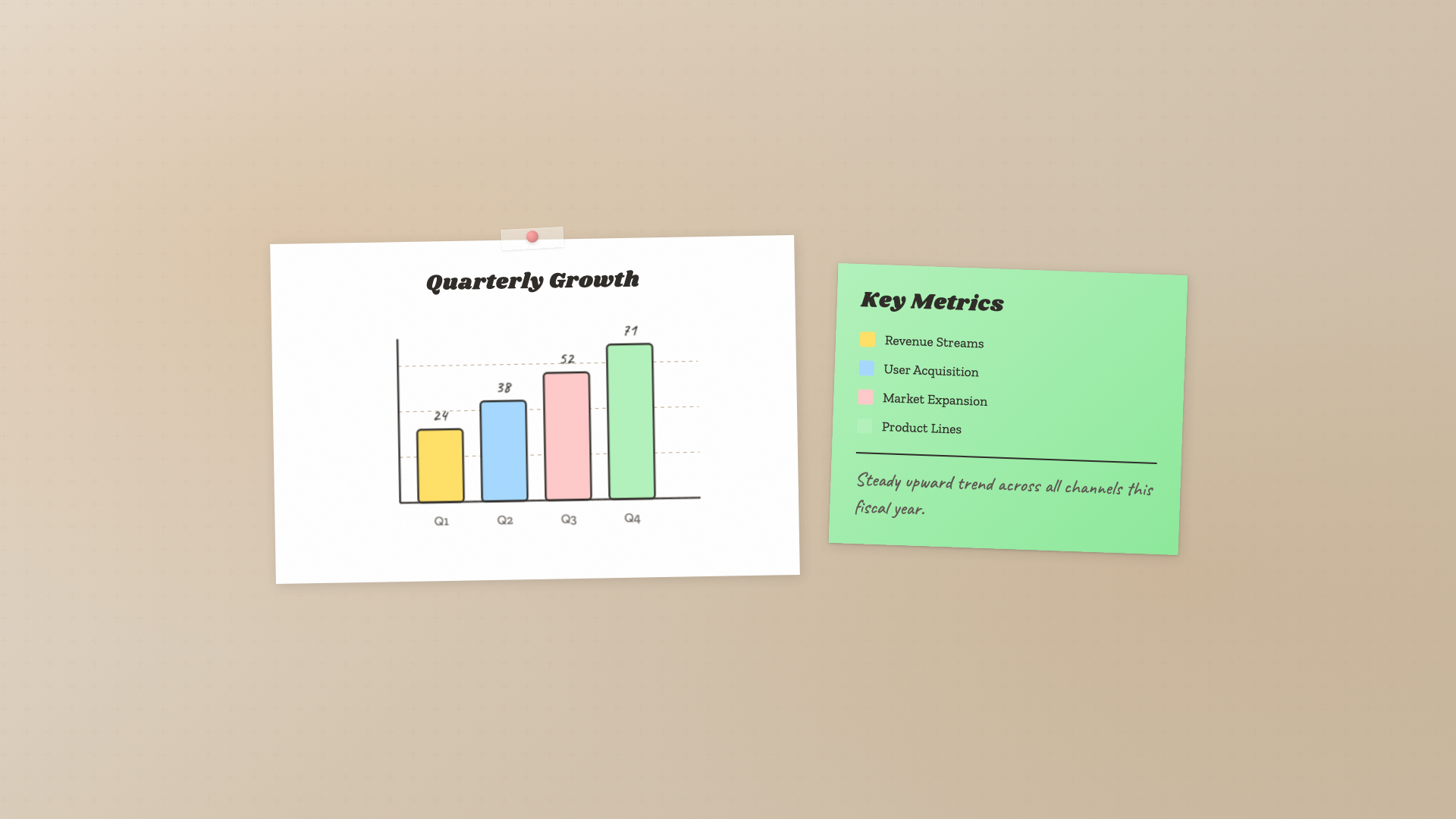
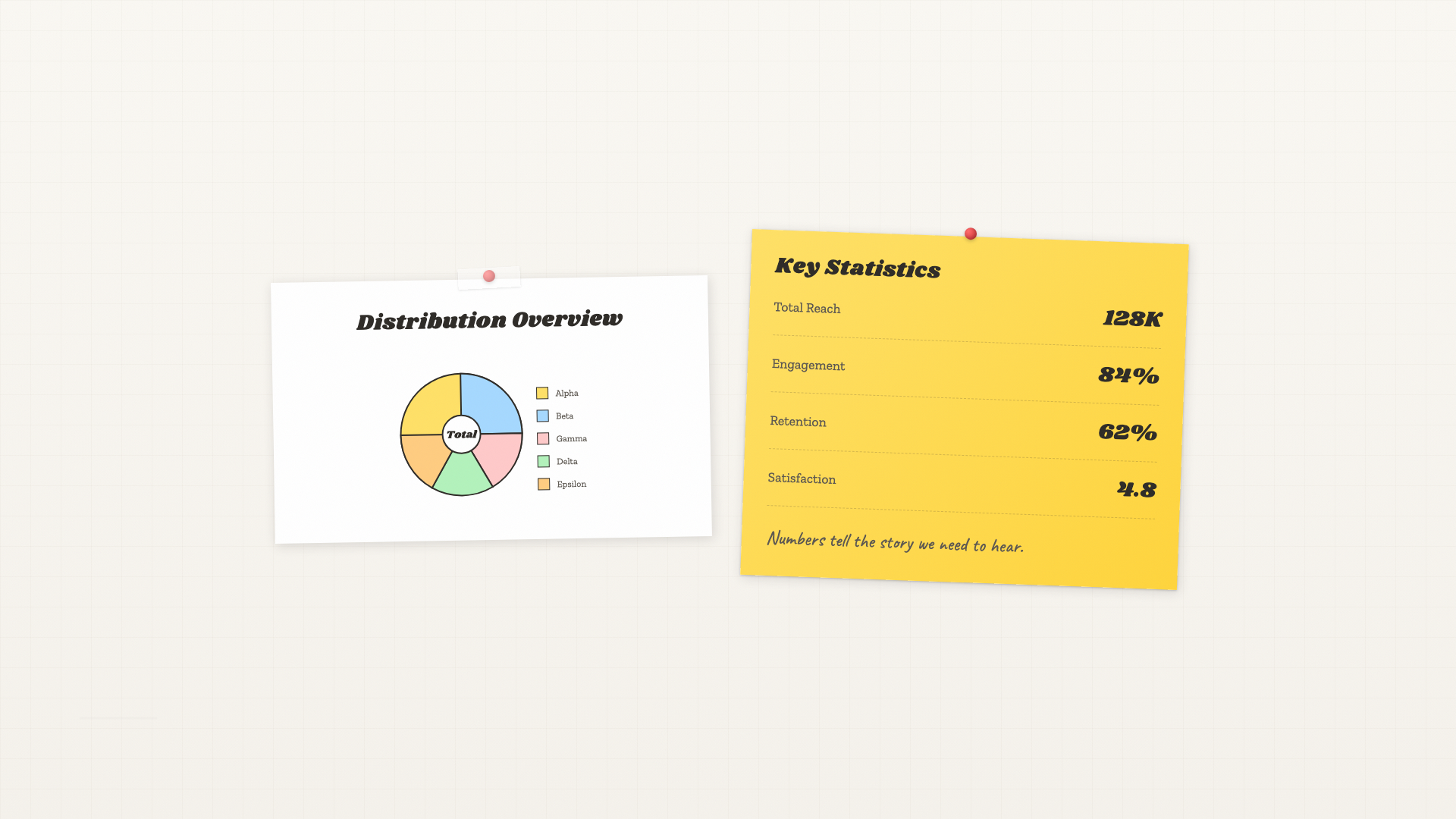
Post-it inspired: pastel sticky notes, Caveat handwriting, Shrikhand and Zilla Slab type stack.
Signal
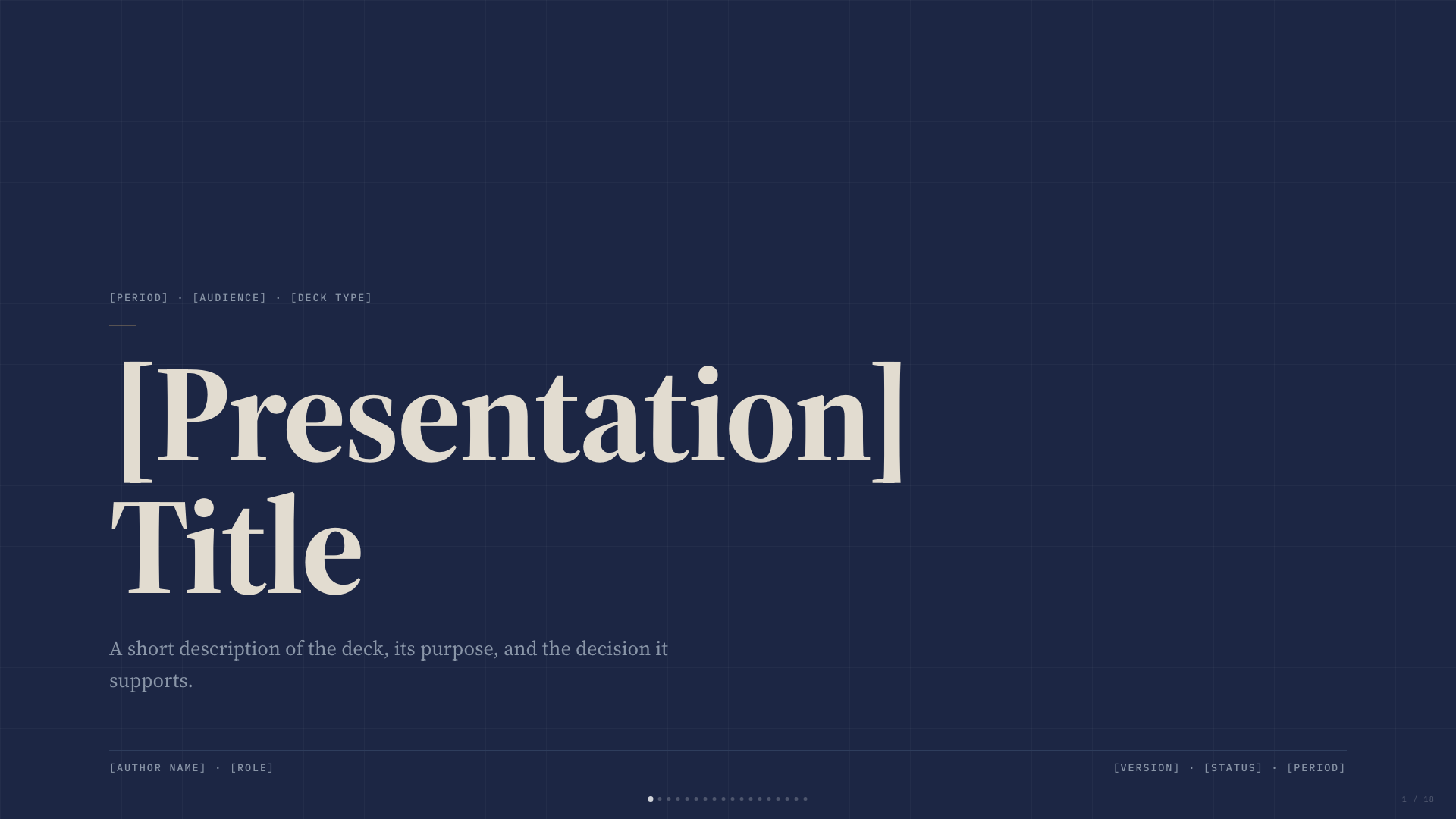
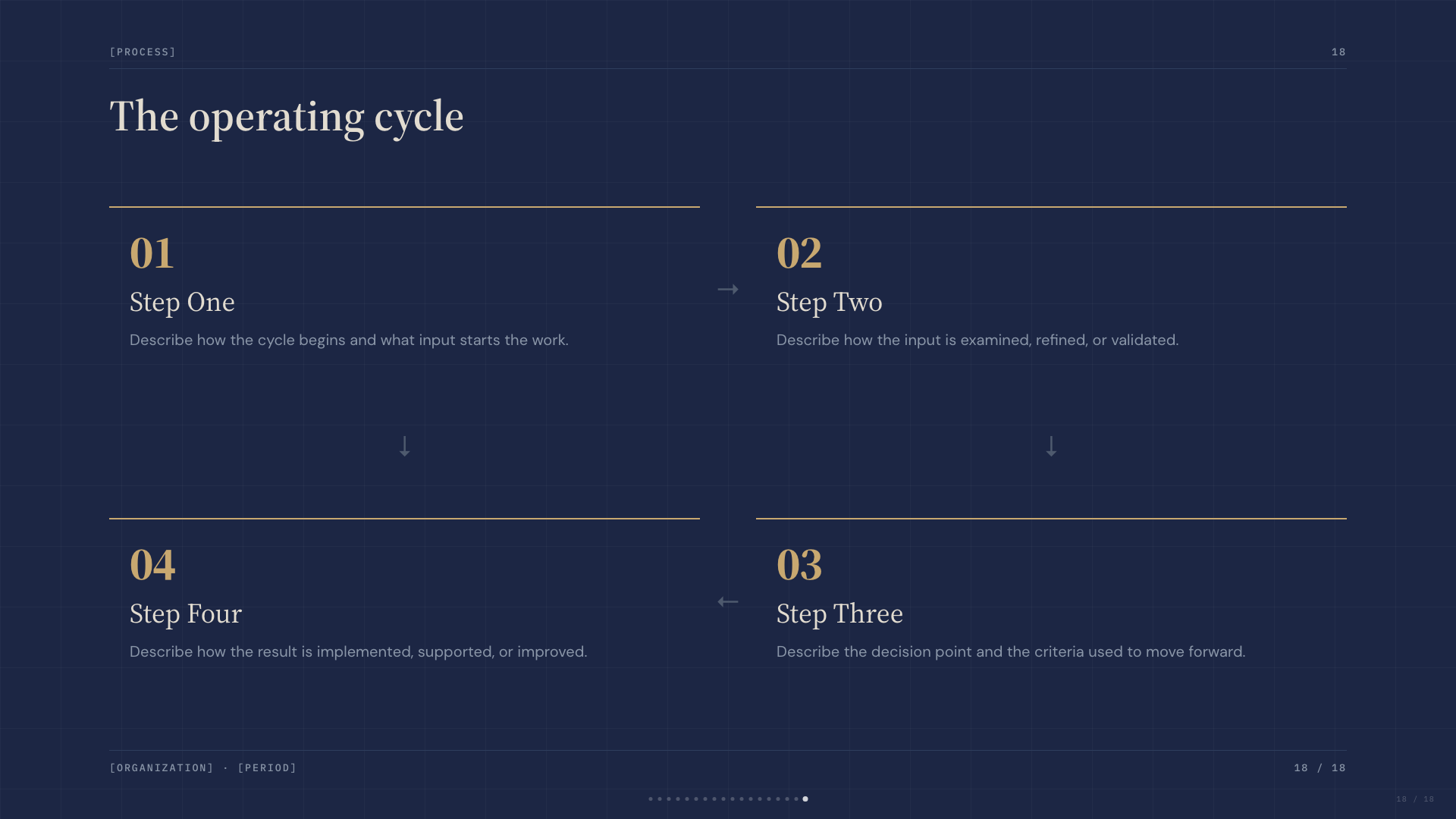
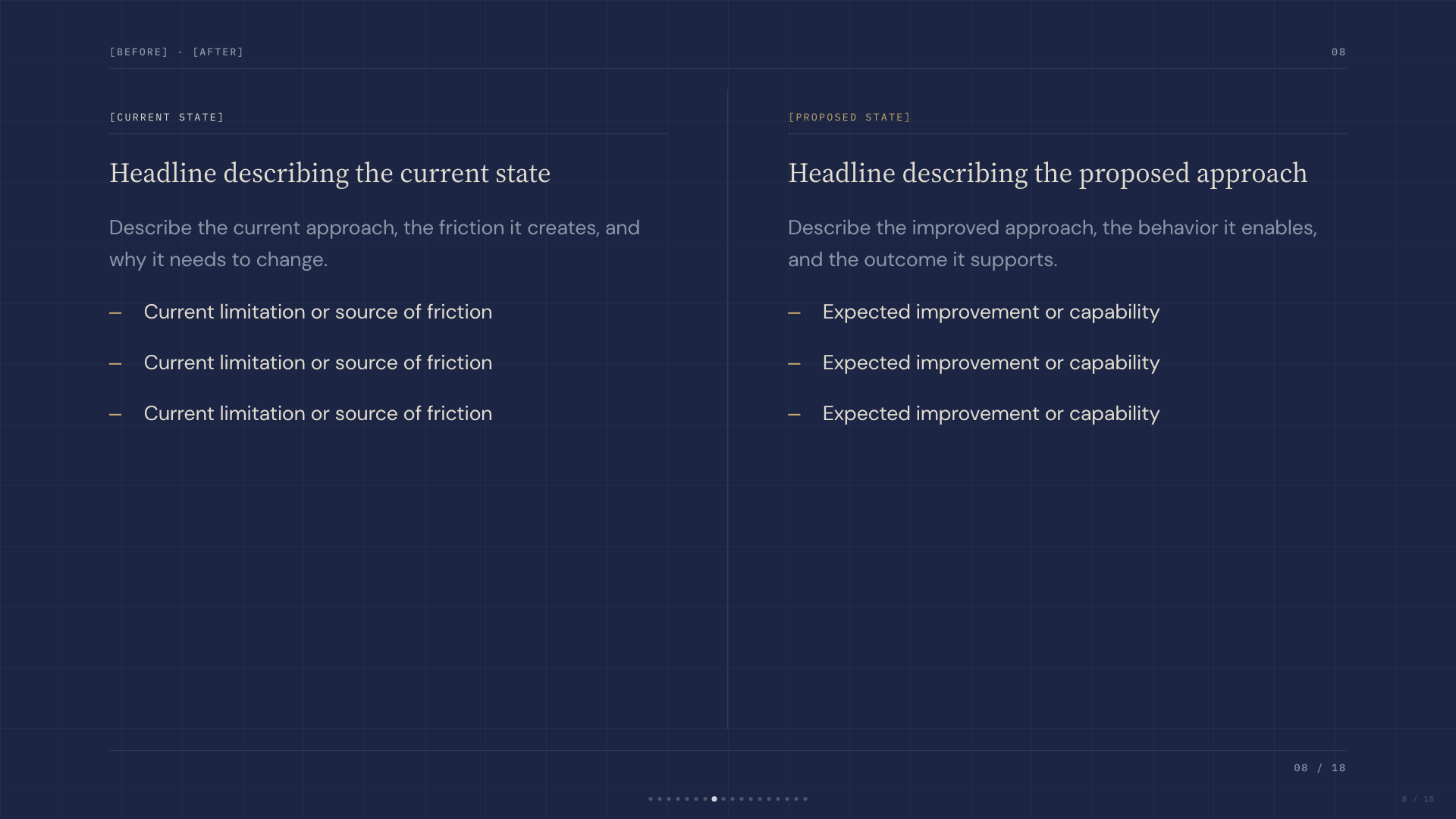
Deep navy canvas with bone paper and a single muted-gold accent; institutional with quiet weight.
Studio
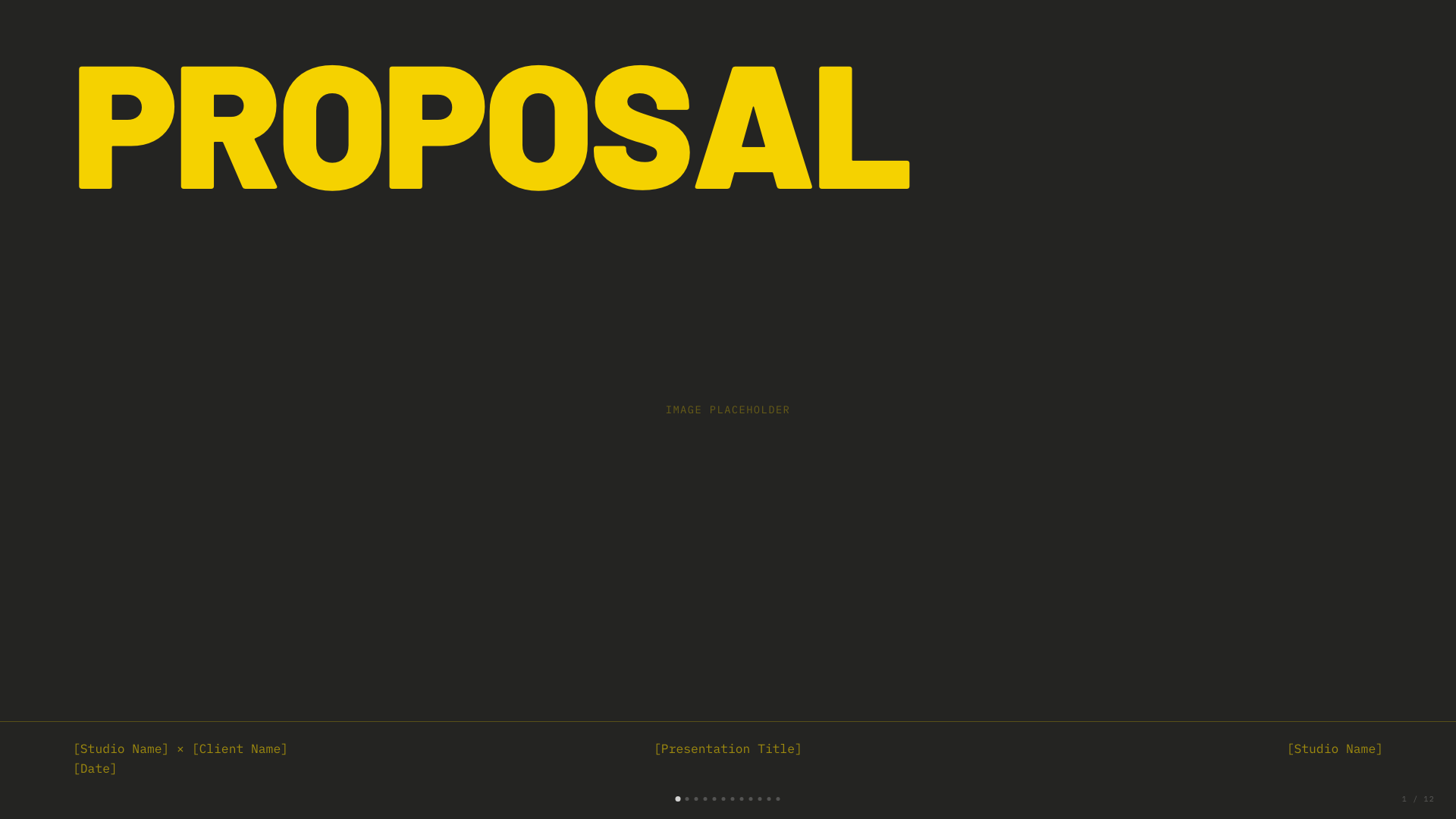
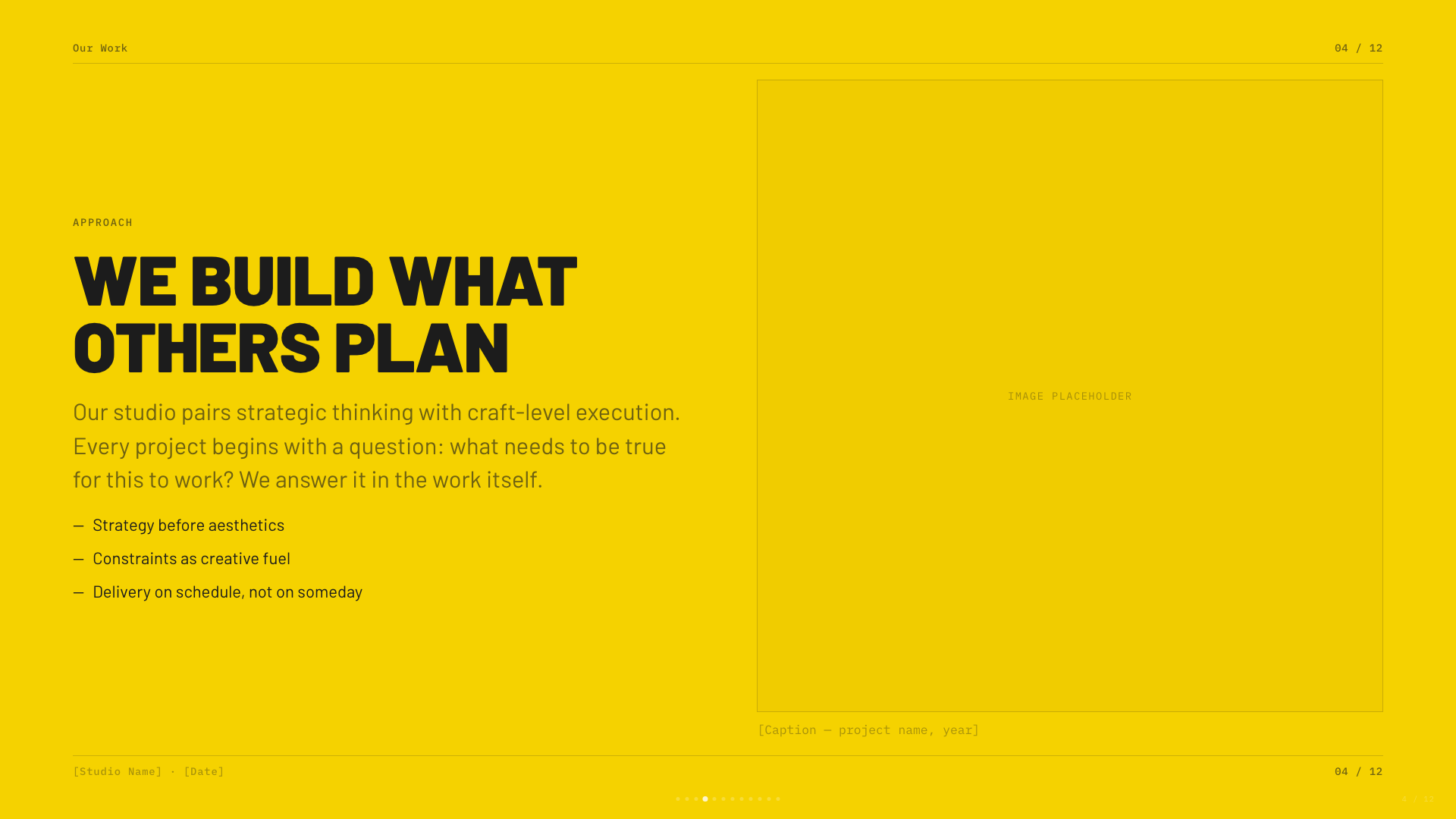
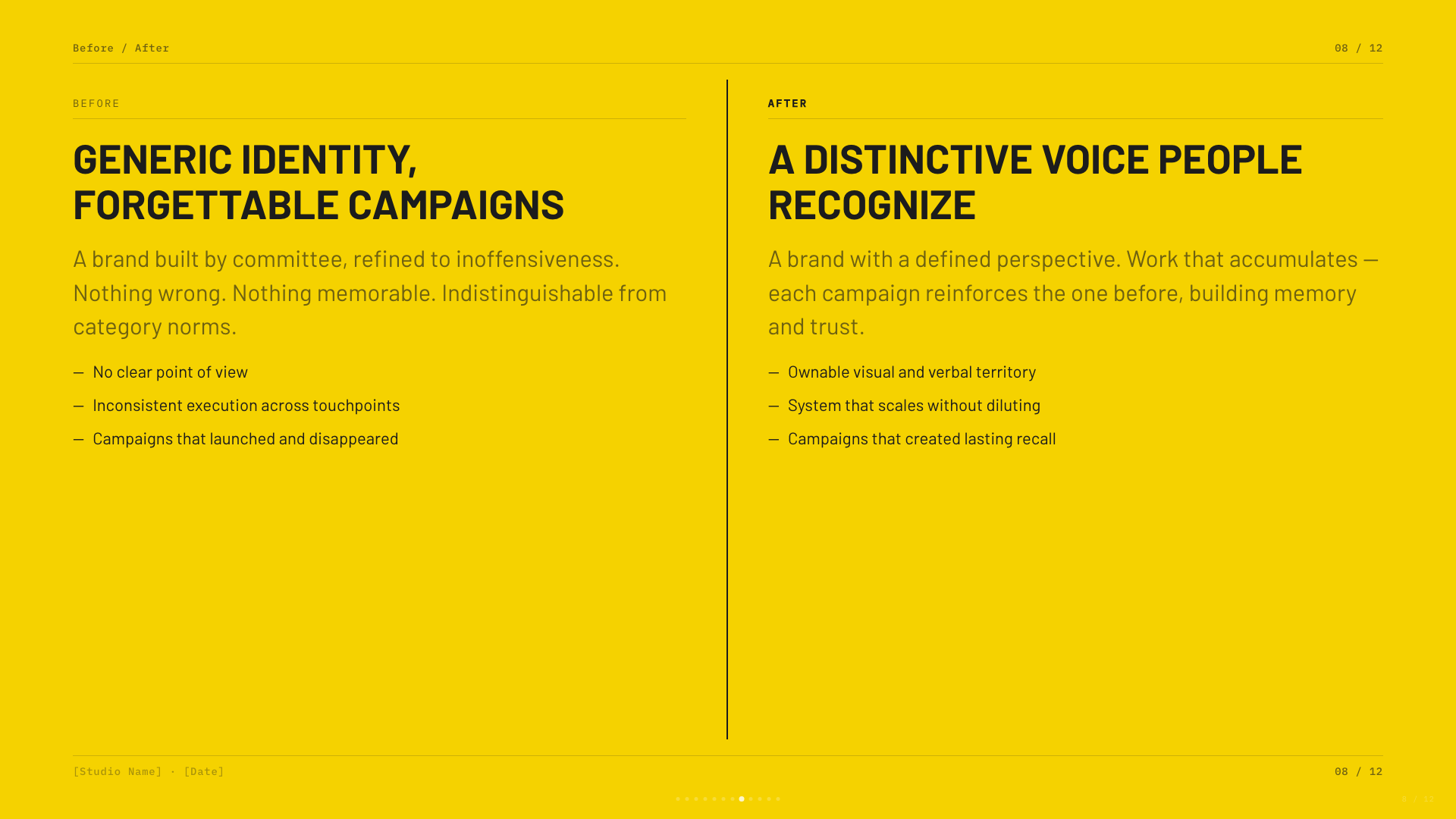
Black canvas with electric-yellow type; high-voltage design studio aesthetic.
Biennale Yellow
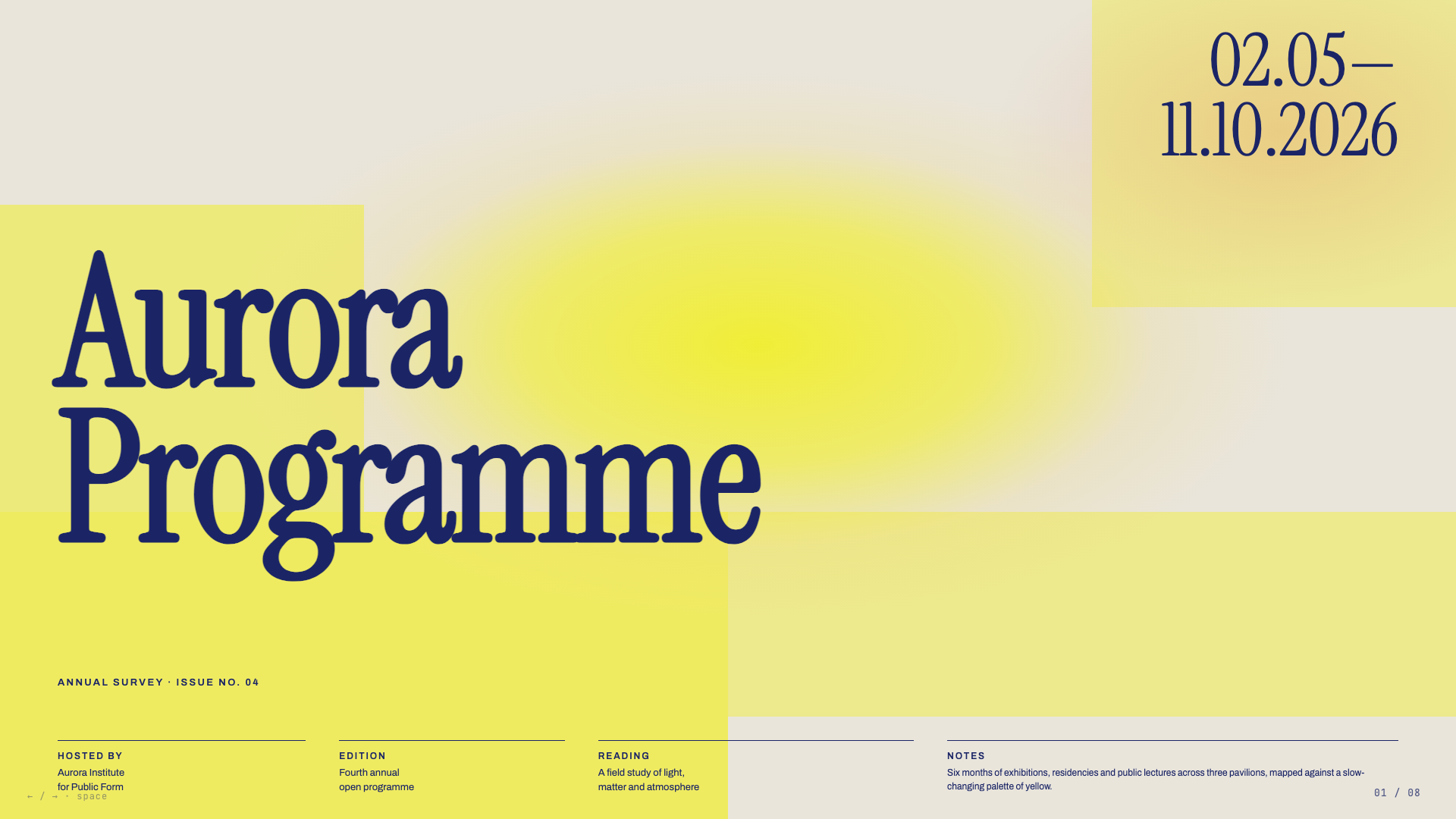
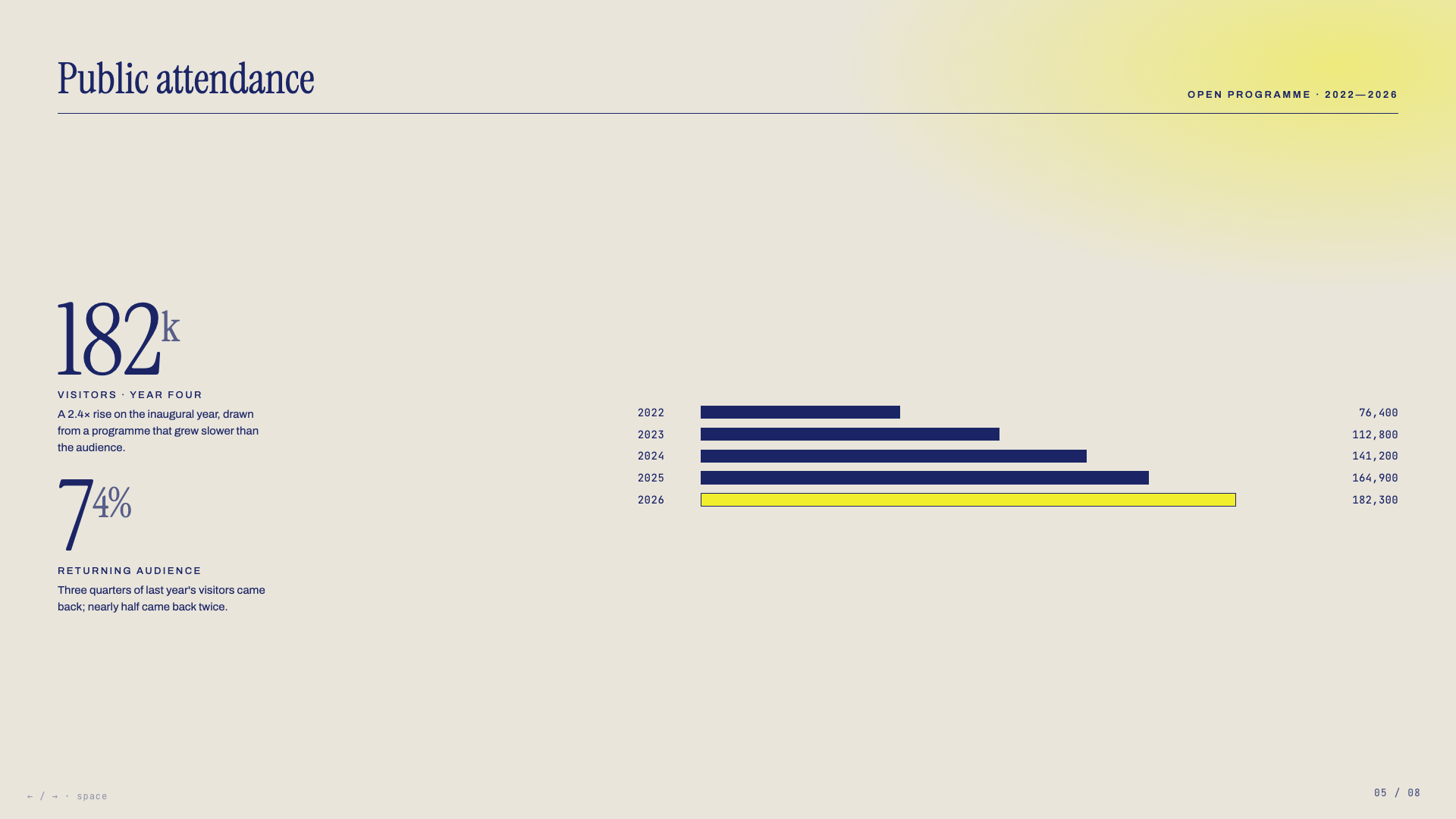
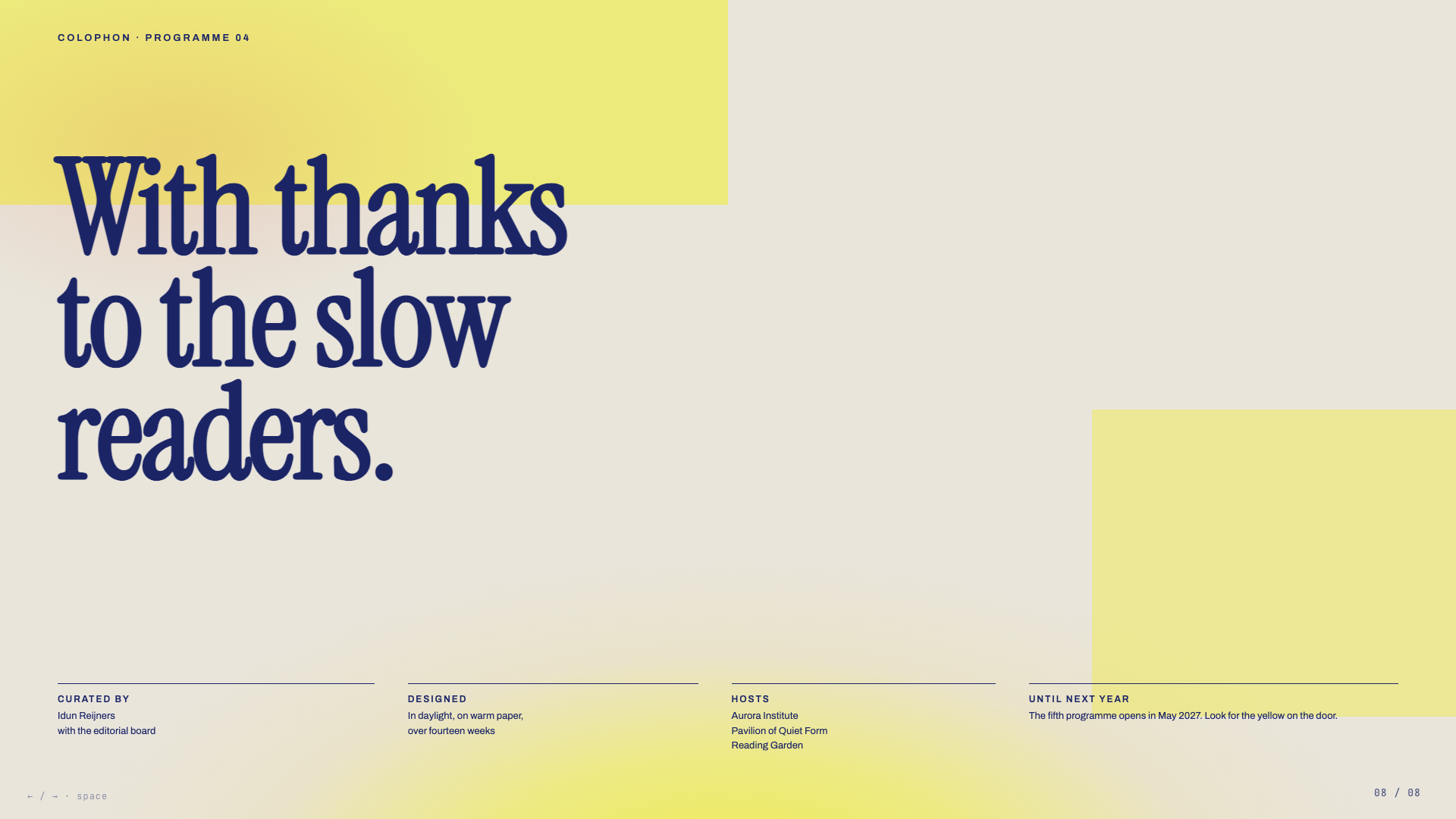
Solar yellow on warm parchment with deep indigo serif and atmospheric sun-glow gradients. Dutch-editorial poster energy.
Long Table
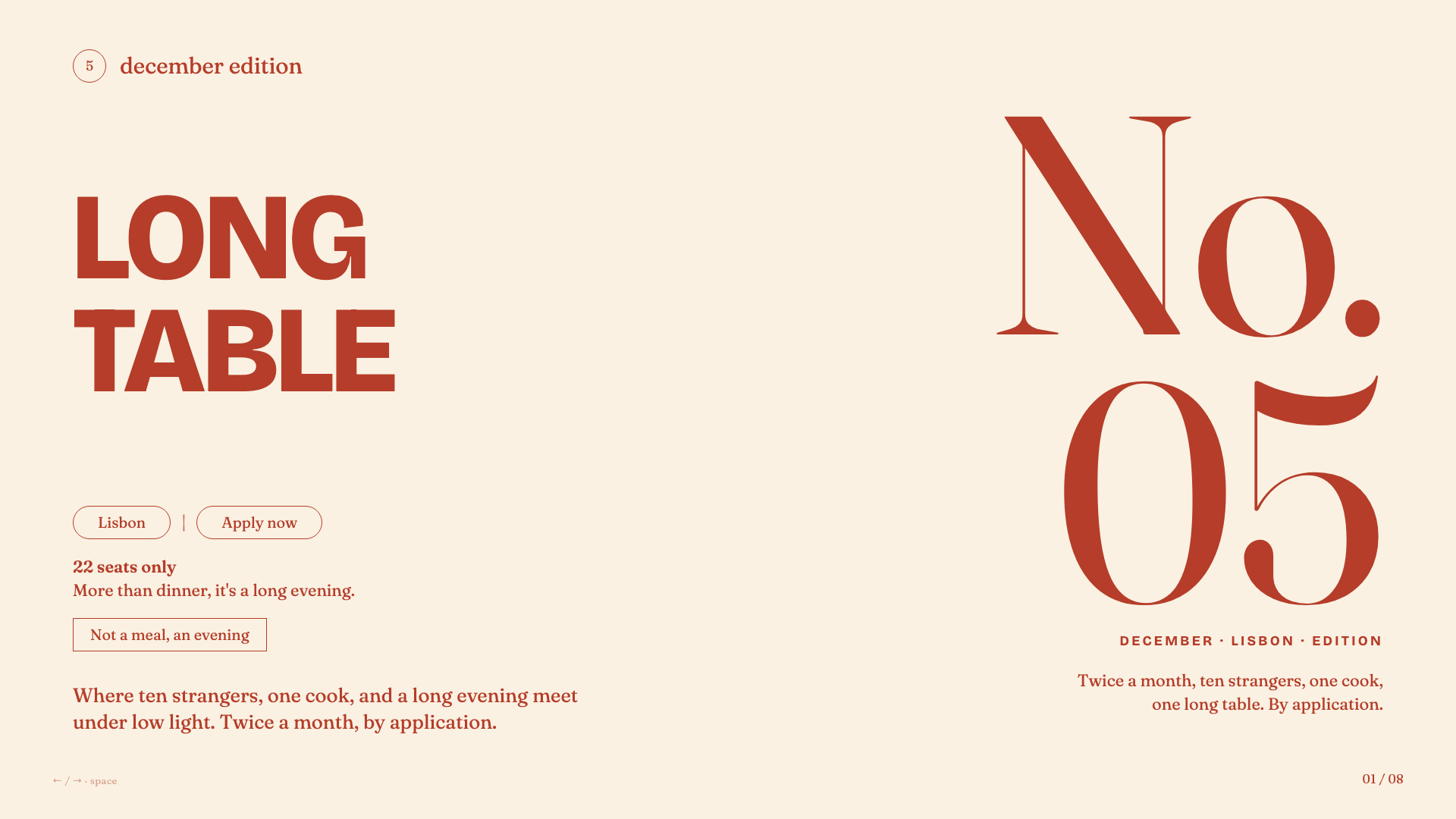
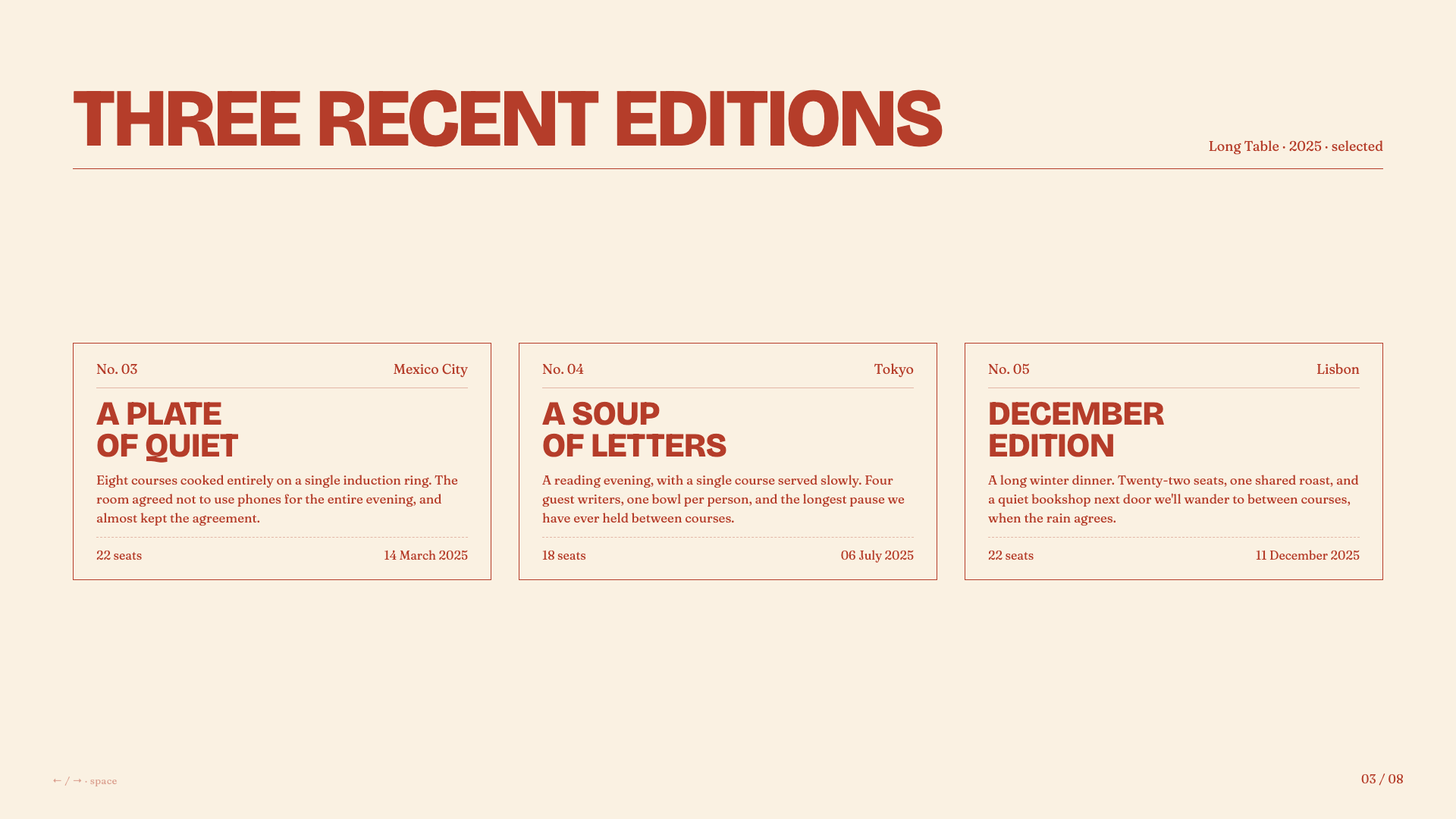
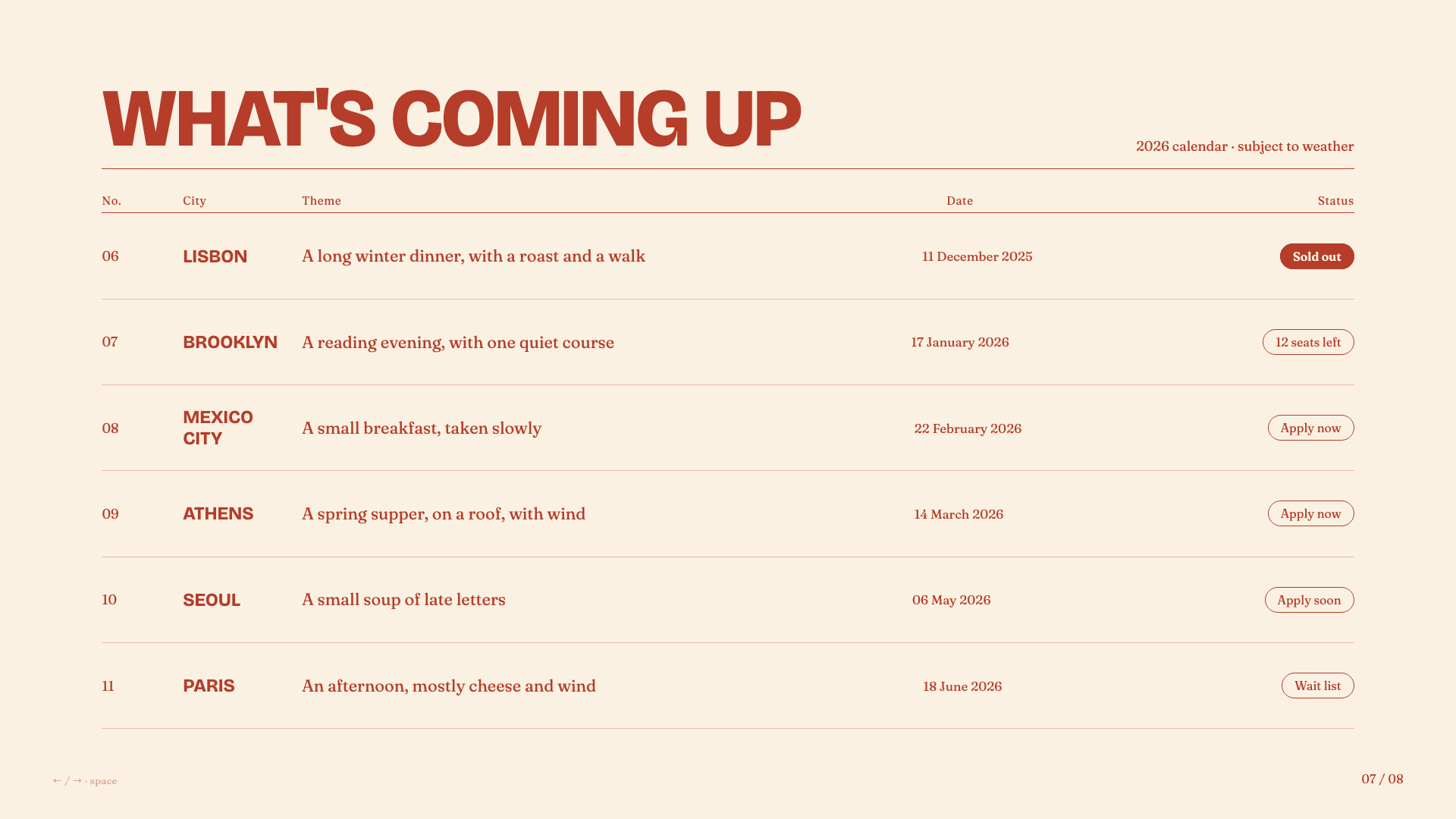
Warm cream and rust-red supper-club aesthetic with bold uppercase grotesk headlines, italic Fraunces, and pill-shaped outlined buttons.
Architecture
This skill uses progressive disclosure — the main SKILL.md is a workflow map, with supporting files loaded on-demand only when needed:
| File | Purpose | Loaded When |
|---|---|---|
SKILL.md | Core workflow and rules | Always (skill invocation) |
STYLE_PRESETS.md | 12 curated visual presets | Phase 2 (style selection) |
bold-template-pack/selection-index.json | Compact bold template metadata for candidate selection | Phase 2 (style selection) |
bold-template-pack/templates/*/preview.md | Tiny style cards for shortlisted bold previews | Phase 2 after shortlisting |
bold-template-pack/templates/*/design.md | Full design system for the selected bold template | Phase 3 after user selection |
viewport-base.css | Mandatory fixed-stage CSS | Phase 3 (generation) |
html-template.md | HTML structure and JS features | Phase 3 (generation) |
animation-patterns.md | CSS/JS animation reference | Phase 3 (generation) |
scripts/extract-pptx.py | PPT content extraction | Phase 4 (conversion) |
scripts/deploy.sh | Deploy to Vercel | Phase 6 (sharing) |
scripts/export-pdf.sh | Export slides to PDF | Phase 6 (sharing) |
Maintenance-only source metadata and regeneration helpers live outside the user-facing skill package. Normal users do not need them.
This design follows agent-skill best practices: give the agent a map first, then reveal only the specific files needed for the current choice.
Philosophy
This skill was born from the belief that:
-
You don’t need to be a designer to make beautiful things. You just need to react to what you see.
-
Dependencies are debt. A single HTML file will work in 10 years. A React project from 2019? Good luck.
-
Generic is forgettable. Every presentation should feel custom-crafted, not template-generated.
-
Comments are kindness. Code should explain itself to future-you (or anyone else who opens it).
Sharing Your Presentations
After creating a presentation, the skill offers two ways to share it:
Deploy to a Live URL
One command deploys your slides to a permanent, shareable URL that works on any device — phones, tablets, laptops:
bash scripts/deploy.sh ./my-deck/
# or
bash scripts/deploy.sh ./presentation.html
Uses Vercel (free tier). The skill walks you through signup and login if it’s your first time.
Export to PDF
Convert your slides to a PDF for email, Slack, Notion, or printing:
bash scripts/export-pdf.sh ./my-deck/index.html
bash scripts/export-pdf.sh ./presentation.html ./output.pdf
Uses Playwright to screenshot each slide at 1920×1080 and combine into a PDF. Installs automatically if needed. Animations are not preserved (it’s a static snapshot).
Requirements
- A local coding agent with filesystem access and the ability to run shell commands
- Claude Code is required only for the custom marketplace-source install and
/frontend-slides:frontend-slidescommand - For PPT conversion: Python with
python-pptxlibrary - For URL deployment: Node.js + Vercel account (free)
- For PDF export: Node.js (Playwright installs automatically)
Credits
Created by @zarazhangrui.
License
MIT — Use it, modify it, share it.
Zara Zhang (@zarazhangrui): I created a complete walkthrough of my Frontend Slides skill (22k+ stars on GitHub):
- Complete demo of how to create beautiful HTML slides with Claude Code (beginner friendly)
- How I created the skill
- How you can create your own skill
- Tips like how to insert images/videos
相似文章
@aehyok: 最近刚好也在研究PPT。看了一姐的视频,使用Codex +Image2来做PPT,于是顺手找了几个star数比较多的PPT Skill,准备挨个都来试试看,到底那个效果更适合自己呢? 1、https://github.com/op7418…
介绍了一款名为guizang-ppt-skill的AI Agent技能,用于生成单文件HTML横向翻页PPT、配图和封面,支持Claude Code和Codex等环境。
@yaohui12138: 最近 guizang 、zarazhangrui 花叔等大佬纷纷开源 PPT Skill,我花了一天测试完了7个ppt skill项目,直接把结论分享给大家: AI 生成 PPT 丑的核心原因,不是 AI 能力不行,是你没给它正确的审美约…
作者评测了7个开源PPT Skill项目,指出AI生成PPT丑的核心原因是缺乏正确的审美约束系统,这些项目通过编译审美规则来提升AI生成PPT的设计质量,并分别介绍了各自的特点和适用场景。
@GoSailGlobal: 2026 做 PPT 不再用 PowerPoint。 5 种 AI 驱动的 PPT 风格,覆盖: · founder pitch · McKinsey 咨询风 · 横屏 HTML deck · 图片美学 deck · 全栈营销 slide…
文章对比了 25 种开源 AI PPT 生成技能工具,推荐了 guizang-ppt-skill 等集成 MCP 和 Claude Code 的自动化方案,涵盖咨询风、HTML deck 等多种风格。
@KyrieCheungYep: 推荐一个 PPT 制作 Skill:ultimate-ppt-master-skill,它比较贴近真实工作时候需要做 PPT 的场景,功能和亮点如下: 1、先问清楚需求 很多 AI PPT 工具上来就做页,结果做出来全是空话。 PPT M…
推荐一个开源PPT制作工具ultimate-ppt-master-skill,它通过先明确需求、整理资料结构、生成可编辑PPTX或Web Deck、配图生成和成稿审阅等流程,贴近真实办公场景,解决AI PPT生成中常见的空话和不可编辑问题。
@NFTCPS: 刚挖到一个开源项目,用React框架直接写PPT,整个工作流就是为AI Agent量身定做的。兄弟,这个路子比你用HTML硬凑PPT靠谱多了。 React组件多到爆炸,扩展性吊打HTML,各种图表库随便插,技术PPT直接起飞。 自带可视化…
发现开源项目open-slide,使用React框架创建PPT,工作流专为AI Agent设计,支持自然语言生成幻灯片、可视化编辑器和品牌Logo集成。