@OpenAI: Just gonna leave this here. https://chatgpt.com/codex/switch-to-codex/…
Summary
OpenAI announces a migration guide for users to switch from ChatGPT to Codex, a dedicated AI coding assistant.
View Cached Full Text
Cached at: 05/08/26, 05:41 PM
Just gonna leave this here.
https://t.co/EOI980j9e9 https://t.co/HxbCl2Izcz
Switch to Codex
Source: https://chatgpt.com/codex/switch-to-codex/ Import your setup to Codex to keep working with fewer interruptions.
 ## 1 Download the Codex app Install Codex and sign in with your ChatGPT account.
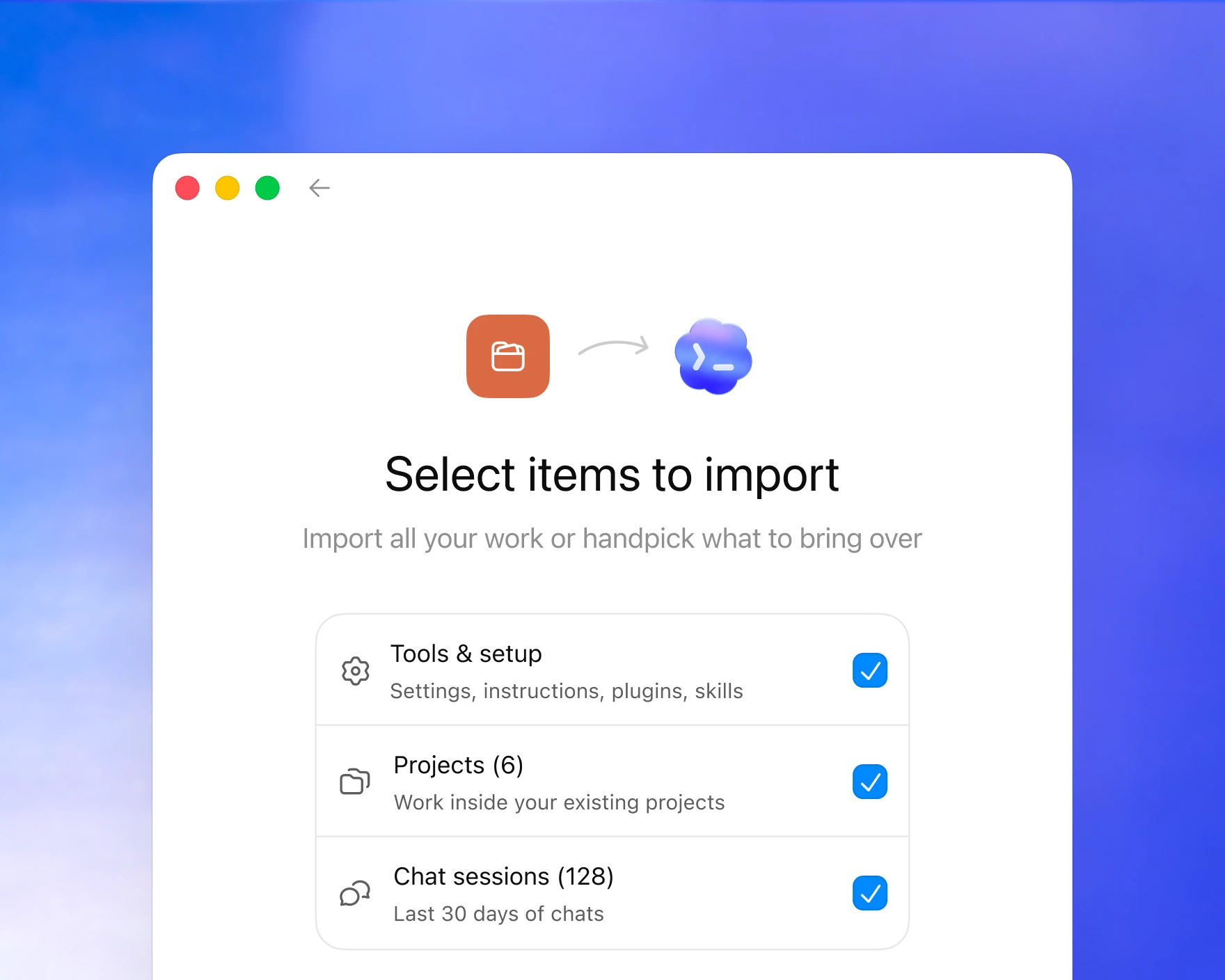 ## 2 Migrate your setup Complete the agent import flow in onboarding, or go to Settings → General and press “Import agent setup.”
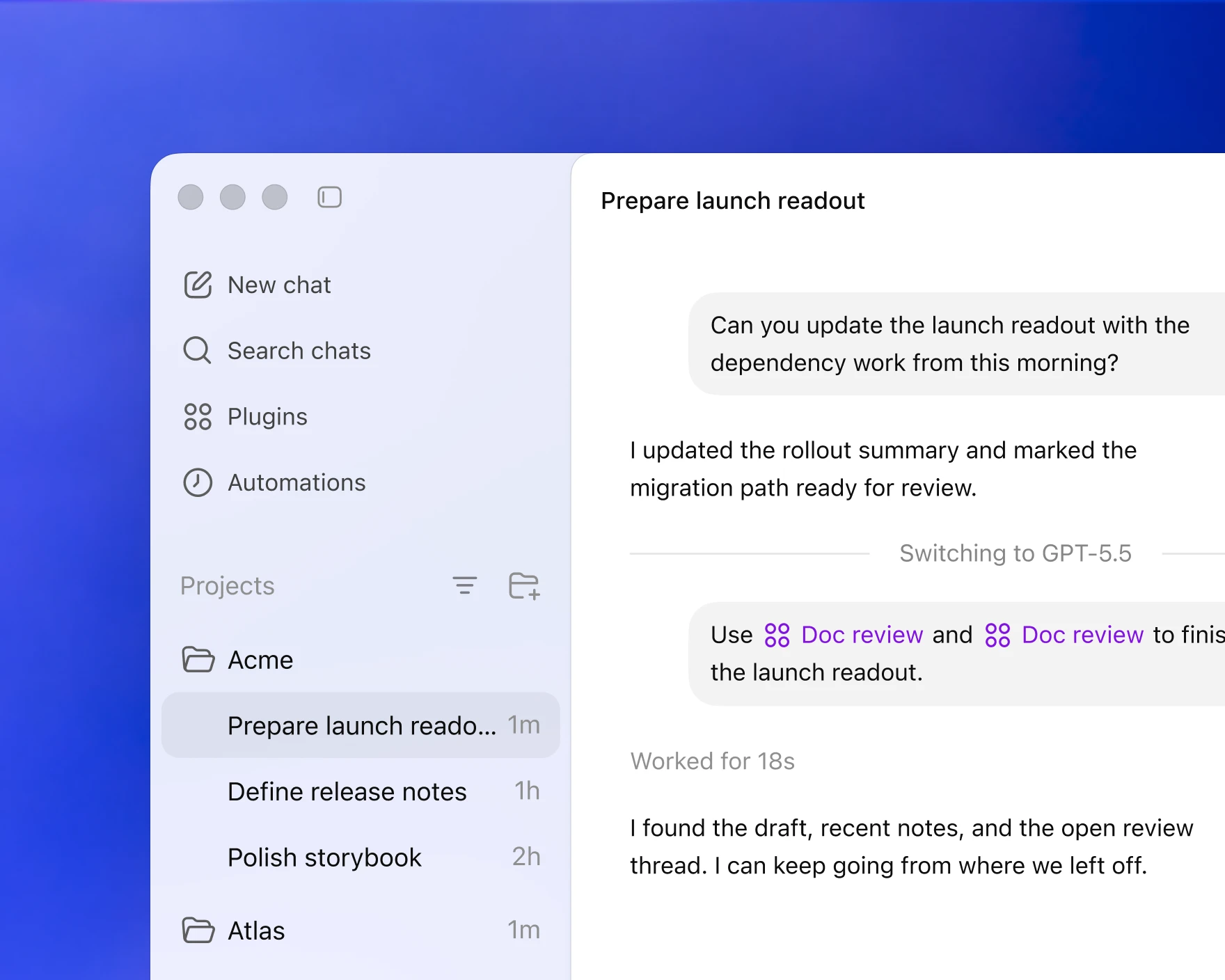 ## 3 Resume working in Codex Open your project in Codex to pick up where you left off.
Bring over your existing workflow in a few clicks
How it works
Scans for existing config
The Codex app automatically detects existing configuration from other agents.
Creates an import checklist
Displays global and project-level config, skills, plugins, and other settings to copy.
Guides you through the migration
Codex starts a new chat to complete the migration process.
Download and get started with Codex
Similar Articles
@OpenAI: Another reason to switch to Codex.
OpenAI promotes switching to Codex, highlighting another reason to adopt their AI code generation model.
Introducing upgrades to Codex
OpenAI releases GPT-5-Codex, an optimized version of GPT-5 specialized for agentic software engineering tasks, available via API and across Codex's integrated development environment with improved code review capabilities and long-form task execution.
@OpenAI: You've been asking for this one... Now in preview: Codex in the ChatGPT mobile app. Start new work, review outputs, ste…
OpenAI announces preview of Codex in ChatGPT mobile app, allowing users to start, review, and steer code execution from their phone while Codex runs on their laptop or dev machine.
OpenAI Flips the Script (10 minute read)
OpenAI's Codex has surpassed Anthropic's Claude Code in functionality for some users, driven by the capabilities of GPT-5.5 and an improved desktop application. The article discusses migration strategies and personal use cases for adopting Codex as a primary tool for knowledge work.
Work with Codex from anywhere
Codex, OpenAI's AI coding agent, is now available in the ChatGPT mobile app, enabling users to stay connected to active work, review outputs, approve commands, and start new tasks from their phone.