Qwen/Qwen-Image-2.1
Summary
Qwen-Image-2.1 is an open-source unified text-to-image and image editing model with 7B parameters, featuring efficient architecture, transparency support, and versatile editing capabilities.
View Cached Full Text
Cached at: 09/20/26, 02:52 PM
Qwen/Qwen-Image-2.1 · Hugging Face
Source: https://huggingface.co/Qwen/Qwen-Image-2.1
🤖ModelScope| 🤗HuggingFace| 📑Blog| 🖥️Demo| 🫨Discord
https://huggingface.co/Qwen/Qwen-Image-2.1#introductionIntroduction
We are excited to open-sourceQwen-Image-2.1, a unified text-to-image generation and image editing model in the Qwen family. With just7B parameters in its visual generation component(32 Single-Stream DiT layers), Qwen-Image-2.1 balances generation quality, inference efficiency, and versatility.
Four key improvements define this release:
- Compact and Efficient— A lightweight architecture with mixed-granularity attention and prefix KV cache reuse delivers strong image quality at low computational cost.
- Native Transparency, Unified Creation and Editing— Generate regular or transparent (RGBA) images from text, edit transparent layers, and extract subjects from photographs—all in one model.
- Versatile Editing— Support up to10 reference images, specify local edits via circles, painted annotations, or separate masks, and preserve identity for people and products.
- Realistic Textures and Refined Aesthetics— Improved typography, portrait lighting, and fine details for more visually compelling results.
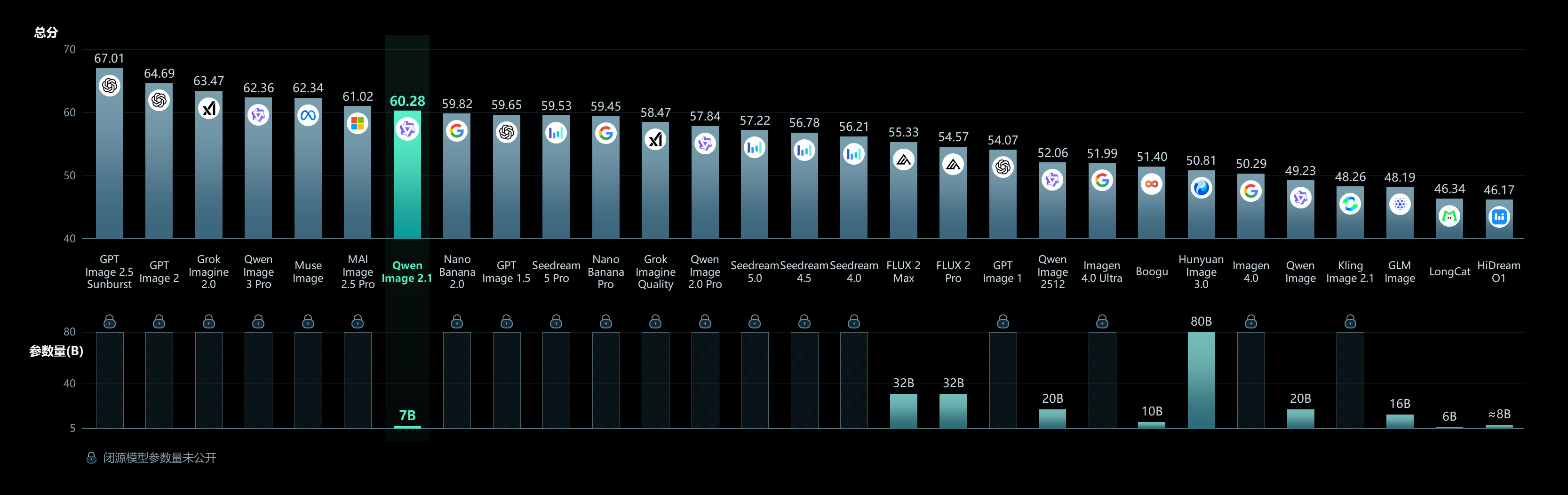
For more details, see theGitHub repoandBlog.
https://huggingface.co/Qwen/Qwen-Image-2.1#quick-startQuick Start
https://huggingface.co/Qwen/Qwen-Image-2.1#installationInstallation
pip install torch>=2.4.0
pip install transformers>=5.17
pip install git+https://github.com/huggingface/diffusers
pip install accelerate pillow
https://huggingface.co/Qwen/Qwen-Image-2.1#text-to-imageText-to-Image
import torch
from diffusers import QwenImage21Pipeline

pipe = QwenImage21Pipeline.from_pretrained(
    "Qwen/Qwen-Image-2.1", torch_dtype=torch.bfloat16
).to("cuda")

image = pipe(
    prompt="A neon shop sign that reads \"QWEN IMAGE 2.1\", rainy night, reflections on wet pavement",
    width=2048, height=2048,
    num_inference_steps=40,
    generator=torch.Generator("cuda").manual_seed(42),
).images[0]

image.save("t2i_example.png")
https://huggingface.co/Qwen/Qwen-Image-2.1#image-editingImage Editing
import torch
from PIL import Image
from diffusers import QwenImage21Pipeline

pipe = QwenImage21Pipeline.from_pretrained(
    "Qwen/Qwen-Image-2.1", torch_dtype=torch.bfloat16
).to("cuda")

input_image = Image.open("input.png")

image = pipe(
    prompt="Change the background to a sunset beach",
    image=input_image,
    num_inference_steps=40,
    generator=torch.Generator("cuda").manual_seed(42),
).images[0]

image.save("edit_example.png")
https://huggingface.co/Qwen/Qwen-Image-2.1#transparent-image-generation-rgbaTransparent Image Generation (RGBA)
Use the recommended prompt format for transparent images:
image = pipe(
    prompt="This is an RGBA image with transparency. A cute cartoon dragon sticker. The image has alpha channel and the background is transparent.",
    width=2048, height=2048,
    num_inference_steps=40,
    generator=torch.Generator("cuda").manual_seed(42),
).images[0]

image.save("transparent_example.png")
https://huggingface.co/Qwen/Qwen-Image-2.1#supported-aspect-ratiosSupported Aspect Ratios
aspect_ratios = {
    "1:1":  (2048, 2048),
    "4:3":  (2400, 1792),
    "3:4":  (1792, 2400),
    "3:2":  (2528, 1696),
    "2:3":  (1696, 2528),
    "16:9": (2752, 1536),
    "9:16": (1536, 2752),
}
https://huggingface.co/Qwen/Qwen-Image-2.1#memory-optimizationMemory Optimization
pipe = QwenImage21Pipeline.from_pretrained(
    "Qwen/Qwen-Image-2.1", torch_dtype=torch.bfloat16
)
pipe.enable_model_cpu_offload()
https://huggingface.co/Qwen/Qwen-Image-2.1#showcaseShowcase
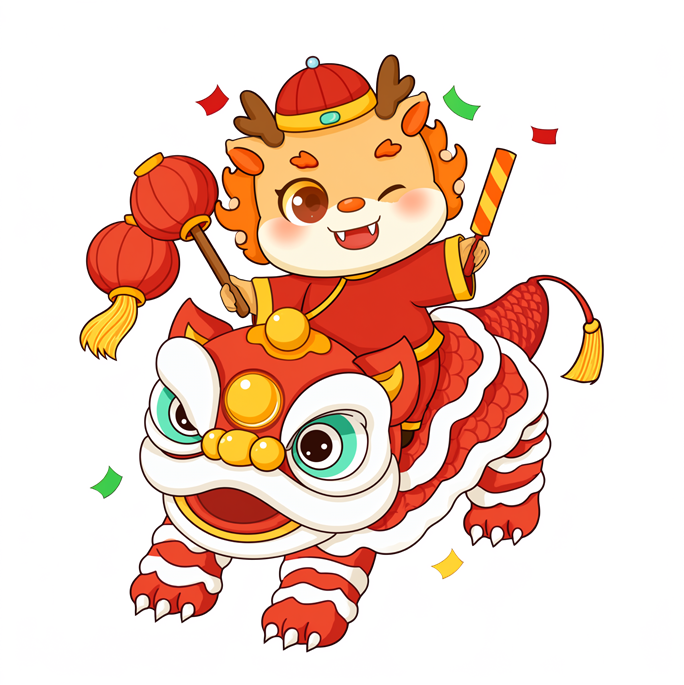


Native transparent image generation
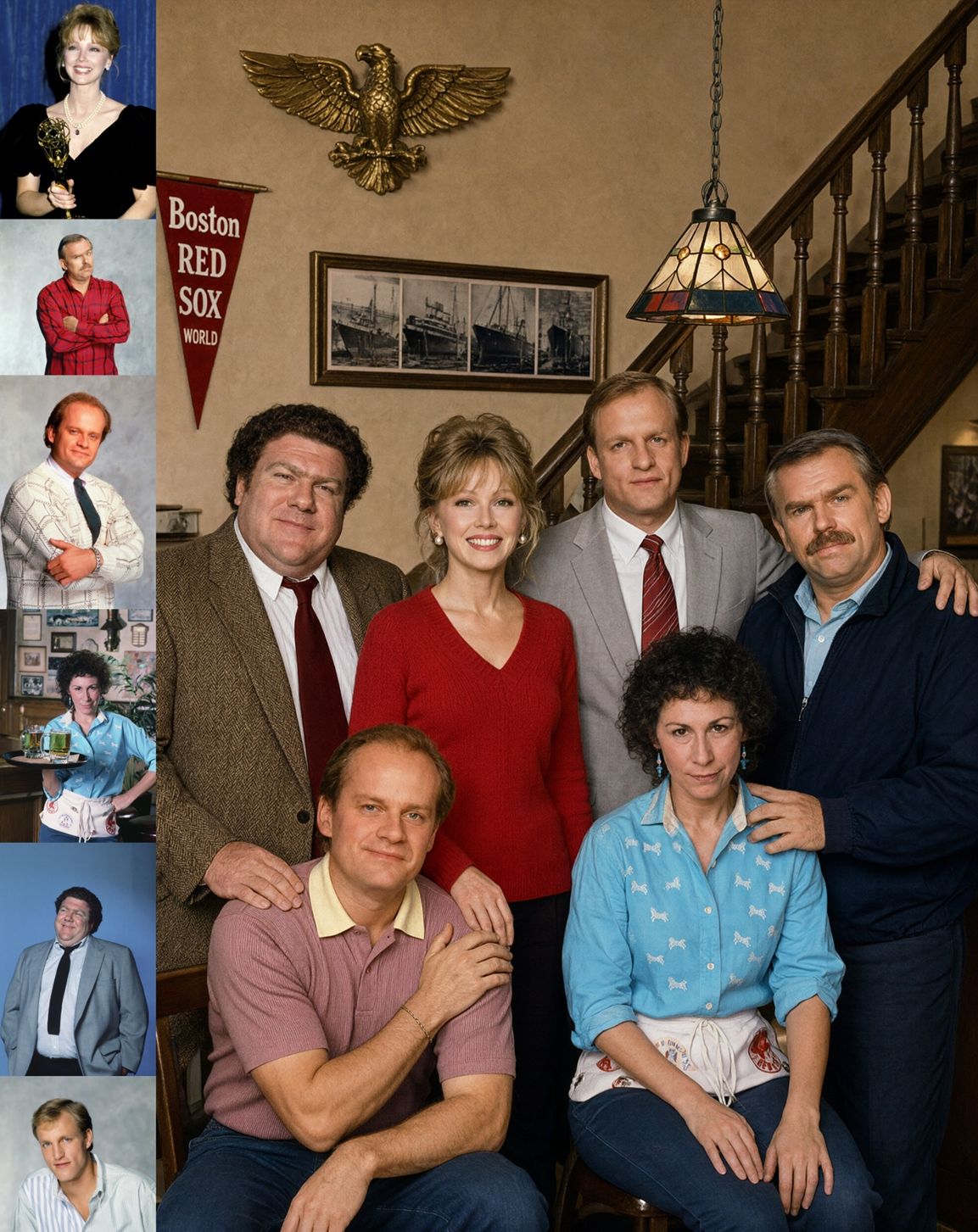
Group photograph generated from six portrait references
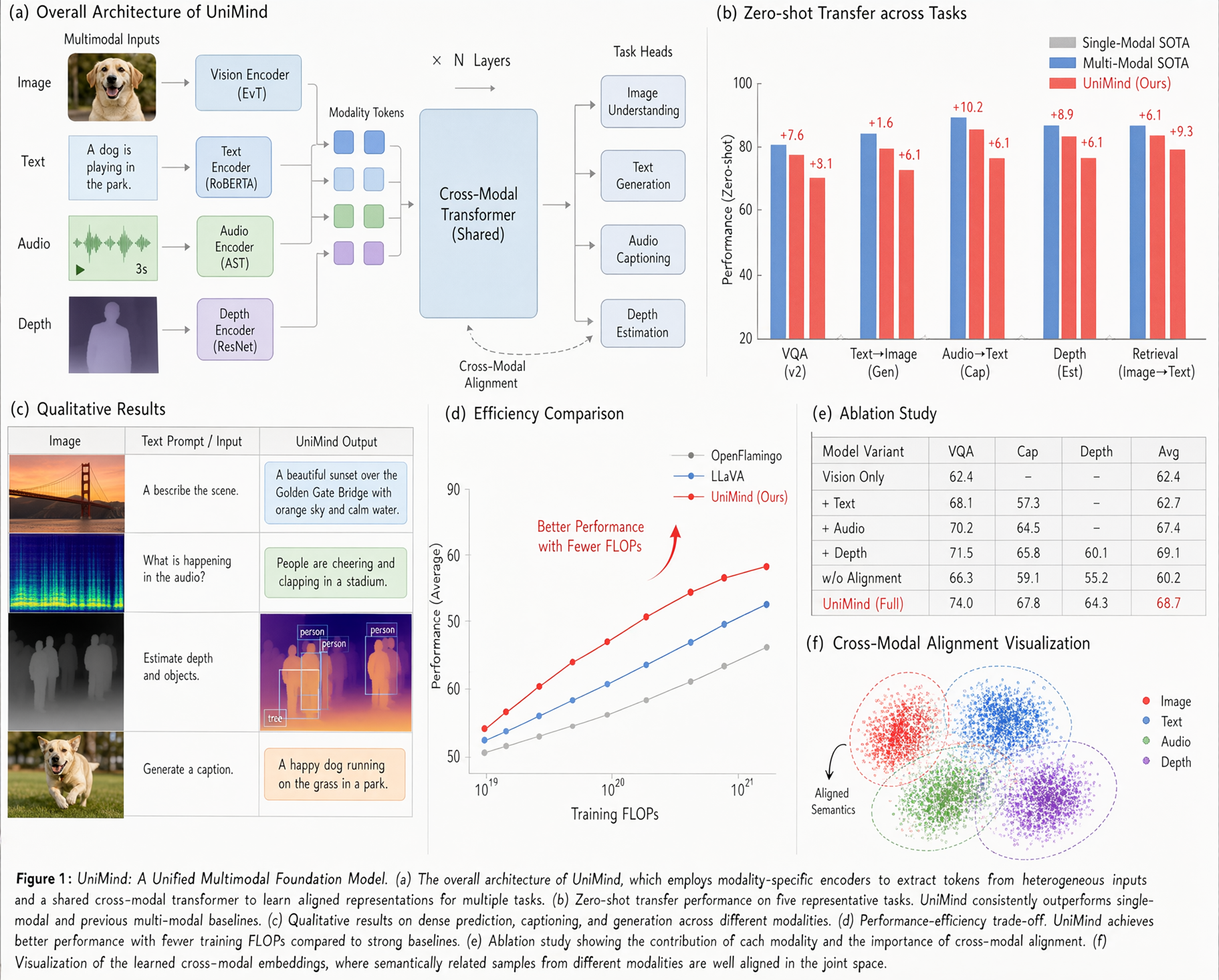
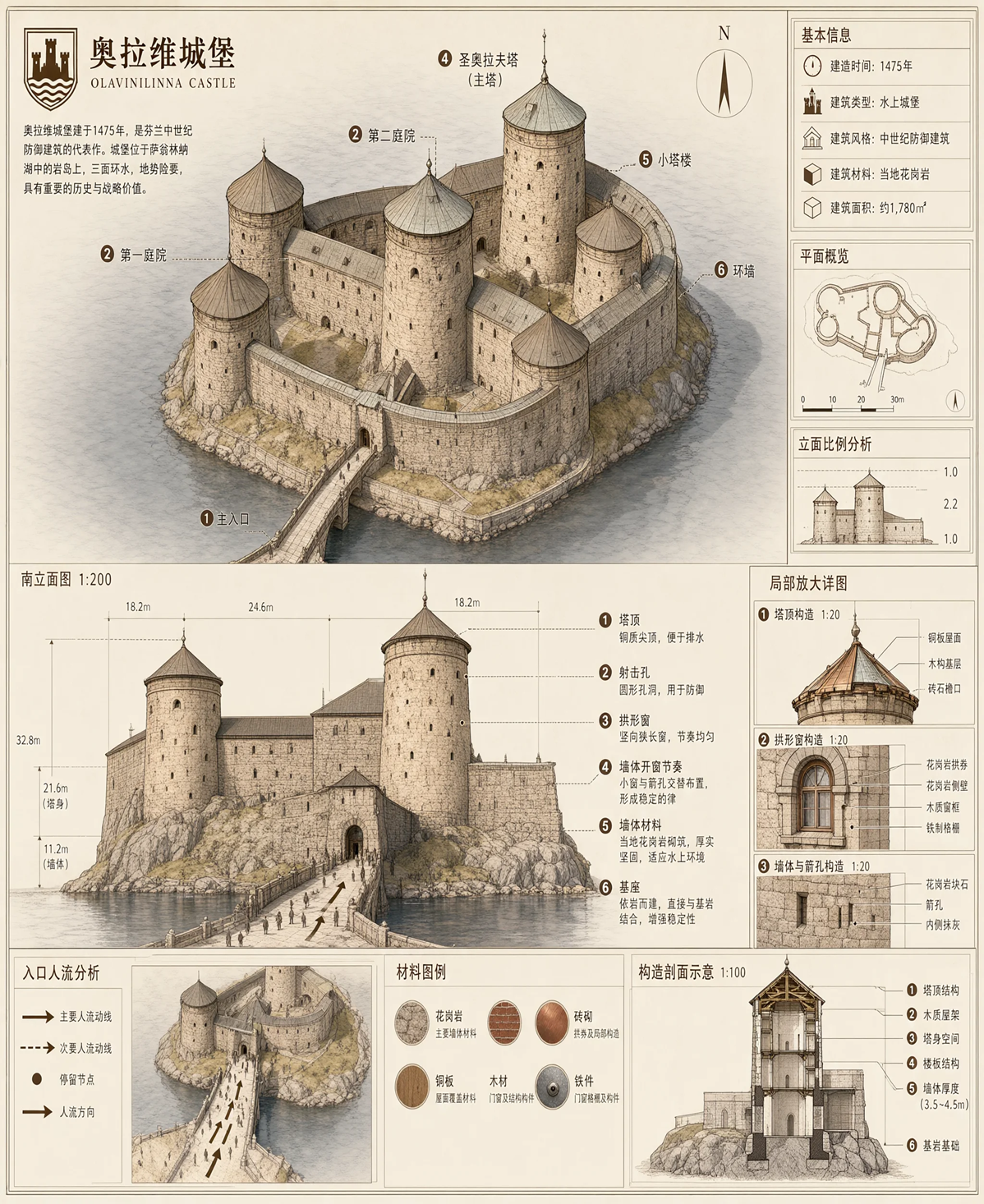
Text rendering
https://huggingface.co/Qwen/Qwen-Image-2.1#licenseLicense
This model is licensed under theQwen Research License Agreement.
Similar Articles
Qwen-Image-2.0 Technical Report
Qwen-Image-2.0 is a new image generation foundation model that unifies high-fidelity synthesis and precise editing using Qwen3-VL and a Multimodal Diffusion Transformer. It excels in text-rich content, multilingual typography, and photorealistic generation.
Qwen-Image-2.1: Compact, efficient, and unified image creation
Qwen-Image-2.1 is a compact and efficient AI model for unified image creation, designed by Alibaba to enhance performance and usability in image generation tasks.
Qwen 3.0 Image Pro
QwenCloud unveiled Qwen-Image-3.0-Pro, a powerful image generation model supporting dense layouts, tiny text rendering, and native multilingual output, positioning it as a deployable productivity tool.
Comfy-Org/Qwen-Image-2.1
Repackaged model files for Qwen-Image-2.1 optimized for ComfyUI workflows, including text-to-image and image edit capabilities.
Qwen-Image-3.0: Rich Content, Authentic Details, Deep Knowledge (6 minute read)
Qwen-Image-3.0 is a third-generation foundational image generation model supporting up to 4.5k token input, native rendering in 12 languages, and simulation of interfaces like web pages and games, leveraging rich world knowledge for practical deployment.