Cached at:
05/26/26, 09:57 PM
# Modern Blu-ray drives can now rip GameCube, Wii, and Xbox 360 games to PC — third-party OmniDrive firmware unlocks game rips from physical media on select players
Source: [https://www.tomshardware.com/video-games/console-gaming/modern-blu-ray-drives-can-now-rip-gamecube-wii-and-xbox-360-games-to-pc-third-party-firmware-unlocks-game-rips-from-physical-media-on-select-players](https://www.tomshardware.com/video-games/console-gaming/modern-blu-ray-drives-can-now-rip-gamecube-wii-and-xbox-360-games-to-pc-third-party-firmware-unlocks-game-rips-from-physical-media-on-select-players)
\(Image credit: Getty Images\)
Backing up physical media on older consoles such as the GameCube, Wii, original Xbox, and Xbox 360 has long been a frustrating experience for retro gamers\. However, according to a YouTube video from Archades Games, modern Blu\-ray players can now rip physical media from these consoles to a PC with new specialized firmware from OmniDrive\.
The OmniDrive firmware unlocks the ability for compatible Blu\-ray players to read the proprietary formats of physical media on older consoles\. Compatibility is strictly limited to select external and internal Blu\-Ray disc drives that use the MediaTek MT1959 chipset and are compatible with the firmware OmniDrive provides\.
OmniDrive Firmware Made My Blu\-ray Drives 10x Better\! \- Full Tutorial \- YouTube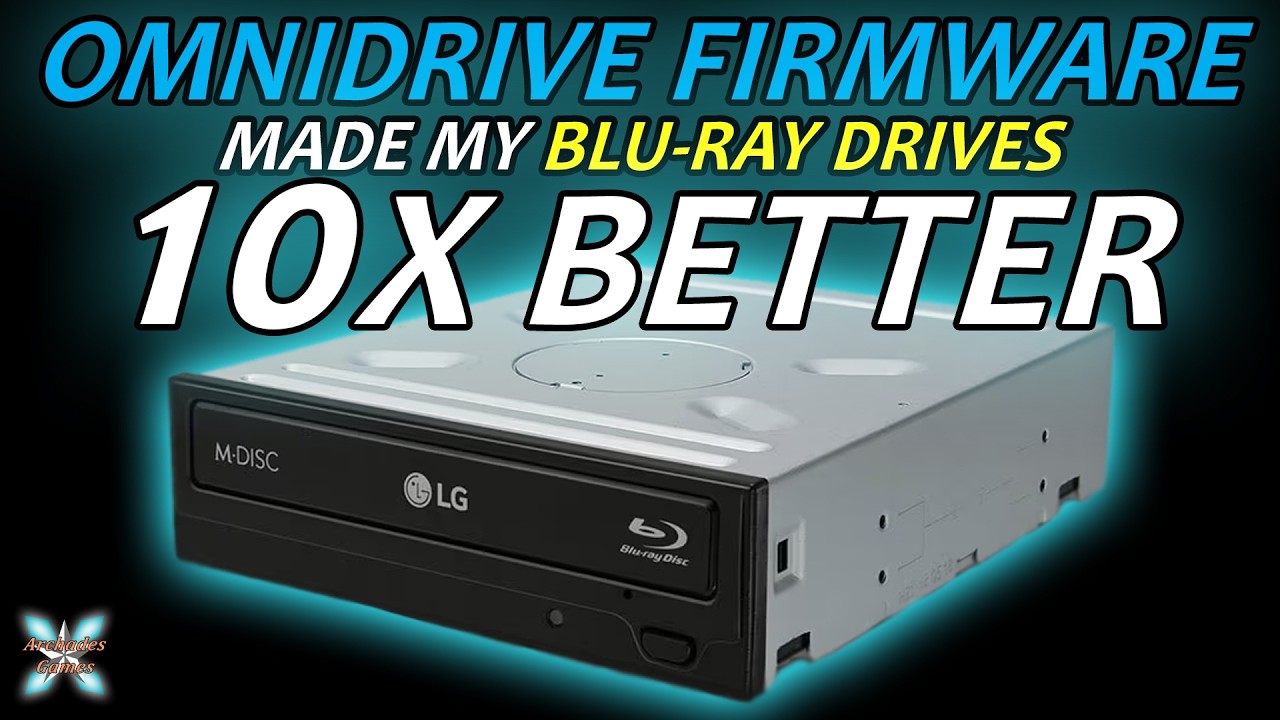
[Watch On](https://youtu.be/CuioEfLtVyo)
The YouTuber showed the process of getting the firmware installed on compatible Blu\-ray players\. Users will need to check OmniDrive's support list to see if their Blu\-ray player is in the list, then install the right firmware appropriate for their drive\. OmniDriver offers two firmware options, one designed for full\-sized Blu\-ray players and the other for external slim drives\. Currently, compatible Blu\-ray players include models from Asus,[LG](https://www.tomshardware.com/tag/lg), Buffalo, and Verbatim\.
Game consoles that are supported include the original Xbox, Xbox 360, GameCube, Wii, and Dreamcast\. Physical media from other consoles, such as PlayStation 3, 4, 5, and the Xbox One/Series consoles, technically work, but the content on physical media for these consoles is encrypted\.
The YouTuber demonstrated the firmware's capabilities by ripping an Xbox 360 game using the Media Preservation Frontend, an open\-source disk\-dumping tool\. The tool was able to see the Xbox 360 game perfectly in a Blu\-ray player equipped with OmniDriver's firmware and convert the game into an ISO file\.
The ability to rip old console game discs with modern Blu\-ray drives is a drastic improvement over previous methods that gamers have been forced to use to extract game data from retro consoles with unique formatting previously\. In the past, copying a retro game often required the console itself to be modified\. With OmniDrive’s firmware and a compatible Blu\-ray player, ripping these older games is nearly as simple as ripping a traditional DVD movie\.
This method of ripping physical game media will likely become the norm moving forward for retro gaming enthusiasts for the purposes of game preservation and game emulation\. However, if you plan on using this firmware yourself, be sure to check if your Blu\-ray drive is compatible, as flashing the firmware on an incompatible drive will almost certainly brick the Blu\-ray player\.
Get Tom's Hardware's best news and in\-depth reviews, straight to your inbox\.
[](https://news.google.com/publications/CAAqLAgKIiZDQklTRmdnTWFoSUtFSFJ2YlhOb1lYSmtkMkZ5WlM1amIyMG9BQVAB)*Follow*[*Tom's Hardware on Google News*](https://news.google.com/publications/CAAqLAgKIiZDQklTRmdnTWFoSUtFSFJ2YlhOb1lYSmtkMkZ5WlM1amIyMG9BQVAB)*, or*[*add us as a preferred source*](https://google.com/preferences/source?q=)*, to get our latest news, analysis, & reviews in your feeds\.*
Aaron Klotz is a contributing writer for Tom’s Hardware, covering news related to computer hardware such as CPUs, and graphics cards\.